


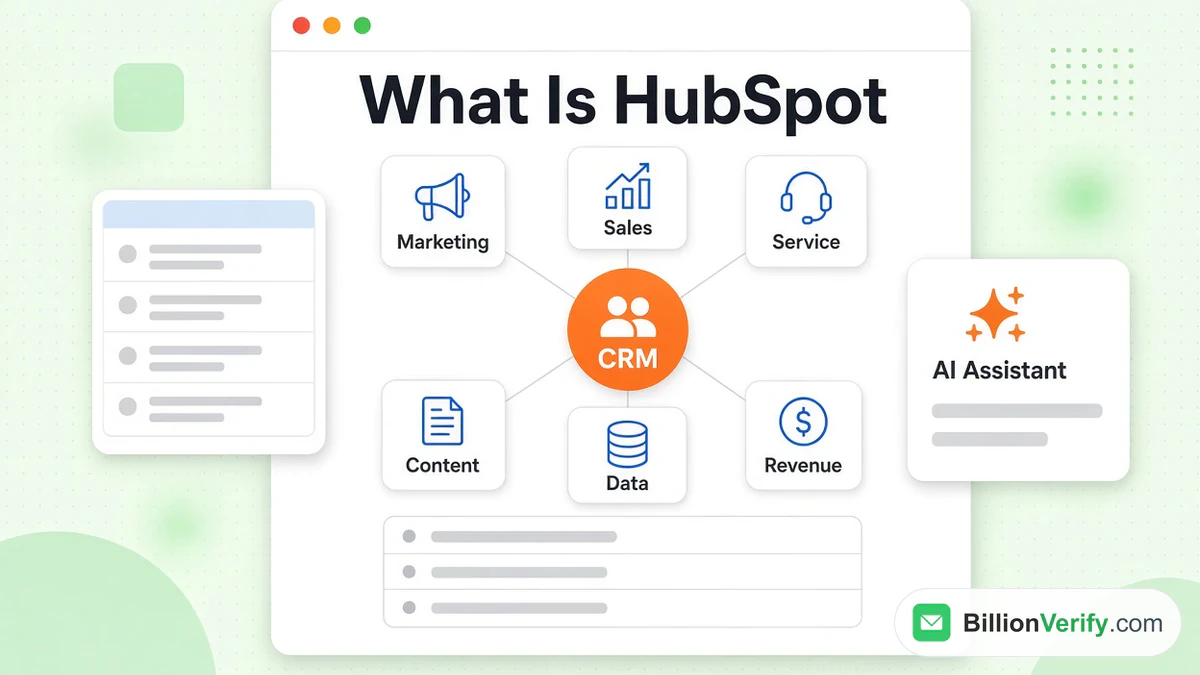
HubSpot is a software company that sells marketing, sales, support, content, data and payment tools on one shared database. Its own site describes the result as "a customer platform that's designed to scale with your business" and says it serves everything from a one-person business to an enterprise with more than 2,000 employees. At the center sits HubSpot customer relationship management, which the company now calls its Smart CRM. Every product reads and writes the same people, organization and deal records, so a form fill, an email click and a support ticket end up on one profile.
This guide explains the platform in plain terms. It covers the company, the CRM at its core, each Hub, the AI tools, what is free, what paid editions add, who uses it and how to start. It ends with a step most introductions skip, which is checking email addresses before they enter a new account. Every HubSpot fact comes from the company's own site and documentation, read this month. HubSpot changes plans and product names often, so confirm details on the day you buy. We are not affiliated with HubSpot. BillionVerify is an email verification service.
Key facts (checked November 2026):
- HubSpot dates from 2006, and its about page lists 306,000 customers, 15 offices and a Boston headquarters.
- The product pages name six Hubs, from Marketing to Revenue, all sharing one HubSpot customer relationship management layer.
- The CRM overview offers a free edition and says signing up needs no payment card.
- The price list shows a $0 level for up to two users, plus a Starter bundle that opens at $7 a seat for new customers, with a higher price crossed out beside it.
- HubSpot's import guide says the only required column for a contact file is Email.
- A help article on quarantined contacts recommends sending them through an outside validation service, which is where a tool such as BillionVerify fits.
The Company Behind HubSpot
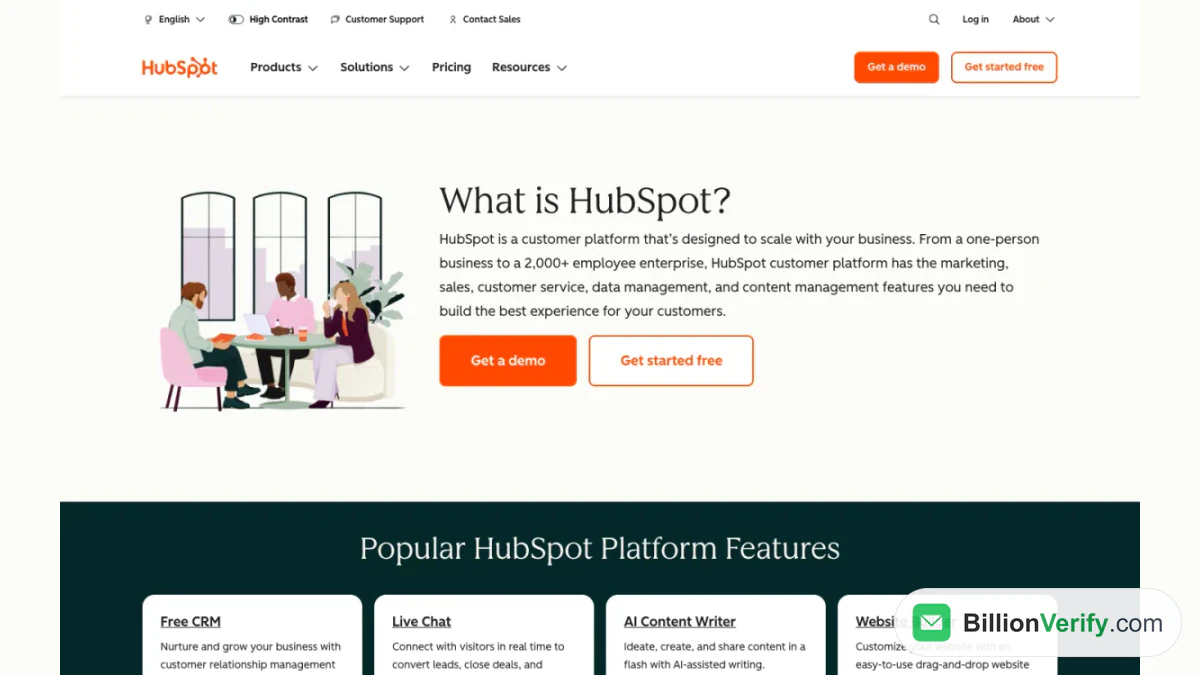
Screenshot: HubSpot's own answer to "What is HubSpot?" at the top of its product overview.
HubSpot began in 2006, when Brian Halligan and Dharmesh Shah, then MIT graduate students, started the company together. The about page names Boston, Massachusetts as the global headquarters and gives the mission as "Helping Millions of Organizations Grow Better." Its "By the Numbers" block reports 15 global offices and over 9,000 employees, and the CRM overview adds that customers sit in more than 135 countries.
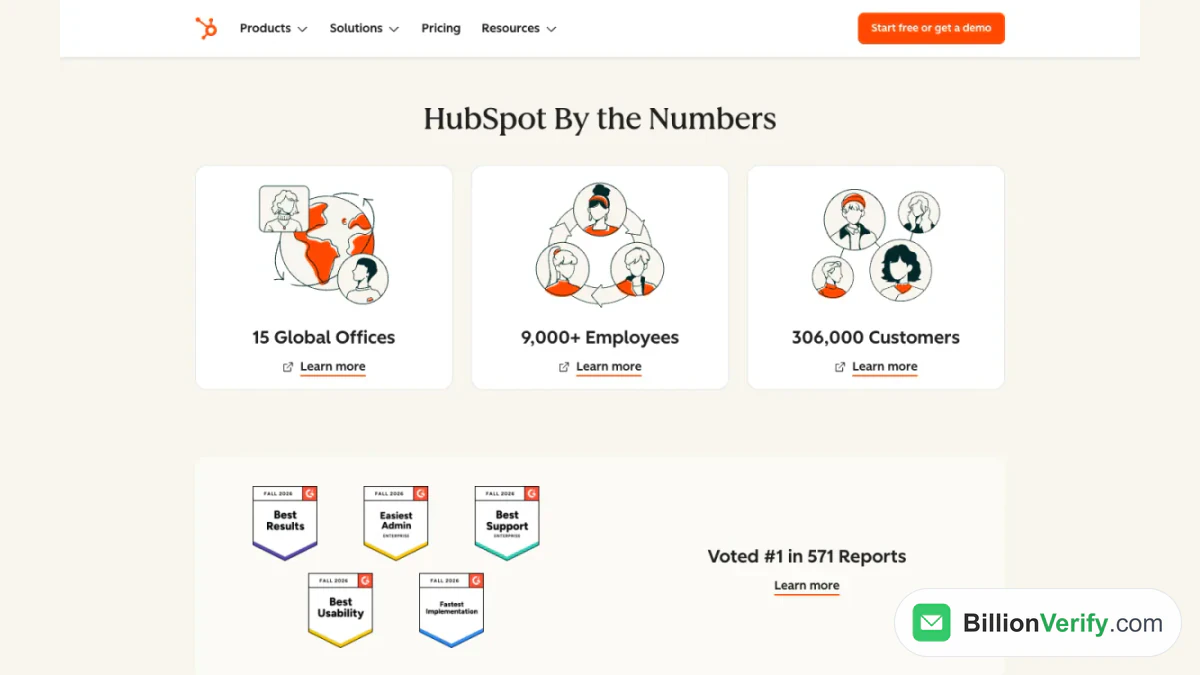
Screenshot: the "HubSpot By the Numbers" block, captured from the about section in November 2026.
The company started with marketing software, and that heritage still shows. The description of that product still leans on inbound marketing. Over the years HubSpot added a sales product, a service product, a website builder and more, then joined them under the "customer platform" label. The label means the products are not separate programs bolted together. They share one database, one set of records and one login.
The Smart CRM at the Center of HubSpot
HubSpot customer relationship management is the foundation under every Hub. CRM stands for customer relationship management, and the company's own wording is short: "CRM software is a system for managing customer relationships." In practice that means a database of people and companies, a record of every conversation with them, and a way to track the deals and requests that follow. HubSpot calls its version the Smart CRM and describes it as "AI-powered, flexible CRM software."
A record in the CRM is built from a few object types. A contact is a person. A company is the organization that person works for. A deal, which the overview calls an "opportunity," is a sale your team is working. A ticket is a customer request that someone must answer. Notes, tasks, calls and emails attach to these records, so anyone who opens a contact sees the full history in one place. That shared history lets a marketer see which leads a rep has already called, and lets a support agent see whether an account is mid-renewal.
The free version covers the daily basics: contact management, a CRM import tool, deals, tasks and activities, pipeline management and a reporting dashboard. HubSpot adds ticketing in a shared inbox, payment links, user permissions, two-way data sync and a mobile app for iOS and Android. The CRM connects to the HubSpot Marketplace, and it runs in Chrome, Firefox, Safari or Edge with nothing to install. The overview labels this entry product "Free CRM: Nurture and grow your business with customer relationship management software."
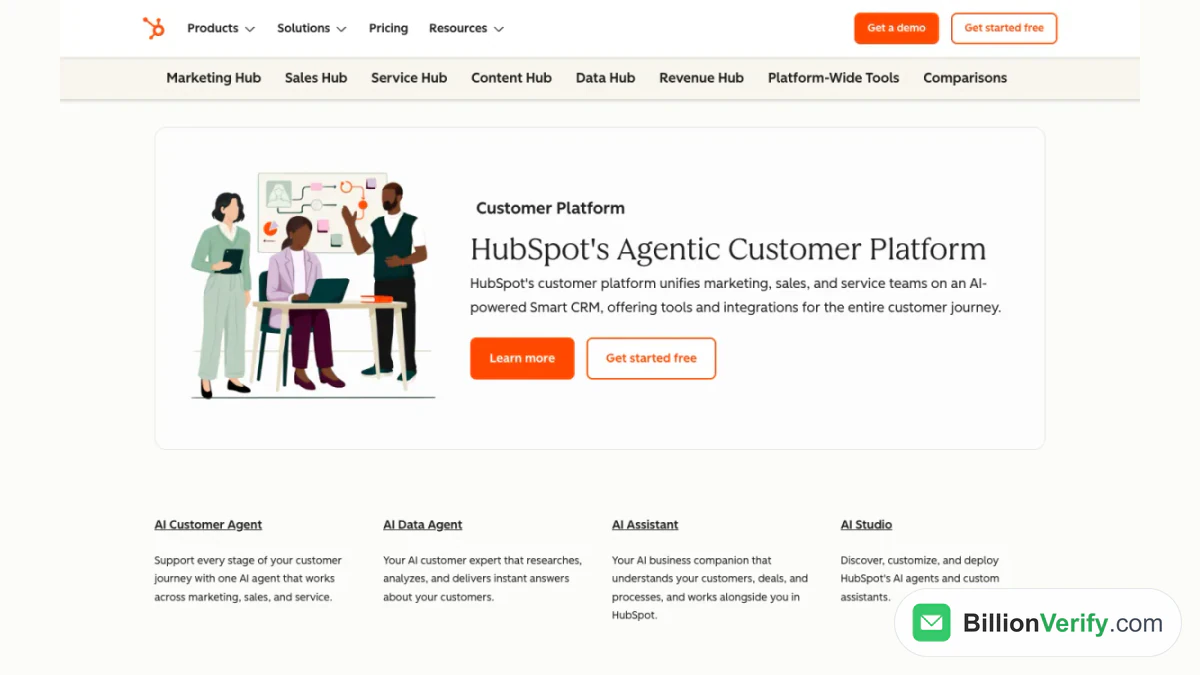
Screenshot: the "HubSpot's Agentic Customer Platform" section of the products overview, captured in November 2026.
The Six HubSpot Hubs
A Hub is a product line built for one team and layered on the CRM. The overview lists six in its navigation bar: Marketing, Sales, Service, Content, Data and Revenue. Most offer a free start, and the Data tab offers a 14-day trial instead. You can use one Hub or several, and because they share the CRM, a second Hub works on the records you already have.
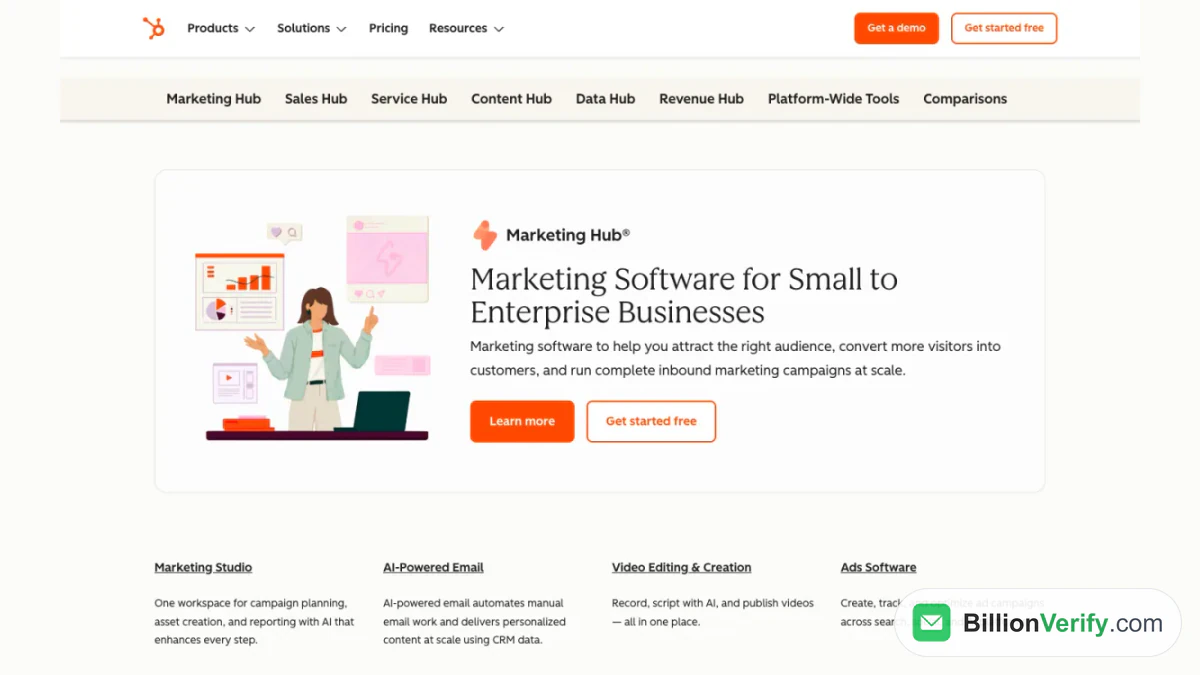
Screenshot: the six Hub tabs and the first overview block, November 2026.
Marketing Hub
Marketing Hub is the original product. HubSpot describes it as a tool set "to help you attract the right audience, convert more visitors into customers, and run complete inbound marketing campaigns at scale." The tool list includes email campaigns, a drag-and-drop email builder, lead capture forms, calls to action, blogging, SEO recommendations, social media tools, ad management, automation and analytics dashboards. Email is the part most people ask about first. The comparison table in the price listing shows the free tier at 2,000 emails per calendar month, branded by HubSpot, and the Starter edition at five times the contact count of its tier. Our guide to HubSpot email marketing covers the editor, automation and pricing in more depth.
Sales Hub
This product is described as "powerful sales software to help teams close more deals, deepen relationships, and manage their pipeline more effectively." Reps get a deal pipeline, task management, email tracking and templates, a meeting scheduler, calling from the browser, forecasting and sales reports. The overview also names sequences, conversation intelligence, configure-price-quote tools and an AI prospecting agent. A two-way Salesforce integration is listed too, which matters for companies that run both systems side by side.
Service Hub
Service Hub is aimed at support and customer success teams. HubSpot calls it "customer service software that helps you deepen customer relationships, connect to the front office, and drive team efficiency." It offers a ticketing system with one shared inbox, a help desk, a knowledge base, a customer portal, feedback surveys and service analytics. Because tickets live in the CRM, an agent sees the same deal and email history that sales and marketing see.
Content Hub
This product covers the website itself. HubSpot describes it as "all-in-one, AI-powered content marketing software made for marketers to create, distribute and track content across multiple platforms and channels." It includes a visual website builder, a blog, free hosting, free SSL, a custom domain connection, themes, memberships and an AI content writer. Personalization tokens turn CRM data into tailored emails, landing pages and web content, which is the clearest example of why the shared database matters.
Data Hub
It handles the plumbing between HubSpot and everything else. The overview calls it "data management software" that "breaks down data silos and creates a single source of truth." The tool list covers two-way sync, programmable automation in JavaScript, data quality tools, Snowflake and cloud storage connections, and Data Studio for combining datasets in a spreadsheet-style view. It is the newer name for Operations Hub: HubSpot's Fall 2025 launch announcement states that "Data Hub replaces Operations Hub."
Revenue Hub
This is the newest of the six. HubSpot describes it as a way to "connect quoting, billing, and payments in one place." It lists invoices, payment links, subscriptions, quotes with e-signatures, billing and payment processing in more than 130 currencies through HubSpot or Stripe. It took over from Commerce Hub in mid-2026.
HubSpot's AI Tools
AI runs through the platform, and the overview groups it under a platform-wide heading. The assistant, which HubSpot also calls Breeze Assistant, is described as "your AI business companion that understands your customers, deals, and processes." The free edition includes it, and HubSpot lists uses such as researching companies, preparing for sales calls and summarizing records. Other listed tools include an agent that works across marketing, sales and service, a data agent that answers questions about your customers, and a studio for deploying agents and custom assistants.
Agent Hub is pitched as "the home for every AI agent your business runs." Individual Hubs have their own agents too, such as a prospecting agent in Sales Hub and a knowledge base agent in Service Hub that turns support tickets into help articles. Availability varies by edition, so check the feature table for the tier you plan to buy.
Free HubSpot Tools and Paid Editions
The pricing page opens with a free tier. It is listed at $0 per month for up to two users, with no credit card required, and it covers entry-level tools for every Hub. That page stresses the entry edition is not a trial: "unlike a free trial, it's 100% free with no expiration date." Beyond the CRM, the free level includes form building, landing page design, email campaigns, live chat, a meeting scheduler and ad management.
Free comes with limits that push heavier use up a tier. Free email carries HubSpot's own branding and is held to the monthly cap noted above, and live chat on the entry level also shows branding. Paid editions remove the branding and raise the limits.
Starter, Professional and Enterprise
Paid plans come in three tiers, and HubSpot costs depend on whether you are buying the CRM alone, a single Hub or the bundled platform. The CRM page shows the editions and the features HubSpot highlights for each.
| Edition | Starts at (per seat, monthly) | Popular features HubSpot lists |
|---|---|---|
| Free | $0 | Contact management, deal pipelines, CRM import, Breeze Assistant, reporting dashboard |
| Starter | $15 | Required fields, permission sets, multiple currencies, no HubSpot branding |
| Professional | $50 | AI customer agent, duplicate management, standard contact scoring, calculated properties, custom reporting |
| Enterprise | $75 | Custom objects, team organization, single sign-on, field-level permissions |
HubSpot marks the Starter figure as a discount "available for new customers only." The pricing page shows a separate bundle that packs Starter editions of five of those Hubs together. It starts at $7 per seat per month, struck against $20, and includes 1,000 marketing contacts and 500 HubSpot Credits. Higher-tier Hub prices are quoted per Hub on that page, so read them there instead of copying them here.
One billing rule shapes HubSpot costs more than most, so read it before you build a large list. HubSpot bills marketing tools by marketing contacts, the people you plan to market to. Its documentation states that "non-marketing contacts don't count toward your marketing contact tier, and you aren't billed for them." A record kept only for reference should therefore be set as non-marketing.
Who Uses HubSpot
HubSpot's pages describe a wide range of customers. The CRM overview is titled "Free CRM Software for Startups & Small Businesses" and shows customer logos such as classpass and TenantBase. The products overview, meanwhile, says the platform scales to an enterprise with thousands of staff. HubSpot customer relationship management therefore serves a founder tracking a handful of deals and a company with separate teams for marketing, selling, support and operations.
In practice each team uses a different part. Marketers use signup forms, web pages and email to bring in and nurture leads. Sales reps work the pipeline and log calls. Support teams answer tickets from the shared inbox. Operations teams sync other systems and keep fields consistent, and finance teams handle quotes and billing. Because everyone sees one record per customer, a handoff from lead to deal to ticket needs no export.
How to Get Started with HubSpot
Starting is quick because the entry point is free. These are the steps HubSpot's own pages point to, in order.
- Create the free account. The sign-up page says "100% free. No credit card needed." It offers sign-up with Google, Microsoft or ChatGPT, among others, or with a work email address.
- Work in your browser. The CRM needs no downloads, and there is a mobile app too.
- Add your contacts. Create records by hand, capture them with forms, or import a file from another tool or a spreadsheet.
- Set up a pipeline. Build your deal stages so every open sale appears on one board.
- Connect your tools. The Marketplace, per the overview, holds more than 2,000 apps.
- Add the Hubs you need. Each Hub has its own free start, and you upgrade one only when its limits get in the way.
Importing a Contact File
Most new accounts start with an import, and the help center sets clear rules for it. A file must be a .csv, .xlsx or .xls with only one sheet, and every column header has to match a HubSpot property. For contacts the required column is Email, and names are optional extras. HubSpot uses the address to tell people apart, so in its words an import with no unique identifier "will create duplicate records instead of associating each to the same record."
Limits depend on the account. On the free tools, a file can reach 20 MB, with up to 500,000 rows a day and 50 imports. Smart CRM and paid accounts can upload files up to 512 MB with up to 1,048,576 rows, and run 500 imports a day. Keep a file under 1,000 columns, and use UTF-8 encoding if it holds non-English characters.
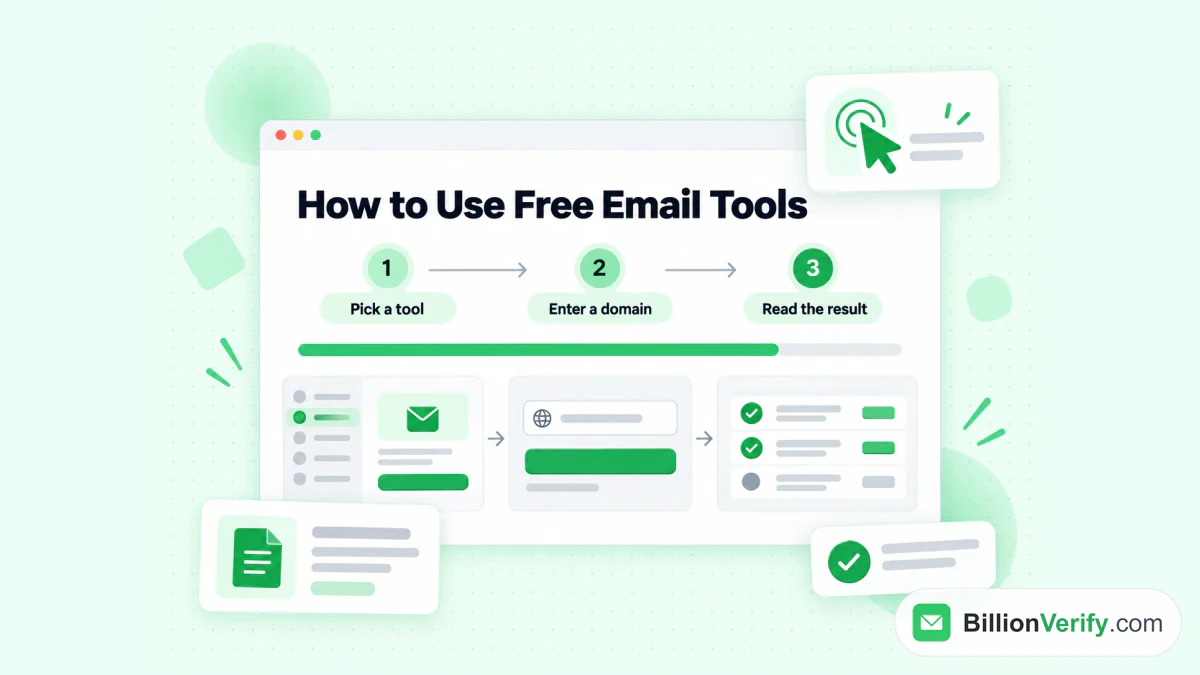
BillionVerify's free tools follow three steps: pick a tool, enter your data and read the result.
Check Your Email List Before You Import It
HubSpot does not treat a bad list kindly, and the numbers are specific. Its suspension guide explains that sending can be paused when a month's sends cross a hard bounce rate of 5%, a spam report rate of 0.1% or an unsubscribe rate of 3%. Contacts with a poor bounce history, or that arrive through suspicious form activity, can be quarantined, which excludes them from every marketing send, including automated workflow emails. The advice for those contacts is blunt: "it's recommended to validate all contacts on a quarantined list with an external email validation service."
The cheapest time to catch a bad address is before the import, not after the bounce. An old conference spreadsheet, a scraped list or an export from another tool will contain typos, closed mailboxes and disposable addresses, and each one that bounces counts against your sending reputation. An address that cannot receive mail also takes up room in the contact tier you pay for. A HubSpot customer relationship management database is only as healthy as its email column, so cleaning the file first protects both the sender reputation and the bill.
BillionVerify checks each address in layers: syntax, DNS, MX records and an SMTP check. Upload the export to bulk email verification, or test one address with the email verifier. Results come back as valid, invalid, catch-all, disposable, role and unknown. Catch-all addresses are reported as their own group and never counted as valid, so you decide whether to import them. Every result type except unknown costs 1 credit, unknown results are not charged, and a recheck within 24 hours is free. Every account gets 20 free credits on each day it is used, up to 600 a month, and you can start without a card.
If you would rather keep the check inside the CRM, BillionVerify has a HubSpot integration, and our integration guide walks through the workflow setup. For a contact you only partly know, a reverse email lookup shows the domain, organization and mail routing behind an address. Phone fields deserve the same care, and a phone number validator shows whether a number is valid for its country and what line type it is. Contacts that arrive with a name and company but no address can be completed with the Email Finder, a paid-account tool that charges only when it returns a verified address. For the wider picture, see our guide to CRM data quality.
FAQs
What is HubSpot used for?
HubSpot is used to attract leads, manage sales, serve customers and publish a website from one database. Marketing teams run email, forms and landing pages. Sales teams work pipelines and follow-ups. Support teams handle tickets and a knowledge base.
Is HubSpot a CRM or a marketing tool?
HubSpot is both, and the CRM comes first. HubSpot customer relationship management stores every contact, company and deal. The Hubs add tools for each team on top of that data.
Is HubSpot really free?
The CRM and the foundational tools are free for up to two users, with no expiry date. The free level has limits, such as a monthly cap on marketing emails and visible branding. Upgrading lifts the limits and adds features.
Which old Hub names did HubSpot retire?
Operations Hub became Data Hub, and Commerce Hub turned into Revenue Hub. HubSpot made the first change in 2025 and the second in June 2026. Both new names appear in the current product navigation.
Who founded HubSpot and where is it based?
HubSpot was started in 2006 by two MIT classmates. The about page lists a Boston headquarters and 15 offices around the world.
How many companies use HubSpot?
The count is above 300,000 organizations, according to HubSpot's own about page, and the same overview says they are in more than 135 countries. These are company-reported numbers.
Does HubSpot include email marketing?
Yes. Email campaigns belong to the marketing side, and HubSpot says you can start with it for free. The free tier is capped at a monthly send limit and adds HubSpot branding to each message.
Can I import contacts from a spreadsheet?
Yes. Save the sheet in one of the supported file types with a single sheet, and include an Email column. A file without a unique identifier creates duplicate records, so deduplicate it before you upload.
Does HubSpot check that email addresses are real?
The help center does not present the CRM as an address verifier. For quarantined contacts it advises an outside service, and it names a 5% monthly limit on hard bounces among the triggers for suspension. A verification pass before import keeps both numbers low.
How much does HubSpot cost?
HubSpot costs start at $0. The Starter bundle begins at $7 for each seat for first-time buyers, and CRM editions run from $15 to $75 a seat. Hub prices above Starter are quoted on the pricing page.