


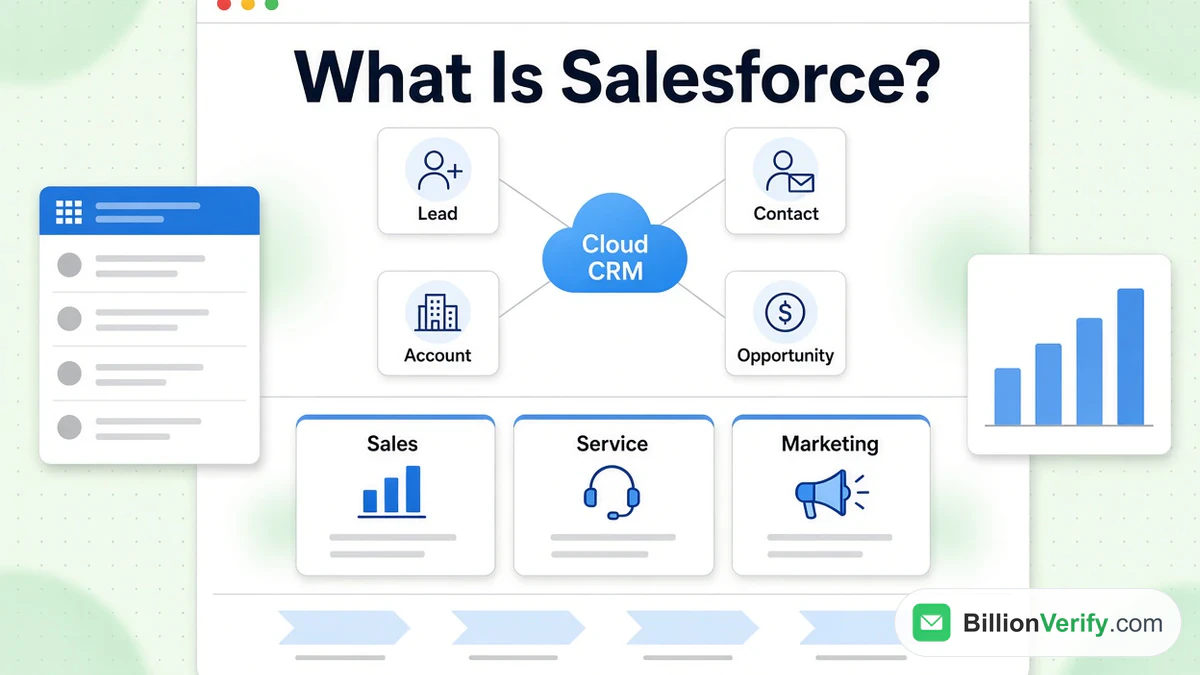
Salesforce is a cloud software company, and its best-known product is a customer relationship management platform. Companies use Salesforce to keep every prospect, customer and deal in one shared system instead of scattered spreadsheets and inboxes. Salesforce describes itself as "a cloud-based customer relationship management (CRM) and agentic AI platform," and its sales, service, marketing, commerce and analytics products all run on the same system. This guide explains what Salesforce does, how its records work, which products it sells, what they cost and how to start without paying.
It also covers one practical job that Salesforce leaves to you: making sure the email addresses you load are real. Every Salesforce fact below comes from Salesforce's own site, Help and Trailhead, checked in November 2026. We are not affiliated with Salesforce, HubSpot, Mailchimp, Brevo or MailerLite. BillionVerify is an email verification service.
Key facts (checked November 2026):
- Salesforce was founded in 1999, and its corporate overview names Marc Benioff as the co-founder who still leads it.
- Salesforce calls itself "the world's #1 AI CRM" and describes its platform as cloud-based on its What is Salesforce page.
- Salesforce's price list for its sales app starts at $0 for the entry edition, then $25 for Starter Suite and $550 for Max, all per seat monthly.
- The $0 edition is limited to two users, while Starter Suite and Pro Suite support unlimited users, per the Salesforce page for small teams.
- Salesforce's import wizard accepts only CSV files and caps each job at 50,000 records, per the Help article.
- A Salesforce email field is only "validated to ensure proper format," so a well-formed address that does not exist still passes, per the Help article on field types.
Salesforce in Plain Words
Salesforce is software you rent and use in a browser. You usually pay per user, each person logs in, and the company stores its customer records on Salesforce servers. Trailhead, the learning site run by Salesforce, puts it this way: "Salesforce is your customer success platform, designed to help you sell, service, market, analyze, and connect with your customers." In practice most teams start with a single job, such as tracking sales deals, and add more later.
The company is based in San Francisco and opened in 1999. Salesforce says it was among the first to deliver customer relationship management software through the cloud. Marc Benioff is listed as chair, CEO and a co-founder in the company overview. The older shorthand SFDC still turns up in job ads and forums. A Salesforce explainer says it simply means SalesforceDotCom, the original company name.
The product line has grown a long way past a single customer relationship management tool. Salesforce now sells apps for selling, support, marketing, commerce, a data layer, an analytics tool, an integration tool, the Slack chat app and a family of AI agent tools called Agentforce. A Salesforce customer relationship management system is the hub that the other apps plug into. The sections below take them in turn.
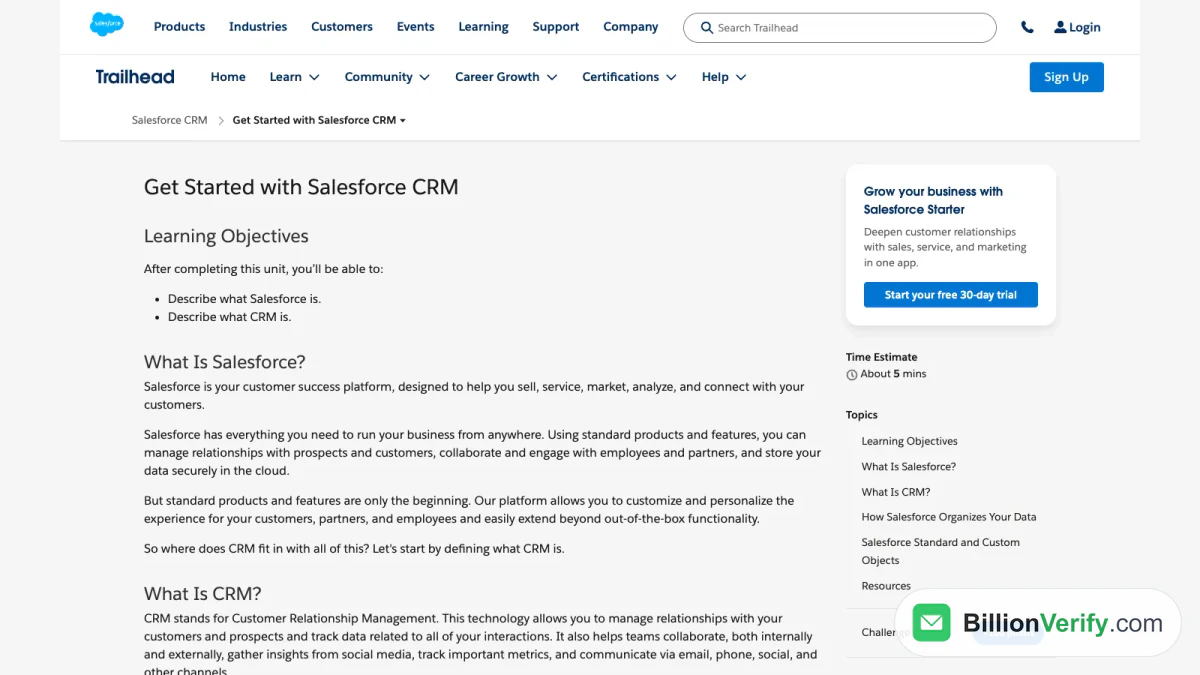
Screenshot: Salesforce Trailhead, "Get Started with Salesforce CRM".
What Customer Relationship Management Means
CRM stands for customer relationship management. Trailhead explains that this technology "allows you to manage relationships with your customers and prospects and track data related to all of your interactions." A customer relationship management system is the single place where a company records who it talks to, what was said, and what happens next.
Salesforce's CRM explainer lists the benefits as shared information, because the whole team sees a customer's history in a single place; efficiency, because routine entry work and follow-ups can be automated; faster service, because reps can see past interactions before they reply; and flexible access, because a cloud system works from anywhere. The same explainer names four kinds of CRM. Operational CRM automates business processes, analytical CRM turns records into insight, collaborative CRM shares information between departments, and strategic CRM puts the customer at the center of the business plan. Most real systems mix all four.
For the buyer, the practical difference is simple. A spreadsheet holds rows. A Salesforce customer relationship management system holds rows that are linked together, so a deal knows which person and which company it belongs to.
How Salesforce Organizes Your Customer Records
Salesforce stores information in objects, which work like linked tables. Four standard objects cover most sales work, and Trailhead defines each in a line. The table below uses those definitions.
| Object | What it holds | Trailhead definition |
|---|---|---|
| Lead | A possible customer who has not been qualified yet | "Leads are potential prospects." |
| Account | A company you do business with | "Accounts are the companies you're doing business with." |
| Contact | A person who works at an account | "Contacts are the people who work at an Account." |
| Opportunity | A qualified deal that may become revenue | "Opportunities are qualified leads that you've converted." |
Salesforce Help adds that accounts come in two types, business accounts for company information and person accounts that hold information about a single individual. Contacts are usually linked to an account but can also be linked to other records such as opportunities. Cases, used by support teams, and campaigns, used by marketers, sit alongside these four.
How a Lead Becomes a Deal
A lead is where a new name starts. When a rep decides the lead is worth pursuing, they convert it. Salesforce Help describes the step as qualifying a lead and then converting it to a contact, relating that contact to an existing account or a new one, and optionally creating an opportunity for a promising deal at the same time. Two details matter. You cannot reverse a lead conversion, and Salesforce shows a warning when the conversion would create duplicate records.
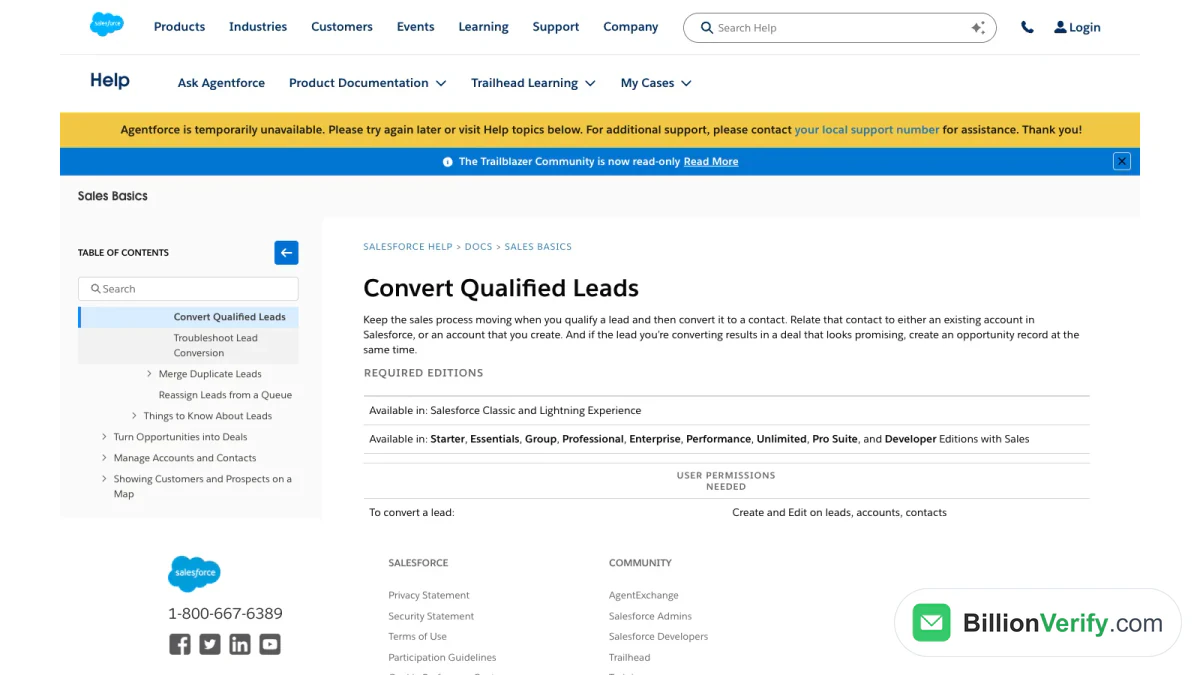
Screenshot: Salesforce Help, "Convert Qualified Leads".
Editions and Custom Objects
Standard objects are only the start. Salesforce lets administrators add custom objects and custom fields, so a recruiting firm can track candidates and a school can track applicants. The Help pages also show how long Salesforce has existed: older plan names such as Essentials, Group, Professional, Enterprise, Performance and Unlimited are still listed next to the newer Suite tiers.
The Main Salesforce Products
Salesforce groups its catalog into AI and interfaces, CRM apps, data and analytics, and ecosystem products. The descriptions below are quoted from the Salesforce product catalog, so you can compare them with what a sales rep tells you.
| Product | Salesforce's own description |
|---|---|
| Sales | "Grow revenue with agents that use full customer context to prospect, forecast, and close faster." |
| Service | "Drive outcomes at every customer touchpoint." |
| Marketing | "Use agents to assemble campaigns, act on intent, and continuously adapt to drive revenue." |
| Commerce | "Turn every conversation into a conversion — from ecommerce and POS to order management." |
| Slack | "Where your people, agents, and platforms connect with one AI teammate to navigate it all." |
| Data 360 | "Turn fragmented data into trusted enterprise context for humans and agents to act on." |
| Tableau | "Empower every team with trusted knowledge to take action at the point of insights." |
| MuleSoft | "Integrate applications, govern APIs, and automate business processes to deliver connected customer experiences." |
| Platform | "Connect humans, data, and AI agents on one secure platform powered by trusted business logic." |
The Sales and Service Apps
Most Salesforce customer management work happens in these two apps, and Sales Cloud is what most people mean when they say they use Salesforce. Its page says it "turns every customer interaction into revenue." It logs calls, emails and meetings against records, tracks opportunities and forecasts, and adds agents that research prospects and prepare deals. The service app is the support side. Its page lists case management, knowledge, an omnichannel contact center, field service and AI agents for customers and service reps.
Marketing and Commerce Apps
Marketing handles campaigns, email, journeys and consent. Salesforce prices its marketing editions per organization rather than per user, and the figures are in the pricing section. Commerce covers online stores, point of sale and order management for both consumer and business buyers.
Data 360, Platform and Agentforce
Data 360 gathers records from many systems so agents and people work from the same picture. A 2025 Salesforce developer announcement still called it Data Cloud, so you will see both names. The Salesforce Platform is the toolkit for building custom apps on top of the CRM.
Agentforce is Salesforce's agent product. The Agentforce page calls it "the AI agent platform that delivers 24/7 autonomous support at enterprise scale" and says its agents draw on Salesforce records plus outside sources. It lists three pricing options (Flex Credits, Resolutions or per-user licensing) and says every Salesforce customer can start with Agentforce at no cost through Salesforce Foundations.
The wider ecosystem includes Partners, Heroku and AgentExchange, which Salesforce describes as a place to "discover, buy, and deploy trusted agents, apps, and capabilities wherever you work." You will also hear the name Customer 360. The company's FAQ says it is not a single specific product but the end state you reach by using the portfolio together.
Who Uses Salesforce
Salesforce says it is "used by businesses of all sizes to manage their customer data," from a small business just starting with customer relationship management to an enterprise changing how its teams work. The company's own pages name PepsiCo, Pandora, Williams-Sonoma and Beast Industries as customers. Salesforce does not publish a total customer count in the materials we checked, so this guide does not quote one.
The split by size shows up in how the product is sold. Small teams get the three Suite editions, which Salesforce says are built to be set up in minutes, with guided onboarding and no IT department. Core, Advanced and Max are the higher tiers on the price list, and larger teams can add Marketing, MuleSoft or other add-ons on top. Within a company the users are typically reps, support staff, marketers and the administrators who configure the system.
What Salesforce Costs
Salesforce customer relationship management software is sold by subscription. Salesforce publishes list prices for its two core apps and marks them "subject to change." The figures below are the sales app's list prices in US dollars as listed in November 2026. Check the live Sales Cloud pricing page before you budget, because editions and prices move.
| Edition | Monthly price per user | Billing |
|---|---|---|
| Free Suite | $0 | Up to two users |
| Starter Suite | $25 | Monthly or annually |
| Pro Suite | $100 | Annually |
| Core | $195 | Annually |
| Advanced | $395 | Annually |
| Max | $550 | Annually |
Service Cloud shows the same $25, $100, $195, $395 and $550 steps for its own editions. Marketing is priced differently. Salesforce's marketing price list shows Marketing Cloud Next at $1,500 a month per organization for the Growth edition and $3,250 for Advanced, both billed annually. Engagement+ is listed at $2,000 and Account Engagement+ at $1,250, both per organization monthly, and Salesforce tells buyers to confirm exact packaging with a representative.
The sales app charges per seat, so the number of contacts you store does not change the seat price. What bad addresses cost you is different: rep time spent on dead addresses and, once you email them, damage to your sending domain.
How to Start Using Salesforce Without Paying
You can try Salesforce without entering a card. The Salesforce home page offers a Starter trial, a platform trial and a developer offering, and notes "No credit card needed · No software to install." The Trailhead lesson shown earlier advertises a 30-day Starter trial at no cost.
- Pick the route that fits. Use Free Suite for a tiny team, the Starter trial to test several apps together, or Developer Edition if you want to build.
- Learn on Trailhead. Salesforce's tutorial points beginners to Trailhead, then to the Lightning Experience interface, then to the standard objects.
- Set up your objects and fields. Decide which fields your reps need on a lead, account, contact and opportunity before you import anything.
- Import your existing contacts. Load CSV files with the import wizard, covered in the next section.
- Add automation later. Start with a clean pipeline and add flows, campaigns or AI once the basics work.
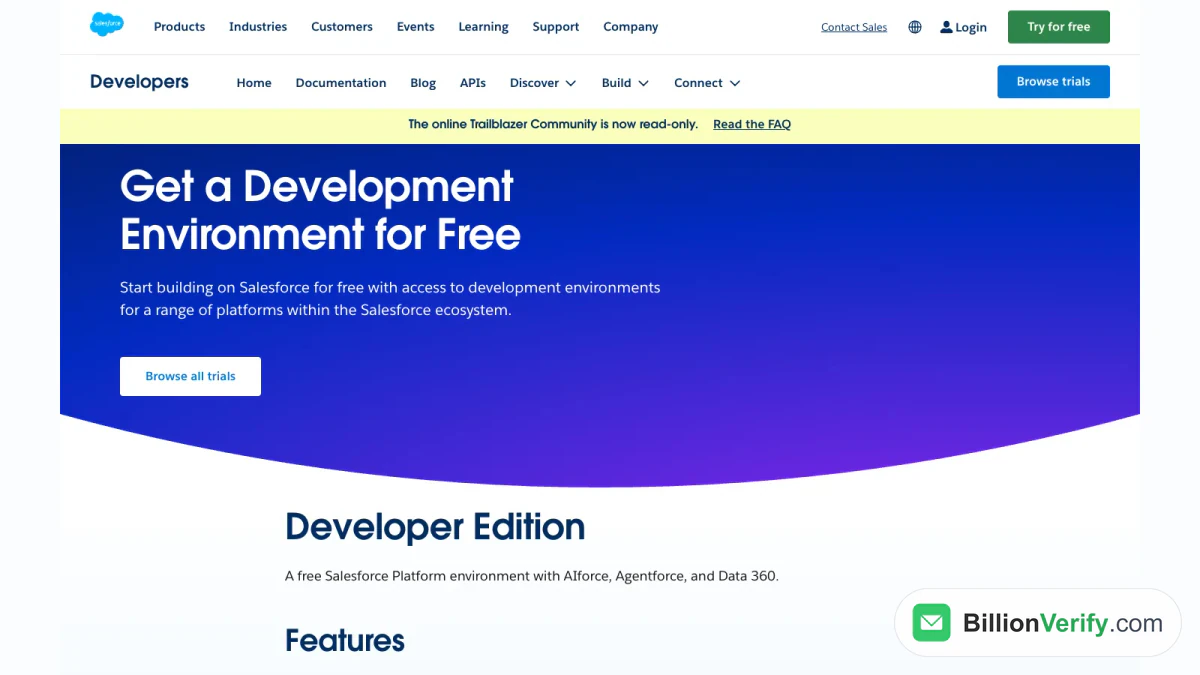
Screenshot: Salesforce Developers, free Developer Edition environment.
Developer Edition is the route for people who build rather than sell. The Salesforce developer page describes it as "a free Salesforce Platform environment with AIforce, Agentforce, and Data 360." Salesforce positions it for testing and development.
Loading Contacts Into Salesforce Without Hurting Your Sender Reputation
Getting records into Salesforce is easy. Getting good ones in is harder. The import wizard loads accounts, contacts, leads and custom objects from CSV files, up to the per-job limit in the key facts above. Salesforce recommends testing a small file first, and it warns against running two import jobs at once.
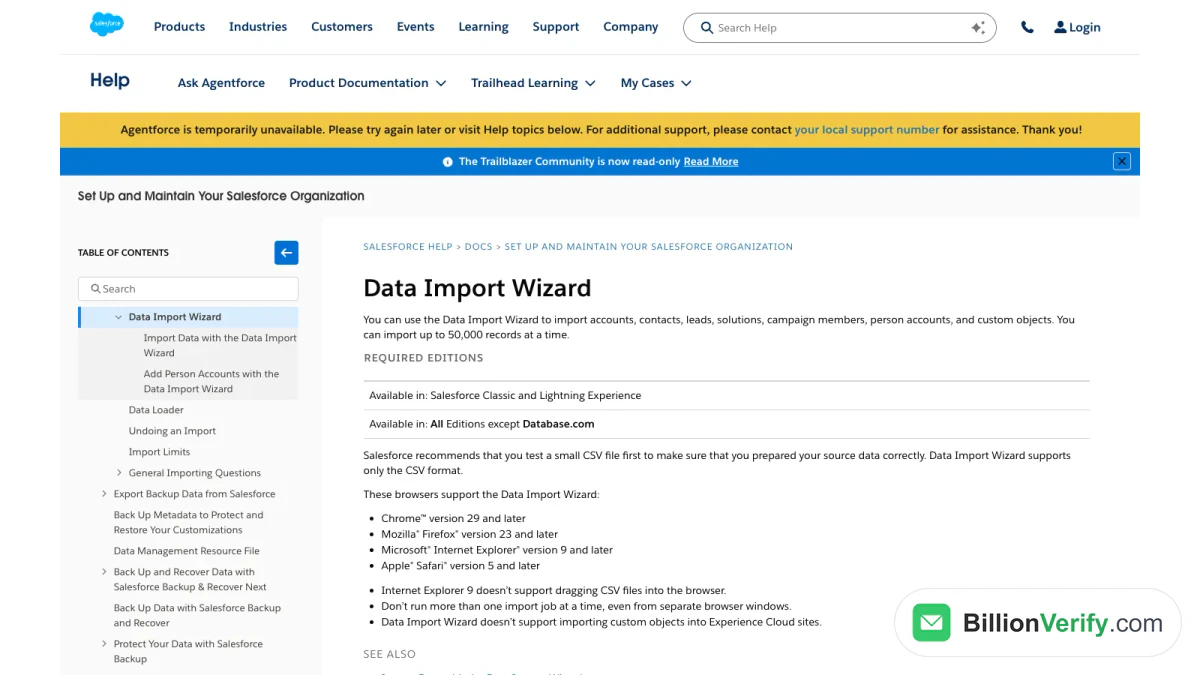
Screenshot: the Help article on the import wizard.
The gap is what Salesforce checks on the way in. Salesforce's field documentation says only that the address is checked for format. That means jane@company.com passes whether or not a mailbox exists behind it. Duplicate management, which uses matching rules and duplicate rules, catches the same person entered twice, not an address that bounces. Neither feature asks the receiving mail server whether the mailbox is real.
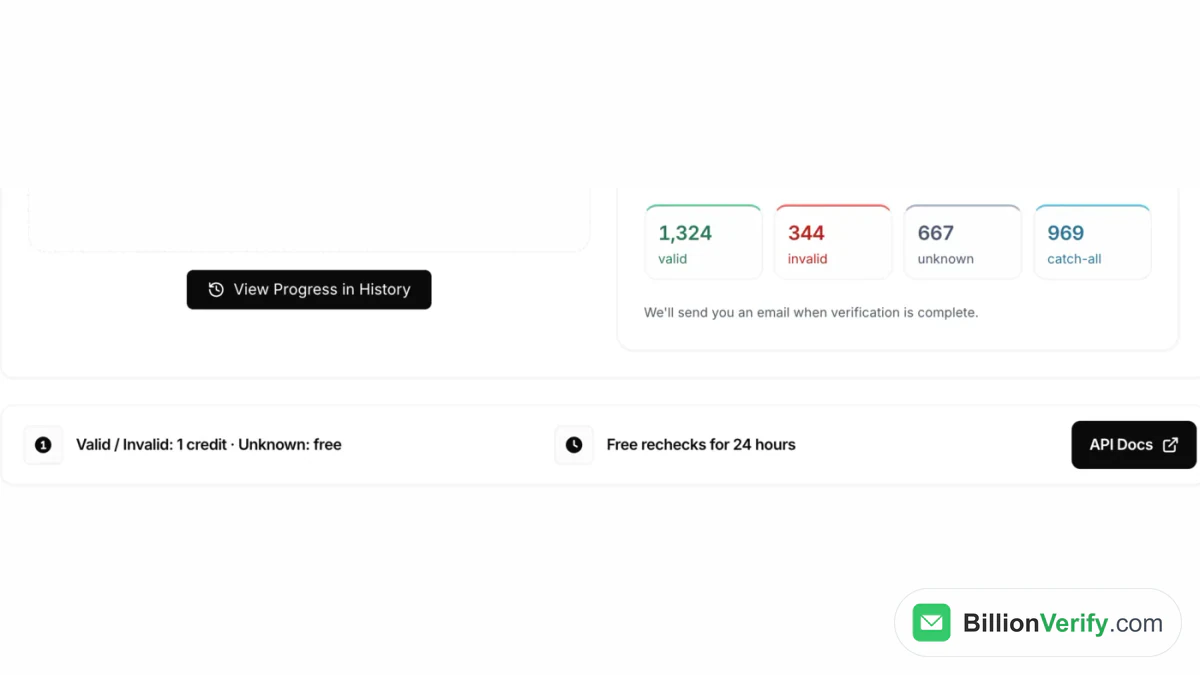
That matters the moment you send from the list. Hard bounces and spam traps hurt the reputation of the domain you send from, and a damaged domain affects every message afterward, including normal email from your reps. The fix is to verify addresses before they go in. BillionVerify's bulk email verification takes a CSV of any size, checks each address through syntax, DNS, MX and SMTP layers, and reports catch-all addresses as their own category instead of calling them valid. Valid and invalid results cost 1 credit each, unknown results are not charged, and you can recheck for free within 24 hours. The free plan gives 20 credits on each day you use the account, up to 600 per month, with no card required.
For a single address, paste it into the email verifier. If you are working from a company or person and need to know who an address belongs to, a reverse email lookup helps, and a phone number validator covers the phone field in the same lead record. To keep the check running after the import, BillionVerify has a Salesforce integration, and our Salesforce email verification guide walks through the setup.
Is Salesforce Right for You?
Salesforce suits customer relationship management when several people share a customer base and the work moves through stages, such as lead, qualified deal and closed sale. It fits teams that expect to add service, marketing or custom workflows later, because everything sits in the same system. It is heavier than a spreadsheet and takes planning to configure, which is why Trailhead and an administrator matter. If you only send newsletters, a dedicated email marketing tool does that job with less setup.
FAQs
Is Salesforce free to use?
Partly. The entry edition, Free Suite, costs $0 and supports up to two users, and Developer Edition costs nothing for building and testing. Most business use is paid: Starter Suite starts at $25 a month for each user on the Salesforce price list, and the trial needs no credit card.
What does SFDC stand for?
SFDC stands for SalesforceDotCom, the company's original name. That explainer notes that the acronym is still used inside the Salesforce community, even though the company is now simply called Salesforce.
Is Salesforce only a CRM?
No. Customer relationship management is its core, but Salesforce also sells Slack, the Tableau analytics product, MuleSoft for integrations, Data 360 for unified records, Commerce for online stores, and Agentforce for AI agents.
What is Agentforce in Salesforce?
Agentforce is the platform Salesforce provides for building and running AI agents. Salesforce lists three ways to pay for it.
Do I need a developer to set up Salesforce?
Not for the entry editions. Salesforce describes quick setup for these editions that needs no IT staff. Custom objects, flows and integrations are where an administrator or developer starts to help.
How do I clean contacts before importing them into Salesforce?
Verify the addresses in your CSV before you upload it. Salesforce only checks that an email field has a valid format, so a verification service that contacts the mail server is what finds dead mailboxes, disposable addresses and catch-all domains. Remove the invalid rows, then import the rest with the import wizard.
Where can I learn Salesforce?
Trailhead is Salesforce's learning site, offered at no cost, with guided paths for admins, sellers and developers. The tutorial recommends it first, followed by Lightning Experience and the standard objects.