


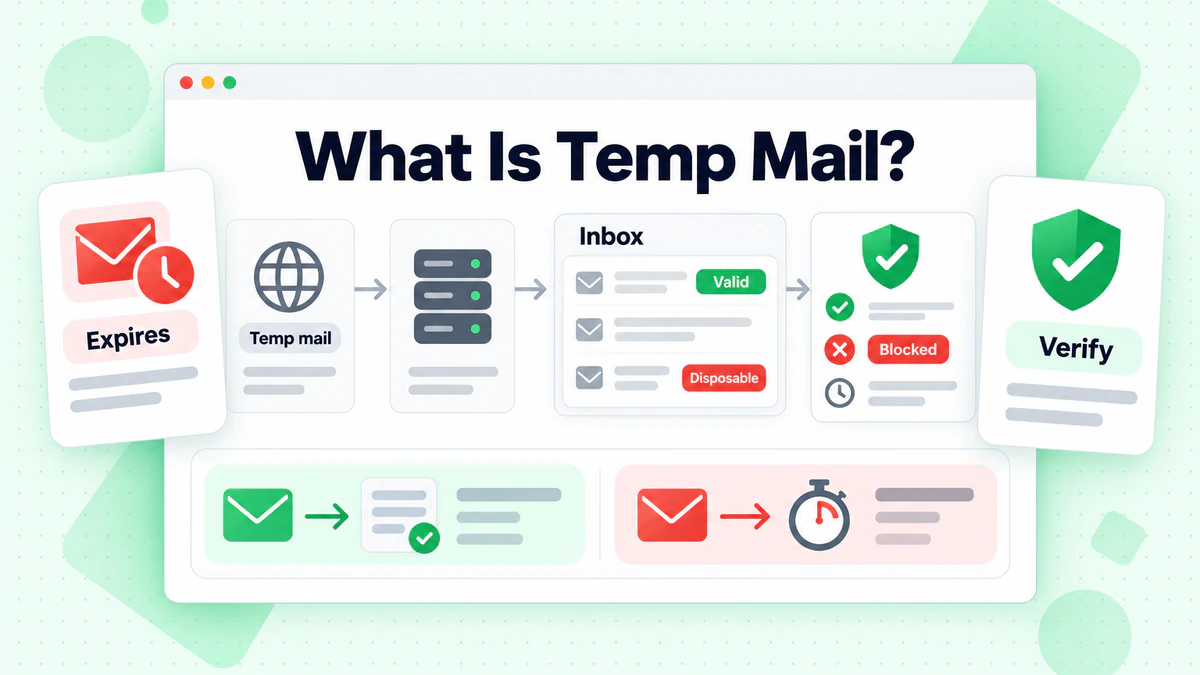
Temp mail is a free inbox that lives for a short time. You open a website, get a working mailbox with no sign-up, and read new messages on the same page. When a timer ends or you press delete, the inbox is gone.
This guide explains how temp mail works, how long mail stays, what people use it for and where it fails. It also covers why websites block these addresses and how a developer can check for them at sign-up. Service details come from each service's own website, read in October 2026. BillionVerify does not run a temp mail service. We build verification tools, including a free detector for temporary mailboxes.
Key facts (checked October 2026):
- Guerrilla Mail's About page says it keeps all incoming email for 1 hour.
- YOPmail says its messages are kept 8 days and its inboxes are not password protected.
- The 10minutemail.com homepage shows a countdown that starts at ten minutes, with a "10 more minutes!" button.
- Mailinator says it still offers a free, public inbox on any @mailinator.com name.
- Temp Mail describes its service as a temporary, secure, anonymous, free and disposable email address.
- The README of BillionVerify's GitHub library says it embeds about 213,000 disposable domains.
What Is Temp Mail?
Temp mail is a service that hands out a working temporary email address without asking who you are. You never fill in a name or a password. It starts to receive messages within seconds, and the service shows each one in a web inbox.
The service keeps the mail only for a while. Some mailboxes expire on a timer, and others last a fixed number of hours or days. After that, the messages are deleted and anyone can reuse the name.
Other Names for a Temporary Email Address
The same idea has many names. Temp Mail's own homepage lists tempmail, throwaway email, fake email, burner mail and trash mail. YOPmail adds one-time email and anonymous email. German speakers say Wegwerf-E-Mail, which means throwaway email.
The names do not mean different products. Each one describes a disposable email that is easy to get and easy to drop. A burner email is the same idea seen from the user's side, and our glossary has a short definition.
How Does Temp Mail Work?
Behind the page, a service runs its own mail servers on its own domains. Those servers accept mail for almost any name on the domain. The web page then lists whatever arrived for the name you chose.
One Domain, Endless Addresses
Nobody creates each address by hand. YOPmail says all of its inboxes already exist and are never deleted. Mailinator describes an infinite number of temporary mailboxes under a single domain.
So a temp email address is just a name on a domain. Nothing is registered until the first message arrives. If you type a name that someone else already used, you open their inbox.
Public and Private Inboxes
Most free inboxes have no password, so a temp email address only protects you as far as its name is hard to guess. Guerrilla's FAQ explains the result: anyone who knows the inbox ID may have access to that inbox. YOPmail tells users to pick a unique inbox name for the same reason.
Mailinator calls its free inboxes public. Its paid plans add a private domain, and the company markets them to developers and QA teams.
How Long Messages Last
Each service sets its own limit. The table shows what each one says on its own pages.
| Service | Inbox model | Retention | Sending |
|---|---|---|---|
| Temp Mail | Address with Copy, Refresh, Change and Delete buttons | Self-destructs after a certain time, no number given | Not stated on the page |
| 10minutemail.com | Address with a countdown timer | Ten minutes, extendable by ten more | Not stated |
| Guerrilla Mail | Random or chosen address, no registration | 1 hour | Has a Compose tab |
| YOPmail | Any name, no password | 8 days | Replies allowed, outside sending prohibited |
| Mailinator | Free public inboxes, paid private domains | Not given on the pages we read | Not given |
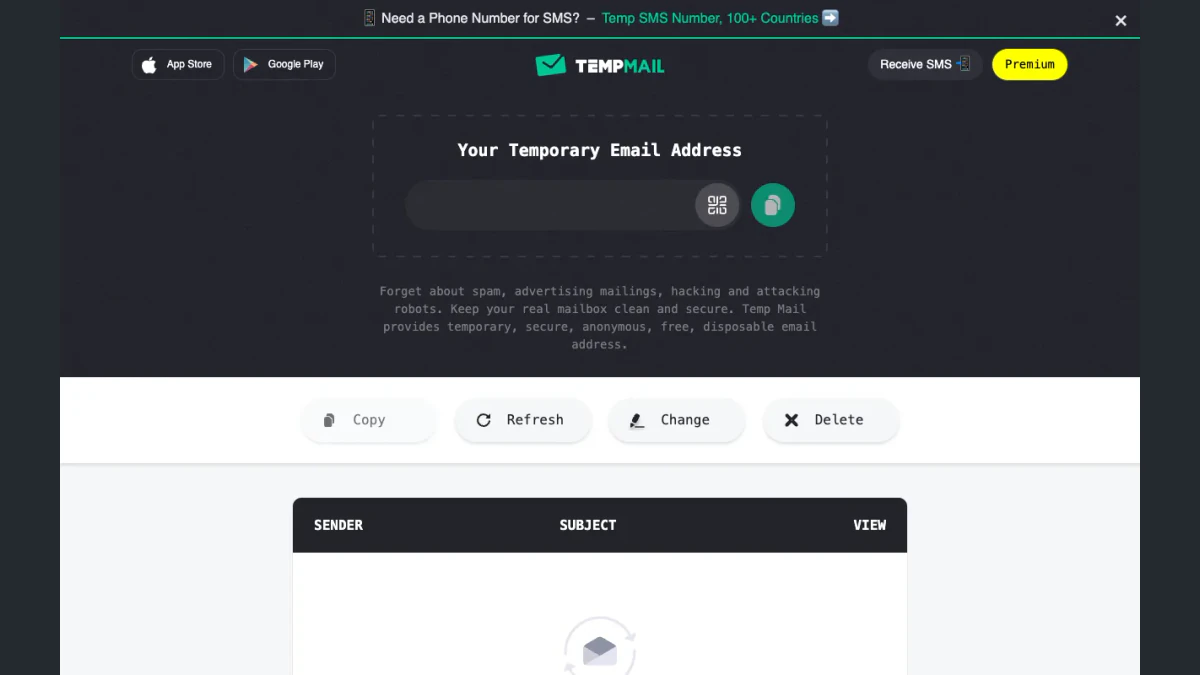
Screenshot: the Temp Mail page with an empty inbox, from an archive copy of the same month.
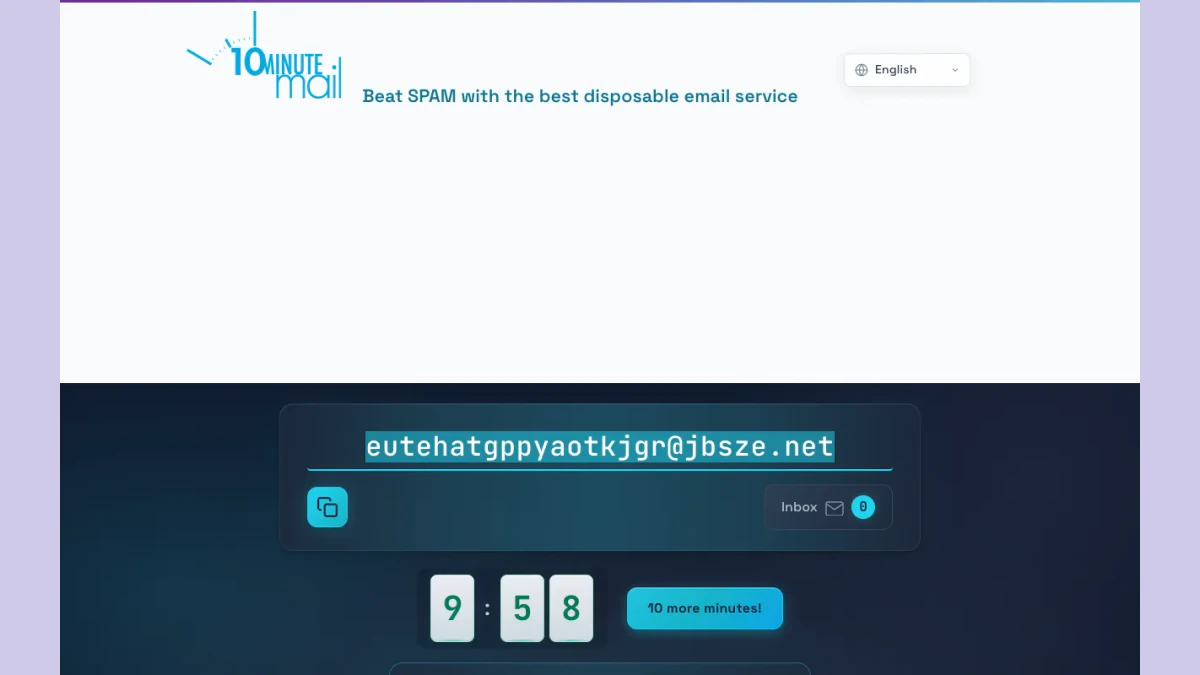
Screenshot: the countdown on the 10minutemail.com homepage, from the same archive month.
Pages change, so read a service's own site before you rely on any number.
What People Use Temp Mail For
A temp email solves one small problem. A site wants a contact, and you do not want to give a real one. The services describe these uses themselves.
Keeping Spam Away From a Real Inbox
This is the oldest use. YOPmail says a temporary mailbox protects you when a site may sell or misuse your details. The 10minutemail.com page puts it more simply: you may need to confirm a signup, and you do not want to end up on spam lists.
Testing Sign-up and Email Flows
Developers need many addresses to test a form. Mailinator's pages say QA teams use it to test sign-ups, password resets and two-factor codes without writing to real people. Temp Mail's long homepage text also lists dummy accounts for app testing.
One-time Downloads and Newsletters
YOPmail's list of examples includes subscribing to a newsletter and handing a throwaway to someone you do not trust. In each case the owner expects to read one message, then forget it.
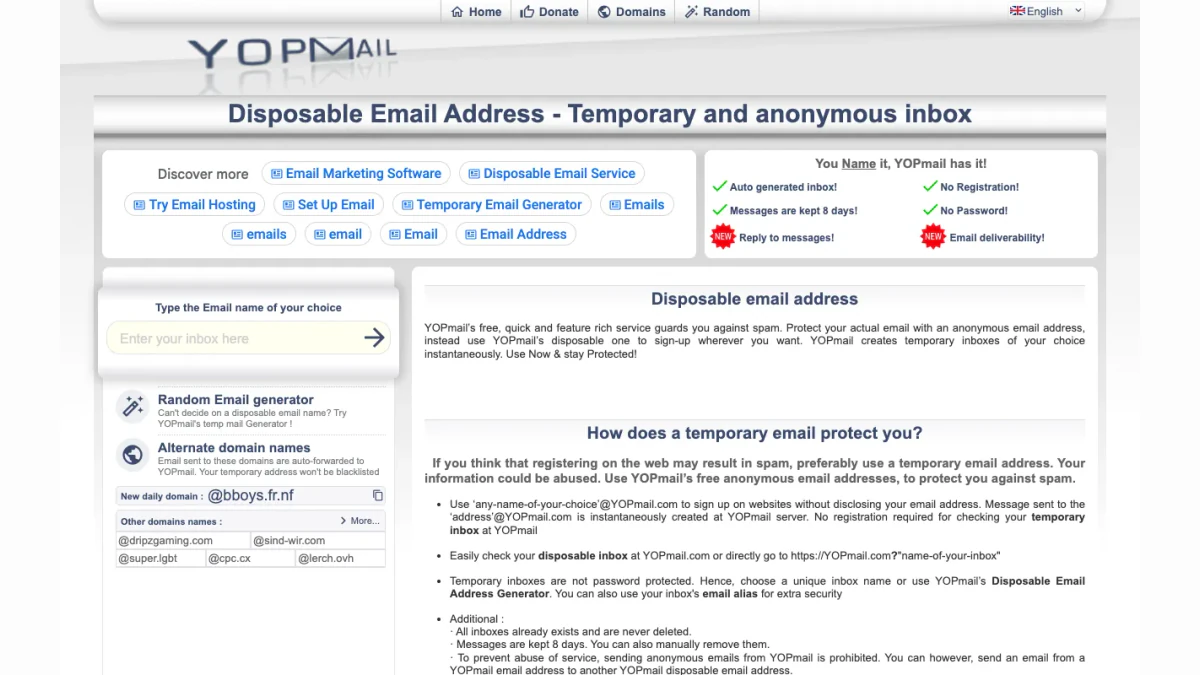
Screenshot: YOPmail's homepage.
Where Temp Mail Falls Short
A temp email works for one message. It is a poor fit for anything you must reach again.
Other People Can Read the Inbox
A public inbox has no lock. If a name is easy to guess, a stranger can open it and read your confirmation links. Guerrilla's FAQ describes a scramble feature for extra protection.
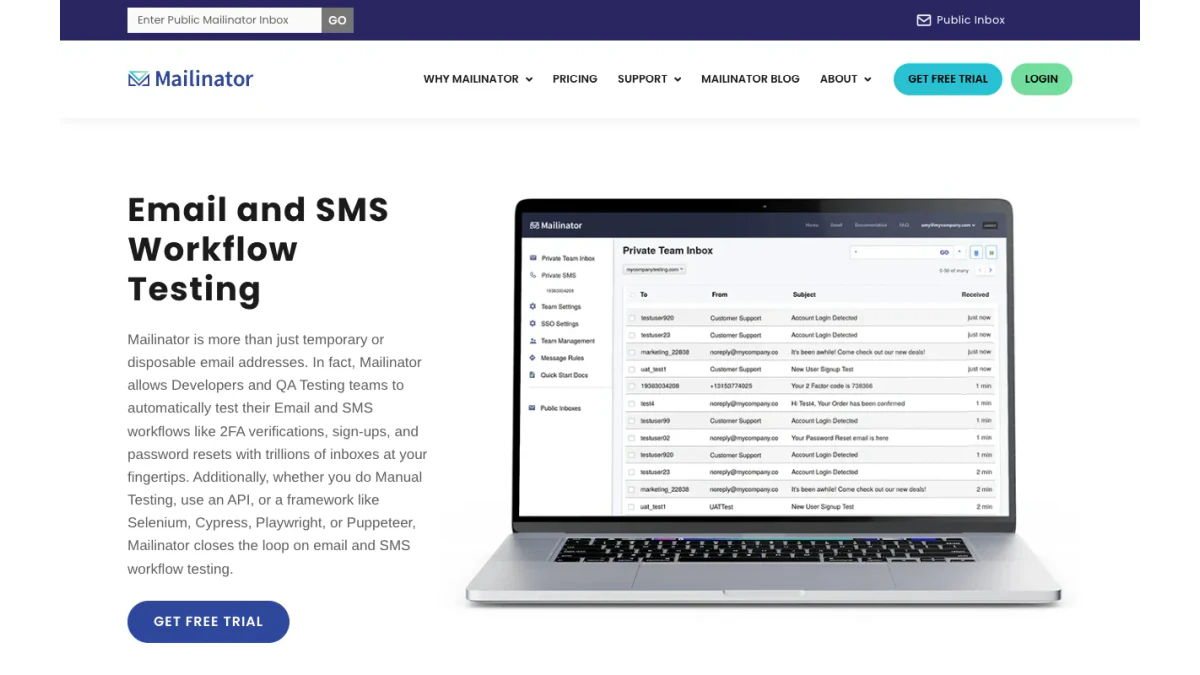
Screenshot: the inbox-name field at the top of Mailinator's homepage.
The Mail Can Disappear
When the timer or the limit ends, so do the messages. A receipt, a warranty notice or a later reset link may never be readable again. A one-hour limit is short on purpose.
You Cannot Recover the Account Later
Most account recovery sends a link to the signup mailbox. If that inbox has vanished or is open to others, you cannot prove the account is yours. This is the most common regret with a throwaway address.
It Hides Less Than People Think
A temporary address hides your real mailbox from the site. It does not hide your IP, your browser or the payment details you enter. It helps against spam, but it does not make you anonymous.
Some Sites Refuse It
Many sites will not accept these addresses at all. The next sections explain why.
Temp Mail, Burner Email and Aliases
The three terms overlap, but they are not the same thing. YOPmail's site sorts disposable solutions into three kinds: mailboxes that live for a limited time, forwarding setups that deliver to a personal inbox, and aliases that you create or delete.
- Temp mail: a separate inbox you open in a browser and drop later.
- Burner email: a throwaway address, often the same as temp mail, though sometimes a real account.
- Alias: an extra address that forwards to your main inbox and can be switched off.
An alias keeps your real mailbox as the destination, so you can still recover accounts. That is the main difference from an open inbox.
Why Websites Reject Temporary Email Addresses
A site that asks for an email address wants a way to reach you later. A short-lived temporary email address breaks that promise within hours. Four problems come up most often:
- Fake signups: accounts that were never meant to be used inflate user counts.
- Repeat free offers: one person can claim the same trial or coupon again and again.
- No follow-up: receipts, security notices and resets go nowhere.
- Poor lists: addresses that never read mail drag down newsletter engagement.
So many sites compare each new address with a list of known temporary domains. If the domain is on the list, the form asks for another one. If a real email address of yours is rejected, check for a typo, then ask the site's support.
If a Site Rejects Your Address
Sign up with an email address you own whenever the account matters. A long-term mailbox, or an alias that forwards to it, works well. We do not cover ways around these checks. A site decides which addresses it accepts.
How to Block Temporary Email at Sign-up
If you run a signup form, you can check each one before you accept it. BillionVerify offers two free ways to do that.
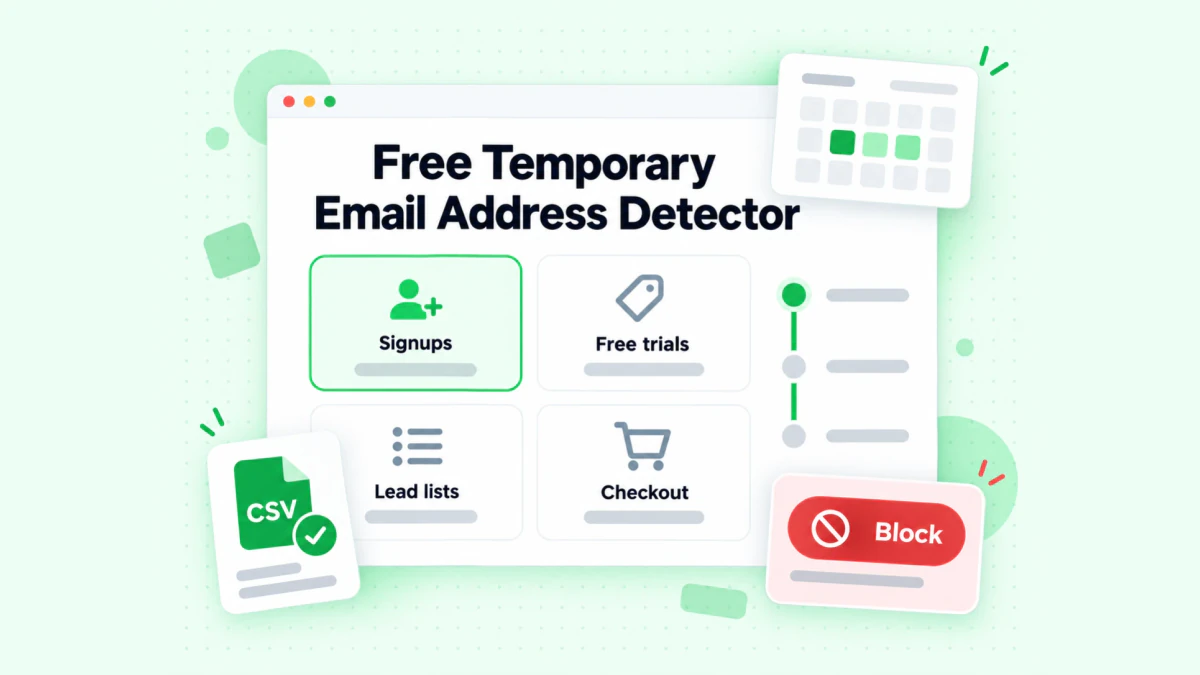
BillionVerify's free detector covers signups, free trials, lead lists and checkout.
The Free Disposable Email Checker
Our disposable email detection page takes one input and returns one reading: disposable or not. It does not bury that answer under a long risk report. Use it to spot-check a contact from your CRM or a support ticket.
The Open-Source Library
For code, use the library at github.com/BillionVerify/disposable. According to its README, the library provides:
- Go and Rust libraries, plus a Go command-line tool.
- Roughly 213,000 domains, merged from nine community lists and embedded in the program.
- A lookup in memory, with no network call at runtime.
- Hourly updates from the source lists.
A check takes one line in Go:
if disposable.IsEmail("user@mailinator.com") {
    // refuse, throttle, or tag as low-trust
}
The README also documents a hosted check that does not use credits. Our release post covers the list in more detail. Our detection guide helps you decide what to do with a flagged address.
Block or Flag?
A hard block is not always right. Many teams ask the user for a lasting mailbox while the form is still open. Others let the signup through and tag it as low trust. Do not block Gmail or Outlook just because they are free, since those are real mailboxes.
BillionVerify's servers are in France (EU), and a data processing agreement is available. Every account gets 20 free credits on each day you use it, up to 600 a month. They never expire and need no credit card.
Related Checks
An unknown email address in a lead list may need more than a flag. A reverse email lookup shows the domain, the organization and any public profile behind it. Phone fields have the same problem with temporary numbers, and a free phone number validator shows the line type for each number.
FAQs
Is temp mail free?
Yes, most temp mail services are free. Temp Mail, 10minutemail.com and Guerrilla Mail need no sign-up for basic use. Some also sell upgrades. Mailinator lists paid plans for testing teams, and Temp Mail shows a Premium button.
Can you reply from a temporary inbox?
Sending depends on the service. YOPmail allows replies and says sending anonymous mail to outside recipients is prohibited. Guerrilla has a Compose tab. Many others only receive mail.
How long does a temporary inbox last?
A temporary inbox lasts from ten minutes to a few days, depending on the service. The 10minutemail.com page runs a ten-minute countdown, Guerrilla keeps mail for 1 hour, and YOPmail keeps it for 8 days.
Is a temporary email address safe for important accounts?
No, a temporary email address is a poor choice for accounts that matter. Public mailboxes can be read by others, and mail can vanish before you need a reset link. Choose a mailbox you control, or an alias forwarding to it.
Does BillionVerify offer temp mail?
BillionVerify does not sell temporary mailboxes. We offer a free detector that tells you whether a domain belongs to a temporary service, plus an open-source domain list for developers.
Why do some sites say temporary email is not supported?
A site shows that message when the domain of your mailbox matches a list of temporary services. The site wants an address it can reach later. Type in a mailbox you own and the form should accept it.