


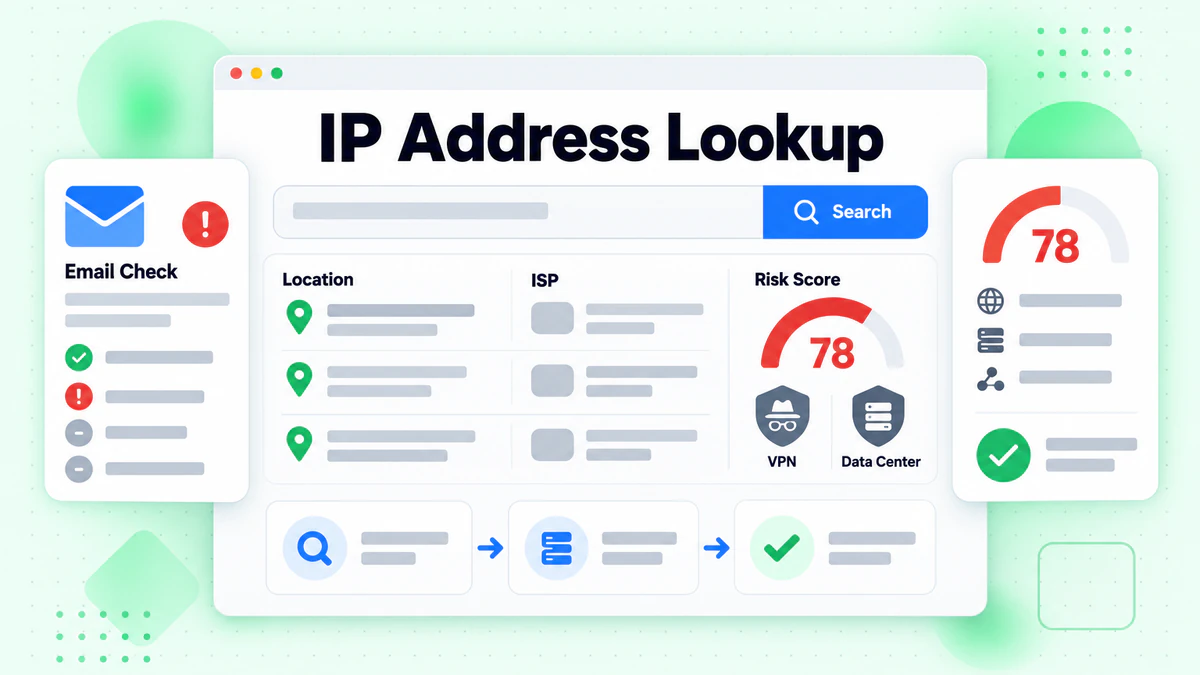
An IP address lookup tells you where an internet connection comes from. You type in an IP. The tool returns its approximate location, its network owner and its risk signals. BeenVerified offers an IP lookup through its Fraud Scan tab. This guide shows how a BeenVerified IP address lookup works, what the results mean and where the limits are.
One point first. An IP address points to a network, not to a person. It can show a city or a region. It cannot show a name or a front door. Keep that in mind as you read any IP lookup result.
We are not affiliated with BeenVerified. BillionVerify is an email verification service. Every BeenVerified fact below comes from its own website, checked in October 2026. For an overview of the company, start with our BeenVerified guide.
Key facts (checked October 2026):
- BeenVerified Fraud Scan takes an IP address as input in the BeenVerified homepage search box.
- Both IPv4 and IPv6 formats work in the BeenVerified IP search, per its tool page.
- BeenVerified credits its IP data to IPQualityScore (IPQS) technology.
- Each IP maps to an internet connection rather than a named person, and its location holds up only at the country or city level.
- IANA delegates IP blocks to five regional internet registries, such as ARIN for North America.
- BillionVerify's email header analyzer reads the Received lines that reveal a sender's IP.
What Is an IP Address Lookup?
An IP address lookup begins with a single IP. It matches that address against databases of networks, locations and abuse reports. The result is a short profile of the connection.
What is an IP address?
BeenVerified defines it simply. An IP address "is a unique address that identifies a device on a network." Every phone, laptop and server online uses one. Websites see it each time you visit.
There are two formats:
- IPv4: four numbers split by dots, such as 100.11.12.13.
- IPv6: a longer format with letters and colons.
The BeenVerified IP lookup accepts both. Its page says you can check "any IPv4 or IPv6 address."
Who hands out IP addresses?
IP addresses follow a chain. The Internet Assigned Numbers Authority (IANA) gives large pools to five regional registries. Those registries pass blocks to internet providers. Providers then assign addresses to homes, phones and businesses. IANA lists the five registries on its number resources page:
| Registry | Area covered |
|---|---|
| AFRINIC | Africa |
| APNIC | Asia and the Pacific |
| ARIN | Canada, the USA and some Caribbean islands |
| LACNIC | Latin America and some Caribbean islands |
| RIPE NCC | Europe, the Middle East and Central Asia |
This chain explains what an IP lookup can see. It sees the provider and the region. It does not see the household on the other end.
IP address lookup vs reverse IP lookup
People mix up two searches. An IP address lookup returns the network and location behind an address. A reverse IP lookup lists the hostnames or websites tied to that IP. A reverse IP address lookup is most useful for servers. On home lines and phones, it often finds little.
How to Do an IP Address Lookup With BeenVerified
BeenVerified offers its IP lookup in two places. One is BeenVerified Fraud Scan in the homepage search box. BeenVerified also runs a standalone page for it.
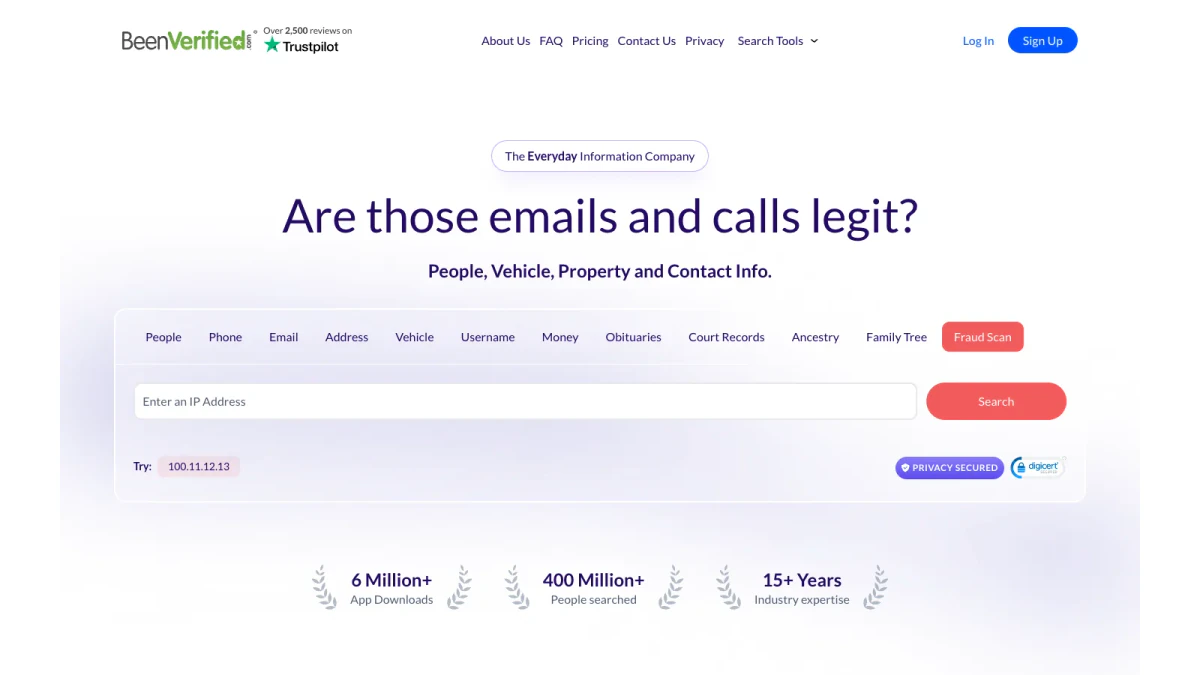
Screenshot: the BeenVerified Fraud Scan tab on the homepage.
Step 1: Open BeenVerified Fraud Scan
Go to beenverified.com. Click BeenVerified Fraud Scan in the search box. Its headline asks, "Are those emails and calls legit?" The box says "Enter an IP Address."
Step 2: Paste the IP address
Copy the full IP address. Paste it into the box. Check every digit. One wrong number points to a different network.
Step 3: Run the search
Click Search. Your BeenVerified IP address lookup results load on the next screen. Some BeenVerified results need a membership, so watch for a sign-up prompt.
Step 4: Read the BeenVerified IP address lookup report
Start with location and network owner. Then look at the risk signals. We explain each field in the next section.
Use the IP Lookup page instead
BeenVerified also has a page just for this search. Its title is "IP Lookup." Its tagline reads, "Search for IP geolocation and find out if an IP address may be harmful." The page sample is 100.11.12.13.
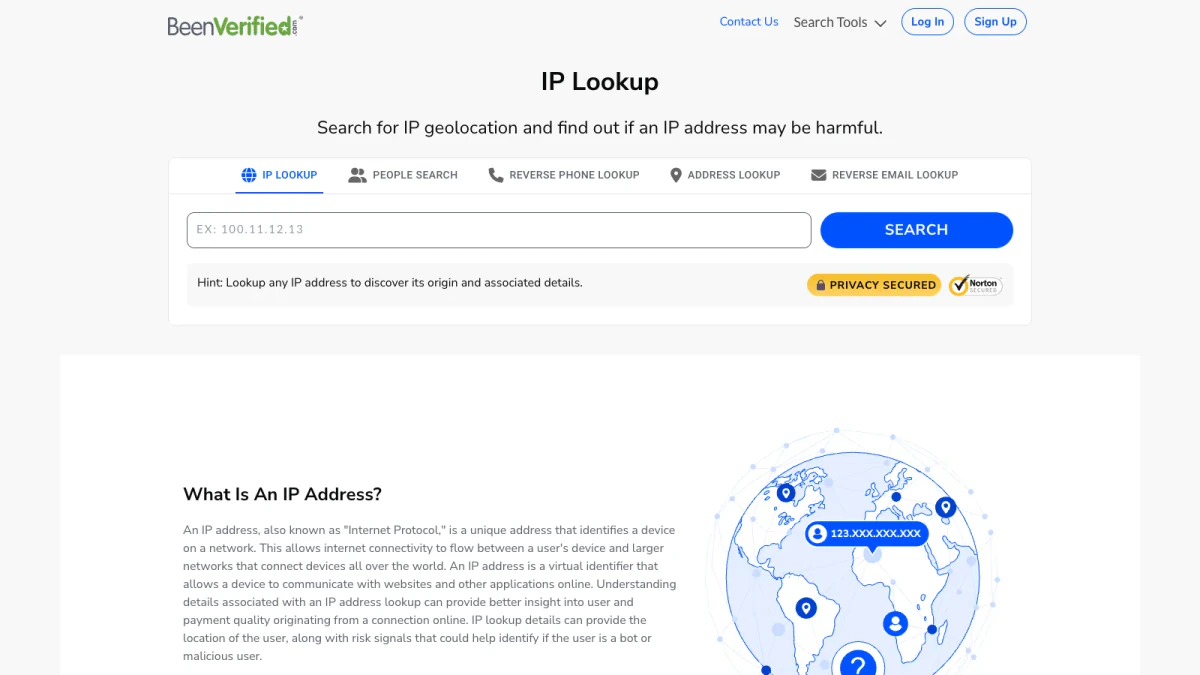
Screenshot: the BeenVerified IP Lookup page.
What the BeenVerified IP Address Lookup Report Shows
BeenVerified lists the fields its IP checker can return. Its page says it can show "the city, state/region, zip code, country, and timezone." It can "also reveal ISP/organization, hostname, risk scores, connection type, and other insights."
BeenVerified credits the data to a partner. Its page says the IP lookup runs on "IPQualityScore (IPQS) IP lookup technology." It describes IPQS as a tool that "helps manage risk and detect abusive behavior during registration, login, and checkout."
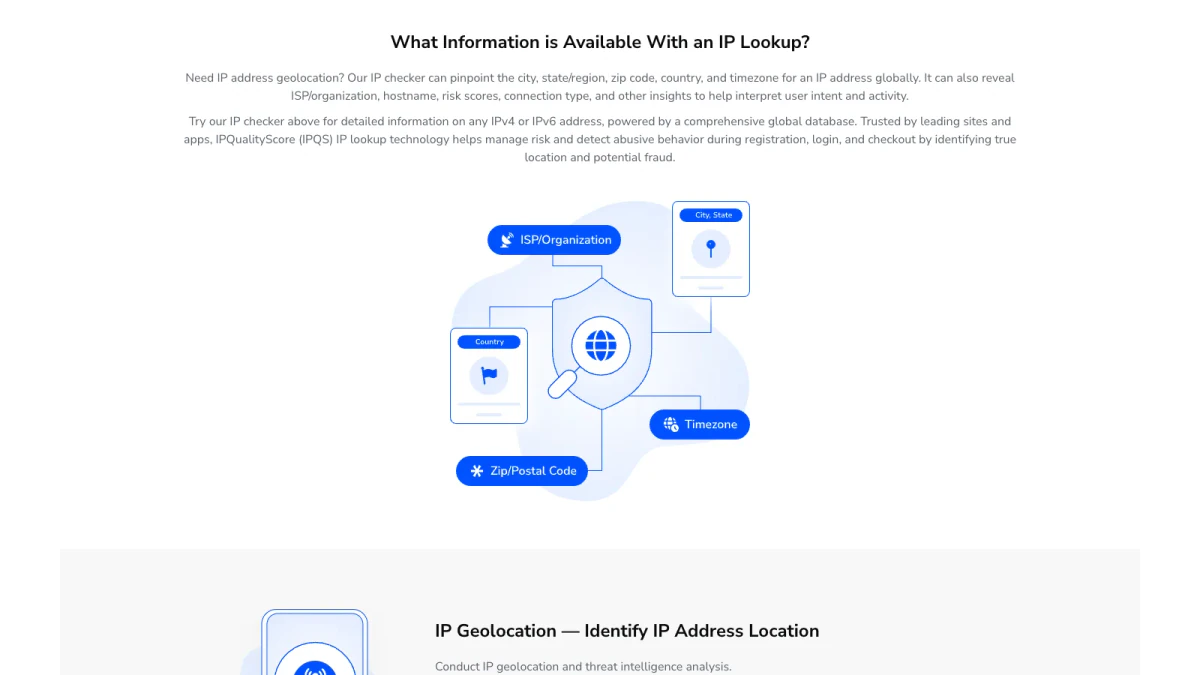
Screenshot: what BeenVerified says an IP lookup can show.
Location fields
The IP address location fields describe where the network sits. You see a country, a region, a city, a zip code and a timezone. A quick IP address location lookup answers that in one step.
ISP and organization
The ISP field names the provider that holds the address. That might be a home broadband firm, a mobile carrier or a cloud host. The organization field may name a company that runs its own network.
Hostname
The hostname is the name a network gives an address. It often reveals the provider. Sometimes it hints at the type of connection, such as a mobile or business line.
Risk score
The risk score is the fraud signal. BeenVerified says its lookup gives "risk signals that could help identify if the user is a bot or malicious user." A high score suggests past abuse or a masked connection.
Connection type
Connection type shows how the device reaches the internet. Common types are residential, mobile, business and data center. A data center address posing as a home user is a warning sign.
What an IP Address Can and Can't Tell You
An IP address lookup is useful. It is also easy to misread. Here is what it can and cannot do.
What it can show
- A region: the IP address location, by country, state and often city.
- A provider: the ISP or company that holds the address.
- A connection type: home, mobile, business or data center.
- Risk signals: signs of a proxy, VPN, bot or past abuse.
What it cannot show
- A person. An IP belongs to a network. Many people can share one.
- A street address. City-level data is an estimate. It can be miles off.
- A fixed identity. Providers rotate addresses. Yesterday's user may not be today's.
Why the location can be wrong
Location data is built from registry records and network data. Mobile carriers route traffic through central hubs. So a phone in one city can appear in another. VPNs and proxies move the apparent location on purpose. Treat any IP address location as a rough area. Never treat it as a home address.
Who can link an IP to a person?
Only the internet provider knows which subscriber held an address at a given time. Providers usually release that only under legal process. No public IP lookup can do it. Be wary of any site that claims otherwise.
Check IP Address Location Before You Act
The best use of an IP address lookup is a quick risk check. It helps you judge a message, a login or an order. Here is a simple routine.
Check IP address location against the story
Compare the location with what the person told you. A seller who claims to live nearby but sits on another continent deserves questions. Check IP address location first, then decide how much to trust the claim.
Run an IP fraud score check
Next, review the risk flags. An IP fraud score check flags proxies, VPNs, bots and abuse history. One flag is not proof of fraud. Many honest people use VPNs. Combine the score with other clues.
Check the connection type
A residential or mobile address fits most real people. A data center address fits servers and bots. If a "local buyer" connects from a cloud server, slow down.
Compare more than one result
Check IP address location in a second tool. If two sources disagree, trust neither fully. Fraud prevention works best with several weak signals that point the same way.
Finding the IP Behind an Email
Many people want to check the sender of a suspicious email. Every email carries headers. The headers record each server the message passed through. Each "Received" line usually includes a server name, an IP address and a time.
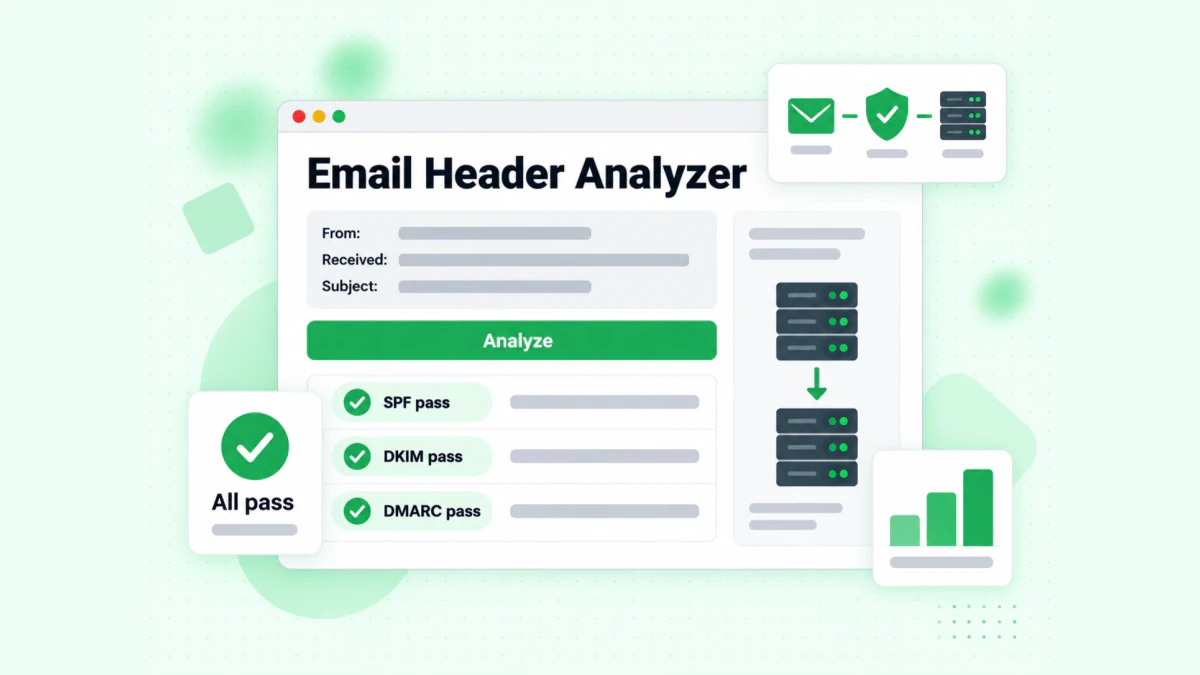
Image: the BillionVerify Email Header Analyzer.
Where the sender's IP hides
Start at the bottom line and work up. The bottom line is closest to the sender. The top line is your own mail server. The sending IP is usually near the bottom.
Webmail services such as Gmail often hide the sender's own IP. You may only see the provider's mail server. That still helps. It tells you which service sent the message.
Use a header analyzer
Raw headers are hard to read. Our free email header analyzer parses them for you. Paste the header block. It shows SPF, DKIM and DMARC verdicts, the full delivery path and each key header. It runs in your browser, and no header text is uploaded.
Then copy the sending IP into an IP address lookup. Now you can check IP address location for the server that sent the email.
Look past the IP
The IP only describes the server. To learn about the address itself, use our reverse email lookup. It reads the domain, organisation, mail routing and any public profile. It uses public signals only, with 20 free lookups per IP each day.
IP Fraud Score and IP Reputation
Two scores get mixed up. An IP fraud score rates the risk of a single visit or signup. IP reputation rates how mail servers treat an address that sends email.
What raises the score
Services weigh many signals. Common ones include:
- Proxies and VPNs: they hide the real location.
- Data center hosting: real people rarely browse from cloud servers.
- Recent abuse: spam, attacks or fake signups from the same address.
- Bot behavior: patterns that look automated.
Each service scores differently. So an IP fraud score check in two tools can disagree. Use the score as a hint, not a verdict.
What IP reputation means for email
IP reputation matters most for senders. Mailbox providers judge the sending IP before they accept mail. A listed IP can land your mail in spam or get it blocked.
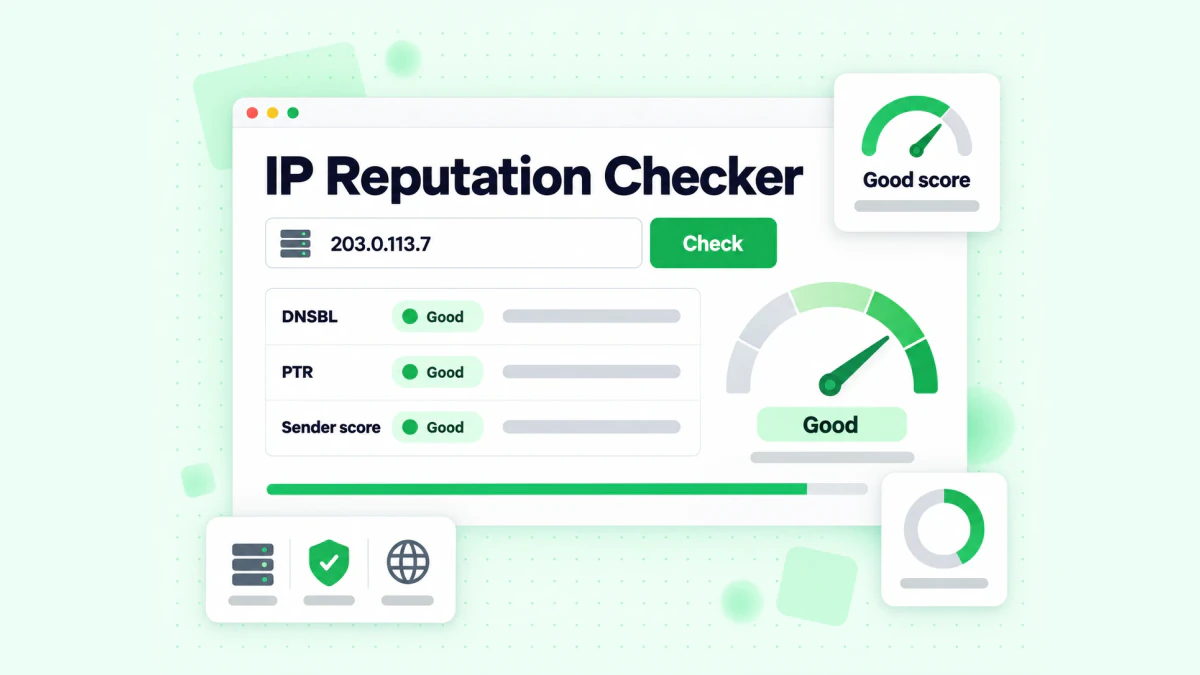
Image: the BillionVerify reputation checker.
Our free IP reputation check tool tests an IPv4 address. It shows the reverse DNS PTR hostname. It also checks four email blocklists: Spamhaus ZEN, SpamCop, SORBS and Barracuda. It does not claim one universal score, because none exists. Each inbox provider keeps its own private view.
Use it for your own mail server. Use an IP fraud score check for visitors and signups.
Common Reasons for an IP Address Lookup
Most people run an IP lookup for one of four reasons.
A strange login alert
Your bank or email app warns of a new sign-in. The alert often lists an IP. Paste it into an IP address location lookup. If the city is far away and you were home, change your password. Then turn on two-step login.
A buyer on a marketplace
A buyer sends an odd payment request. You may have their IP from a form or a message log. Run a BeenVerified IP address lookup first. Then do an IP fraud score check. A VPN plus a cloud host is a red flag.
A phishing email
Pull the sending IP from the headers. See where it sits and who holds it. A "bank" email from an unrelated cloud host is suspect.
A website you run
Your server logs show a burst of signups from one source. A reverse IP address lookup reveals what else runs there. An IP address location lookup tool reveals the region. Block the range only if the pattern is clearly abuse.
Free Ways to Do an IP Address Lookup
You do not always need a paid report. Several official sources are free.
Regional registry WHOIS
Each regional registry runs a WHOIS service. It shows who holds an IP block and how to report abuse. ARIN covers North America. Its WHOIS page explains how to search. For Europe, use the RIPE Database.
ICANN lookup for domains
If you have a domain instead of an IP, use the ICANN Lookup. It shows registration data for a domain.
Reverse IP address lookup results
A reverse IP address lookup lists names tied to an address. Reverse IP address lookup results are rich for web servers. They are thin for homes and phones. That is normal.
When free is enough
Free registry data answers two questions well: who holds the block, and where to send an abuse report. It does not give risk scores or connection type. For those, use a service like BeenVerified Fraud Scan or a dedicated fraud tool.
Tips for Better IP Lookup Results
Small habits make any IP lookup more reliable.
- Copy the address exactly. Never retype long IPv6 addresses by hand.
- Note the time. Addresses change hands. Record when you saw the IP.
- Check twice. Run an IP address location lookup in two services.
- Read the type. Mobile and VPN results move around. Data center results deserve extra care.
- Add risk data. BeenVerified Fraud Scan adds risk scores that registry WHOIS lacks.
- Pair it with other checks. An email, a phone number and an IP tell a fuller story together.
- Keep it private. Never post someone's IP publicly. It can expose their provider and area.
A good IP address location lookup tool shows its sources. If a site promises a home address from an IP, it is overselling.
Limits and Legal Use
An IP address lookup is a research tool, not proof. BeenVerified's own footer says its data "is not necessarily 100% accurate, complete or up to date."
The law sets limits too. BeenVerified is not a consumer reporting agency under the Fair Credit Reporting Act (FCRA). Its FCRA notice bans screening anyone for a job, a rental, credit, insurance or school. Our guide to the BeenVerified background check covers those rules in full.
Keep a few more points in mind:
- Don't track people. An IP lookup is for judging risk, not following someone.
- Don't harass. Use abuse contacts and official reports instead.
- Report crimes properly. For real threats, contact the police. They can request subscriber data from a provider.
Signup Fraud: IP Lookup Plus Email Verification
Businesses use IP checks most at signup. Fake accounts often share patterns. They come from data centers. They use VPNs. They also use throwaway emails.
BeenVerified Fraud Scan covers the connection. It does not cover the email. So pair the two. Check the IP for risk. Then verify the email before you accept the account.
BillionVerify checks whether an inbox exists and can receive mail:
- Syntax: is the address written correctly?
- Domain and MX records: does the domain take mail?
- SMTP: does the mail server accept this mailbox?
- Catch-all: does the domain accept any address? We report catch-all on its own, never as valid.
- Disposable and role inboxes: is it a throwaway, or a shared box like info@?
Phone numbers deserve a check too. Our phone number validator shows whether a number is valid for its country and its line type. It also converts the number to E.164 format.
You get 20 free credits each day you use your BillionVerify account, up to 600 a month. They never expire. No credit card is needed. A valid or invalid result uses one credit. Unknown results are free. A re-check within 24 hours is free too. Verify an email with BillionVerify before you trust a new signup.
Looking for a person rather than a connection? Try a BeenVerified people search or a reverse phone lookup.
FAQs
What is an IP address lookup?
An IP address lookup is a search on a single IP. It returns the rough location, the network owner and risk signals for that connection.
How does BeenVerified Fraud Scan work?
BeenVerified Fraud Scan works from the homepage: pick its tab, paste the IP and click Search. Then read the location, ISP and risk fields.
What does a BeenVerified IP address lookup report include?
BeenVerified lists location fields down to city and zip code, plus timezone. It adds the ISP, the hostname, risk scores and the connection type.
Can an IP lookup find someone's home address?
No, an IP lookup cannot find someone's home address. An IP maps to a network. It never names a person. Location is only approximate, at the city or region level. Only the provider can link an IP to a subscriber.
How accurate is IP address location?
IP address location is usually right at the country level. City data can be miles off. Mobile networks, VPNs and proxies often show a different place.
What is a reverse IP lookup?
A reverse IP lookup finds the domain names that point to one IP. Web servers return the most. A home line or phone usually returns nothing useful.
What is an IP fraud score?
An IP fraud score is a number that shows how risky a connection looks. It weighs signals such as proxies, VPNs, data center hosting, bots and past abuse. Treat it as a hint, not proof.
How do I check IP address fraud score for free?
Several services offer limited free checks. Registry WHOIS costs nothing but has no score. To check IP address fraud score in depth, use a fraud service. BeenVerified Fraud Scan returns risk scores as part of its report.
How is an IP fraud score different from IP reputation?
An IP fraud score judges a visitor or signup. The second shows how inbox providers view a sending server. Our free IP reputation check tool covers that one.
How do I find the IP address of an email sender?
The sender's IP sits in the full email headers. Read the Received lines from the bottom up. The sender's IP tends to sit in the lowest lines. An email header analyzer can parse the headers for you.
Is BeenVerified Fraud Scan free?
BeenVerified does not list a separate price for Fraud Scan. Its full reports need a membership or a trial. Check the screen after you search.
Is it legal to look up an IP address?
Looking up an IP address is generally legal. Using the result to stalk, harass or screen someone for a job or rental is not. BeenVerified bans all FCRA uses.