


Your campaign is only as clean as its oldest import. A team pulls a CSV from several years of signups, merges in a few event lists, and sends without a proper pre-check. Then bounces rise, replies slow, and the whole send looks less like marketing and more like list archaeology. A free bulk pass can catch a lot of that damage before it hits your sender reputation, but only if you know your list size, the tool's caps, and what each result category really means. It reduces risk. It doesn't prove every address is deliverable. For a practical cleanup flow, boost deliverability with Mail Merge for Gmail pairs well with a structured pre-send process.
1. Size Your List Against Free-Tier Caps
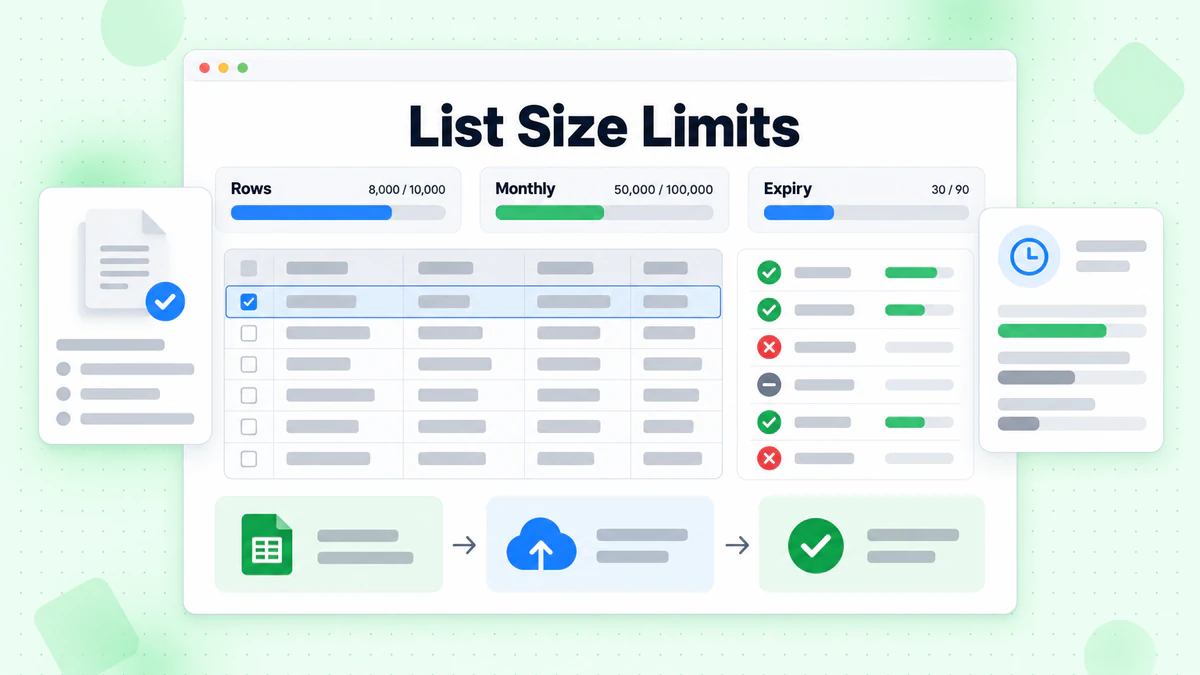
Start with the file, not the tool. Count the unique, valid-looking addresses in your sheet, then compare that count with each vendor's published limits before you upload anything. Free plans are usually shaped by row caps, monthly volume caps, feature gates, and check-expiry rules, so the wrong fit wastes time before the first result comes back.
BillionVerify is one option in that decision path. BillionVerify email validation is worth comparing against the size of the list you need to clean, not the list you wish you had.
Read the cap like an operator
A free tier that stops halfway through a file is worse than no free tier at all. If the plan only supports part of your list, split the workflow or move on before upload.
Practical rule: confirm the cap first, then clean the file into batches that fit the plan. If you cannot finish the project inside the free allowance, do not start with the largest list.
The other detail that matters is whether the plan gates bulk upload, API access, or exports. A tool can look free on the landing page and still block the workflow a real team needs. That is why what the batches page offers is a useful comparison point for people who care about how the job runs, not just how it sounds in marketing copy.
2. Pre-Screen Your Spreadsheet Before Any Check
The cleanest free check is the one you don't waste on junk. Remove blank rows, duplicates, and obvious domain typos before the file ever reaches a verifier. Trim whitespace, normalize case, and flag role-style prefixes such as info@ or sales@ for review instead of deleting them automatically.
A spreadsheet can only tell you so much. It can catch malformed entries and repeated records, but it can't confirm that a mailbox exists or that a receiving server will accept mail for that address. A free bulk pass should be used on addresses that still need a mailbox-level test.
Keep the sheet focused on real risk
A simple prep routine saves limited checks for records that matter. That's especially useful when you're dealing with older exports, list merges, or lead capture data that came from multiple sources with inconsistent formatting.
- Trim first, sort later: whitespace and casing issues create fake duplicates that waste checks.
- Flag role accounts: info@, sales@, and similar prefixes may be valid, but they often deserve separate handling.
- Remove obvious typos: dead domains and malformed syntax don't need your best free credits.
- Keep uncertain rows visible: don't hide records just because the spreadsheet “looks” tidy.
If you're building the source list from prospecting work, verify email lists efficiently is the right mindset before you send anything. That approach keeps the verification step where it belongs, on addresses that need a real deliverability test. For prospecting workflows, find prospects in 2026 is the kind of adjacent process teams often mix with list cleaning.
3. Check Data Handling Before You Upload
A bulk verification file is still a contact list. That means you're not just comparing addresses, you're handing personal data to a service, even if the upload is free. Before you send the file, check how long it's retained, who can access exports, and how deletion works after the job finishes.
If the policy is unclear, ask for it in writing and save the reply. That sounds basic, but it's the difference between a one-off hygiene task and a data-handling problem you inherit later. Free tools are often judged on speed and accuracy, while the quieter risk sits in retention, access, and account administration.
A “free” verifier can still create a privacy cost if you upload a full customer list without checking the process first.
What to look for before the upload
- Retention period: how long the file and results stay on the platform.
- Export access: who can download cleaned data and whether exports are locked down.
- Deletion process: whether uploaded files can be removed fully and on request.
- Policy clarity: whether the vendor explains the process plainly or leaves you guessing.
This is especially important for agencies and SaaS teams that move lists across clients, regions, or internal systems. A cheap upload can become expensive if the service creates a contractual or reputational issue. Recent benchmark coverage also points to ongoing validation across the subscriber lifecycle, not just at campaign time, which makes data handling part of the workflow, not a side note (Validity benchmark report).
4. BillionVerify
A free bulk check only helps if it changes the send decision. BillionVerify is one option in that workflow. It is built around bad email data costing businesses money, so the value is in whether the result helps you clean, suppress, or hold back records before a campaign goes out. The BillionVerify Email Verification page is the place to confirm current capabilities.
Its practical appeal is the shape of the output. The vendor snapshot points to bulk list cleaning, a real-time API, CSV uploads with live progress, notifications, export-ready filters, and structured JSON with status, SMTP results, MX records, and catch-all scoring. That matters because a free verifier should leave you with enough detail to separate a safe send from a record that needs review.
For a cold outbound file, a signup import, or a reactivation list, that structure matters more than a simple pass or fail. If the output lets you segment by status, you can decide what stays in the send path and what gets parked. If it does not, you are still guessing.
What makes it useful in real sends
BillionVerify's SMTP-level checks look at whether a domain can receive mail, then probe the server response. That is more useful than syntax alone, because a valid-looking address can still bounce. Catch-all scoring also helps, since a domain that accepts almost anything can hide uncertainty about the actual mailbox.
The free tier is available without a credit card, which makes it easier to run a one-off cleanup or test a small batch before you commit a larger file. pricing matters later if your list volume, workflow, or team setup grows past a free pass. Structured JSON output, such as status, SMTP results, MX records, and catch-all scoring, is what lets you segment instead of guessing.
Confirm current capabilities and free-tier limits on the vendor's site before you commit a large file.
5. Interpret Catch-All, Unknown, and Risky Results
Catch-all domains are where a lot of teams get overconfident. A server can accept mail for almost any local part, so a clean-looking result doesn't prove that a specific person exists or will engage. Unknown and risky results deserve their own rules too, because a binary pass-fail mindset hides the difference between “probably fine,” “needs review,” and “don't send yet.”
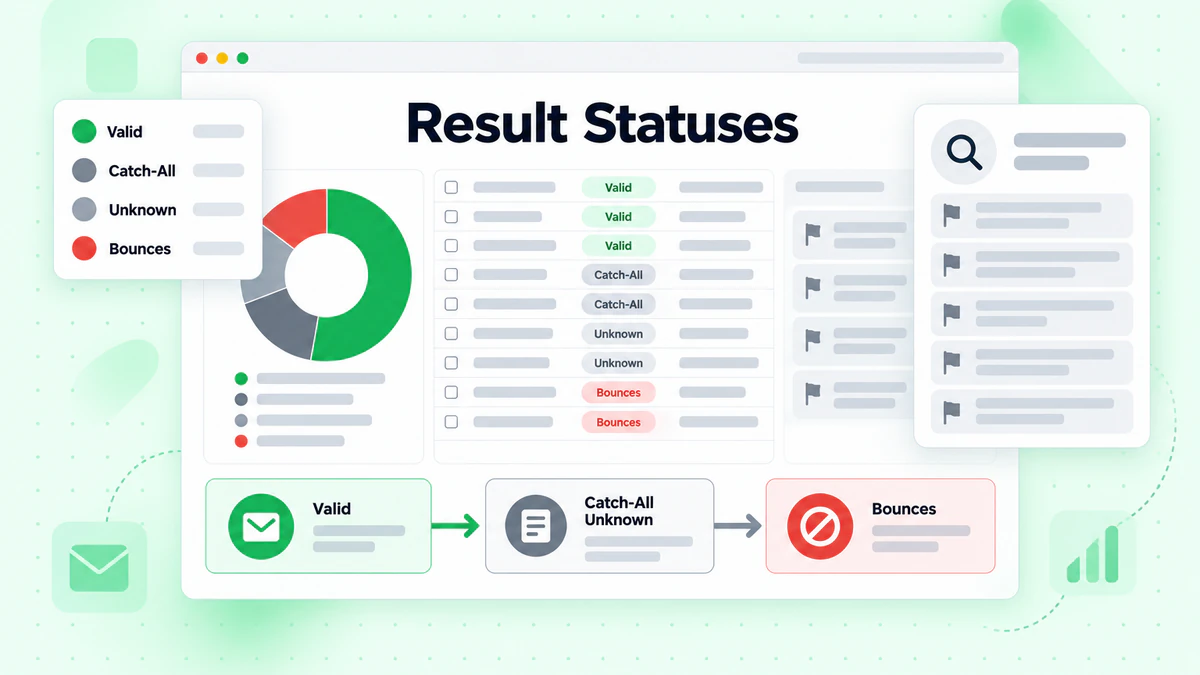
That's where the send plan matters more than the verification label. Transactional mail, newsletters, reactivation campaigns, and cold outreach should not all use the same threshold. A list that is acceptable for one campaign can still be too noisy for another, especially when your goal is to protect sender reputation.
Practical rule: decide the action before the upload. If a result is catch-all, unknown, or risky, the team should already know whether it gets mailed, held back, or reviewed.
Turn the label into a decision
- Catch-all domains: segment separately instead of treating them as fully cleared.
- Unknown results: hold back when the campaign is high stakes.
- Risky records: review before sending, especially for cold outbound.
- Campaign-specific rules: use tighter standards for sequence sends than for low-risk transactional flows.
If you need a deeper look at how these results are framed, using BillionVerify for sender reputation is the kind of operational question that matters more than a generic validity badge. A verifier should support judgment, not replace it. The best outcome is not “everything is deliverable,” it's “the team knows which addresses are safe enough for this send and which ones need more caution.”
6. When Free Stops Being Enough
Free verification works best for a one-off cleanup or a small test list. The break point shows up when list hygiene becomes repeat work, or when files have to move between tools without manual handling. Once you need recurring cleaning, CRM sync, automation, or shared access, free starts to slow the process down.
That slowdown has a deliverability cost. A list that is cleaned only once can drift fast as people change jobs, domains age, and records go stale. The practical question is whether your verification flow keeps sender reputation steady across repeated sends, or whether it leaves gaps between uploads.
Upgrade for workflow, not hype
The trigger is operational. If your team is exporting CSVs every week, passing files between marketing and sales, or working through edge cases by hand, the free route has already done the simple part.
- Recurring cleaning schedule: weekly or monthly hygiene usually points to paid automation.
- CRM or automation integration: manual uploads do not scale well.
- Team seats and support: shared access becomes a real need once more than one person touches the file.
- Retention and compliance needs: governance gets harder as the file moves through more hands.
If you are comparing plan limits and workflow fit, the Best Email Verification Pricing page is the right place to review the structure. Free still makes sense when the list is small, the task is occasional, and the workflow is simple. Once verification has to run on repeat, or feed other systems without slowing the team, it is time to move past the free tier.
6-Point Comparison: Free Bulk Email Verification
| Item | Core features | Quality & UX (★) | Value & Pricing (💰) | Target audience (👥) | Unique selling points (✨) |
|---|---|---|---|---|---|
| Size Your List Against Free-Tier Caps | Row/month caps · feature gates · credit expiry | ★★★ · planning check to avoid surprises | 💰 Free-limited, avoids wasted runs | 👥 Small tests, pilots, DIY users | ✨ Prevents starting projects that won't finish |
| Pre-Screen Your Spreadsheet Before Any Check | Trim, dedupe, normalize, flag role prefixes | ★★★★ · improves effective accuracy | 💰 Saves free checks · cost-effective prep | 👥 Marketers, data owners | ✨ Keeps limited checks for high-value addresses |
| Check Data Handling Before You Upload | Retention period · export access · deletion process | ★★★ · privacy & compliance focus | 💰 Risk reduction, avoids leaks/fines | 👥 Compliance, legal, enterprise teams | ✨ Ensures vendor policies match your requirements |
| 🏆 BillionVerify | Real-time API · bulk CSV · SMTP/MX checks · JSON results · catch-all scoring | ★★★★★ · 99.9% SMTP accuracy · fast & scalable | 💰 Free tier + pay-as-you-scale · proven ROI (lower bounces) | 👥 Sales, marketing, product teams, agencies | ✨ AI-first, whitelabel portal, broad integrations, MCP Server |
| Interpret Catch-All, Unknown, and Risky Results | Catch-all rules · hold-back logic · segment-specific send rules | ★★★★ · turns ambiguity into policy | 💰 Avoids costly bounces by policy | 👥 Campaign managers, deliverability teams | ✨ Predefined decision templates per campaign type |
| When Free Stops Being Enough | Recurring cleans · CRM sync · team seats · support | ★★★ · upgrade guidance for scale | 💰 Upgrade when recurring/automation needs exceed free | 👥 Growing teams, enterprises | ✨ Cost-vs-bounce threshold to justify paid plans |
Choose Your Free Route and Verify Before You Send
The cleanest path is simple. Confirm the list size against the free cap first, then pre-screen the spreadsheet so you don't waste checks on junk. Check how the vendor handles uploaded data, because privacy and retention matter as much as accuracy when the file contains real contacts.
After that, run a bounded free check and decide in advance how each result category will be used. Catch-all, unknown, and risky records need a policy before the upload, not after the bounce report lands. A verifier is only useful when the team knows which records get mailed, which get held back, and which get reviewed manually.
Re-check any published limit before a large project, because free tiers change and the wrong assumption can break a cleanup midstream. Move to paid or enterprise options once recurring volume, integrations, or team needs appear. At that point, the issue is no longer whether you can verify a list for free. It's whether your verification process can keep sender reputation stable across every send.
BillionVerify gives teams a practical way to verify bulk email addresses online free without treating the result as a blind yes-or-no answer. If you want structured outputs, catch-all awareness, and a workflow that fits real list cleaning, visit BillionVerify and see whether the free tier fits your next send.