

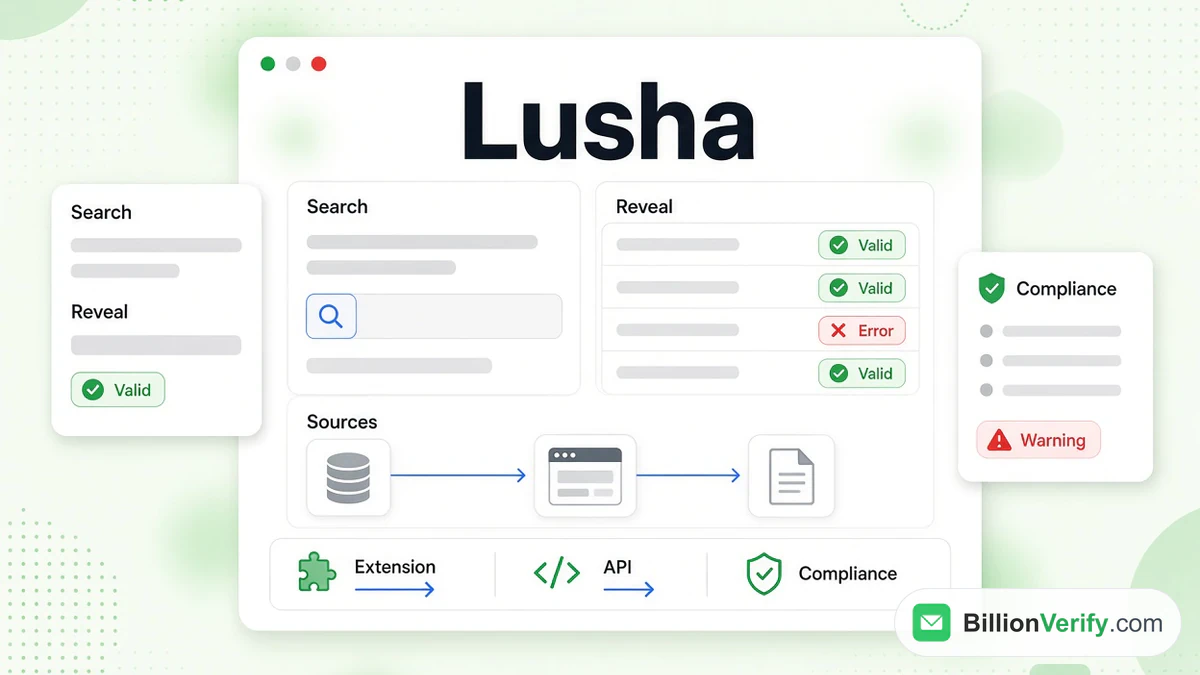
Lusha is a B2B contact platform. It sells verified work mail, direct phone numbers and company profiles, which sales teams and recruiters reveal one person at a time or in bulk. It runs as a web workspace, a browser add-on, an API and an MCP connector for AI assistants. This guide explains what Lusha is, where the records come from, how Lusha login and billing work, what the Lusha API offers, how the Lusha extension behaves, and how to weigh Lusha reviews before you buy. Every fact comes from the vendor's own site and documentation, read in November 2026. We are not affiliated with Lusha. BillionVerify is an email verification service, and the last sections cover how a verifier fits next to a provider like this one.
Key facts (checked November 2026):
- The homepage states 515M+ verified contacts, 29M+ companies, 165M+ verified addresses and 30 types of buying signals.
- The credit guide charges a single credit for revealing a mailbox and 5 for a phone number, and re-viewing a revealed contact costs nothing.
- Every revealed result carries a confidence score, and the docs suggest leading with high-confidence ones to keep bounces down.
- The no-cost tier includes 40 credits a month with no card, and the rate screen lists a 4.3 out of 5 average, which is one input among many Lusha reviews.
- A paid user with a password meets a code step at each Lusha login, described in the security article, and the Lusha API follows the same credit rules.
- BillionVerify bills 1 credit for each valid or invalid result, and unknown results are free.
Lusha in Brief
Lusha gives sales, marketing and recruiting teams a route to the people they want to reach. You search for a person or a company, click to reveal a person's mail or number, and the balance drops. The headline reads "Data you can build on," and the company claims more than 280,000 go-to-market teams use it.
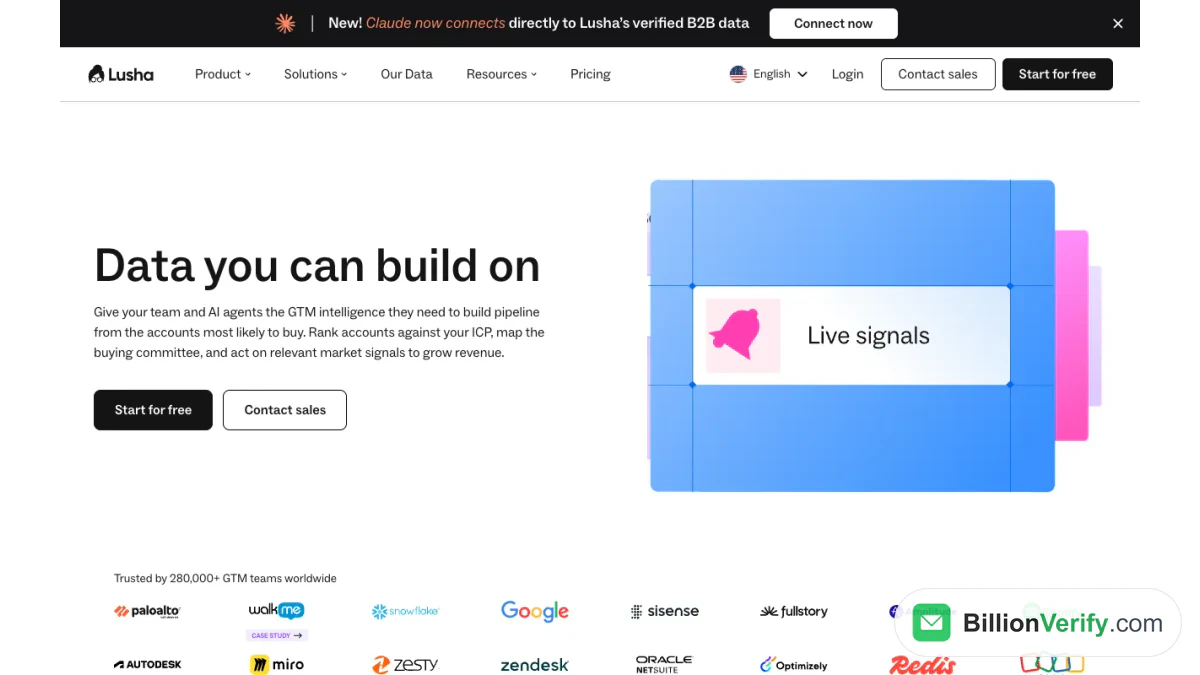
Screenshot: the homepage of lusha.com.
The product has two layers. The search layer holds verified contacts and companies, with 77 fields on every profile. Every result is scored for confidence, and each mail and number shows when it was last updated. The intelligence layer scores accounts against your ideal customer profile, maps the buying committee and tracks signals such as new hires, funding rounds and hiring pushes.
Where you use it
The same records reach you in several places. The workspace is the web app, where you search, build lists and save tables. The Lusha extension shows contact details on LinkedIn pages, Navigator, your CRM and company sites, and our Lusha Chrome extension guide covers it step by step. The Lusha API feeds profiles, firms and buying signals into your own code. The MCP server lets Claude, ChatGPT or any compatible assistant use the records inside a chat. Direct connections exist for Salesforce, HubSpot, monday and Zoho, and for automation tools such as Clay, Make, n8n and Zapier.
The company and the surname
The word is also a family name, so some searches for it have nothing to do with software. The company is Lusha Systems Inc., based in Boston, and its site is lusha.com. If you want the platform, go there.
Where the Records Come From
Buyers and recipients ask this most, and the vendor answers on its Our Data page. It says an algorithm cross-checks several sources and combines points into one profile. It names four.
- Community contributions: members who chose to share business-card style details, such as header and signature blocks from their work mail, under the terms of a community program.
- Third parties: licensed information from partners that own established directories. The vendor says it verifies each supplier and signs legal papers on privacy compliance, including GDPR and CCPA.
- Public sources: open material scanned by the algorithm.
- Insight models: machine-learning systems that complete business details from patterns, for example finishing addresses from standard corporate formats.
The page ends with a disclosure that the company is registered in the California Data Broker Registry. A separate help article says it does not purchase from third-party brokers. The two pages use "broker" in different senses, so read both before you form a view.
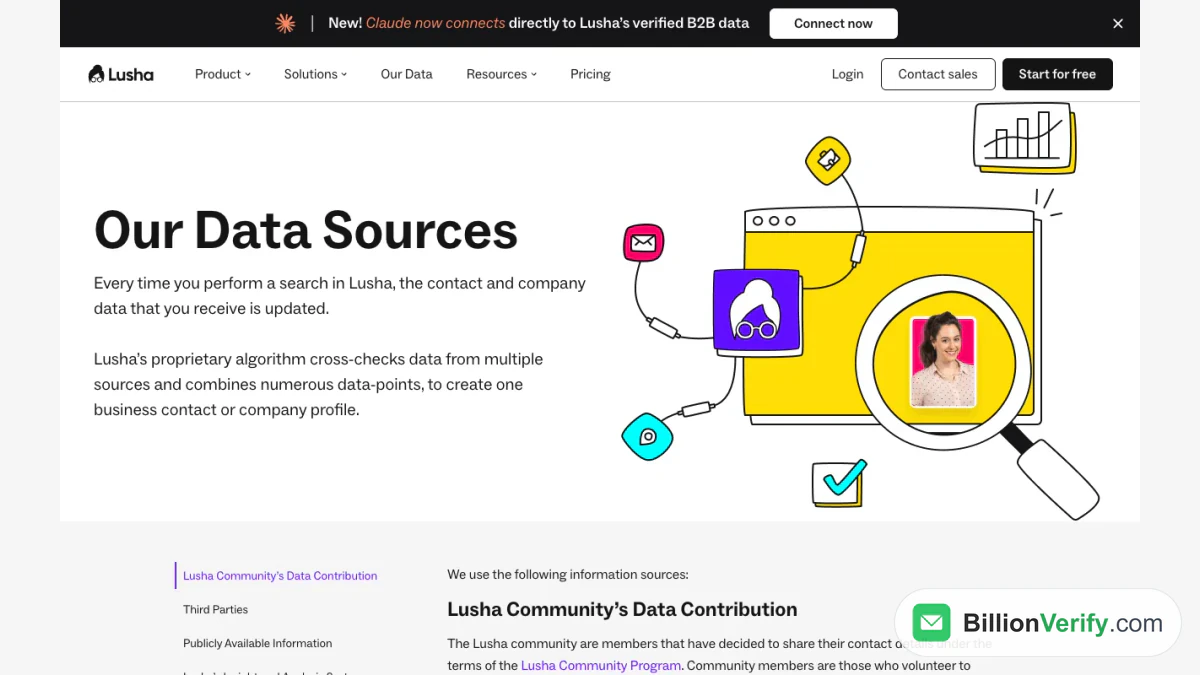
Screenshot: the Our Data Sources page.
Privacy, certifications and opt-out
The homepage lists ISO 27701 for privacy management, ISO/IEC 42001 for AI management, SOC 2 Type II, a GDPR certificate from ePrivacyseal GmbH and CCPA validation from TrustArc. A certificate describes processes, not whether any single contact is accurate.
Individuals who want their details removed can ask through the trust center, and an opted-out person does not appear even if the vendor held the record before. If you find a wrong contact, use the thumbs-down button next to the point, or report a CSV of wrong details for review.
Lusha Login
The Lusha login screen is at auth.lusha.com. The heading reads "Welcome back!" and the screen shows a mail field, a password field, a Sign in button and a "Forgot your password?" link. Below that come Google, Office 365 and SSO buttons and a "Don't have a Lusha account? Sign up" link, all protected by reCAPTCHA.
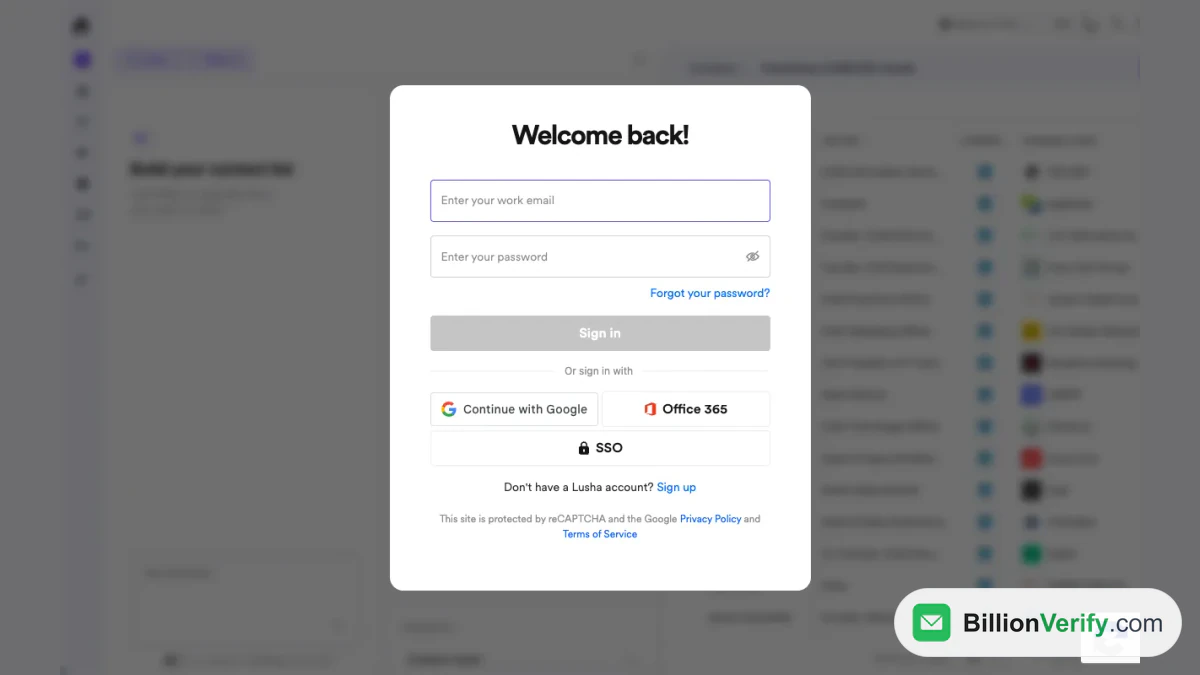
Screenshot: the form at auth.lusha.com.
Which Lusha login route to use
Pick the route that matches how the profile was created. A password sign-in suits individuals, while the provider and SSO buttons suit teams that already manage staff in a directory. SSO covers Google, Microsoft, Okta, Azure and custom SAML. If the wrong button is used, the Lusha login simply fails and the screen offers no hint, so try the others before resetting anything.
Two-factor codes at every Lusha login
The documentation makes two-factor authentication mandatory for all paid users, self-serve and enterprise, who sign in with a password. After you type it, a six-digit code arrives by mail and stays valid for 10 minutes. The rule skips people who sign in through SSO. The stated reasons are limiting credential leaks, credit abuse and unauthorized upgrades.
The code is tied to the browser and device. A verified Lusha login lasts up to 90 days, after which the check repeats, and switching browsers, switching devices or using incognito mode asks again. Asking for several codes in a short time triggers a temporary limit, so wait it out instead of clicking repeatedly. On a Scale account an admin can set the inactivity timeout to 90 days under Settings and Account Settings.
When a Lusha login fails
Lost access to the linked mailbox is the hardest case, because the page describes no self-service change. The documented order is to ask your account administrator, then to create a new profile with an updated mailbox, and only then to contact support. A code that arrives when you did not sign in is a warning that someone tried your password. The attacker never sees the code and cannot enter, but the owner should change the password at once. Sign-up has its own trap, since a help article covers addresses flagged as "invalid or suspicious."
Lusha login for teams
Every teammate needs their own Lusha login, and the pricing screen sends teams of more than five users to sales. Only admins can top up the balance, and per-user caps exist only on Scale plans. A shared Lusha login defeats those controls and also breaks the code check, because the code goes to the mailbox on file for that profile. SSO moves the whole question to your directory, so a leaver loses the Lusha login when the directory account closes.
Resetting a password
On that screen click the reset link and follow the steps sent to you. The sign-up guide says to create a free profile with a business mailbox and confirm it with the numeric code.
The Lusha Extension
The Lusha extension is the add-on built for Chrome and Edge. Its install guide excludes Safari from full functionality. You click the Lusha extension icon on a profile page, a Navigator table, a CRM record or a company site, and a panel loads the person's details for a credit price. Every pull through the Lusha extension uses the same balance as the web app, and the free tier includes it.
A Lusha login comes first: sign in to the web app, then open the extension and press Sign In if the panel asks. Chrome will ask whether the extension may read and change data on all websites. The help center explains that this permission is what lets the Lusha extension work across LinkedIn, Sales Navigator and your CRM, and it adds that the extension reads page details only when you open it. The vendor also states that the extension does not automate browsing on LinkedIn. Anyone who wants the full install steps, bulk enrichment on Sales Navigator and the six causes of a stuck panel should open the dedicated guide linked earlier.
Credits and the Free Plan
Credits pay for every reveal. A free profile gets 40 a month and one seat, no card needed. Paid monthly plans roll unused balance over, up to twice the monthly allowance, while annual plans hand over a full-year pool that does not reset monthly. The free allowance resets each cycle.
The credit guide lists these costs on the platform and in the Lusha extension:
- Reveal business mail: one credit.
- Reveal a phone number: 5 credits.
- Both together: up to 6 credits.
- Re-view something already revealed: nothing.
- Search, filter or view company information: nothing.
Our Lusha pricing article lists every plan and works out a cost per contact. Plan size is the usual subject of Lusha reviews that complain about cost.
Lusha Reviews: What Each Review Can Tell You
The extension listing shows a 4.3 rating on the Chrome Web Store, and the rate screen repeats that average without naming the source. Ratings mix many kinds of users, so treat the number as a starting point. Any Lusha review of a prospecting tool is only useful when you know what the writer was trying to do and where they were.
What the documentation says before any Lusha review does
The documentation itself states the main variables. Coverage differs by region, industry and seniority, and the quality article says the vendor tends to be stronger in English-speaking markets and technology industries. Phone coverage varies a great deal by country. It also says no B2B provider has full coverage or accuracy. That matches what a typical Lusha review describes: a team selling to US software companies reads the product differently from a team calling manufacturers elsewhere.
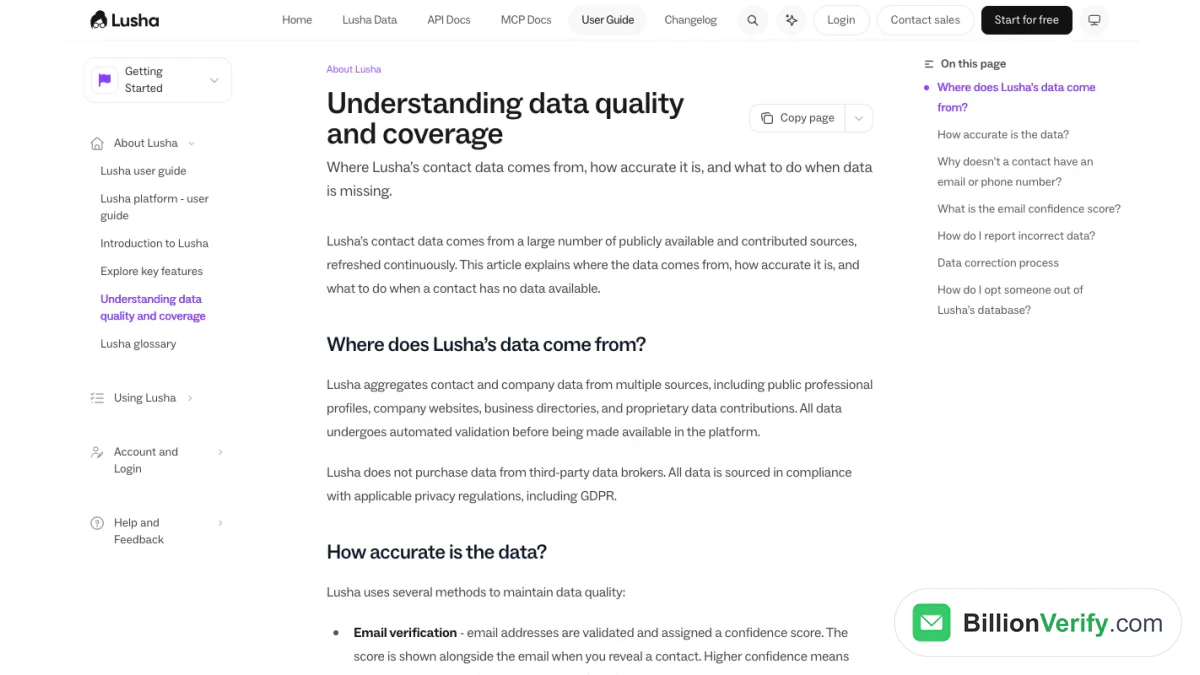
Screenshot: the quality and coverage article.
Four checks for every Lusha review
First, read the date, because plans change and Lusha reviews dated before the latest change describe old credit rules. Second, look at the region and job title of the people the writer searched for. Third, see whether they judged the product by a reveal or by a delivered message. Fourth, decide whether the complaint concerns the records or the spending.
Lusha reviews on privacy and coverage
Lusha reviews that raise privacy worries usually point back to the sources listed earlier, while Lusha reviews that praise coverage tend to come from US technology sales. Both kinds are worth reading, but neither replaces a test of your own list. Treat reviews as hypotheses and the free tier as the experiment.
Sorting Lusha reviews by complaint type
Reviews that blame cost are about plan size and rollover rules, and those reviews age quickly. Complaints about bounces point to freshness, which is why the confidence rating exists. Reviews that mention privacy are about the sources described above, and reviews of the Lusha extension are often about LinkedIn rather than the vendor. Grouping them this way turns a pile of stars into a short list of risks you can test on the no-cost tier. Reviews of the API deserve the same treatment, because a Lusha API gripe is usually about limits or plan access, not accuracy.
Confidence Ratings and Verification
Lusha reviews rarely separate the rating from the reveal, so keep the two apart. A revealed result may show a confidence rating. High means strong evidence that it is valid and deliverable. Medium means it follows a known pattern but is not fully verified. Low means it sits in the database with limited verification. The rating comes with the reveal at no extra charge, and the documentation advises starting with the high ones.
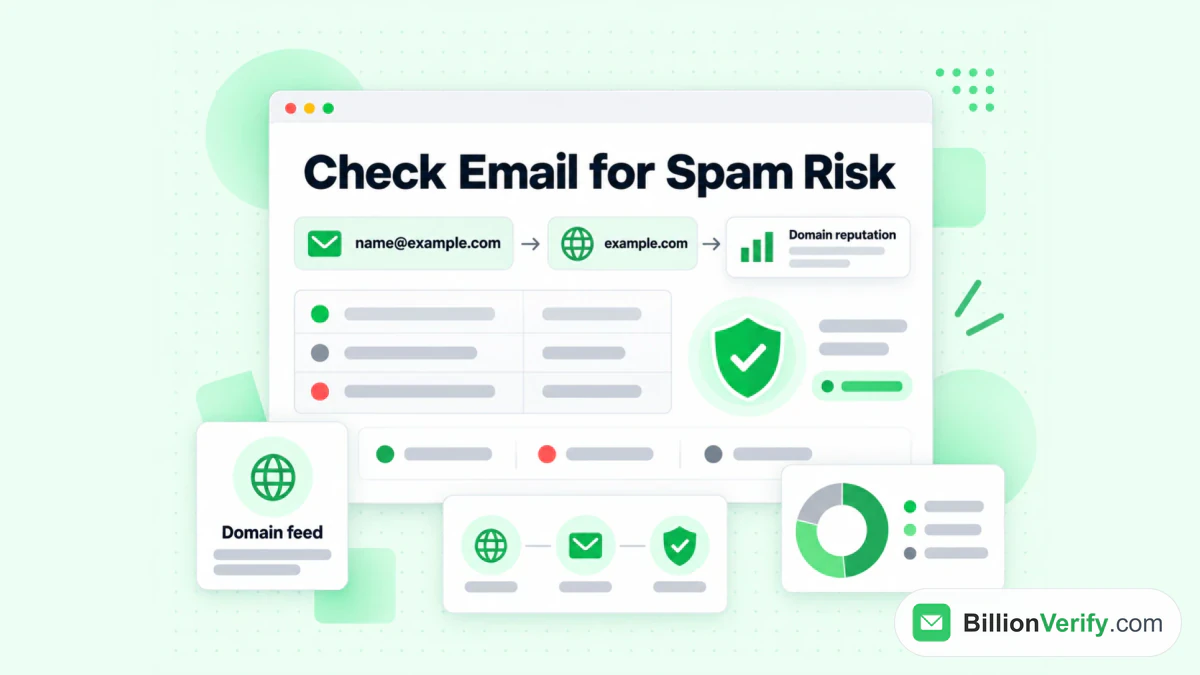
BillionVerify checks the domain behind an address for spam risk and reputation signals.
A rating is a statement about evidence at one moment. It is not a live mailbox test, and a mailbox that was valid at the last update can have closed since. Medium and low results, and any list that mixes exports with material from other places, need a separate check before they go into a sending tool.
BillionVerify checks each address with syntax, DNS, MX and SMTP tests, reports catch-all addresses as their own class instead of counting them as valid, and charges one credit only for conclusive verdicts. Unknown results are not billed, and the same mailbox is re-checked free within 24 hours. New users get 20 free credits on each day of use, up to 600 monthly, no card needed. Try the email verifier on a single reveal, or upload an export to bulk email verification. For a quick one-off, you can check whether an email address exists on the free page, no account needed.
If a profile has no work address, a reverse email lookup helps you confirm who owns one you found by other means. Guesses from a pattern can arrive unchecked, and BillionVerify's email finder returns only verified work emails for a name and a company domain (paid accounts only). Numbers deserve the same care, because one that was correct at the last update may be disconnected now, so use a phone number validator before you dial.
The Lusha API and MCP
The Lusha API pulls contact, company and signal records into your own systems. It is a separate way into the same product, so one credit balance covers the workspace, the extension, the API and the MCP server. Choose the Lusha API when records should land in a CRM or a data pipeline without a person clicking, and choose the extension when a rep is researching one prospect at a time.
Lusha API access and structure
The documentation calls version 3 current, with the older version still reachable from the docs sidebar, and the base URL is api.lusha.com/v3 over HTTPS with JSON bodies. Each request carries your key in an api_key header, and the docs say to treat it like a password and keep it on the server. Endpoints sit in modules: Search, Enrich, Prospecting, Lookalikes, Signals, Signal Score, ICP Fit Score, Buying Group, Conversations, Website Visits, Filters, Webhooks and Account. Webhooks send HTTP callbacks for signal notifications, and the Account module reports usage, balance and limits.
Lusha API limits and errors
Limits apply per plan across three windows: per minute, per hour and per day. The docs give no numbers and point you to the help center or an account manager, while each response carries headers that show how much quota is left. Errors follow plain status codes. A 402 means an empty balance, 429 means a limit was hit, 451 flags a legal block under GDPR, and 5XX responses call for retry with exponential backoff. Access depends on your plan, but the docs do not say which plan unlocks which module.
Lusha API credits
Revealing contact points through Enrich is the step that spends balance. A single request returns one result per credit, and a bulk request returns up to 25 results per credit, with a maximum of 100 contacts or companies per request. Each point is charged once per contact, so repeating a lookup does not charge twice. The same records reach assistants through the MCP server, whose setup article lists clients including VS Code, Cursor and n8n.
Cold Email After You Reveal
Once you hold a contact list, sending rules still apply. US cold email falls under the CAN-SPAM Act, which requires accurate sender details, an honest subject line, a postal address and a working opt-out. In Europe the GDPR adds a lawful-basis requirement, and the vendor notes its own compliance work. That does not replace compliance on the sending side. Our CAN-SPAM guide lists each requirement, and the cold email outreach guide covers the writing side.
FAQs
What does Lusha do?
It sells verified business contacts. You search for people and companies, then reveal work mail and phone numbers against a balance. It also provides company profiles, buying signals, a Chrome add-on, programmatic access and an MCP connector.
Is Lusha free?
There is a free tier with 40 credits every month, one seat and no card, and the Lusha extension comes with it. A reveal costs a single credit for business mail and 5 for a number, so the tier covers a small number of contacts.
Where does Lusha get its data?
From community contributions, licensed directories, public sources and models that complete records. It also says it is listed as a data broker in California.
Where is the Lusha login?
The Lusha login is at auth.lusha.com. Use a password, a Google profile, Office 365 or SSO. Paid users who rely on a password must also enter a numeric code sent by mail.
How can I remove my details?
Use the opt-out form in the trust center. Opted-out individuals do not appear in the database.
Are the addresses always valid?
No provider claims full accuracy, and the documentation says so too. Each result has a confidence rating, and high ones are safest to use first. Check lower ones before you send.
Does Lusha have an API?
Yes. The Lusha API returns people, firms and signals through version 3, and Lusha API calls use the same credits as the platform. The docs give per-plan limits in three windows but no numbers.
Are Lusha reviews reliable?
They are a useful signal if you read them by date, region and complaint type. Lusha reviews on the store listing and the rate screen both show 4.3, but neither tells you how your target market is covered, so test the free plan on your own list.
Watch: How to Validate a Phone Number: Free Phone Number Validator
