


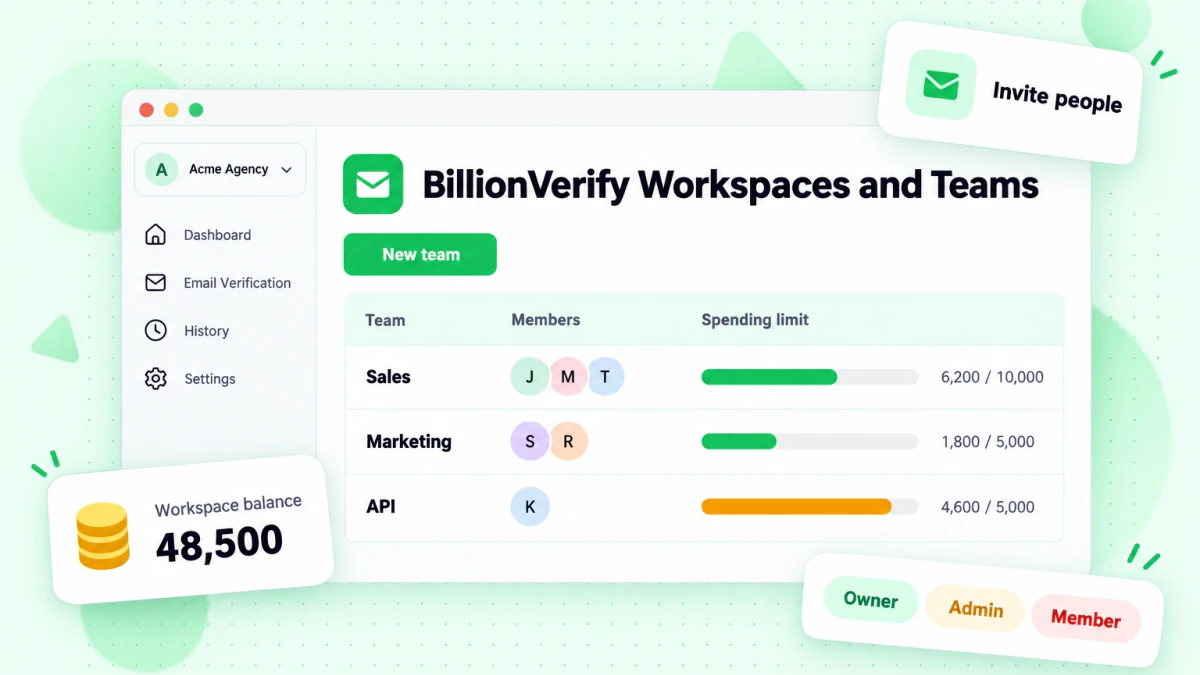
BillionVerify now has workspaces and teams. A workspace is a separate account for billing: its own credit balance, plan, invoices, API keys and webhooks. Teams sit inside a workspace and decide who can verify, what they can spend and whose results they can see. If you verify lists for several clients, run more than one brand, or share one BillionVerify account with a sales team, you no longer need one login per person or a spreadsheet to split the bill.
Nothing changes for existing accounts until you use the new features. Your account is now your default workspace, with the same balance, plan, API keys, history and auto top-up as before.
Workspaces: one balance per client, brand or business
You can create as many workspaces as you need. Each one has its own:
- Credit balance and plan
- Auto top-up and payment method
- Invoices
- API keys and webhooks
- Verification history and usage
You switch between them from the workspace switcher at the top of the sidebar. Everything you do, from Quick Verify to a 2 million row file upload, runs in the workspace you're in and spends that workspace's credits.
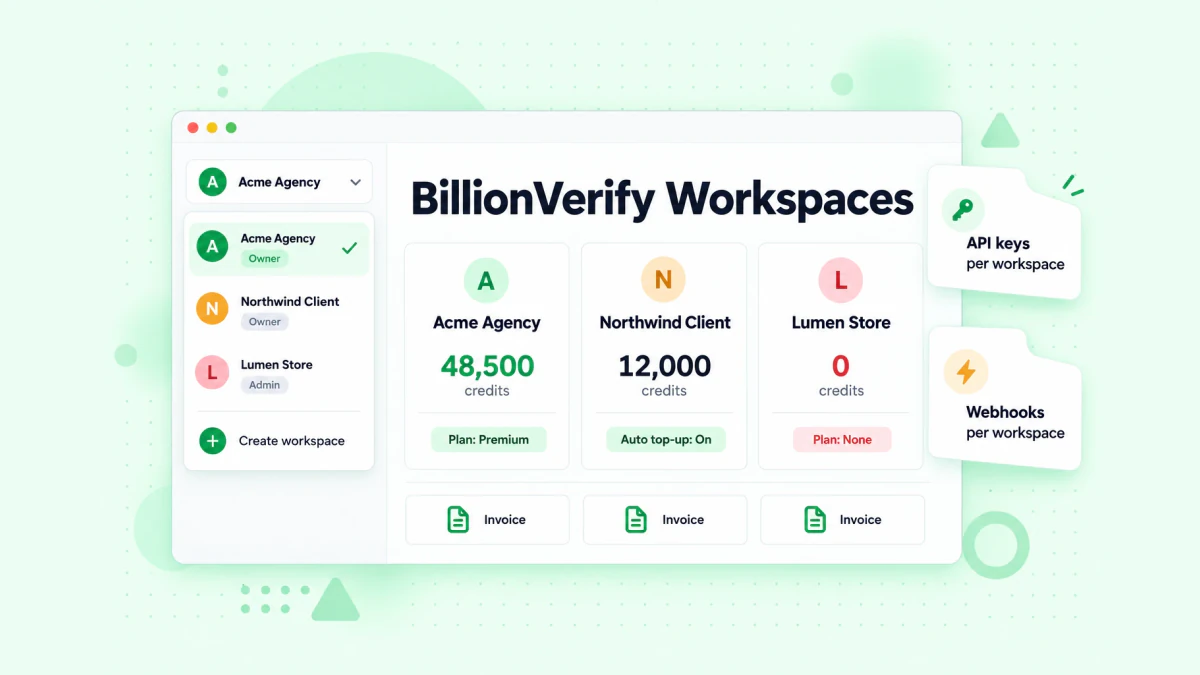
Two rules to know before you create one:
- A new workspace starts at 0 credits. Buy credits or pick a plan inside it, and its invoices go to that workspace only.
- Free daily credits stay on your default workspace. You get 20 free credits every day you log in, up to 600 a month, once per person, not once per workspace.
Roles: owner, admin and member
Invite people by email and give each one a role in the workspace:
| Role | What they can do |
|---|---|
| Owner | Everything an admin can do, plus making people admins, transferring and deleting the workspace |
| Admin | Billing, invoices, webhooks, people, teams and API keys. Sees all results in the workspace |
| Member | Verifies and finds emails inside their teams. Doesn't see the workspace balance, only what their team has left |
Each workspace has one owner. Members must belong to at least one team. Invitations expire after 7 days. If the person doesn't have a BillionVerify account yet, they create one from the invitation, and they get their own default workspace as well.
Teams: spending limits, shared results and team API keys
Inside a workspace, put members into teams. A team isn't a separate balance; it's a scope for spending and results. Each team has three settings.
A spending limit
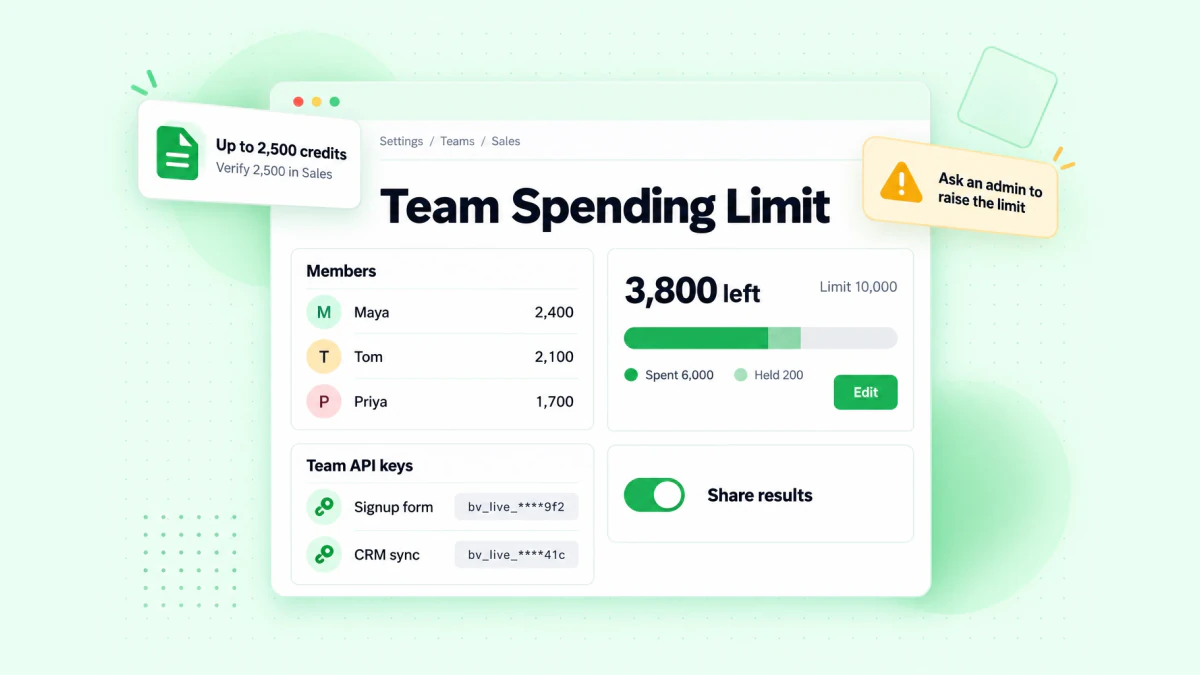
Every team has a spending limit drawn from the workspace balance, or no limit. It's a running total and doesn't reset each month. When a team reaches it, its members can't start new jobs until an owner or admin raises the limit. Other teams keep working.
Before a member submits a file, BillionVerify shows the most it could cost, what the team has left and the difference. If the file is bigger than what's left, the member can verify the first rows that fit or ask an admin to raise the limit. Nothing gets half charged.
A Share results switch
With Share results on, team members see each other's verification results. With it off, each member only sees the jobs they ran. Owners and admins always see every result in the workspace.
Team API keys
A team API key only reads that team's data and spends from that team's limit. A workspace key still covers the whole workspace. As before, creating API keys needs a paid workspace. If one integration or one app should never spend more than a set amount, give it a team of its own and a team key.
Usage is split by team and by person, and History has Team and Run by filters, so you can see who verified what and what it cost. If someone is in more than one team, they pick which team a job is charged to when they submit it.
Who workspaces and teams are for
Agencies verifying lists for clients
Create one workspace per client. Each client's credits, invoices and results stay apart, so billing a client for list cleaning is a matter of downloading that workspace's invoice. When a client takes the work in house, you can hand the workspace over with Transfer ownership: the balance, teams, API keys, results and invoice history move with it.
If you resell verification under your own brand rather than ours, see white label email verification.
Sales and SDR teams
Put your reps in a team with a spending limit, and they can verify their own prospect lists without access to billing. Turn Share results off if each rep should only see their own lists. Verify contacts before a sequence goes out from HubSpot or Salesforce, and verify every prospect list before it reaches Instantly or Lemlist. Our cold email verification framework covers the full pre-send checklist.
Marketing teams running several brands
Give each brand a workspace with its own plan and auto top-up, so one brand's busy month can't drain another's balance. Inside each workspace, teams separate the people who clean newsletter lists in Mailchimp or Klaviyo from the developers using the email verification API.
Developers separating apps and environments
Signup forms, CRM syncs and scheduled list cleaning can each get a team and a team key with its own limit. If a bug sends one integration into a loop, it stops at the team limit instead of spending the whole workspace balance. Endpoints and webhooks are in the API reference.
How credits work across workspaces and teams
- One credit per definite result. Valid and invalid results use one credit each. Unknown results are free.
- Free rechecks stay inside a workspace. Checking the same address again within 24 hours is free within the same workspace, not across workspaces.
- Two checks before a member's job starts. The workspace must have enough credits and the team must have enough limit left. If either is short, the job doesn't start and nothing is charged.
- Running jobs finish. File jobs hold credits when they start and settle on actual usage. Removing a member, lowering a limit or deleting a team doesn't stop a job that's already running.
- Webhooks belong to the workspace. A team's jobs also notify the webhooks set up for the workspace.
There's no separate charge for workspaces or teams. See pricing for credit plans.
Where your settings moved
Plans, Invoices, API keys, Webhooks and Profile now live under Settings, at the bottom of the sidebar, next to the new Members, Teams and Usage pages. Old links still work. The sidebar itself now only holds the work: Dashboard, Email Verification, Email Finder, Deliverability Test and History.
Using BillionVerify in Claude with workspaces
BillionVerify is in Claude's official connector directory at claude.ai/directory/billionverify. The Claude connector always uses your default workspace and its credits, whichever workspace you have switched to on the site. Setup and example prompts are in BillionVerify Is Now in Claude's Connector Directory.
FAQs
What is a workspace in BillionVerify?
A workspace is a separate BillionVerify account for billing and data. It has its own credit balance, plan, auto top-up, payment method, invoices, API keys, webhooks and results. Your existing account is your default workspace.
What is a team in BillionVerify?
A team is a group of people inside a workspace with a spending limit, a Share results setting and optional team API keys. Teams decide who can spend how much and who sees which results. They don't have their own balance; they spend from the workspace.
Do teams have their own credits?
No. Credits belong to the workspace. A team has a spending limit, which caps how much of the workspace balance its members and team API keys can use.
Do free daily credits work in a new workspace?
No. A new workspace starts at 0 credits. The free 20 credits a day, up to 600 a month, stay on your default workspace.
Can members see the workspace balance?
No. Members see how much their team has left. Owners and admins see the workspace balance, plans and invoices.
Can I transfer or delete my default workspace?
No. Your default workspace stays with your account. Workspaces you create can be transferred to an existing admin or member, or deleted. After a transfer, the previous owner becomes an admin, the saved payment method is removed and auto top-up is turned off until the new owner sets them up.
Do workspaces or teams cost extra?
No. Verifications use credits at the normal rate in whichever workspace they run in.
Set up your first team
Open Settings in the BillionVerify app, go to Teams and create a team with a spending limit, then invite your colleagues from Members. New to BillionVerify? Create an account and you get 20 free credits every day you log in, up to 600 a month.