

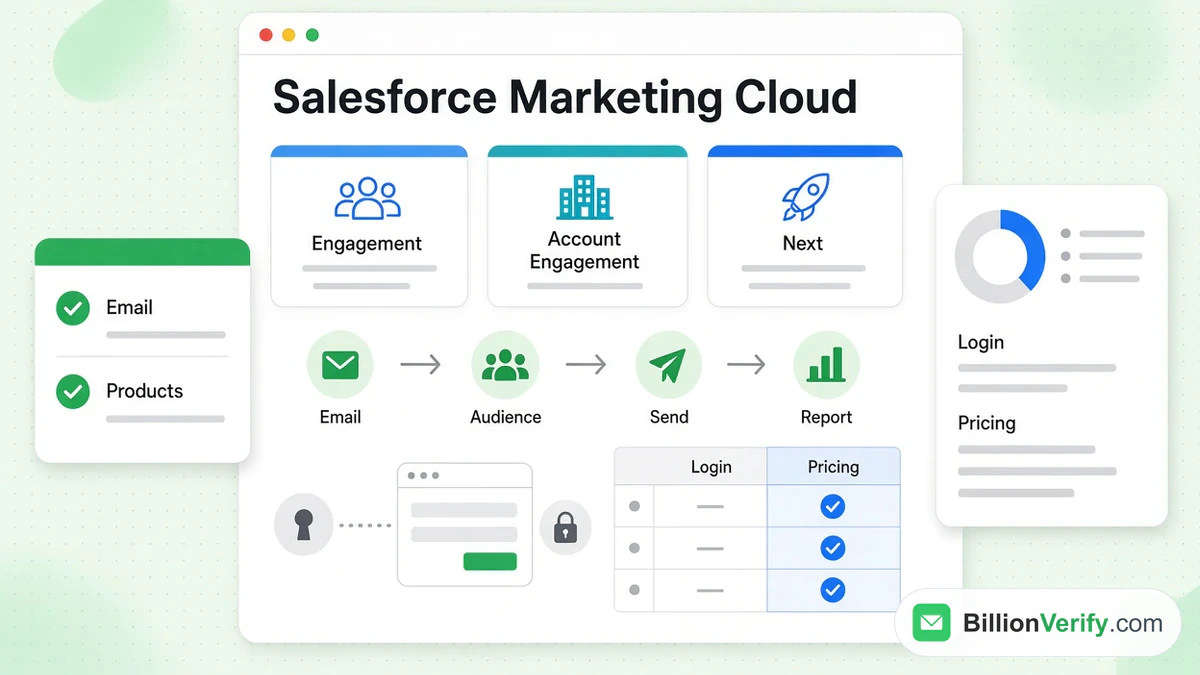
Salesforce Marketing Cloud is the name Salesforce gives to its whole family of marketing products: email, mobile messaging, journeys, B2B marketing automation and AI-driven campaigns. It is not one app. Under that name you will find Marketing Cloud Engagement, which grew out of the ExactTarget platform that Salesforce bought in 2013. You will also find Marketing Cloud Account Engagement, the product that used to be called Pardot, and the newer Marketing Cloud Next, which runs inside a normal Salesforce account. This guide explains each product, what its email features do, how to log in, and what Salesforce lists as the price in November 2026.
It also covers the part Salesforce leaves to you, which is the quality of the email addresses you load. Every Salesforce fact below comes from Salesforce's own site, Help articles and Trailhead, read in November 2026. We are not affiliated with Salesforce, HubSpot, Mailchimp, Brevo or MailerLite. BillionVerify is an email verification service.
Key facts (checked November 2026):
- Salesforce Marketing Cloud is the umbrella brand for all of Salesforce's marketing products, new and classic, according to the FAQ on the Salesforce marketing page.
- Salesforce bought ExactTarget in a deal that closed on July 12, 2013, and its press release puts the customer base above 6,000 companies.
- Marketing Cloud Next starts at $1,500 monthly for Growth and $3,250 for Advanced, per organization and billed annually, on the Salesforce marketing pricing page.
- Marketing Cloud Engagement costs $2,000, $5,500 and $30,000 monthly per organization for Pro+, Corporate+ and Enterprise+, with 15K, 45K and 500K contacts included, as shown on its pricing page.
- Engagement still uses a mc.exacttarget.com login page, and its Help article says multi-factor authentication (MFA) is required.
- A Help article says Next permanently suppresses a hard-bounced address and suggests outside validation tools for cleaning big lists.
What Salesforce Marketing Cloud Is
Marketing Cloud is the part of Salesforce that sends messages to people who are not yet customers, and to the ones who already are. Salesforce's own FAQ describes it as "a complete marketing platform designed to help you personalize every moment of engagement across the customer lifecycle." In practice that means building an audience, writing an email or text message, sending it, and measuring what happened. It also means deciding who gets which message next, based on what each person did.
The customer relationship side of Salesforce is a different job. A CRM such as Sales Cloud stores leads, contacts, accounts and deals for a sales team, and our guide to what Salesforce is and the Salesforce CRM guide cover that side. Salesforce Marketing Cloud sits beside the CRM and reads the same people. It handles the mass communication, while the CRM handles the one-to-one selling.
The marketing home page opens with the line "Multiply every marketer with agents that act." Salesforce now builds most of its marketing story around AI agents, so the current pages talk about a Campaign Agent that takes a goal and guardrails and then drafts content and makes sending decisions. The older products still do the everyday work of email and journeys, and many companies run them today.
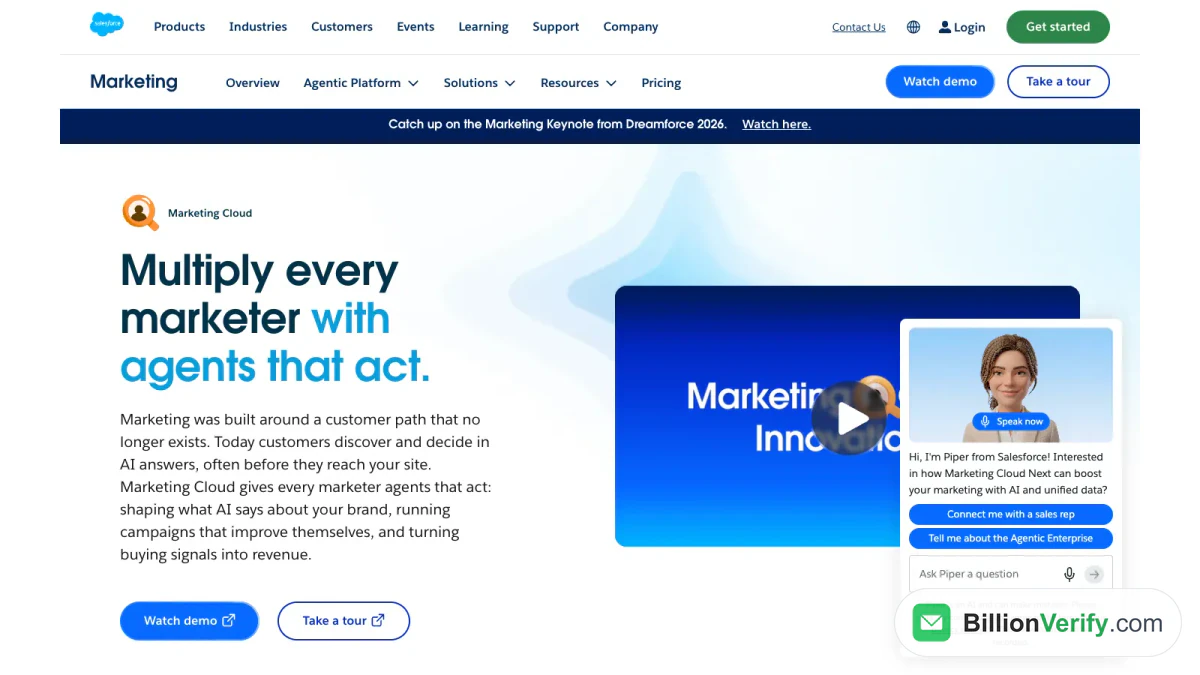
Screenshot: the Salesforce Marketing Cloud page on salesforce.com.
From ExactTarget to Salesforce Marketing Cloud
ExactTarget was an email marketing company founded in 2000. On July 12, 2013, Salesforce announced that it "has completed its acquisition of ExactTarget," which it described as "a leading cloud marketing platform" with customers such as Coca-Cola, Gap and Nike. Salesforce said the deal would "accelerate the growth and leadership of the Salesforce Marketing Cloud." The release does not state a purchase price.
The ExactTarget platform did not disappear. Salesforce says that Marketing Cloud Engagement "is the evolution of ExactTarget platform that was acquired by Salesforce," and that it has grown well beyond the original features with more messaging, data integrations, channels and AI. That history explains an odd detail you will still notice today. The sign-in address is still mc.exacttarget.com, and Salesforce's own documentation uses the words ExactTarget and Marketing Cloud side by side.
Pardot has a similar story. Salesforce's Account Engagement FAQ says Pardot "was part of Exact Target, which was acquired by Salesforce in 2013," and calls it the legacy product name for the same product. Salesforce's own FAQ pages occasionally use the names loosely, so check the exact product name on your contract before you search the help site.
The Three Core Products
Salesforce's FAQ explains the naming in one paragraph. The brand covers every marketing product it sells, and Marketing Cloud Next is the flagship next-generation product, "built natively on the Salesforce platform with AI, Data 360, and Agentforce at its core." Customers of the two classic products can add the new capabilities through "+" editions, so the classic products and the new one now overlap in the price list.
| Product | Formerly | Built for | Where it runs |
|---|---|---|---|
| Marketing Cloud Engagement | ExactTarget | Email, SMS, push and cross-channel journeys | Its own platform at mc.exacttarget.com |
| Marketing Cloud Account Engagement | Pardot | B2B marketing automation tied to Salesforce CRM | pi.pardot.com, with Salesforce credentials |
| Marketing Cloud Next | None | B2B and B2C campaigns with AI agents and unified data | Inside your Salesforce account, switched on from Setup |
Marketing Cloud Engagement
Salesforce describes Marketing Cloud Engagement as an "enterprise-grade platform for email, SMS, push notifications, and cross-channel journey orchestration." Marketers know it through a set of studios. Email Studio builds and sends emails, from basic newsletters to the most complex campaigns, according to the Help site. Journey Builder plans automated, multi-step customer communications. Automation Studio schedules email sends, queries, imports and similar data jobs. Content Builder, Contact Builder, Mobile Studio and Advertising Studio supply the content, audiences and channels that journeys use.
This is the product most people mean when they talk about Salesforce email marketing at scale. It is also the one with the highest entry price, as the pricing section below shows. Existing customers do not have to rebuild their work, because Salesforce says journeys built in Journey Builder can be used within Flow, the automation engine behind Next.
Marketing Cloud Account Engagement
Marketing Cloud Account Engagement is Salesforce's B2B marketing automation product. Salesforce calls it "the only marketing automation platform built on the world's #1 CRM," and positions it around lead generation, nurturing and aligning marketing with sales. Because it reads the same Lead, Contact and Opportunity records as Sales Cloud, a marketer can see which prospects a sales rep is already working. Its pricing page lists forms, landing pages, automation rules, dedicated IP addresses, business units and sandboxes, which shows where the effort goes.
If your buyers are other companies and your sales cycle is long, this is the product designed for you. Teams that sell to consumers in high volume usually look at Engagement or Next instead.
Marketing Cloud Next
Salesforce's FAQ calls the product "Salesforce's marketing solution for the Agentic Enterprise" and says AI agents "help marketers plan, create campaigns and content, optimize, and orchestrate adaptive customer experiences across every channel and interaction." It is built on the Salesforce platform and the company's customer data layer, Data 360, so the people in a campaign are the same records your sales and service teams already use. Journeys run on Flow rather than on Journey Builder.
Salesforce lists two editions, Growth and Advanced. Growth includes Campaign Agent content, multi-channel journeys, forms and landing pages, consent management and campaign attribution reporting. Advanced adds agentic campaigns, conversational email, RCS, SMS and WhatsApp, custom automation events and AI-powered engagement scoring.
Add-Ons and Related Products
The price page also lists extras that sit on top of the core products, including Salesforce Personalization, Marketing Intelligence and Loyalty Management. The marketing page covers other items too, such as a content management system, digital advertising and a customer data platform. Most readers who search for email software will not need these on day one, so this guide stays with the three core products.
Email Marketing in Salesforce Marketing Cloud
Salesforce email marketing is spread across the three products, and each one handles the basics a little differently. All of them cover the same core jobs: an audience, a message, a send and a report. The differences are in how you build the audience and how much of the work an agent or an administrator does.
Email in Engagement
In Engagement, an email starts in Email Studio or inside a journey. Journey Builder's email activity "uses the power of Email Studio" to send to the contacts inside a journey. Salesforce describes three journey types. A single-send journey sends one batch message to a target audience, a transactional journey sends a personalized message in response to an action a contact takes, and a multi-step journey runs a responsive series of interactions.
Every send needs a clean data source. The contacts come from lists or data extensions that you import or fill through the API. Salesforce also offers Marketing Cloud Connect, which links Engagement to Sales Cloud so campaigns can use CRM leads and contacts. Our Salesforce email verification guide shows where verification fits when you sync the two.
Email in Next
In Next, an email campaign is a Salesforce campaign record. Salesforce's Trailhead email sending module has you create a campaign of type Email, pick the Single Email option and build an audience segment, which must be published before the send step works. You then set the message purpose and the subject line, publish the email and activate the campaign. Setting the purpose to Promotional limits the send to opted-in subscribers and requires compliance elements such as a physical address and an unsubscribe or preference center link.
Consent is a first-class object here. You import consent data separately from the people themselves, and the contact points must already exist before the consent import can update them. Salesforce's bounce article says its guidance covers Next as well as the Marketing app for Salesforce Foundations, Salesforce Pro Suite and Salesforce Starter, so the entry suites use the same email tooling.
Email in Account Engagement
Account Engagement sends the emails that nurture a lead, and it syncs the results back to the CRM. The marketer builds forms, scores prospects, and lets automation rules move them along. Salesforce also sells a Sales Emails add-on priced per user, so reps can send tracked emails from their own CRM screens.
Salesforce Marketing Cloud Login
There is no single sign-in page for every product, because the three products live in different places. The page you need depends on which product your company bought. Ask your administrator which one it is if you are unsure, because the wrong address will not recognize your credentials.
Engagement Login
This product signs in through the ExactTarget address. The Help article gives the login URL as mc.exacttarget.com/cloud/login.html in its article on logging into the product. The page asks for a username and then a Next button, and it shows a Remember me box. After you pass the username step you enter your password and complete MFA, which Salesforce says every account must use.
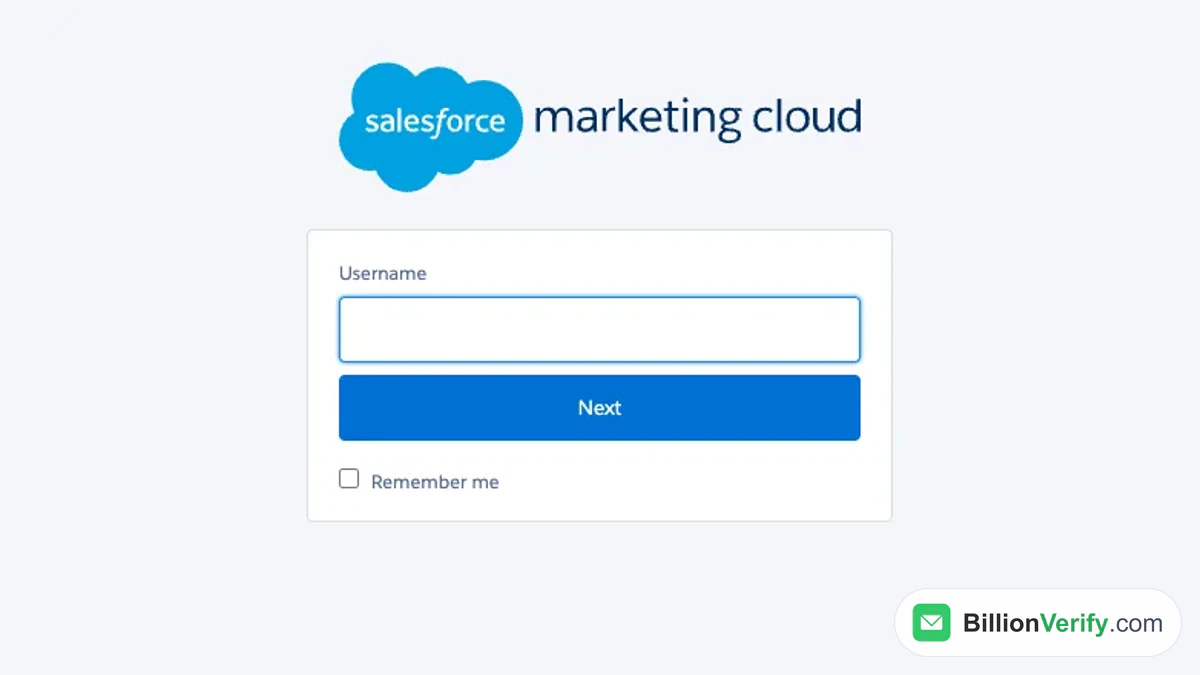
Screenshot: the Marketing Cloud sign-in page on mc.exacttarget.com.
Engagement runs on numbered stacks. Another article lists https://mc.exacttarget.com/ as Instance 1 and https://mc.s4.exacttarget.com/ as Instance 4, and notes that most of these URLs include an "S" followed by the stack number. If your company is on a different stack, use the address your administrator gives you. You can confirm your stack on the Salesforce Trust site by searching for your account number (MID), or by checking the address in your browser after you sign in.
If you cannot sign in, the same article names the fixes. A wrong username or password returns the message "Please check your username and password. If you still can't log in, contact your Salesforce administrator." Password reset follows the self-service "Reset a Forgotten Password" steps, and verification comes through MFA instead of email. A forgotten username has to come from your administrator, and an error saying the account is inactive means you should contact your account representative.
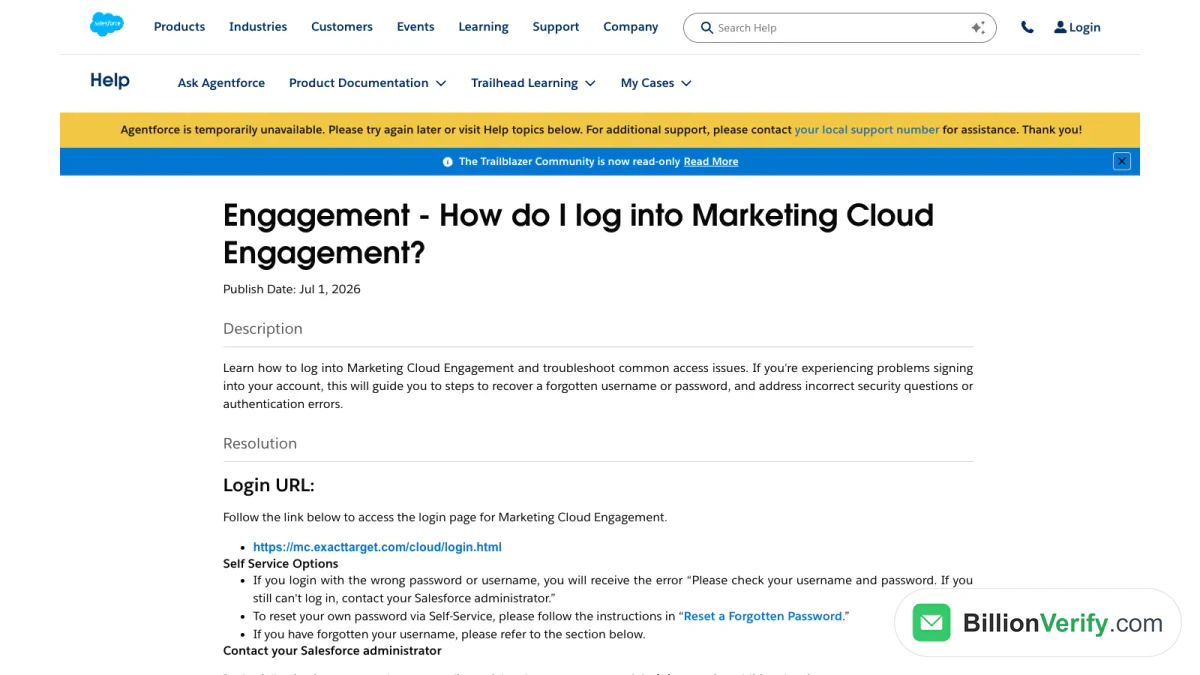
Screenshot: the Salesforce Help article on logging into Engagement.
Account Engagement Login
Account Engagement relies on Salesforce credentials. The Help article on Account Engagement access says all users sign in with them, either through single sign-on on pi.pardot.com or through the Account Engagement Lightning app. On the login screen you click Log in with Salesforce. Your user needs a linked CRM username, and an administrator has to enable single sign-on for the user first. Users who belong to more than one business unit cannot sign in at pi.pardot.com and must use the Business Unit Switcher in the Lightning app instead.
Next Login
Next has no separate sign-in page. An administrator enables it inside a Salesforce account by searching Marketing Cloud in Quick Find in Setup, opening Basic Settings and selecting Enable once the prerequisite tasks are done, so you reach it by signing in to that account. Salesforce's Trailhead module says provisioning can take up to 15 minutes, so a new org may not show the marketing features immediately.
Salesforce Marketing Cloud Pricing
Salesforce publishes list prices, marks each one "subject to change," and sends buyers to a sales representative for detail. The amounts below are the US dollar prices on the Salesforce marketing pricing pages in November 2026. All of them are per organization, not per user, and billed annually.
Next Prices
The Growth edition lists at $1,500 per month, and Advanced lists at $3,250. Salesforce Starter, which bundles marketing with sales, service and commerce, is priced per user instead, from $25 per user per month.
Engagement Prices
The Engagement pricing page uses "+" editions that bundle access to Next. Each edition lists its email, mobile and contact allowances, so the number of contacts you store affects the edition you need.
| Edition | Monthly price | Includes | Email messages | Mobile app messages | Contacts |
|---|---|---|---|---|---|
| Pro+ | $2,000 | Growth edition | 2.5M | Not listed | 15K |
| Corporate+ | $5,500 | Advanced edition | 10M | 1M | 45K |
| Enterprise+ | $30,000 | Advanced edition | 150M | 10M | 500K |
Account Engagement Prices
Account Engagement also moved to "+" editions. Growth+ includes access to the Growth edition of Next, and the three higher editions include the Advanced edition, per its pricing page.
| Edition | Monthly price | Contacts included |
|---|---|---|
| Growth+ | $1,250 | 10,000 |
| Plus+ | $2,750 | 10,000 |
| Advanced+ | $4,400 | 10,000 |
| Premium+ | $15,000 | 75,000 |
The same page lists extra contacts at $100 for each 10,000 a month and says all per-month products require an annual contract. The Sales Emails add-on is $50 per user per month, and SMS and WhatsApp credits start at $10 per 1,000.
How to Get Started
Start by deciding which product matches your business. A company that sells to other companies with a long cycle usually begins with Account Engagement. A company with a large consumer list and high send volume looks at Engagement. A team that already lives in a Salesforce org and wants the newest tools starts with Next. Salesforce's trial offers vary by product, and its Trailhead site has a free Email Sending Essentials module that uses a Developer Edition org with Data 360 and Marketing Cloud Next.
Plan your data before you build anything. Decide which fields each contact needs, where consent will come from, and who owns the sender domain. Then import a small test list and send yourself a message before you send to everyone. That order saves you from a surprise that Salesforce itself warns about in the next section.
Clean Your Email List Before You Import It
Salesforce checks addresses only lightly when you load them. The Help site says Engagement validates syntax on import, and it reports an "Invalid email address" error for addresses with two or more @ symbols, spaces, a missing @, or a top-level domain with a single character or none. It does not flag an address with a period right before the @ or with consecutive periods. Engagement also runs List Detective, which Salesforce describes as a database of bad email addresses that cannot be used in lists and sends, and which flags role-based addresses such as admin@ and info@. It runs at import time, except for data extensions, and again at send time, so an address can import without an error and still be excluded from a send.
None of these checks ask the receiving mail server whether the mailbox exists. An address like jane@company.com passes whether or not anyone reads it. The cost shows up later as bounces. Salesforce's Help article on Next bounces says hard bounces are "permanently suppressed" and that this applies to the email address itself, so deleting and re-importing it does not clear the suppression. The same article says "hard bounces should not be reset to protect your deliverability reputation."
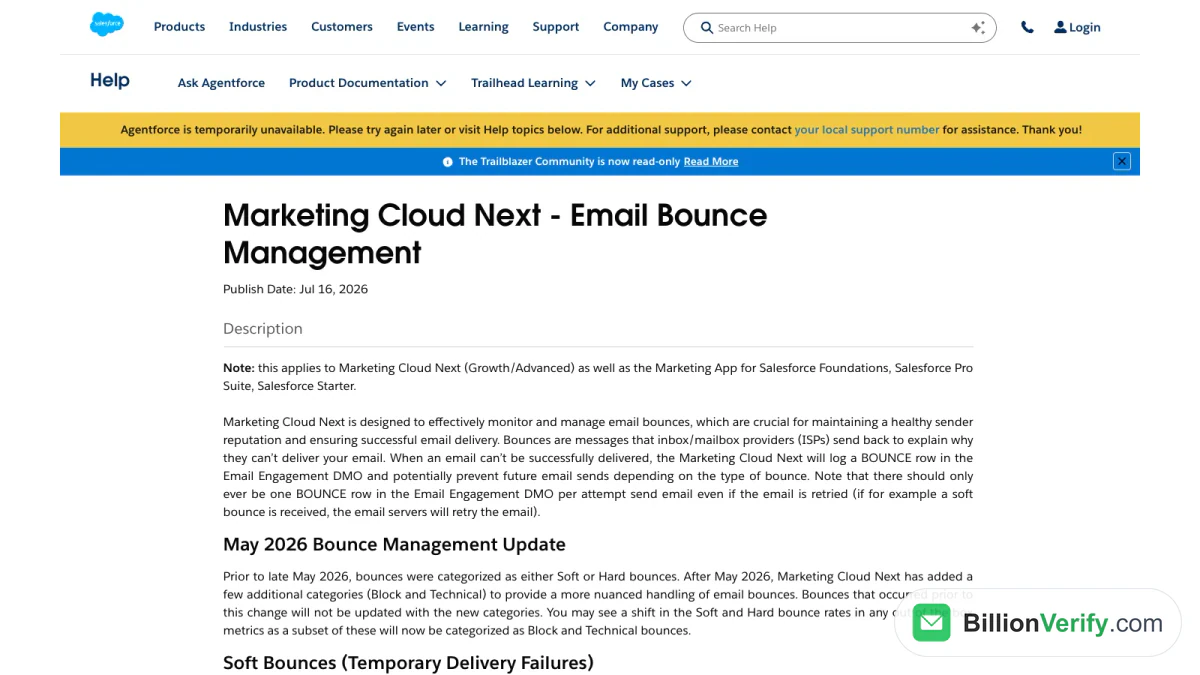
Screenshot: Salesforce Help, "Marketing Cloud Next - Email Bounce Management".
The article also says rising hard bounce rates point to problems with list acquisition, data imports or validation at the point of collection. Its fix list includes real-time validation on signup forms, double opt-in and email validation services for cleaning large lists. Salesforce does not bundle a free mailbox-level cleaning step into its marketing products, so this is work you do before the import.
Money is part of it too. The editions are priced around contact allowances, and Account Engagement sells extra contacts in blocks of 10,000 at $100 a month. Every dead address that stays in a list uses up room you pay for, and every bounce adds to the pile that can hurt your sending domain. Cleaning a file before import keeps both costs down.
BillionVerify's bulk email verification takes a CSV of any size and checks each address through syntax, DNS, MX and SMTP layers. Catch-all addresses are reported as their own category and are never counted as valid. Valid and invalid results cost 1 credit each, unknown results are not charged, and you can recheck for free within 24 hours. The free plan gives 20 credits on each day you use the account, up to 600 per month, with no card required. Remove the invalid rows, then import the rest.
For a single address, paste it into the email verifier. If you need to learn who owns an address in a lead record, a reverse email lookup helps, and a phone number validator checks the phone field in the same record. BillionVerify also has a Salesforce integration for checking the CRM records that feed your campaigns. BillionVerify's free checker also runs live SMTP checks on one address and flags disposable, role and catch-all risk, with no signup.
Is Salesforce Marketing Cloud Right for You?
The family fits companies that already run Salesforce and want email, journeys and consent management in the same data model as sales and service. It rewards teams that have an administrator or a partner, because audiences, data extensions and journeys all need to be set up. The entry prices also assume an organization-level budget, since even the cheapest Next edition costs $1,500 a month and is billed annually.
If you only need to send a newsletter, a dedicated email marketing tool is lighter. Our guides to Mailchimp and SendGrid and ConvertKit and Mailchimp compare two options. For Salesforce users on the small-business suites, the marketing app in Starter and Pro Suite is the lighter route into the same platform.
FAQs
Is Salesforce Marketing Cloud the same as ExactTarget?
Not exactly. ExactTarget is the company Salesforce acquired in 2013, and its platform lives on as Marketing Cloud Engagement, which Salesforce says now does far more than the original. The brand also covers Account Engagement and Next.
What is the difference between Engagement and Account Engagement?
Engagement is the ExactTarget-based tool for high-volume email, SMS, push and journeys. Account Engagement is the former Pardot, built for B2B lead generation and nurturing on top of CRM records. They have separate addresses for signing in and separate price lists.
How do I sign in to Marketing Cloud?
It depends on the product. The ExactTarget login page serves Engagement and requires MFA, Account Engagement uses Salesforce credentials through pi.pardot.com, and Next is reached by signing in to your Salesforce account. Your administrator can tell you which one applies.
How much does it cost?
Next begins at $1,500 each month for an organization, billed annually, and Advanced is $3,250. Engagement begins with Pro+ at $2,000, and Account Engagement begins with Growth+ at $1,250. Salesforce calls every price subject to change and asks buyers to confirm with a sales representative.
Is there a free trial?
Salesforce offers free ways to try parts of its marketing tools, but not a single trial for every product. A Trailhead module on sending email gives you a free Developer Edition environment, and the marketing home page offers demos and a product tour.
Can it send email using my Salesforce CRM data?
Yes. Next reads leads and contacts from the same Salesforce account, and Engagement connects to the CRM through Marketing Cloud Connect. Account Engagement syncs with CRM objects such as Leads, Contacts and Opportunities.
Does it verify that an email address exists?
No. Salesforce checks syntax on import and runs List Detective on some paths, but its Help articles point to separate validation tools for large files. A verification service that contacts the mail server finds dead mailboxes, disposable addresses and catch-all domains before they bounce.
What happens when an address hard bounces?
Next suppresses it permanently. The suppression is tied to the email address, so importing the same address again does not clear it, and Salesforce generally advises against resetting hard bounces.
Watch: How to Validate a Phone Number: Free Phone Number Validator
