



The SendGrid SMTP server is smtp.sendgrid.net. You sign in with the literal username apikey, and the password is a key that you create in the console. SendGrid suggests the 587 option when you are unsure. Any program with an outgoing mail screen can use these SendGrid SMTP settings, from a CMS to a printer to a script.
This article lists every value, explains the four ports, shows how the vendor's own telnet test works and what its replies mean, covers the connection ceilings and then walks through the errors people hit most. All of it comes from the SendGrid documentation as read in November 2026, and BillionVerify is not affiliated with SendGrid or Twilio.
Key facts (checked November 2026):
- The SMTP integration page names smtp.sendgrid.net as the SendGrid SMTP host, the exact string apikey as the username and a key as the password.
- Three ports accept plain or TLS traffic and a fourth accepts SSL, and the page calls the TLS choice on the 587 setting typical.
- One session may carry five thousand messages, and a single server may keep ten thousand sessions open.
- Customers are told not to point at numeric IP addresses, since those get reassigned now and then.
- A send lacking a From header is blocked for breaking RFC 5322, according to the telnet guide.
- BillionVerify checks recipients ahead of a relay run, so hard bounces do not pile up.
SendGrid SMTP Settings at a Glance
Whatever the application calls its fields, four values matter. The table gives the SendGrid SMTP host, the login name, the secret and the port, which is all a mail client or plugin needs to relay through SendGrid.
| Setting | Value |
|---|---|
| Host | smtp.sendgrid.net |
| Username | apikey (the exact word) |
| Password | The secret copied at creation |
| TLS | 587, 25 or 2525 |
| SSL | 465 |
Other programs label the host as the external SMTP server or the SMTP relay, and the vendor says that is the same thing. The second row trips up newcomers. The username is not your account login or a mailbox. It is the word apikey, typed exactly, and the secret you paste into the password box is the real credential. Our overview of what SendGrid is shows where that secret fits among the product's other credentials.
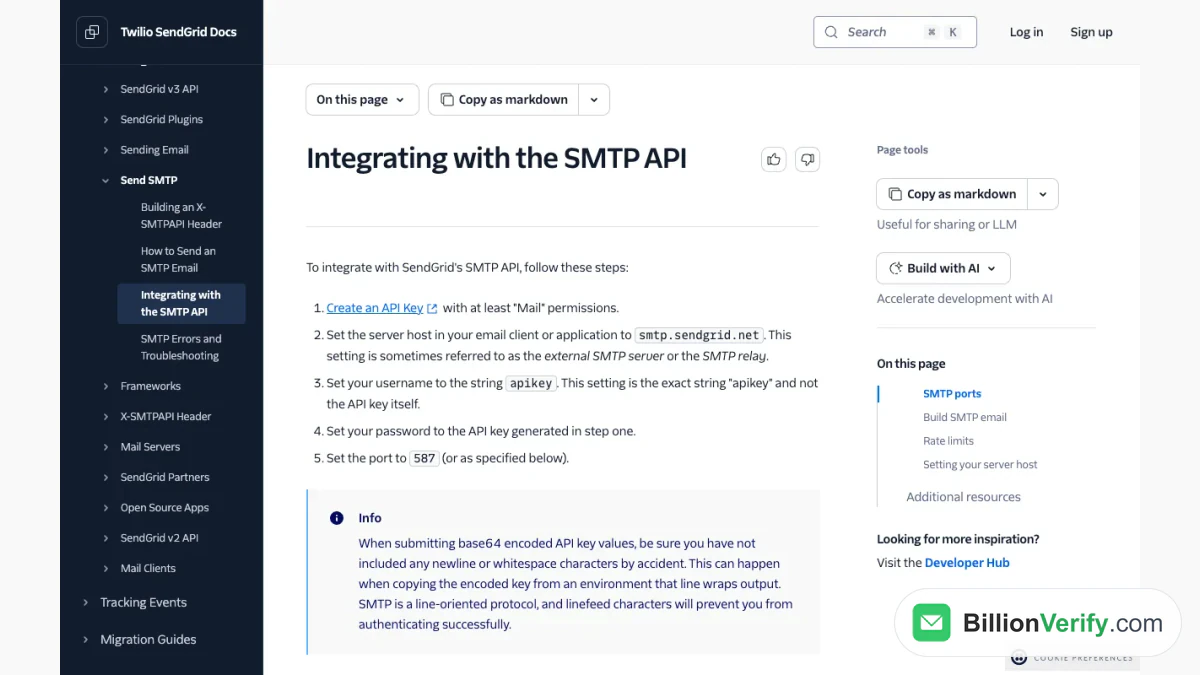
Screenshot: the integration guide for the SMTP service, with its host, username and password steps.
Create the Key and Verify a Sender First
Before any connection works, you need a credential with permission to send mail. In the console you open Settings, go to the key list, press the create button, name the new item and choose its access. Four levels exist: full, custom, billing and validation, and the SMTP page asks for at least Mail permissions. The full secret appears only once, so copy it at that moment. An account holds up to 100 of them, which is plenty for a dedicated credential per application.
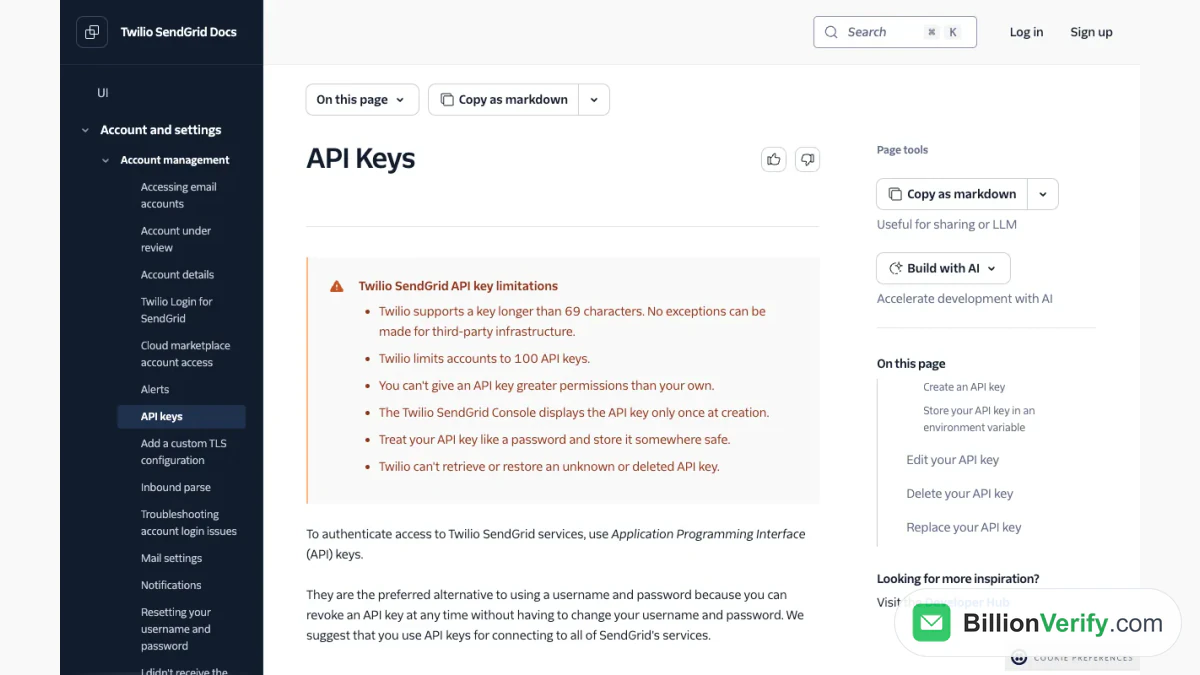
Screenshot: the credential documentation, with the permission levels offered at creation.
SendGrid also requires you to prove who you are sending as. Its sender documentation says Twilio makes customers authenticate or verify their sender identities to protect reputation. The quick route is single sender verification, where you add the From address and click a link in the confirmation message. The longer route is domain authentication, and when that domain matches the From domain exactly, the sender is verified automatically. The records involved are explained in our SendGrid SPF record guide.
Mapping the Fields in Common Tools
Different programs label the same SendGrid SMTP settings in different ways, so it helps to know which box takes which value. A host, server or relay box expects smtp.sendgrid.net. A login or user box wants apikey. A password or secret box gets the key. An encryption dropdown accepts TLS, STARTTLS or SSL, depending on the port you picked, and the From address must be a sender you verified.
Plugins for content systems, shop software and ticket tools all ask for these SendGrid SMTP relay values in roughly this order. If a tool offers only a single combined setting for authentication, choose the plain login method, because the service authenticates that way, as the telnet test below shows. A tool that insists on a numeric host is a poor fit, since the vendor tells customers to use the name. For tools that let you test, send a test to your own inbox right after you save the SMTP host and credentials.
Which Port to Use
Four ports are listed, and the choice mostly comes down to what your hosting provider allows. Three of them accept a plain link or a connection upgraded to TLS, while 465 expects SSL from the first byte. Most modern tools label the options by encryption instead of by number, so pick TLS or STARTTLS for the first three and SSL for the last.
When unsure, choose 587. The telnet tutorial repeats the advice and gives a reason: it should avoid rate limiting or blocking by ISPs and hosting providers. Port 25 is the choice most often blocked on home networks and cloud servers. The 2525 option works as a fallback for networks that block the standard submission ports, so try it when the usual choice times out.
Test the SendGrid SMTP Relay With Telnet
SendGrid publishes a hand-typed test that shows each reply from the server, and it is useful when a plugin only says that sending failed. You open a session to the SendGrid SMTP server on 587 and ask to log in with the AUTH LOGIN command. The server answers with a Base64 request for the username, you reply with the Base64 form of apikey, and then you send the Base64 form of your key as the secret.
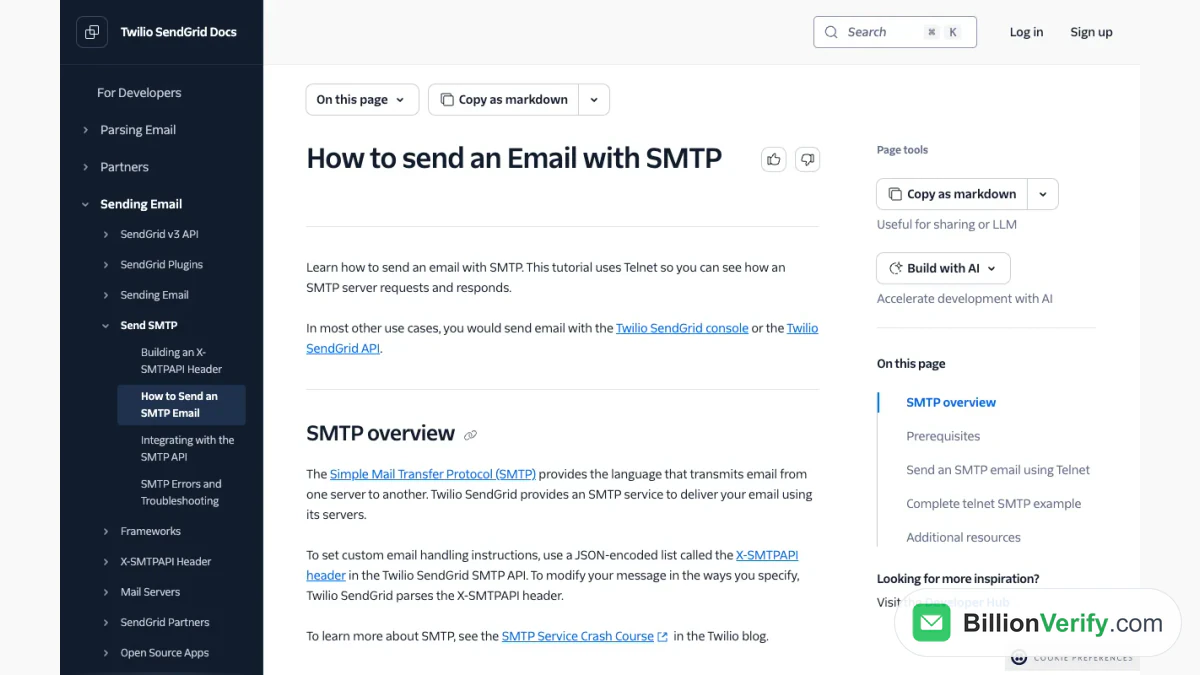
Screenshot: the hand-typed SMTP session guide, which walks through each request and reply.
A reply that starts with 235 means authentication worked. After that you give the sender with MAIL FROM and any number of recipients with RCPT TO, and the server should answer each with a 250 line. The DATA command moves to the content, and the server replies with 354. You then type a To line, a From line, a Subject line and a body, and end with a single period on its own line. When the final answer says queued, the item sits in the send queue.
Two details in that tutorial save time. Telnet does not register backspaces, so a typo means retyping the line, and the text says to paste the commands. Also, a send with no From header never goes out, because it violates the standard, so the header is not optional even in a test. A related note concerns Base64 values: stray newline or space characters cause failed logins, because SMTP is line-oriented and a linefeed ends the line early.
Connection Limits
Two ceilings apply to SMTP traffic. A session handles at most 5,000 messages, so a large job should open a fresh session after that count. Meanwhile a machine may run as many as 10,000 parallel sessions, far above what most applications need.
SendGrid adds a rule that matters for firewalls. Always use the host name, never a numeric address, because numeric ones change without notice and a hard-coded one will eventually break the integration. If your network uses an allow list, plan to refresh it from current vendor information instead of fixing numbers once.
SMTP or the API
The relay is the easy choice for software that only knows how to talk to a mail server. It also supports an extra header called X-SMTPAPI, a JSON-encoded list that tells SendGrid how to handle the message, so some API features remain available. SendGrid says that in most other cases you would send with the console or the API instead.
For code you write yourself, the API gives structured responses and a cleaner way to report errors, and it is how SendGrid documents its newer features. The choice rarely changes your cost, because both feed the same plans, which we cover in the SendGrid pricing guide.
Fixing Common SendGrid SMTP Errors
SendGrid's troubleshooting page starts with the code families. Replies beginning with 2 mean success, those beginning with 4 are temporary failures that are usually treated as deferrals and retried for up to 72 hours, and those beginning with 5 are permanent failures that are generally not retried. Reading the first digit tells you whether to wait or to fix something.
Authentication problems come next. A message that reads Unauthenticated Senders Not Allowed means an attempt to hand over mail before the connection was authenticated, so check that the login word is exactly apikey and the secret is a properly configured credential. A 403 reply saying you are not authorized to send from that address means the From address does not match a verified sender identity, and nothing goes out until you verify it or authenticate the domain. A certificate warning for the host can appear on servers that lack the right authority bundle, and SendGrid says the connection stays encrypted even then.
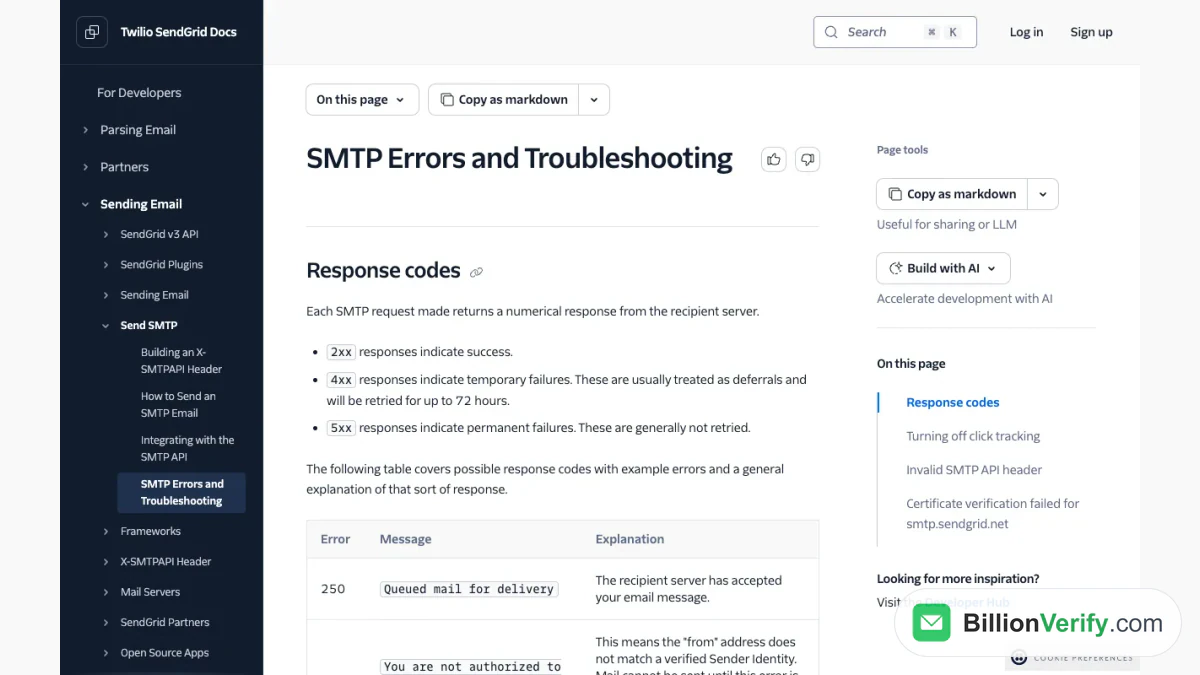
Screenshot: the errors page of the SMTP documentation, which explains the reply code families.
If the connection times out rather than failing, the port is probably blocked, so switch away from 25. Rejected recipients are the third group, and they matter most for list quality. The page says that replies such as mailbox unavailable, user does not exist and invalid or inactive user mean the mailbox could not be found or the address is malformed, and it tells you to remove those addresses from your list. A full mailbox gets a separate code, and SendGrid does not resend that message. A sender that keeps submitting bad recipients can also trigger a short temporary block for repeated bad requests.
Check Recipients Before You Relay
A 250 answer from the server only means SendGrid accepted the message for sending. The bounce documentation describes an asynchronous bounce as a message that is accepted first and reported as undeliverable later, sometimes minutes or hours afterwards. Once an address lands on the bounce list, any future request for it is dropped.
So a relay job that uses unchecked addresses can report success while a share of the mail bounces behind it. A bounce glossary entry from SendGrid lays out the two bounce types. To stop dead mailboxes at the door, use an email verifier for single addresses or bulk email verification for a whole list. BillionVerify charges 1 credit for each valid or invalid result and nothing for unknown ones, and its free account gives 20 credits on each day it is used, up to 600 a month, with no card.

SendGrid's own validation feature exists too, but only on its upper tiers, as our comparison of SendGrid email validation shows. A reverse email lookup helps with sign-ups you do not recognize, and a phone number validator covers numbers if your relay also feeds text alerts.
FAQs
What is the SendGrid SMTP username?
The exact word apikey. It is not your account login, and the password field takes the credential you copied when you made it.
Which port should I choose?
TLS on 587 is the usual recommendation. Use 465 if your software wants SSL from the start, and try 2525 when the common option is blocked on your network.
Does the SendGrid SMTP service have a sending limit?
Yes, per session and per server, as described earlier. Your plan has its own monthly volume as well.
Can I use an IP address instead of the host name?
SendGrid advises against it, because a fixed number may stop working and take your integration with it.
Why does SendGrid reject my message without a From line?
The standard requires that header, and SendGrid blocks any message that omits it.
Watch: How to Validate a Phone Number: Free Phone Number Validator