



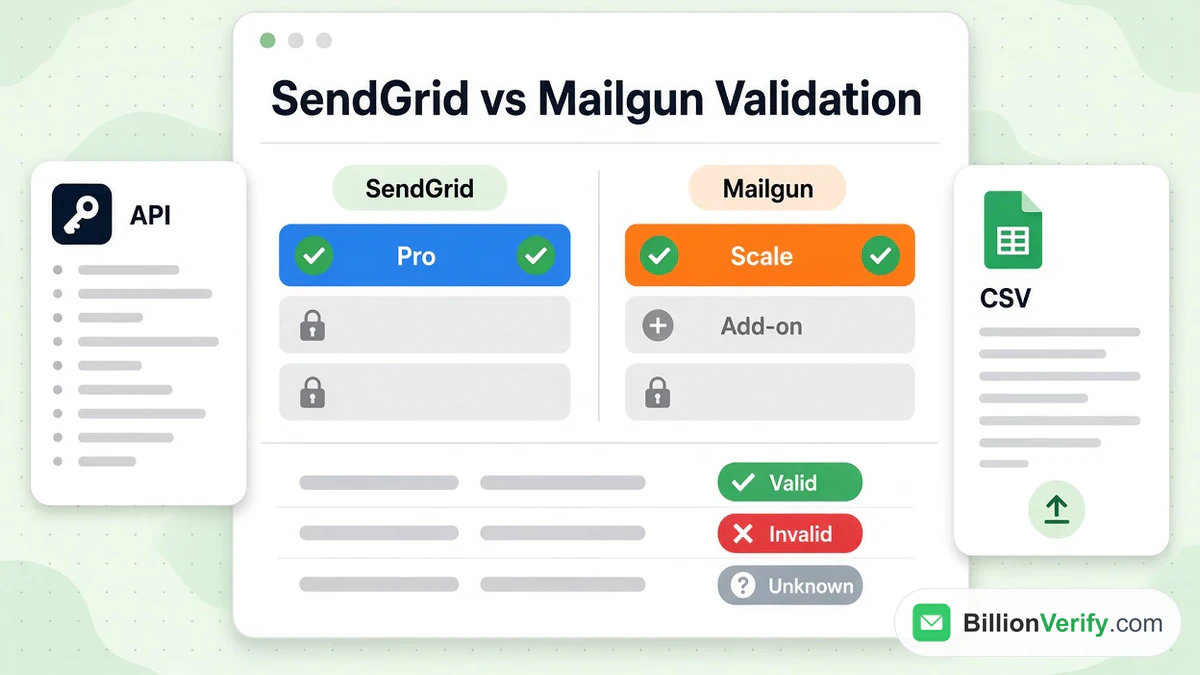
SendGrid email validation exists, but it is not open to every account. The vendor's pages say it is available to the two upper tiers only, with a validations quota that doubles from Pro to Premier. Mailgun email validation works differently: Mailgun Validate is included with a fixed quota of validations on the Scale tier and sold as an add-on on the cheaper ones. Both let you validate email before you send it, to keep hard bounces from damaging your sender reputation, and the cost of each depends on the tier you are on.
This guide explains what each product checks, which tiers include it, how the real-time and bulk modes work, what the vendors state about limits, and when an outside service is worth adding. Everything about SendGrid and Mailgun comes from their own pricing pages and documentation as read in November 2026, and BillionVerify has no connection with either company.
Key facts (checked November 2026):
- The SendGrid validation overview says you can check a lone recipient or upload a file with a million rows.
- SendGrid's Email API pricing lists none for the entry pair and a counted allowance above them.
- The one-at-a-time call is throttled to seven a second, while the file job moves at roughly 350 a second.
- Mailgun's price list shows the tool as an add-on below Scale, with an allowance included on Scale.
- Mailgun's Validate page lists a risk score, mailbox and MX checks, role, disposable and catch-all flags and typo suggestions.
- BillionVerify can check lists that fall outside either vendor's validations, with no plan needed.
What SendGrid Email Validation Does
SendGrid describes its feature as a way to remove undeliverable recipients from your lists, which lowers the bounce rate and helps your sender reputation. It has two modes. The live mode takes an individual recipient in an API call and returns the result in the response, so it suits a sign-up form. The file one takes a CSV, validates it in the background and sends the results to the account holder's mailbox.
Each response carries three kinds of information. The verdict is Valid, Risky or Invalid. The score runs from zero to one and expresses how likely the mailbox is to be valid. The checks list shows which tests ran, and SendGrid names six: valid syntax, an MX or A record, a suspected throwaway domain, a suspected role address, a known bounce and a suspected bounce. A role account such as admin@ and a disposable domain both come back Risky at half the scale, and the documentation suggests picking your own score threshold.
SendGrid also checks typos. If it spots a likely mistake in the domain part, the response includes a suggestion field with the corrected name. The documentation adds that the system is calibrated for few false negatives, meaning a real mailbox marked invalid, so that legitimate customers are not removed by accident.
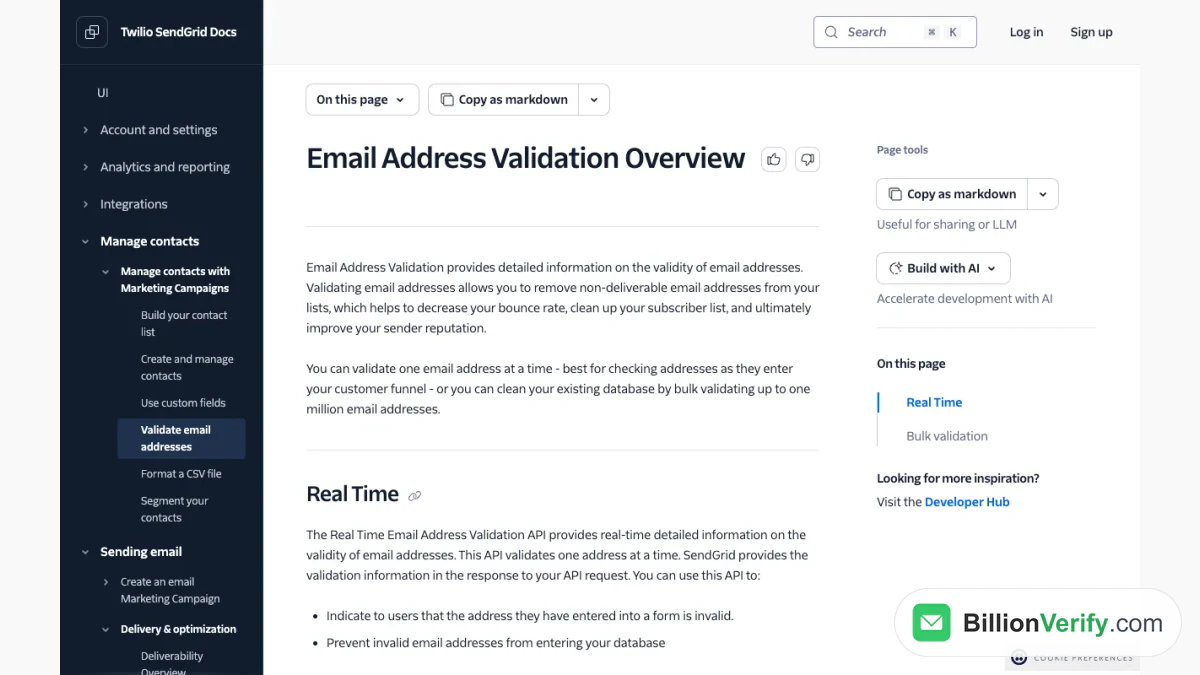
Screenshot: an overview page of SendGrid's validation feature, which introduces the live and file modes.
Which SendGrid Plans Include Validation
Access depends on your tier. The documentation says the feature is available to Pro and Premier only, and that the option to make a validation key stays hidden until you upgrade. The plan tiles agree: the entry pair shows zero, Pro shows 2,500 and Premier shows twice that. The pricing table calls the row Email Address Validation API and marks the included counts as free.
Inside those validations, there is nothing extra to pay on top of the subscription. The pages read for this guide give no price for validations past the included count, so what happens beyond it is not stated there. If you run out and want to keep checking, treat the cost as unknown until you confirm it in your account.
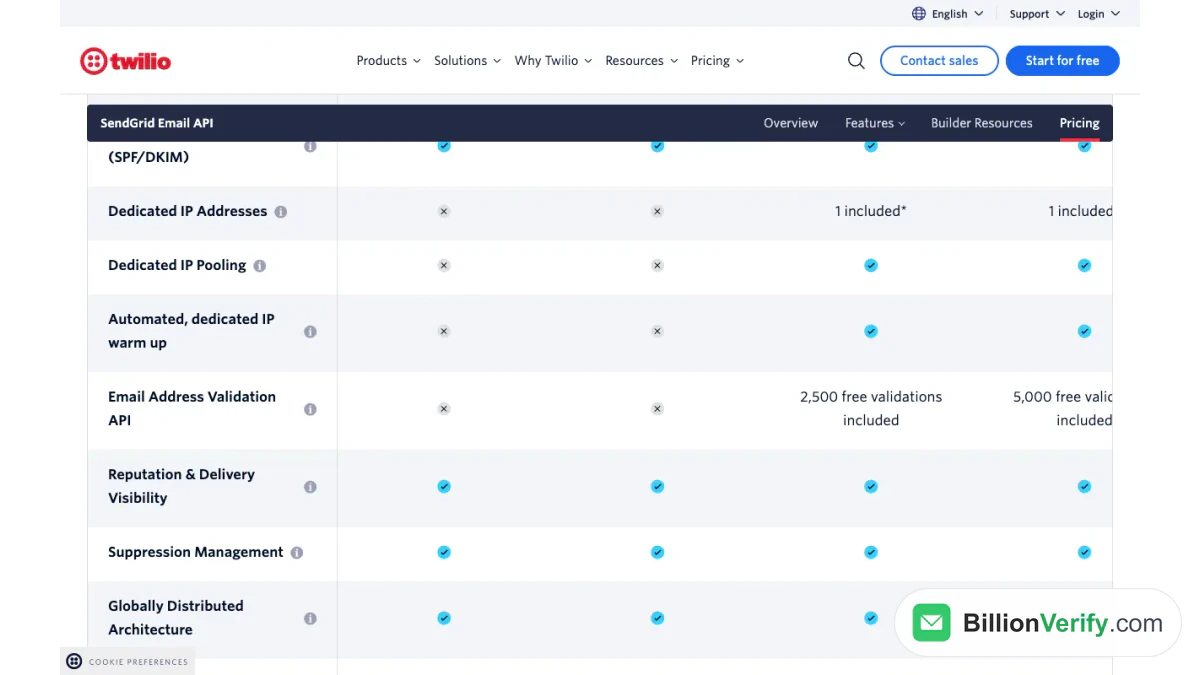
Screenshot: the feature table on the SendGrid pricing page, where the validation row lists the free allowances.
Using SendGrid Validation in Practice
You need a key made only for validation. In the key settings you choose the validation access permission, and that key is separate from your other ones. SendGrid recommends never running single lookups from browser code, because anyone could then read the key and run their own lookups at your expense. Call it from your back end after the form is submitted, and do not let a failed lookup block the sign-up, since the endpoint takes a lone recipient per call. An optional source parameter in the request is returned with the result, which helps when contacts come from different forms.
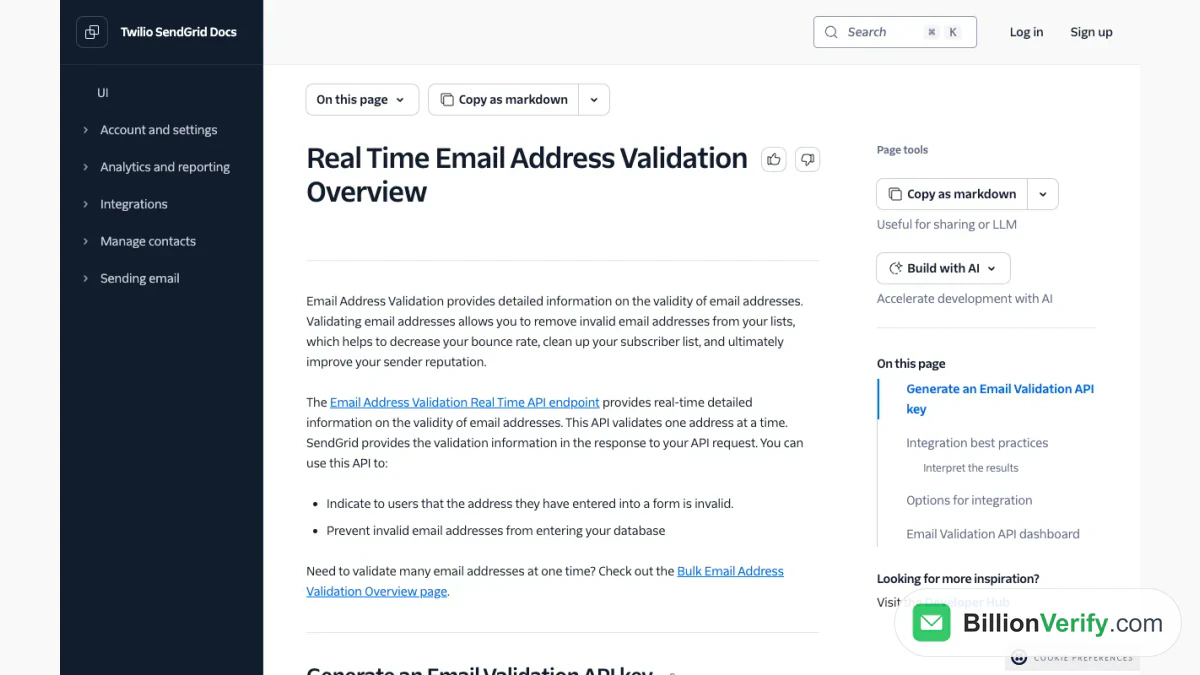
Screenshot: the live lookup section of the documentation, which begins with the steps to generate a validation key.
For a list, the file route is the better fit. You request an upload link, send a zipped or plain CSV with a single column headed emails, and wait. The file must stay under 50 MB and hold under a million lines. SendGrid contrasts this route with live lookups, which handle seven per second, and says it moves much faster. Results arrive as a CSV by mail. A dashboard inside the account also lists live results and offers an Export CSV button, so cleaned contacts can go back into Marketing Campaigns or your own database.
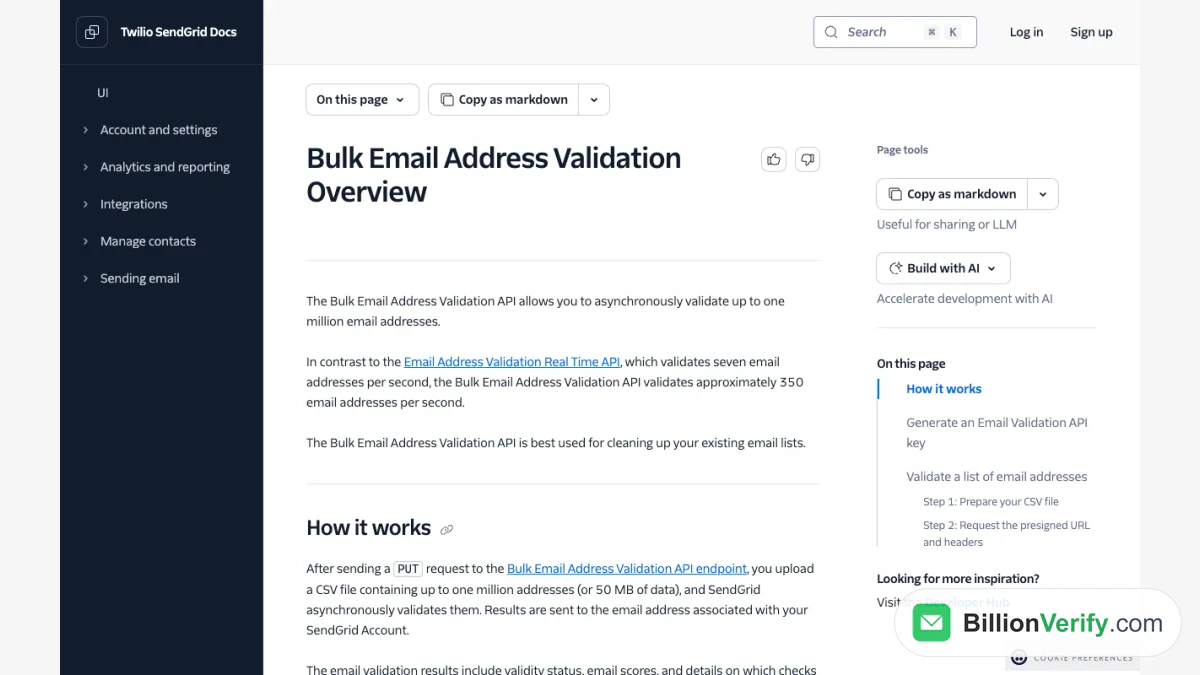
Screenshot: the file upload part of the same help center, which explains the upload and the emailed results.
What Mailgun Email Validation Covers
Mailgun Validate is a separate product line from sending, and Mailgun's site describes three ways to use it: an API for registration forms, list validation for uploaded files, and a preview. The validations it advertises include a risk score for each recipient, verification of the mailbox and its MX, role-based and disposable flags, detection of catch-alls, suggestions for suspected typos and a grammar check against the RFC rules. It also says it compares recipients with its own cached send data and with the mailbox provider.
Mailgun presents its sending data as an advantage for accuracy. This guide quotes no accuracy figure and tests nothing. What can be stated is the plan structure, which Mailgun's tiles show clearly.
What Mailgun Charges for Validate
The price list's feature table has an Email Validations row. On the Free plan the cell is empty, on Basic and Foundation it reads available as an add-on, and on Scale it names an included allowance. The plan tiles repeat the point, listing the allowance among the things Scale adds to Foundation. Each tile also quotes the cost of extras: from $1.20 per hundred on the lower tiers, and a lower rate on Scale.
So the structure mirrors SendGrid's with a single difference. At Mailgun a lower tier can still buy validations, while SendGrid's cheaper tiers cannot use the feature at all. Our Mailgun pricing guide walks through every tier, and the SendGrid pricing guide does the same for the other side.
| SendGrid | Mailgun | |
|---|---|---|
| Cheapest access | Pro | Basic, as a paid extra |
| Included allowance | 2,500, then 5,000 | 5,000, on Scale only |
| Beyond the allowance | Not priced in these pages | From 80 cents per hundred |
| One recipient | Live API call | API for forms |
| A whole file | CSV, up to a million | Uploaded list validation |
When a Separate Checker Makes Sense
Built-in validations are the right first step when your tier includes them, because those validations cost nothing beyond the subscription. An outside checker earns its place in four situations. You are on a tier without access, such as the SendGrid trial or Essentials. You are on a Mailgun tier where the tool would be an extra purchase. Your list is larger than the included validations. Or you want a single service for lists that go to several senders, instead of tying the cleaning step to a single vendor.
BillionVerify fills that gap. An email verifier checks an individual mailbox, and bulk email verification cleans a whole file, with syntax, DNS, MX and SMTP checks. It reports catch-all addresses as their own class, charges 1 credit for each valid or invalid result and nothing for unknown results, and allows a free recheck within 24 hours. A free account gets 20 credits on each day it is used, up to 600 a month, with no card, and a REST API handles registration forms. Our guide to the BillionVerify SendGrid integration shows the SendGrid setup.
If you hold SendGrid Pro or Premier, or Mailgun Scale, use those validations first. They cost nothing extra, and the outside service covers only what is left. For odd sign-ups, a reverse email lookup shows what is publicly tied to a sign-up, and a phone number validator checks numbers if you also send texts. When you are weighing providers because of validation, SendGrid alternatives compares how four other services treat it, and what is SendGrid covers the basics.
FAQs
Does SendGrid have email validation?
Yes, as a validation API. It is limited to the top paid tiers, according to SendGrid's own pages, so the cheapest accounts do not get it.
Is Mailgun email validation free?
Only inside an allowance. Scale includes a quota, and the lower paid plans can add the feature as a paid extra. The free plan has none listed.
How many addresses can I validate at once?
SendGrid's file mode takes up to a million lines or 50 MB per upload. Its single lookup accepts a recipient at a time.
What does a Risky result mean in SendGrid?
It marks a recipient that may be real but looks uncertain, such as a role account or a throwaway domain, each of which lands mid-scale in SendGrid's examples. You decide whether to send to it.
Can I validate without upgrading my plan?
On SendGrid, you can only validate email by using a third-party checker, because the feature is closed to lower tiers. On Mailgun, you can buy it as an add-on or use an outside tool.
Watch: How to Validate a Phone Number: Free Phone Number Validator
Watch: Bulk Email Verification: How to Verify an Email List From a File