



Mailgun pricing starts with a free plan and climbs through three paid plans, listed at $15, $35 and $90 monthly. Every plan includes a block of sends, and extra sends are billed by the 1k block at a rate that falls as you move up. The Mailgun cost for address validation works differently from sending, because it is an optional extra on the cheaper plans and included only on the top one.
This guide walks through the Mailgun pricing plans in turn, explains the free tier, shows how overage charges work, compares the feature table and spells out what validation costs. Every figure comes from Mailgun's own price list and product pages. Prices change, so check them on the day you buy. BillionVerify has no relationship with Mailgun or Sinch.
Key facts (checked November 2026):
- According to the vendor's pricing, the free plan has a daily allowance, and Basic has a monthly block.
- The upper pair both open with a one-month trial, and their tiles show bigger monthly volumes.
- Overage prices start at $1.80, $1.30 and $1.10 per 1k, falling as you climb.
- Address checks cost extra on the cheapest two plans and are included, with an allowance, on the top one.
- The Validate page describes three modes but publishes no separate price.
- BillionVerify checks lists before they reach a Mailgun account, and it charges nothing for results it marks unknown.
Mailgun Pricing at a Glance
The pricing page opens under the heading Mailgun Send, with the line Flexible plans built for email delivery. A slider asks how many messages you expect, and a currency selector offers US dollars, euros or sterling. Tabs at the top switch to separate listings for Optimize and Inspect, which are other Mailgun products. The table below covers the Send plans at the time of writing.
| Plan | Price | Included sends | Custom domains | Log retention |
|---|---|---|---|---|
| Free | $0 | 100 per day | 1 | 1 day |
| Basic | From $15 monthly | 10k monthly | 1 | 1 day |
| Foundation | $35 once the trial ends | 50k monthly | 1k | 5 days |
| Scale | $90 following the trial | 100k monthly | 1k | 30 days |
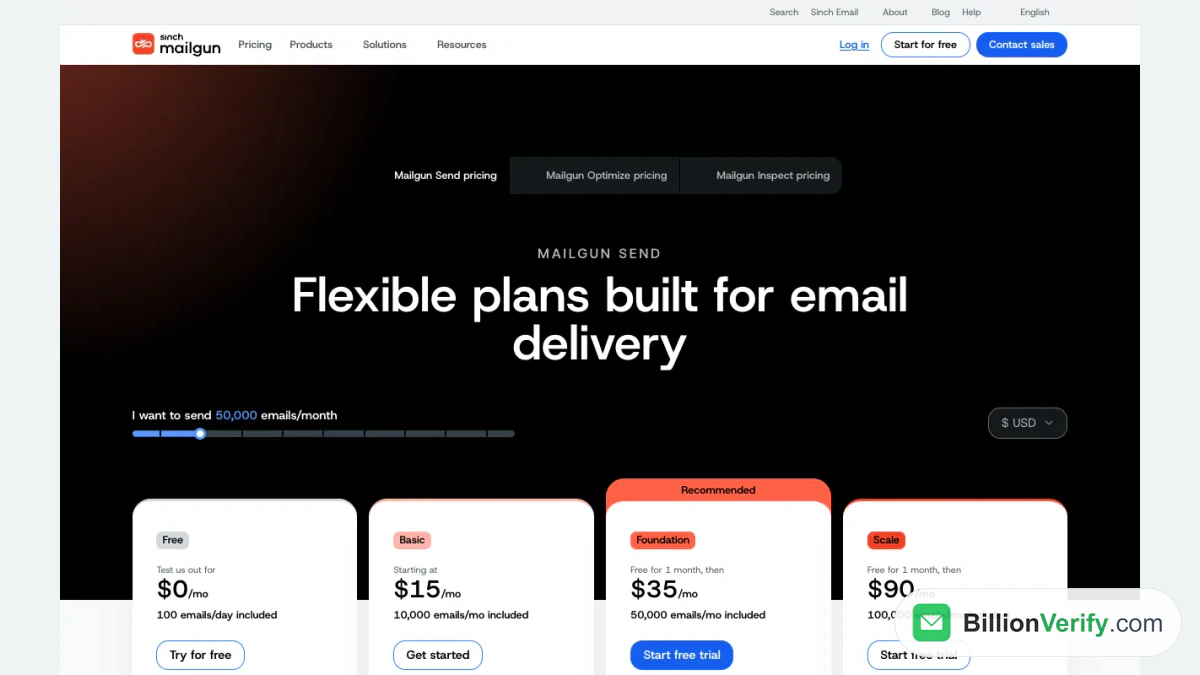
Screenshot: the four tiles and the volume slider on Mailgun's Send listing.
The Mailgun Free Plan
The Mailgun free plan is labeled Test us out and carries a $0 price with a hundred sends daily. It comes with ticket support, the REST API and SMTP relay, a single sending domain, tracking and webhooks, two API keys, a day of logs and one inbound route. The cap is daily and the tile invites you to test, so this tier suits experiments more than regular sending.
Is the Mailgun free tier a trial or permanent? The list answers it: the Free tile carries no end date, while the two upper plans are the tiles marked with an opening trial. The registration form also offers to lift the daily cap if you add a card at sign-up, as we describe in our Mailgun login guide. So the free plan costs nothing, and the restriction is the daily quota.
Mailgun Pricing Plans: Basic, Foundation and Scale
Basic is the entry paid plan, listed from $15. It removes the daily ceiling, includes 10k sends and offers overage options. The single domain and short log window match the free tier, though Basic adds five inbound routes. The Mailgun price for extras here starts at $1.80 for each 1k.
Foundation is marked Recommended. It costs $35 when its trial month ends, includes 50k sends and adds a template builder with an API, full inbound routing and 1k domains. Logs are kept five days and messages for a day. Its extra-send rate starts at $1.30.
Scale costs $90 after its own opening trial and includes 100k sends. Beyond Foundation it adds SAML single sign-on, dedicated IP pools, send time optimization, live phone and chat support, a month of logs, message retention of up to a week and scheduled analytics reports. The starting overage charge falls to $1.10, and Scale is also the tier where address checks are included.
How Overages Work
Overage is priced per 1k, and the tiles quote a starting figure rather than a flat figure. Take a sender who ships 20k in a month on Basic. The block covers the first 10k, and the second 10k pays the quoted rate, which at the starting level comes to $18 on top of the $15 base. The real bill may differ because the tile says from, so treat the example as a floor.
Growing senders tend to move up for this reason: a higher base with a lower overage price overtakes the cheaper plan once volume passes a certain point. Sending 50k costs $35 on Foundation, while the same volume on Basic would mean paying overage on 40k at a higher rate. Large senders also see an Enterprise route, with custom features, deliverability services and a burst sending SLA.
What the Feature Table Adds
Under the tiles, a Compare all features button opens a long table. It lists sending basics that every plan shares, such as the REST API and the SMTP relay, and then the points that differ: custom domains, how long logs and bounce classifications are kept, message retention, inbound routing, templates, IP options and security settings. Dedicated IP access begins around 50k, and an address of your own is included from 100k upward. The table also carries the row on Email Validations that matters for this guide.
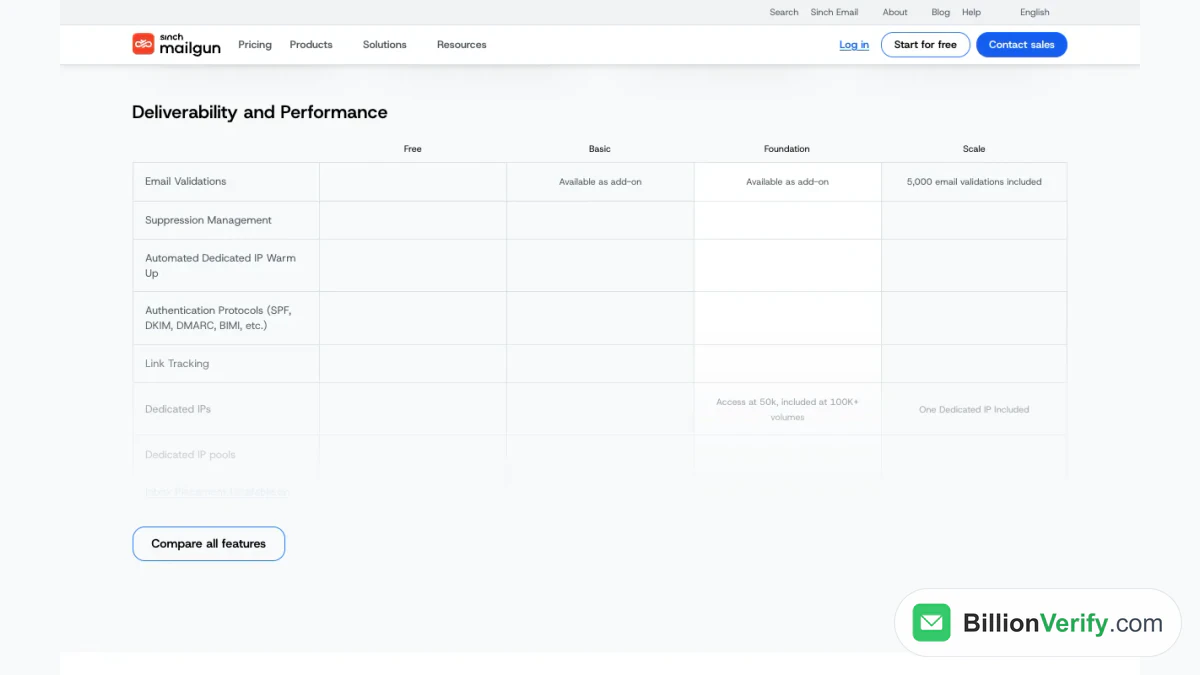
Screenshot: the Deliverability and Performance table, where one row separates the plans.
Mailgun Pricing for Email Validation
On the Free plan that cell is empty. On the two cheaper plans it reads available as an add-on, and on the top plan it reads that 5k are included. The tiles quote the cost of extras: from $1.20 per hundred on the lower pair and from $0.80 per 100 on the top. So inside the included 5k nothing extra is due, and outside it, or on a lower tier, checks are a separate charge.
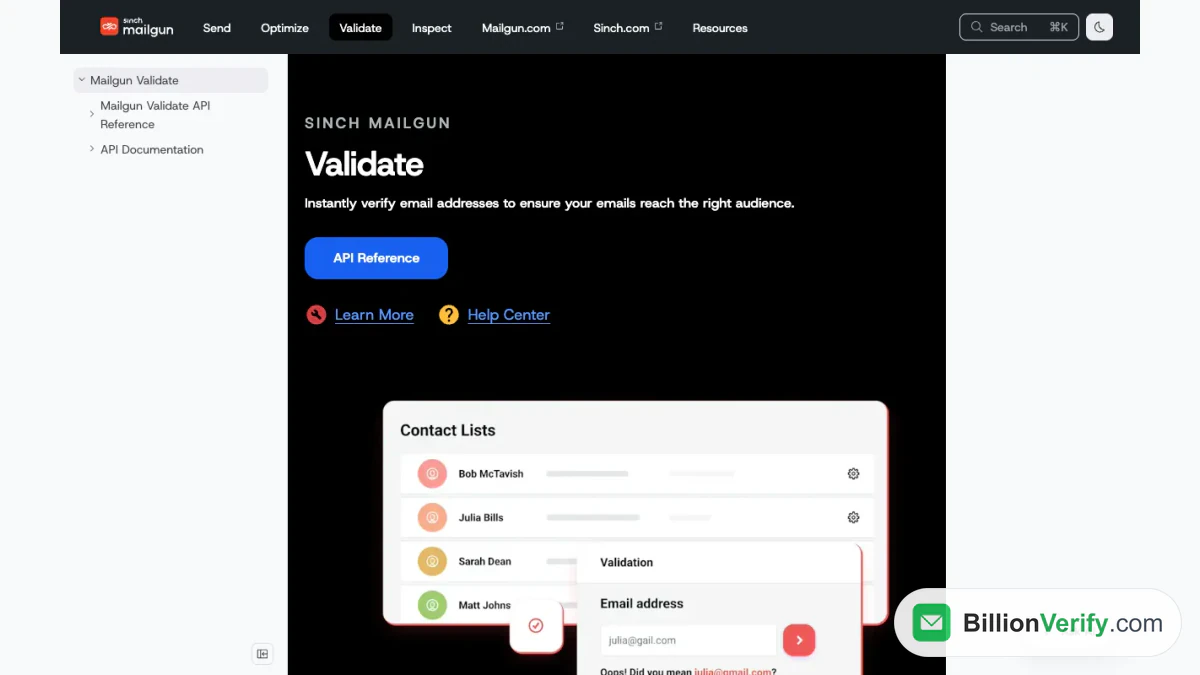
The Mailgun Validate site describes three ways to use the product. A real-time API sits in a sign-up form and checks contacts as they arrive. List validation takes an uploaded file, and a preview shows results before you commit. The listing mentions a risk score, mailbox and MX checks, role, disposable and catch-all flags, typo suggestions and a grammar check, and the documentation hub has an API reference. Visitors are invited to talk to a specialist, and no standalone price is published, so the numbers from the tiles are the only ones stated openly.
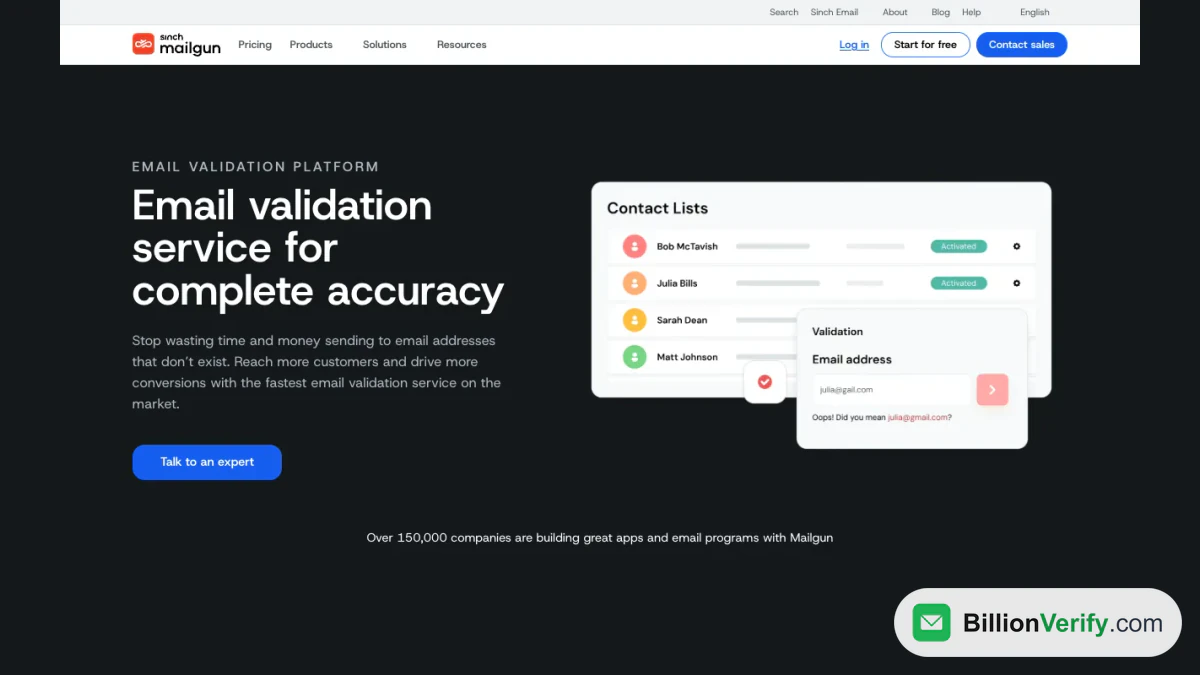
Screenshot: the Validate product page, which describes the real-time, list and preview modes.
Screenshot: the documentation section for Validate, with a link to the API reference.
Choosing a Mailgun Plan
Start with volume. A prototype or a low-traffic app fits the free plan until the daily cap bites. A small production app fits Basic, and a team that needs several domains, templates and longer logs should price Foundation. Scale makes sense when you need single sign-on, an IP of your own, phone support or the included checks.
Compare the same volume on a rival before you decide. We put Mailgun beside Postmark, Amazon SES and Resend in SendGrid alternatives, and the SendGrid pricing guide covers the other main pricing page. For the product itself, what is SendGrid gives the background.
Keep Dead Addresses Off the Bill
Every send is counted against your quota, whether the recipient exists or not. A dead address uses part of your included volume, and any hard bounce adds to the reputation cost. Where checks are an add-on, cleaning a list through the vendor means paying by the hundred, and the Scale allowance covers only a small file.
A separate checker removes bad addresses before they count. An email verifier tests one address, and bulk email verification cleans a file in one upload. BillionVerify charges 1 credit for each valid or invalid result and nothing for unknown results, reports catch-all addresses as their own class and allows a free recheck within 24 hours. A free account gets 20 credits on each day it is used, up to 600 a month, with no card. Our comparison, SendGrid email validation, sets Mailgun's validation beside SendGrid's.
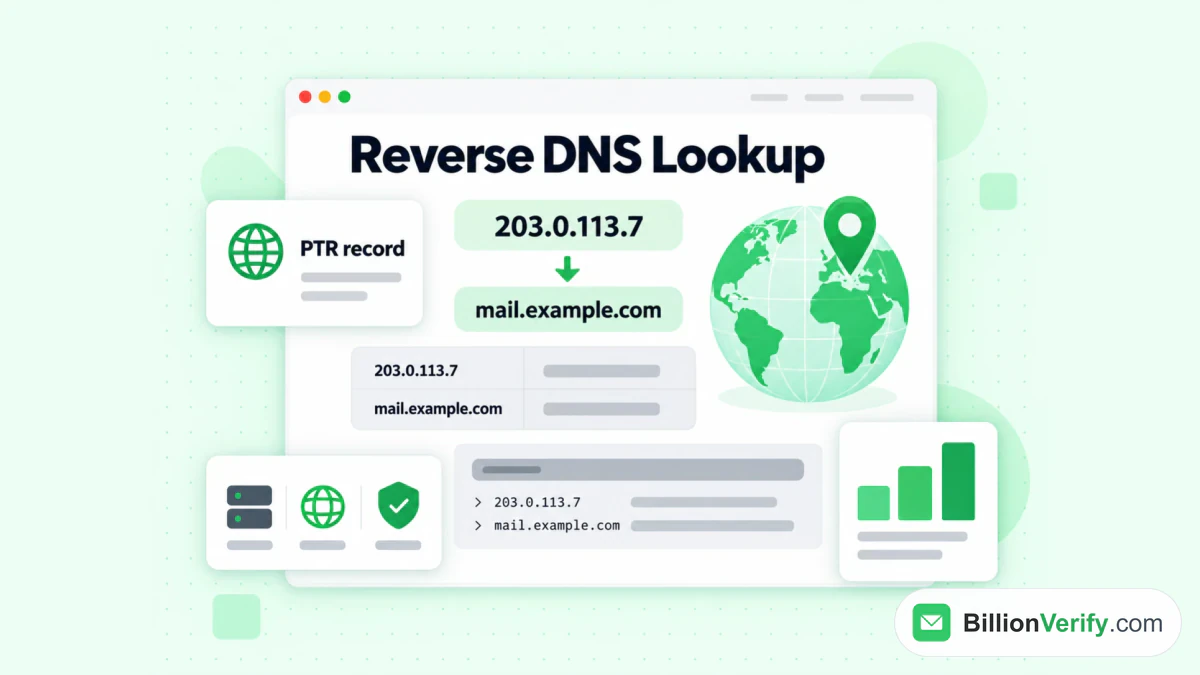
Spend whatever checks your plan includes first, because they cost nothing beyond the subscription. For odd sign-ups, a reverse email lookup shows what is publicly tied to an address, and a phone number validator checks numbers if you also send texts.
FAQs
Is Mailgun free?
Partly. A free plan allows a daily quota with no end date, and the upper pair each start with a trial. The entry plan bills from the first month.
How much does Mailgun cost for 50,000 emails a month?
Foundation includes that volume at $35 after the trial ends. The entry plan would charge overage on everything above its block.
How much does it cost to send 10,000 emails?
From $15 a month. That block is exactly what Basic includes, so ten thousand messages need no overage.
Which is better, Mailgun or SendGrid?
The sources we used do not rank them. Entry prices sit close together, and the comparison article lists where each puts its IP options and validation.
What is the cheapest paid plan in Mailgun pricing?
Basic, which starts at $15 and drops the daily limit.
Does Mailgun charge for address validation?
On the cheaper paid plans, yes, as an add-on from $1.20 per 100. Scale includes an allowance and quotes extras at $0.80 for every 100. The Free plan lists none.
Can I pay in euros or pounds?
Yes. The currency selector lists US dollars, euros and sterling.
Watch: Bulk Email Verification: How to Verify an Email List From a File
Watch: How to Validate a Phone Number: Free Phone Number Validator