



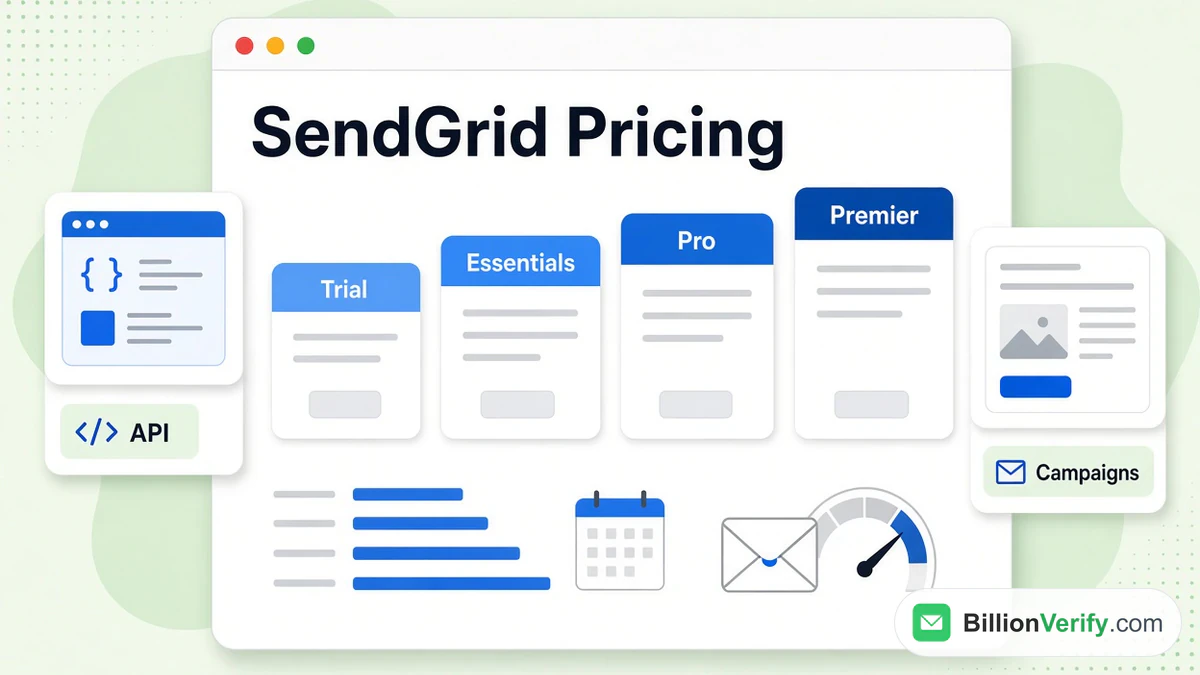
SendGrid pricing starts at nothing: the SendGrid free trial lasts 60 days and allows 100 sends a day. Essentials comes next at $19.95 monthly, then Pro at $89.95, and sales staff quote Premier on request. The SendGrid price you pay depends on your volume and the features you need, because dedicated IPs, SSO and address validation only arrive with the higher tiers. That is why SendGrid pricing looks cheap at the bottom and jumps sharply at Pro.
This guide walks through each tier of Twilio SendGrid pricing for the API product, the separate newsletter plans, the charges that follow when you outgrow a tier, and what the free offer really is today. Every figure comes from SendGrid's own pricing and support pages as read in November 2026. Plans change, so confirm the numbers on the day you buy. BillionVerify has no affiliation with SendGrid or Twilio.
Key facts (checked November 2026):
- According to SendGrid's API pricing, the trial runs two months and caps sending at 100 a day without a card.
- The same list shows Essentials from $19.95 and Pro from $89.95 for each month, while Premier is quoted individually.
- The two upper tiers come with a dedicated IP and a validation allowance, and the two cheaper tiers come with none.
- SendGrid's overage rates support article says each send above a limit is charged on the following invoice, while the trial cannot go over.
- The campaigns editor is priced apart from the API, with Basic from $15 and Advanced from $60 on its own price list.
- BillionVerify can check a list before it reaches SendGrid, which matters on the tiers that lack built-in checks.
What SendGrid Pricing Covers
SendGrid sells two products, and each has its own price list. The API is what developers wire into an app or a website through an API call or SMTP, and it carries transactional mail such as receipts and password resets. The campaigns product is the editor and contact tool for newsletters. Most people who search for the SendGrid price mean the first list, and the SendGrid price for the API starts low, so most of this guide stays there. SendGrid pricing for the newsletter product comes after that.
The list opens with three promises: a trial that asks for no card, payment only for what you use, and discounts as you scale. Below that sits a volume selector with eight steps, running from under 3,000 to 5,000,000 or more, and the tiles change with the step you pick. In other words, Twilio SendGrid pricing is a function of two inputs, how much you send and which extras you want.
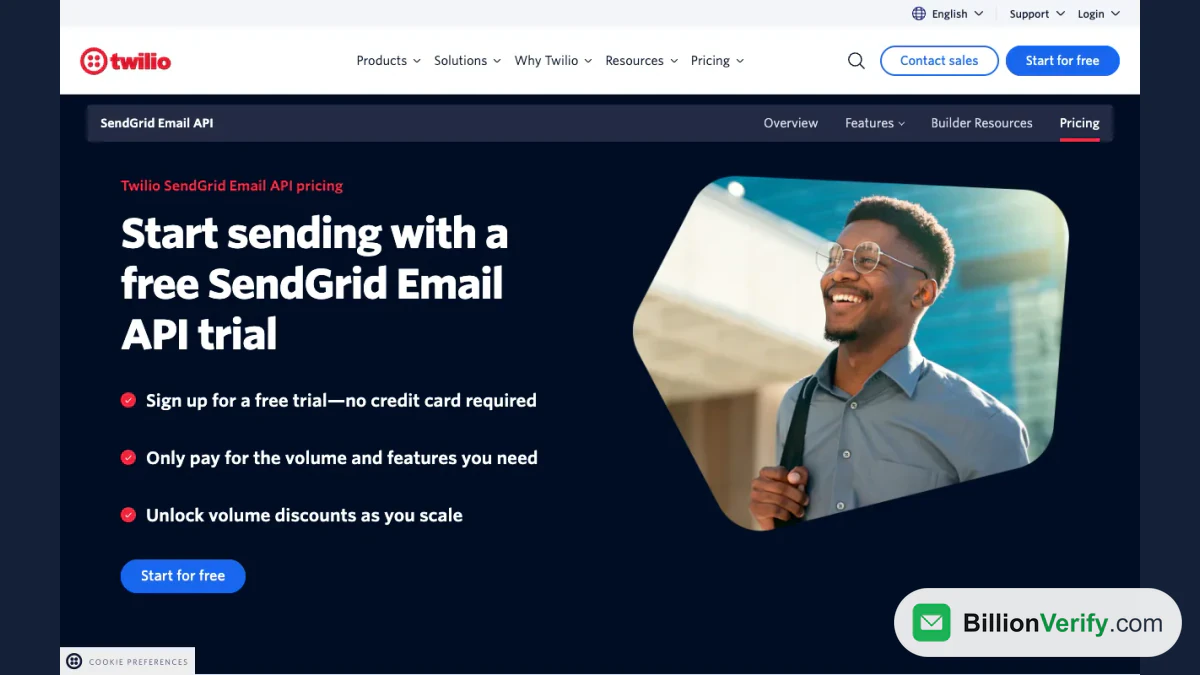
Screenshot: the opening screen of the API product, which offers a trial with no credit card.
The table summarizes the four tiers as SendGrid listed them in November 2026.
| Plan | Starting price | Volume it fits | Dedicated IP | Validations included | Teammates |
|---|---|---|---|---|---|
| Trial | $0 for 60 days | 100 daily | None | None | 1 |
| Essentials | $19.95 monthly | 50k to 100k | None | None | 1 |
| Pro | $89.95 monthly | 100k up to 2.5 million | One included | 2,500 | 1,000 |
| Premier | Custom quote | Custom, high volume | One included | 5,000 | 1,000 |
The Four Tiers in Detail
Under a heading that ties cost to volume and features, SendGrid pricing appears as one tile for each tier. Every tile has a Start for free button. The paid ones carry a note about upgrading whenever you like, and a warning that taxes and overages may apply.
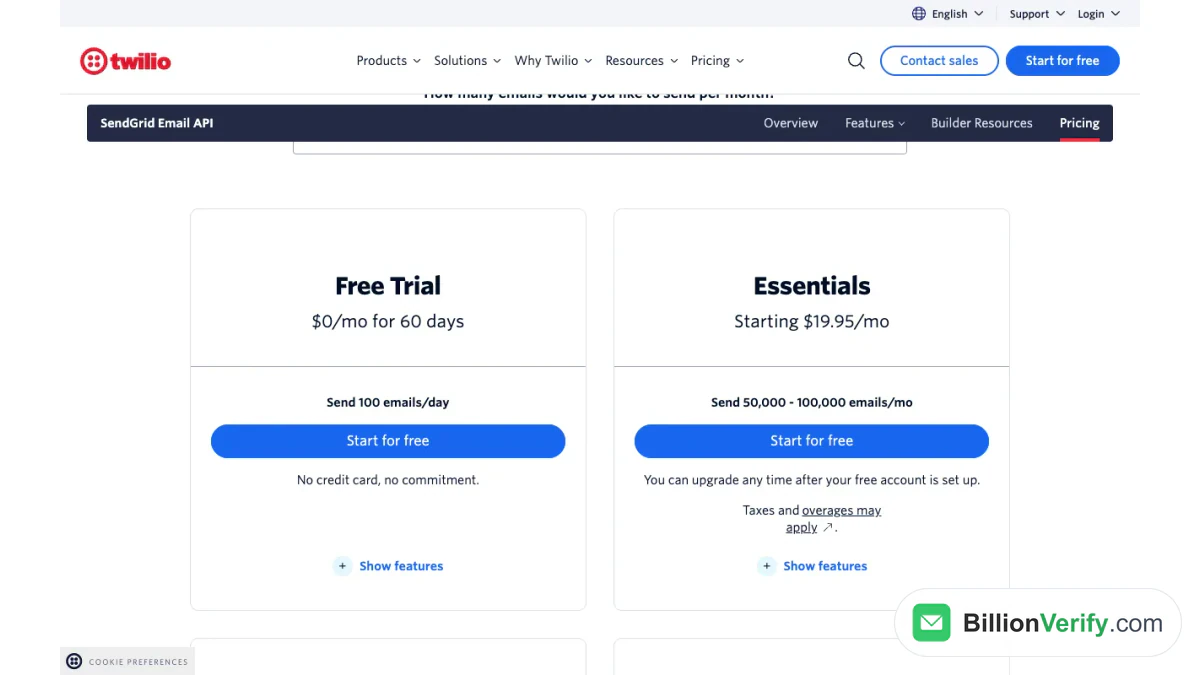
Screenshot: the plan tiles for the API, showing the entry level pair with price and volume.
Free Trial
The trial has no price for two months and lets one person send up to 100 messages daily. SendGrid promises no commitment. It still includes the analytics and deliverability tools that every tier gets, plus one event webhook and the dynamic template editor. A support article adds that a trial stores 100 contacts and cannot exceed its limits, so the account simply stops instead of running up a bill.
Essentials
Essentials is sized for mid-sized senders, and the tile gives a range of 50,000 to 100,000. Against the trial it keeps the single-teammate limit but doubles the event webhooks to two. It has no IP of its own, and the validation count on its tile is zero, so your mail travels on shared addresses and your reputation is partly tied to the other senders in that pool.
Pro
Pro is where the larger account features begin. Its tile lists a dedicated IP, subuser management, single sign-on, up to 1,000 teammates, five event webhooks and a validation allowance. The template editor gains testing, and a batch of content testing credits arrives each month, with more for sale. The volume range stretches into the millions.
Premier
Premier is custom work for high-volume senders, handled through sales. It repeats the Pro feature list and doubles the validation allowance. It is also the only tier where SendGrid lists expert program management, which is sold as an extra.
What the Higher Tiers Add
SendGrid pricing tiles do not tell the full story, because the feature table beneath them shows what changes as you climb. Most deliverability basics are identical everywhere: SPF and DKIM domain authentication, suppression management, link branding, reverse DNS and bounce and block classifications. The differences are narrower and mostly concern scale and control.
Searchable activity is kept for three days on the cheaper pair and seven days on the upper pair, with longer history sold separately. IP pooling and automated warm-up appear where an IP is included, and extra addresses are an add-on. Personalized support and professional services are marked as purchasable on every paid tier, so they sit on top of the subscription.
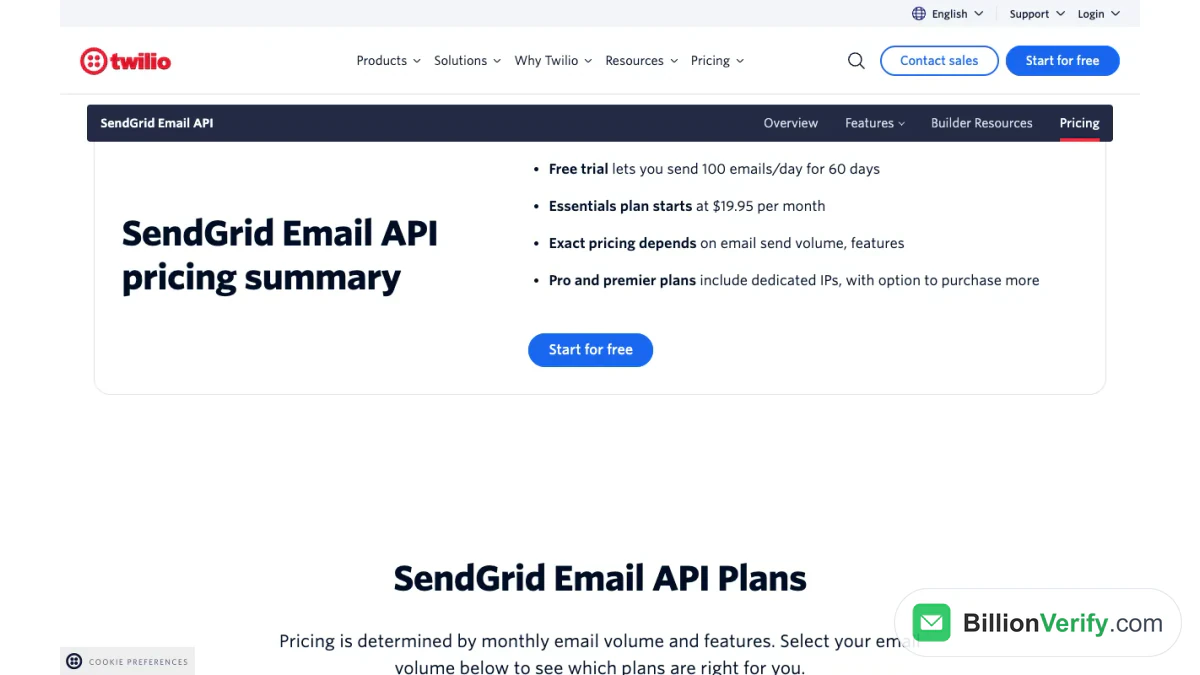
Screenshot: the pricing summary block, which repeats the trial limit and the Essentials starting price.
Newsletter Product Pricing
The campaigns product has three tiles of its own. Its trial matches the API trial in length, with room for 100 contacts. Basic starts at $15 and covers a list of up to 100,000 contacts, while Advanced starts at $60 and covers up to 200,000 contacts and a million sends.
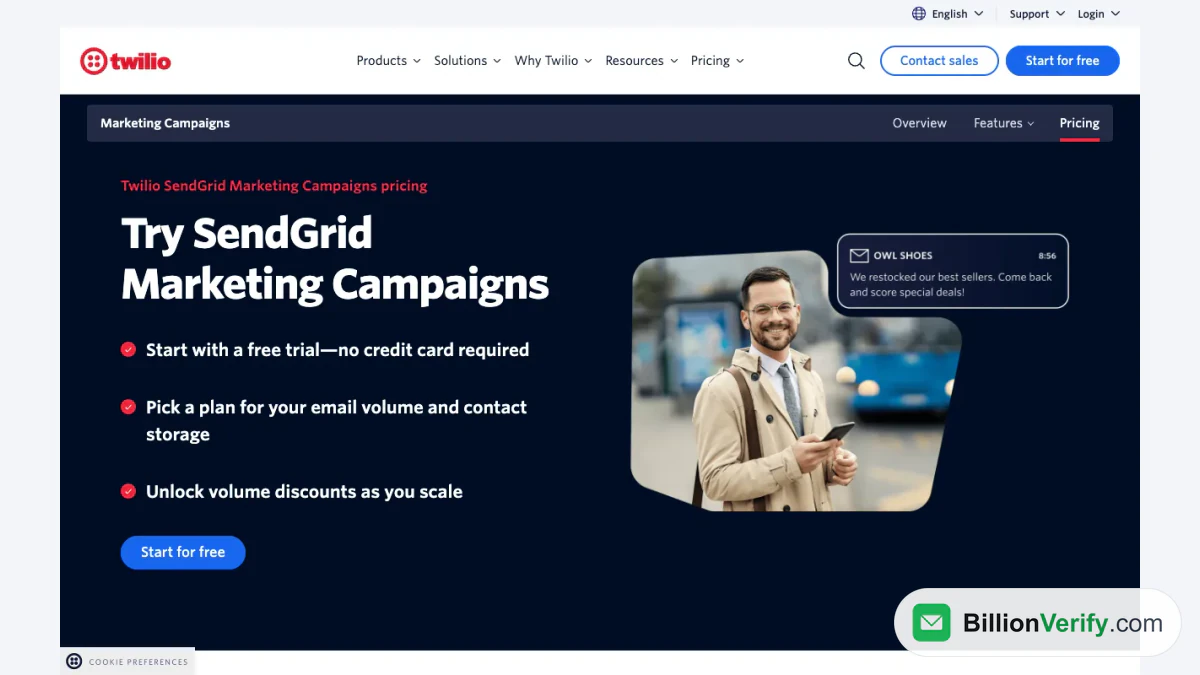
Screenshot: the header of SendGrid's campaigns editor, with its trial offer.
The two products bill separately. A shop that sends receipts through the API and a newsletter through the editor should read both price lists, since each has its own selector. The campaigns side also charges by stored contacts as well as sends, so a list full of dead addresses can push you into a higher tier than the real audience needs.
Overages and Plan Limits
SendGrid pricing includes a small charge for each send beyond your limit, according to a Knowledge Center article on overage rates. The charge shows up on the invoice for the following month, and upgrading afterwards does not cancel what you already owe. The exact amount differs by tier and moves from month to month. For campaigns, the article says contacts must be deleted or processed before midnight UTC of that month to be left out of the next bill.
Accounts opened through a partner follow other rules. SendGrid states that a subscription from Heroku or Google Cloud does not allow overages at all, and billing questions go to the partner. Its own advice for a sender who keeps hitting the ceiling is to move up a tier, since regular overages usually cost more than the next one.
The SendGrid Free Offer Today
SendGrid uses two names for one offer. The headline says trial and each tile says $0, yet a later block still mentions a SendGrid free plan and tells you to try the features on it before upgrading. The terms are what count: a daily cap, two months and no card. Afterwards you move to a paid tier, because nothing there describes a SendGrid free tier with no end date, and its price list never lists one.
The support article describes the same fixed length for the free trial. Anyone planning a side project on a SendGrid free plan should therefore budget for Essentials once that window closes, because the SendGrid free plan ends with the trial. A small sender below the first step on the selector can use it to see which tile SendGrid recommends.
Email Validation and Your Plan
SendGrid's address validation checks whether a recipient is likely to bounce, but it is not open to every account. The documentation states that it is available to customers on the upper two tiers only, and the tiles list none for the trial or the entry tier. The validation overview adds that you will not even see the option to create a validation key until you upgrade. The pages checked for this guide give no price for validations past the included count. Our guide to SendGrid email validation compares the feature with Mailgun's version.
For the cheaper tiers, and for lists bigger than the allowance, a separate check is the practical answer. A hard bounce tells mailbox providers you send to addresses that do not exist, and that hurts the reputation your next campaign depends on. An email verifier tests one address at a time, and bulk email verification cleans a whole file in one upload. BillionVerify charges 1 credit for each valid or invalid result and nothing for unknown ones, reports catch-all addresses as their own class and gives a free account 20 credits on each day it is used, up to 600 each month, with no card. The BillionVerify SendGrid integration guide shows how to connect the two.
If you hold the Pro or Premier allowance, use it first, because it costs nothing beyond the plan. The BillionVerify tools are the next step once you run past it. For odd sign-ups, a reverse email lookup shows what is publicly tied to an address, and if your app also texts users, a phone number validator confirms a number is real before you send.
Choosing a SendGrid Plan
Start with volume, then ask one question about reputation before you commit to any SendGrid pricing tier. A tiny sender with no deadline can build and test an integration inside the trial. A product that needs a few tens of thousand sends and nothing else fits Essentials. If you want your own IP address, single sign-on or built-in validation, the jump to Pro is the real threshold, and its SendGrid price is more than four times that of Essentials.
When SendGrid does not fit, look at what other senders charge. We compare the main options in SendGrid alternatives, and the Mailgun side of that choice is in Mailgun pricing. Anyone coming from a newsletter tool can read Mailchimp vs SendGrid. To learn what the product does before paying, what is SendGrid covers the basics.
FAQs
Is SendGrid free?
Only as a time-limited trial. The SendGrid free trial for the API gives a daily cap and no card, and the SendGrid free tier for newsletters is also a trial, and the newsletter trial gives 100 contacts for the same stretch. After that you pick a paid tier, since no free plan continues beyond it.
How much does SendGrid cost each month?
The API starts at $19.95 on Essentials and $89.95 on Pro, with Premier priced by sales. The campaigns product begins at $15 on Basic and $60 on Advanced. The final bill depends on volume, features and any overages.
Does the trial need a credit card?
No. SendGrid promises a card-free start, and lets you move up at any point once the free account exists.
What happens if I exceed my limit?
Paid accounts are billed for each extra send on the following invoice. A trial account cannot exceed its caps, and partner-created accounts allow no overages at all.
Which tiers include email validation?
The upper two, with 2,500 and 5,000 included respectively. The cheaper pair lists none, and the documentation says the validation API is open only to the upper pair.
Can I upgrade later?
Yes. Every paid tile allows an upgrade after setting up the free account, and its own FAQ describes moving from Essentials to Pro to Premier as volume and feature needs grow.
Watch: Bulk Email Verification: How to Verify an Email List From a File
Watch: How to Validate a Phone Number: Free Phone Number Validator