


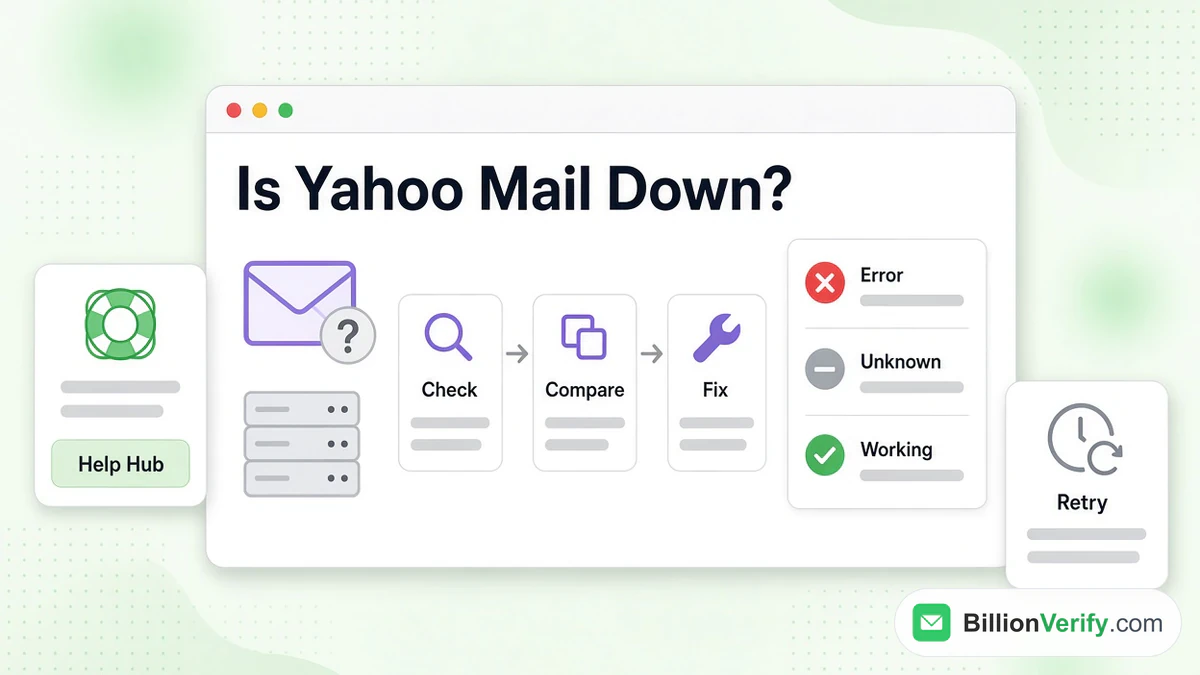
Is Yahoo Mail down? Only Yahoo can say for sure, and the help pages we read in November 2026 link no live status for the service. A Yahoo Mail outage therefore has to be judged from the outside. What the company does publish is a support hub, a set of error articles and answers on social channels. The practical test is therefore to try several routes into the mailbox and compare the results.
This guide shows how to check, what each error message means and which fixes the company recommends. It also explains how arriving messages are treated while a fault lasts and what the same errors mean for anyone mailing Yahoo recipients. All product facts come from Yahoo's own articles and its Sender Hub. We are not affiliated with Yahoo. BillionVerify is an email verification service.
Key facts (checked November 2026):
- One common message usually corrects itself within minutes or hours, per the article that describes it.
- An unsupported client, or one account open twice at once, can cause that error.
- The checklist for broken pages starts with the cache and ends with a settings reset.
- Replies in the 4XX range are temporary, and the Sender Hub says a sender may retry later.
- RFC 5321 requires a sending server to queue mail it cannot deliver.
- BillionVerify charges nothing for an unknown verification result.
How to Check Whether Yahoo Mail Is Down
What Yahoo Publishes
The support article tells people to start at the help hub, pick the product and click Contact Us where that button exists. It adds that replies also come through Facebook and X. Neither the central help site nor the mail help section linked a live dashboard, so no single screen announces that all systems are normal.
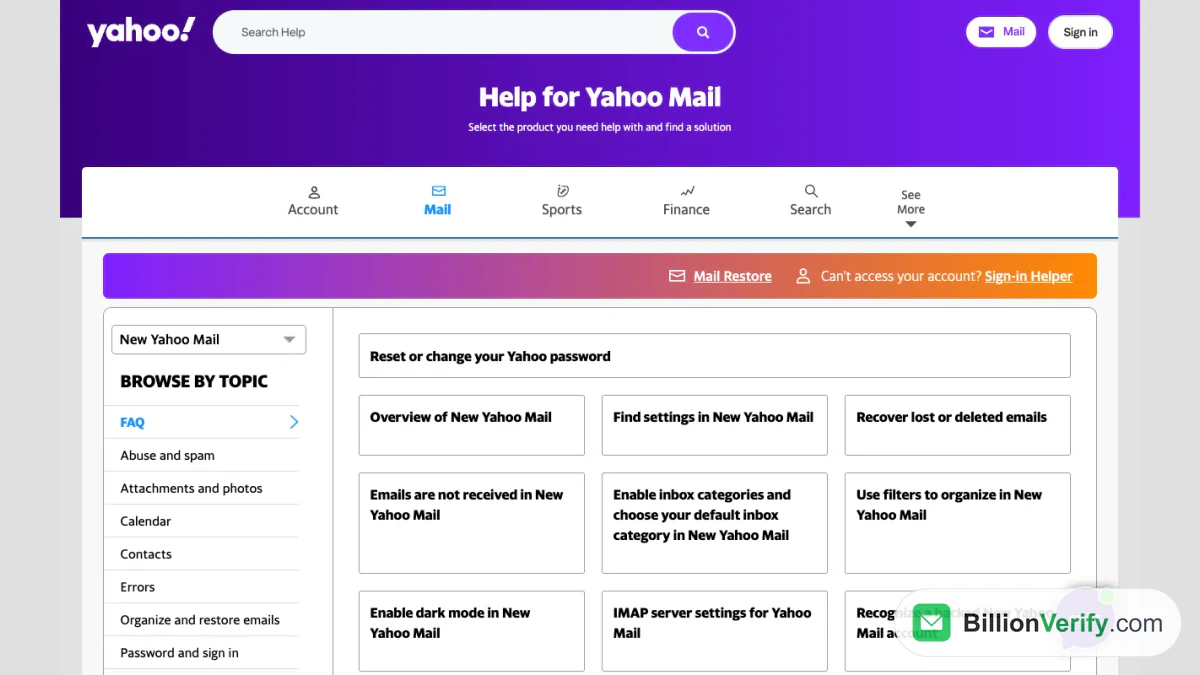
Screenshot: the mail section of Help Central, with its Errors topic.
Other companies run sites that gather user reports and chart a spike when many people complain together. A spike hints at trouble on Yahoo's side, though it proves nothing, and a flat chart does not clear your own account. Treat such charts as a second opinion.
Test a Second Way In
Faults rarely block every route, and even a real outage seldom hits all of them. Before you decide the service is gone, try each of these:
- Sign in through a browser at mail.yahoo.com.
- Open the Yahoo Mail app on a handset or tablet.
- Read the mail in an IMAP program, using an app password.
- Repeat the test on mobile data and on a second device.
When one route works and another fails, nothing is down. Study the failing route instead. If every route breaks at once and other people report the same, an outage is likely, and waiting is the right move.
Why Yahoo Mail Is Not Working for You Alone
When others get in and you do not, Yahoo Mail not working has a cause in your setup or your account. Yahoo keeps a short article for each common case.
Temporary Error 15
The matching help article calls it an issue that can cause a temporary error and says it will usually correct itself within a few minutes to a few hours. Three causes are listed: a browser Yahoo Mail does not support, the same account opened in two browsers at once, and use from several devices in different places.
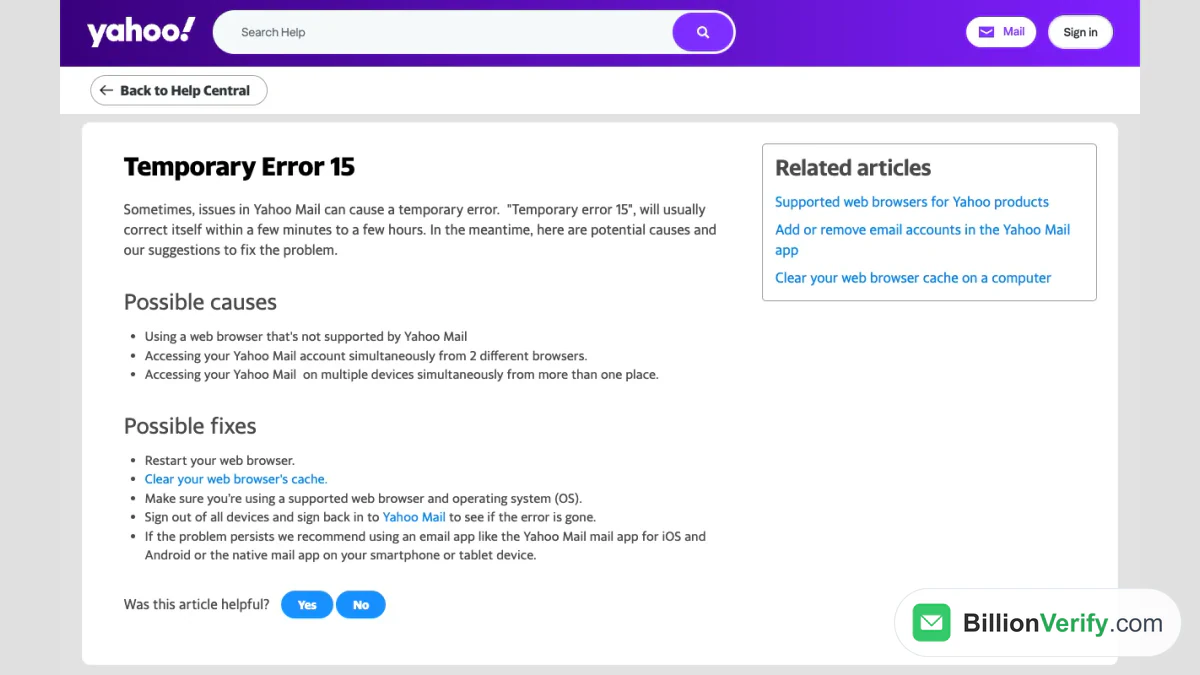
Screenshot: Yahoo's page for that message.
The fixes follow from the causes. Restart the browser, empty its cache and confirm that both browser and operating system are supported. Then sign out everywhere and sign in again. If the message stays, Yahoo suggests a mail app, meaning either its own app for iOS and Android or the native one on a phone or tablet. That also answers most iPhone complaints, because the Yahoo Mail app does not depend on the web version that failed. A Yahoo Mail app with a fresh sign-in is the quickest test.
A Website That Will Not Load
For a site that loads badly or not at all, eight steps come in order, with a test after each one:
- Clear the cache.
- Update your software.
- Restart the computer.
- Make sure JavaScript is enabled.
- Disable browser enhancements.
- Temporarily switch off antivirus, antispyware and firewall tools.
- Try the service from another computer or mobile device.
- Restore the default settings.
Cheap steps come first because they cure most cases. Step seven also tells you whose fault it is: a second device with the same trouble points at Yahoo. The checklist for websites that are not working adds a link for DNS errors.
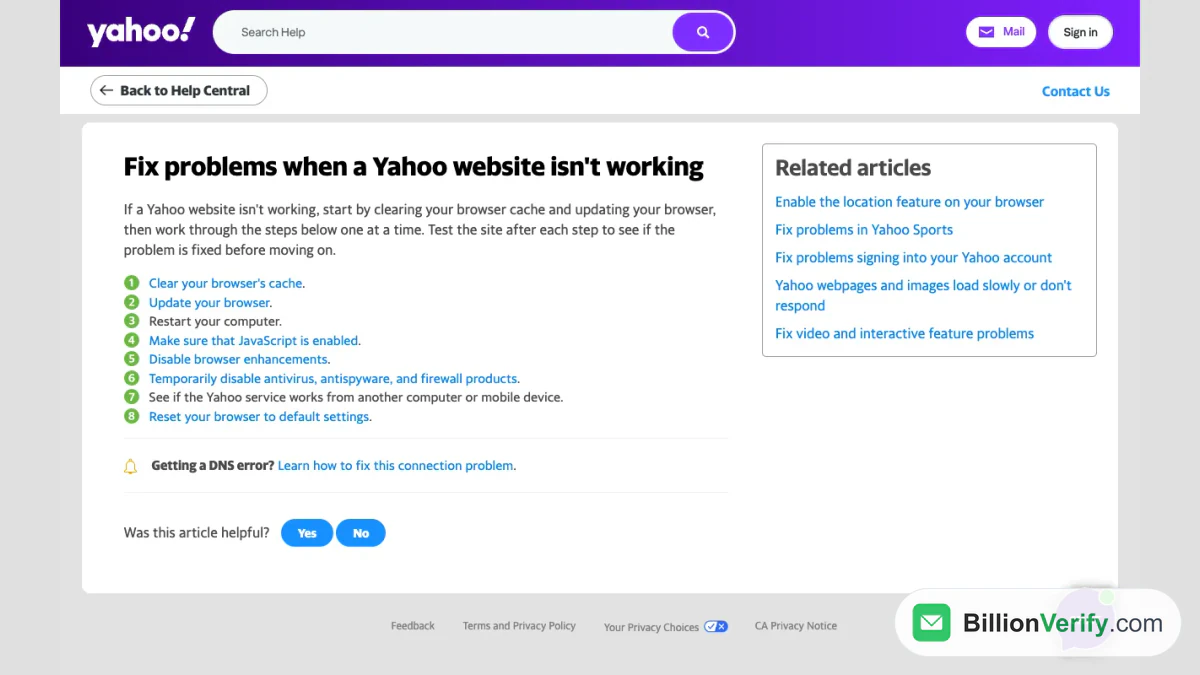
Screenshot: the eight-step checklist.
Sign-In Errors
A failed sign-in with the right password is another kind of problem, and a failed login is not an outage. The article on sign-in problems names the usual messages: Invalid ID or Password, First time signing in here, a locked account and a screen that keeps reloading. A lock lifts itself after 12 hours, and the Sign-in Helper ends it sooner.
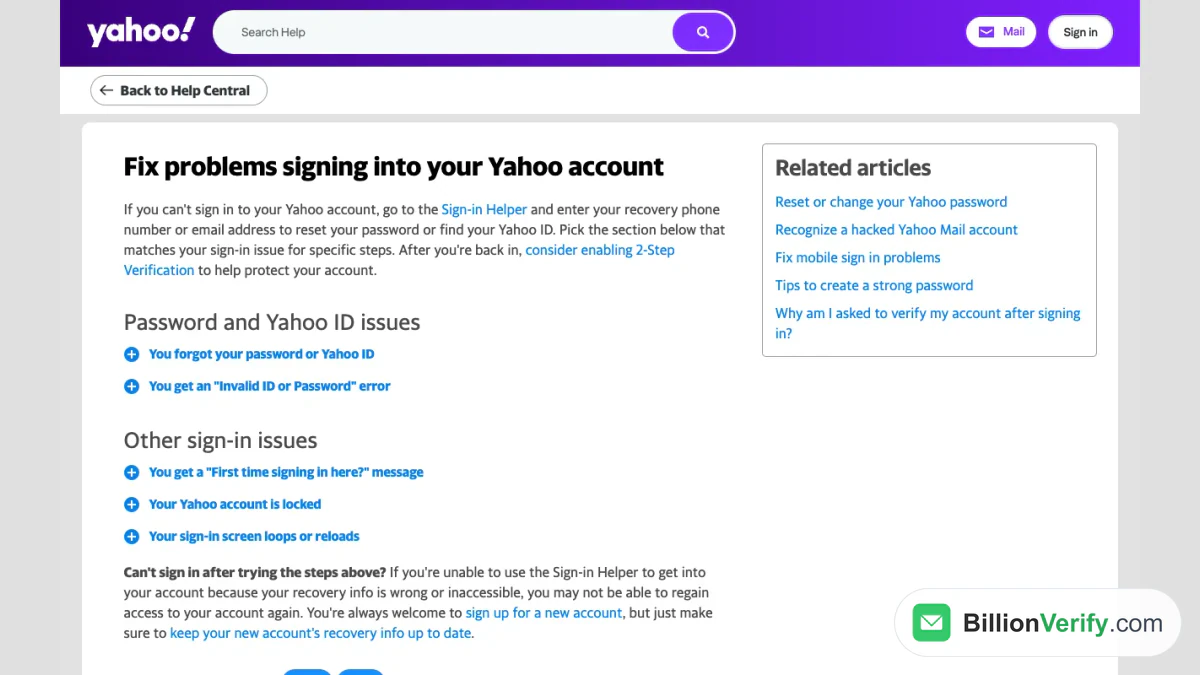
Screenshot: Yahoo's guide to sign-in trouble.
Our Yahoo Mail login guide walks through every message and the reset steps.
Yahoo Mail Authentication Failed
A mail program that reports failed authentication while the website works has an account that is fine. The mail authentication failed notice differs from an outage, and a mail authentication failed message in Outlook points at the program. Third-party programs that skip Yahoo's own sign-in screen need an app password in place of the normal one. The app password article says to create it on the Account Security page under External connections and to enter it once. Yahoo may refuse a code in a session it has not seen you use for several days, or in a private window, and then webmail or the official app is the way in.
The troubleshooting article for POP and IMAP clients adds more. It lists "Server password has changed" and "Authentication failed" as signs of an outdated app, to be cured by updating it or granting temporary access in the account settings. It also names ports 995, 465 and 587: security software or a firewall that blocks them stops the program from reaching Yahoo, and the message may read that the connection to the server failed. Removing the account from the program and adding it again clears saved data that has gone bad.
Where Did My Emails Go?
A missing message is not always an outage. Yahoo lets you file a restore request for emails deleted or lost in the last seven days. The request cannot be cancelled and may not succeed. Spam and Draft folders are not restored, and marketing mail cannot be brought back. Recovered items land back in the folder they sat in at the chosen time, so check Trash if they seem absent.
What Happens to Mail Sent to You While Yahoo Is Unavailable
Nothing disappears at once, because the sending server does the work. RFC 5321, the standard for mail transfer, says in section 4.5.4.1 that mail which cannot be transmitted immediately must be queued and retried periodically by the sender. Retries should be spaced at least 30 minutes apart, and the give-up time generally needs to be 4 to 5 days or more.
Those are general rules for any server, not a promise from Yahoo, and each sender picks its own limits. A short outage is usually harmless. If a bounce comes back anyway, ask for a resend. A full mailbox differs: Yahoo says messages sent to it are not stored and cannot be recovered.
When You Send to Yahoo and See an Error
Senders meet these faults from the other side, and most look worse than they are. Yahoo's Sender Hub sorts the codes.
| Reply class | What Yahoo says it means | Handling |
|---|---|---|
| 4XX (421, 451) | Busy servers, unusual traffic or complaints delay delivery | Keep the address and retry later |
| 5XX (553, 554) | An invalid address, failed DMARC or DKIM, or a policy refusal | Never retry; drop the address if no such mailbox exists |
Yahoo adds that a 5XX reply should not be retried and that list managers need a policy for removing addresses behind them. The page on SMTP error codes has the full list, including complaints, unknown recipients and authentication failures.
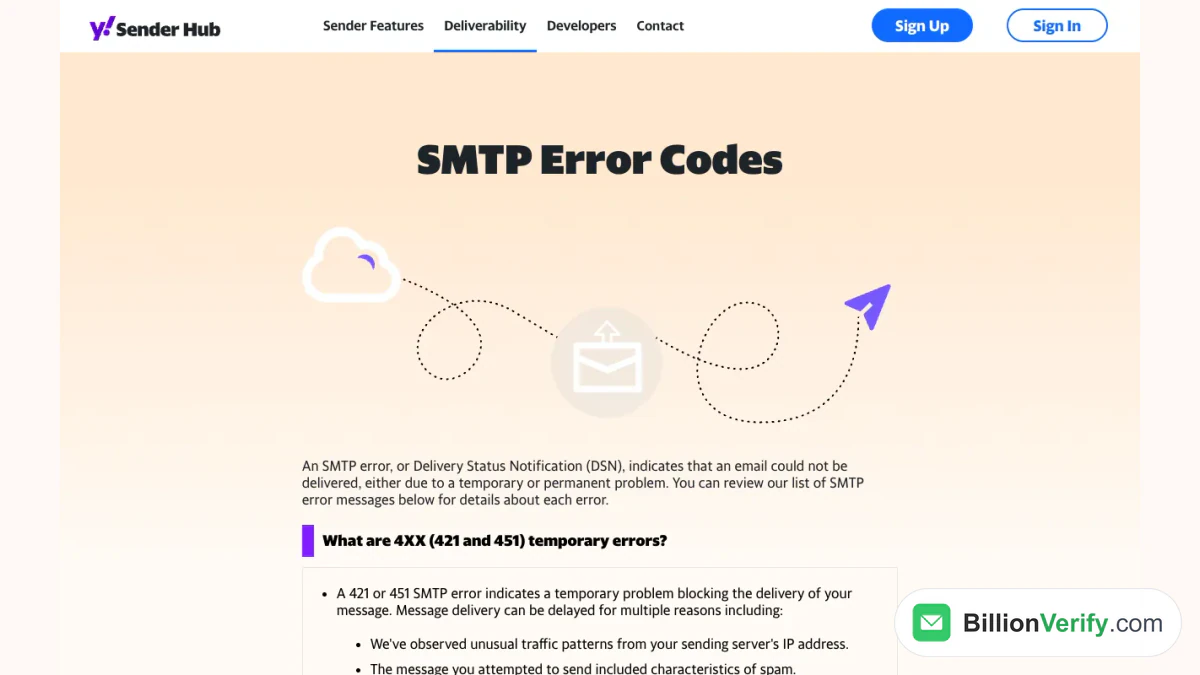
Screenshot: the error code reference for senders.
An outage normally produces the first kind, and a deleted or mistyped mailbox produces the second. When your list holds yahoo.com, ymail.com or rocketmail.com contacts, sort them before a send so that Yahoo's trouble is not mistaken for a bad entry. BillionVerify's email verifier checks a single address, and bulk email verification checks a list. Valid and invalid cost 1 credit each, unknown is free and a free re-check stays open for 24 hours. Catch-all addresses carry their own label.
BillionVerify's DNS checker.
The free tier adds 20 credits on each active day, up to 600 a month, and they never expire. The reverse email lookup shows what is public about an address, and the phone number validator covers numbers collected with a list. We make no claim about how Yahoo answers verification checks.
FAQs
Where can I see the Yahoo Mail server status?
Not in any place that Yahoo links from its help section, so rely on the help hub and the social channels. Reports gathered by other sites add a hint, nothing more.
Why is Yahoo Mail not working today?
Pick the failing route first. Yahoo Mail not working in the browser but fine in the app points at the web version, and the reverse points at the app. When every route fails together, a Yahoo Mail outage becomes likely.
Is there a Yahoo Mail outage right now?
Only Yahoo could confirm one, and it posts no live dashboard in the articles we read. Compare routes, devices and networks, then wait if all of them fail. A Yahoo Mail down report from one person proves little.
Why is Yahoo Mail not working on my iPhone?
Common causes are a stale session, a sign-in problem or a temporary error. Yahoo suggests signing out of all devices, signing back in and using its app or the phone's own mail app if the web version keeps failing.
What does error 15 mean in Yahoo Mail?
A short-lived fault that Yahoo expects to clear soon. It links the message to unsupported clients and to one account used in several places at once.
Why does the mail app say authentication failed?
Authentication failed in a third-party program means it needs a generated code in place of the usual password. A mail authentication failed prompt on an iPhone follows the same cure. Make one on the security page, and update the program if the failure persists.
Is Yahoo Mail down for everyone?
Not necessarily. If another device or network works, the fault is local. If no route works and others complain too, Yahoo Mail down is the likely explanation, since a Yahoo Mail outage hits many people together. A mail outage of that kind usually ends on its own.
Will I lose emails while Yahoo Mail is down?
Not by default. The sender's server queues the message and tries again, and each sender's settings decide how long it keeps trying.
Does an SMTP 421 or 451 reply mean the address is bad?
No. Yahoo calls those 4XX codes temporary and allows a later retry. A 553 or 554 reply is permanent.
Should I verify Yahoo addresses before a campaign?
Yes. A check separates dead entries from healthy ones, so a passing fault never looks like a dirty list.