


Chapter 1 of 6 · Upload the file
About this video
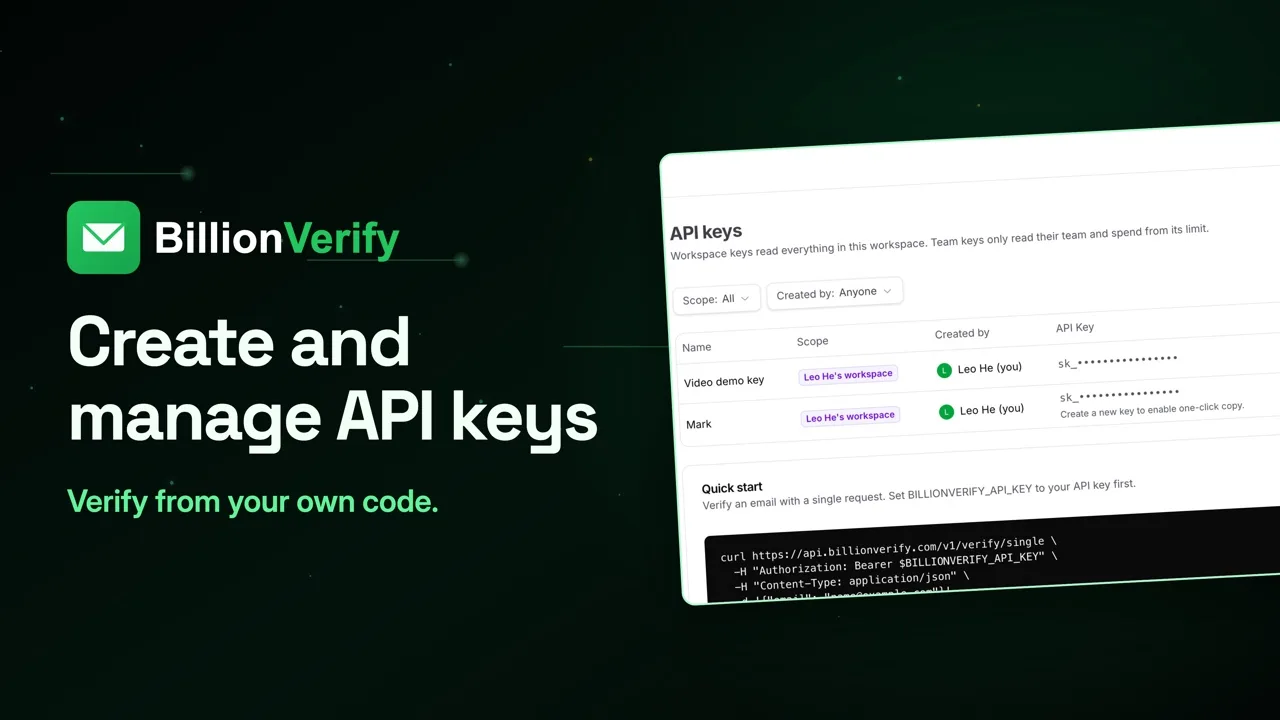
Responses in this video are real API responses, shortened. API keys and file verification need a paid account.
Video transcript
Upload the file
Upload a CSV to /verify/file, then let a webhook tell you when it's done. Bulk stops at 50 addresses. For anything bigger, send the whole file as multipart form data. CSV, TXT and XLSX are accepted. email_column names the column to read. Leave it out, and it's detected for you. This is the test file. Four rows, plus a source column we want to keep in the results. The upload doesn't wait for the checks. It answers with a task ID and a pending status. It also tells you which column it read, and how many rows and unique addresses it found. Like the API key itself, file jobs are for paid accounts.
Track the job
To check on it, GET the same path with the task ID added. Same header, no body. Asked right away, this small file was already merging. While it runs, status moves through steps like preparing, pending, processing and merging. Stop asking once you see completed, completed with warning, failed or cancelled. Here's the finished job. The counts split the file by status: one invalid, one role, one catch-all and one disposable. credits_used is one, and cache_hit_not_charged is three. Three rows were rechecks. Those addresses were checked on this account in the last 24 hours, and a recheck within 24 hours isn't charged. Two links come with it. download_url is the stable API path, so that's the one to store. direct_download_url is a signed storage link, and it stops working at the expiry time shown.
Get the results
Call results and save the output to a file. With no filters, the API redirects to the full result file, and dash L follows that redirect. Your columns come first, unchanged. Then the ev_ columns follow, like status, score and reason, on every row. Need only the rows to remove? Add filters. They combine with OR, so this asks for invalid or disposable. With a filter, the CSV is built and sent back directly. Two rows come back, the ones to remove.
Use a webhook
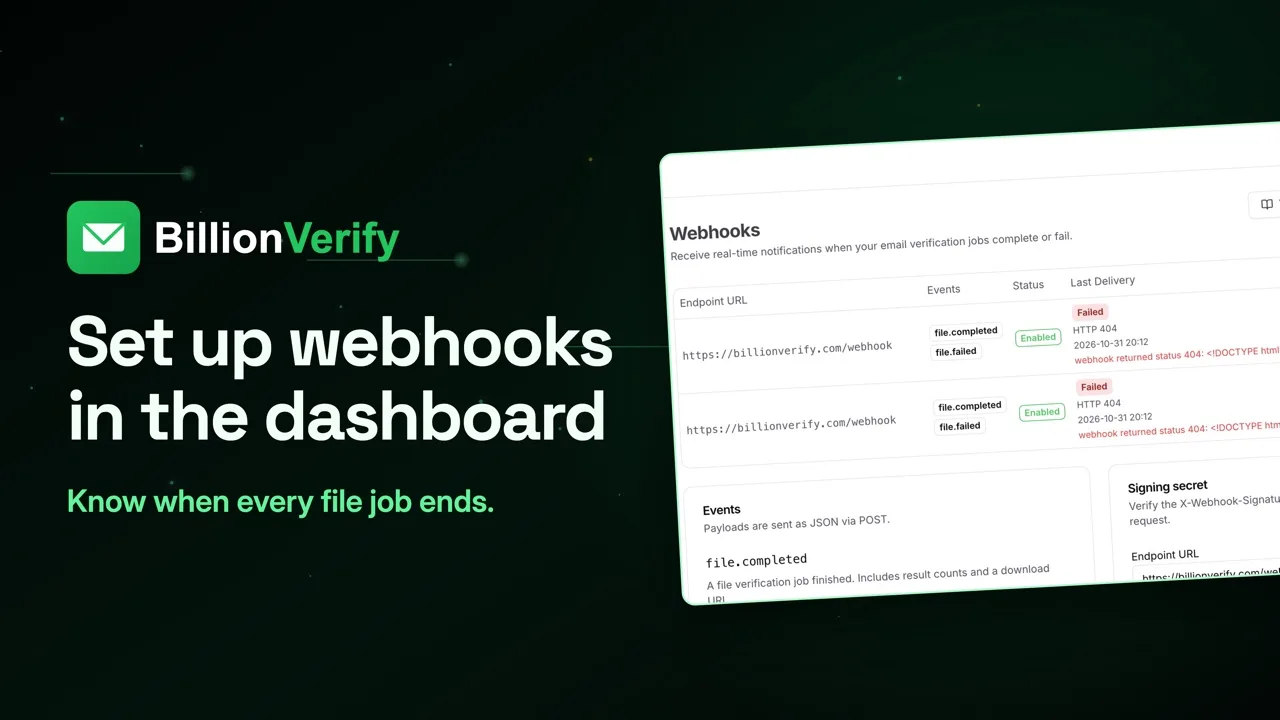
Polling works, but a long job means a lot of requests. A webhook turns it around. BillionVerify calls your server when a file job finishes or fails. Register one with a POST to /webhooks. Give it an HTTPS URL and the events you want. There are two: file.completed and file.failed. That response carries a signing secret, and it's the only time you'll see it. Save it right away. You need it to check every delivery. Each delivery is a JSON POST with three headers: the event, a timestamp and a signature. The body names the event and the time. Its data carries the job ID, the counts, credits used and the download links.
Check the signature
Check the signature before you act on a delivery. Join the timestamp header, a dot, and the raw body. Run HMAC-SHA256 over it with your secret, and compare with the signature header. Hash the body exactly as it arrived. Parsed and re-encoded JSON won't match. And reject stale timestamps, so an old request can't be replayed. So the whole flow is short. Upload, store the task ID, wait for the webhook, then fetch the results from the stable link.
Next steps
Status values, filters and every webhook field are in the API reference, at billionverify.com/docs/api-reference. 20 free credits every day you use your account, up to 600 a month. No credit card required. Start at billionverify.com.
More in API for Developers
All email verification videos
BillionVerify pricing
Start free, then pay for what you verify. Pick a plan or buy credits once.
billed yearly $96
Save 60%$0.0004 / per credit
All 240,000 credits arrive at once. Use them anytime.
Choose your credits
Included in every paid plan
- 240,000 credits / year
- Single email verification
- Bulk email verification
- Email Finder
- Bulk Email Finder
- Company Search
- Live SMTP mailbox check
- Real-time API + batch processing
- CSV & Excel upload support
- Comprehensive verification reports
- Workspaces and teams with spend limits
- Credits never expire
Try the AI email verification features
20 free credits every day you log in, up to 600 a month. Free AI first email verification across every feature, no credit card.
Native MCP Server integration · Catch-all reported separately · Free tier, no credit card