


Chapter 1 of 9 · Your first request
About this video
Responses in this video are real API responses, shortened. API keys, bulk and file verification need a paid account.
Video transcript
Your first request
Your first request is a POST to /verify/single. Send one JSON field, email. Put your API key in the BV-API-KEY header. That's the whole request. Keep that key in an environment variable on your server, never in client code. Creating a key needs a paid account, and any credit purchase unlocks it.
Read the response
This is the real response for a support address. Start with status. It says role, because support is a shared mailbox name, not a person. The score is point six. That's a value from fixed rules, not a probability. So branch on status, not on the score. Is deliverable is true, so the mail server accepted this address. Is catch-all is true as well, so this domain accepts any address. Role takes the status, and the flags still show the rest. Reason gives the why, as one code. Here it's catch-all deliverable.
Why credits_used is 0
The docs have a page listing every code. Now credits used. It's zero here, but that doesn't mean checks are free. This account already checked this address in the last 24 hours, so the repeat wasn't charged. A first check like this one costs one credit. Verification mode says where the answer came from. This one came from cached history. Use it to understand the result. For billing, read credits used.
Up to 50 addresses
Got a short list? Use /verify/bulk. The header stays the same, and the body takes an emails array, up to 50 addresses. The results come back in this same response. Each address gets the same fields you just saw. The first is catch-all. The second is invalid, because that mailbox doesn't exist. The third is disposable. All three used a credit. Invalid counts. The disposable one counts here because this request set check_smtp to true. Leave that out, and a disposable match stops early, at no charge. So by default, unknown, bad syntax and disposable cost nothing. Everything else is one credit, catch-all and role included. Below the results, you get totals. Valid emails is zero, because catch-all isn't counted as valid. And the buckets group the batch: one usable with catch-all, two not deliverable. Send more than 50, and you get an HTTP 400 with code 3103. The list isn't split for you, and it doesn't become a file job. The error points you to the file endpoint.
Bigger lists
For bigger lists, upload a file. It's asynchronous, so the upload gives you a job ID. Use that ID to check progress. When the job finishes, download the results. Keep the dash L flag, because the download can redirect. The download is a CSV. Your original columns stay, and new ones follow, like ev_status and ev_reason.
Check your credits
/credits tells you what's left. It's a GET, with the same header. Check it before a big upload, because without enough credits, the API returns a 402.
Two request options
Two options change what a check does. SMTP is on by default, and no email is ever sent. check_smtp false skips the mail server, so most addresses come back unknown. force_refresh true skips the cache, and you pay for the new result.
Errors and limits
Handle three errors first. 401 is a missing or invalid key. 402 means not enough credits. 429 is a rate limit, so back off and retry. Rate limits apply per API key. 6,000 requests a minute on single. 1,500 on bulk.
Next steps
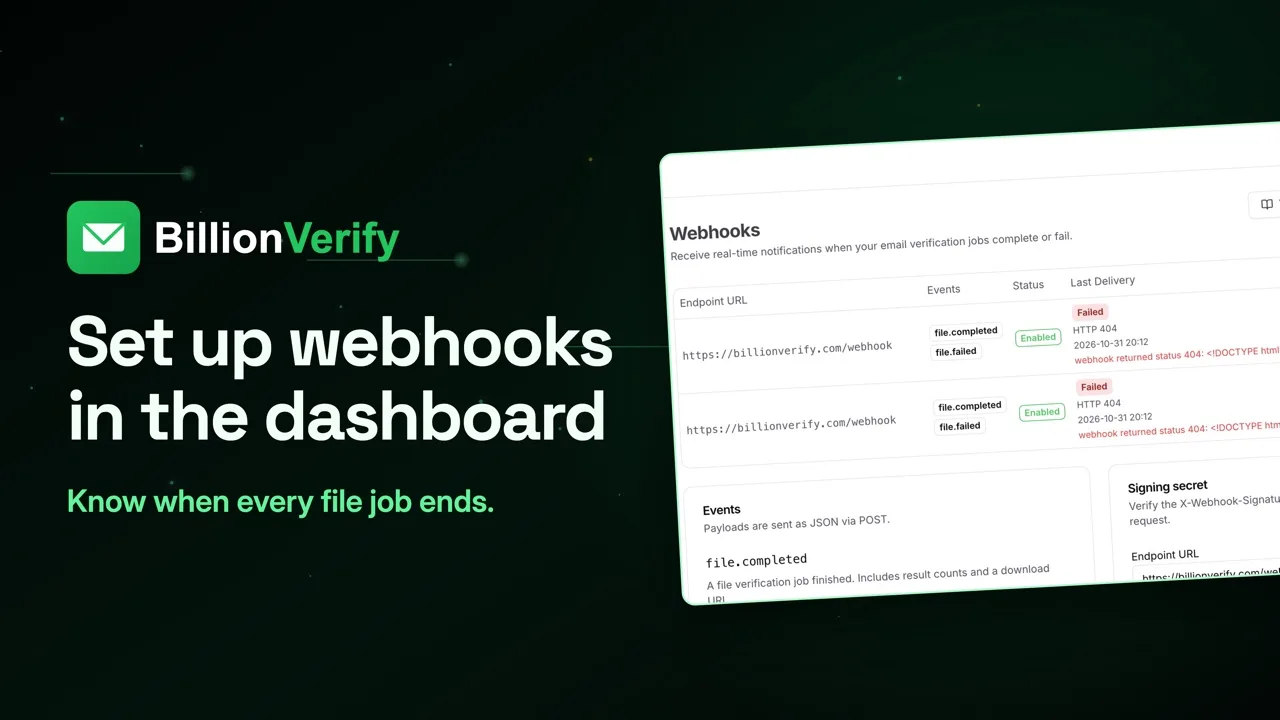
300 on file uploads. That's the quickstart. Single, bulk, file and credits. The full API reference, SDKs and webhooks are at billionverify.com/docs. 20 free credits every day you use your account, up to 600 a month. No credit card required. Start at billionverify.com.
Featured in this video
Free Email Verification API with Real SMTP ChecksEmail Verification API runs a live SMTP mailbox check over HTTP for apps, forms and AI agents, with batches of 50, file jobs, webhooks and four official SDKs.Try Free Email Verification API with Real SMTP ChecksMore in API for Developers
All email verification videos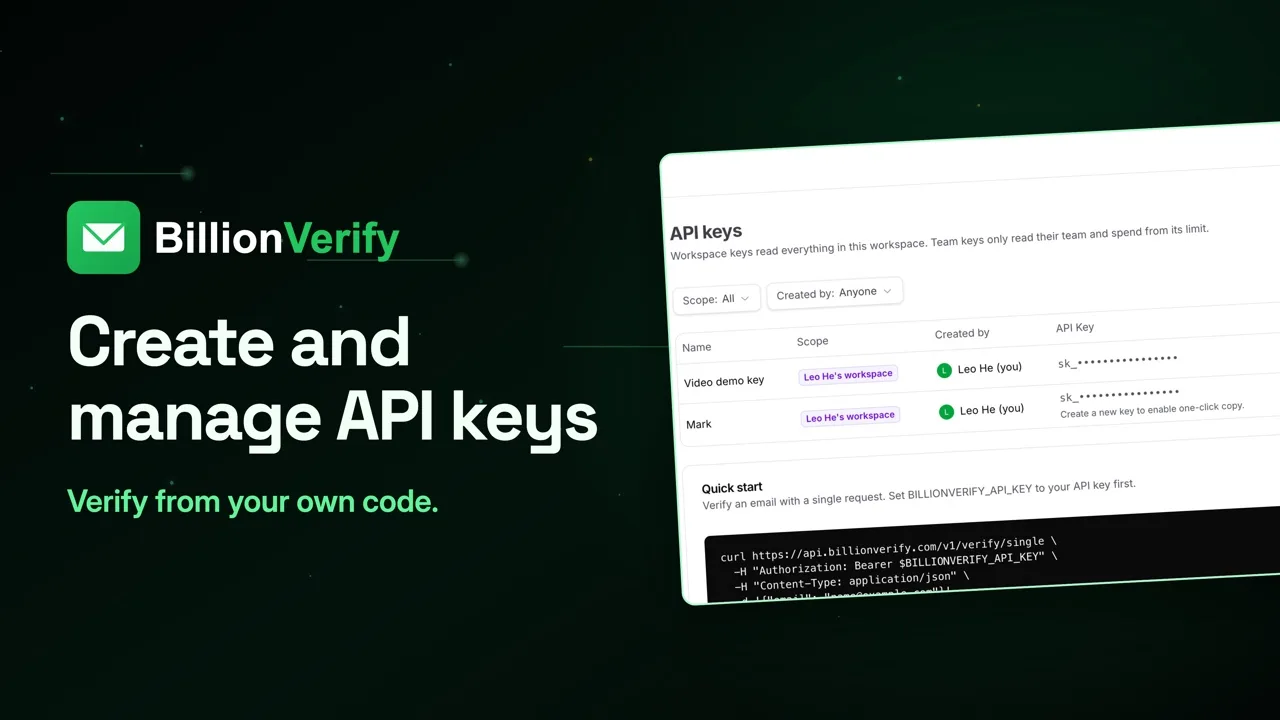

BillionVerify pricing
Start free, then pay for what you verify. Pick a plan or buy credits once.
billed yearly $96
Save 60%$0.0004 / per credit
All 240,000 credits arrive at once. Use them anytime.
Choose your credits
Included in every paid plan
- 240,000 credits / year
- Single email verification
- Bulk email verification
- Email Finder
- Bulk Email Finder
- Company Search
- Live SMTP mailbox check
- Real-time API + batch processing
- CSV & Excel upload support
- Comprehensive verification reports
- Workspaces and teams with spend limits
- Credits never expire
Try the AI email verification features
20 free credits every day you log in, up to 600 a month. Free AI first email verification across every feature, no credit card.
Native MCP Server integration · Catch-all reported separately · Free tier, no credit card