


Chapter 1 of 7 · What Skrapp's statuses mean
About this video
This video uses sample data, not real Skrapp data. Field names come from the Skrapp API docs and may differ from CSV headers. BillionVerify is not affiliated with or endorsed by Skrapp. File verification needs a paid account.
Video transcript
What Skrapp's statuses mean
Skrapp's docs say a valid status can come from what it already knows. Here's how to read its statuses, and what to check before you send. Skrapp labels each email with a status. Valid. Catch-All. Invalid. Unknown. And Pending, which only means the check on a large list hasn't finished. Valid has a detail worth knowing. Skrapp's API docs say the mailbox exists and accepts mail. Then they add one more line. So a valid can rest on what Skrapp already knows. The verifier response shows both layers. Mailbox status is the mail server check on that request. Email status is the final answer, and the two can disagree. Skrapp's rule for that case is clear. Go by email status. Follow it inside Skrapp. But that status belongs to one moment. Your campaign may go out next week. So before it does, ask the mail server again.
What the status leaves out
Skrapp's docs also name a gap to plan for. Free mail and disposable addresses get flagged through mailbox type. Role addresses don't. So an info at address looks like any other row.
Verify the export
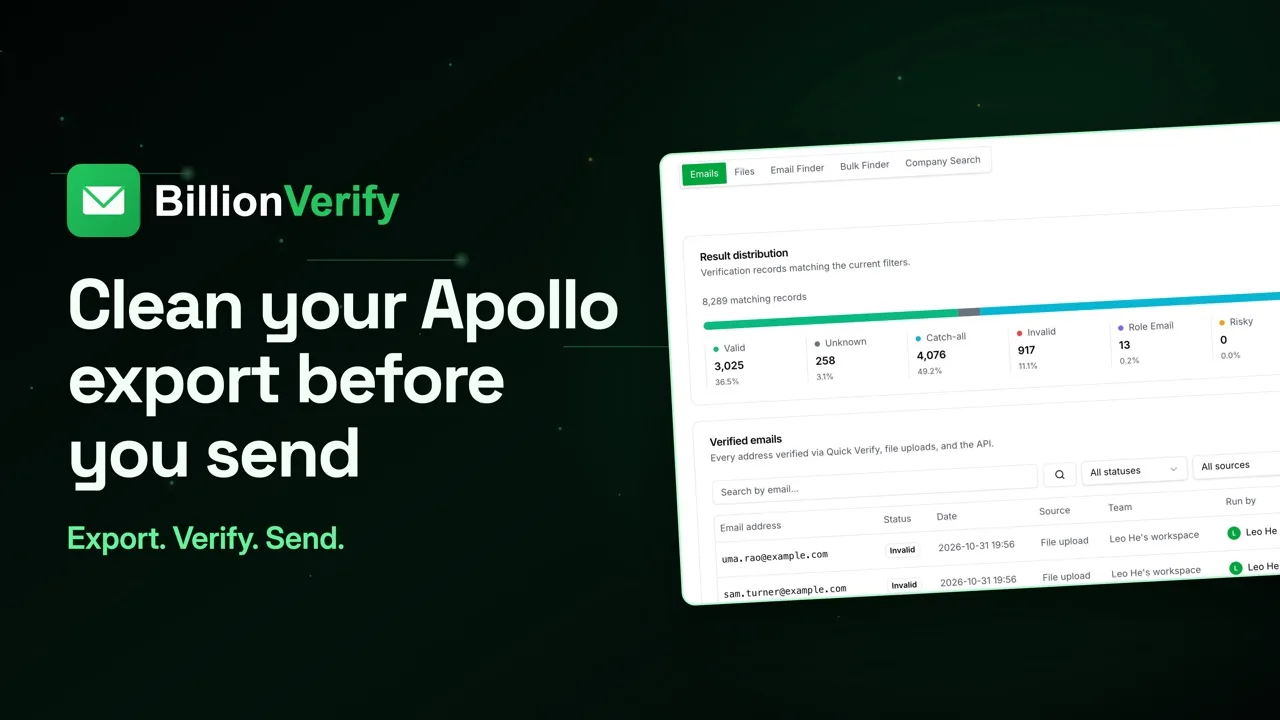
So export your Skrapp results to CSV, and send that file through BillionVerify before it reaches your CRM. Inside BillionVerify, pick File List Verify, then add your CSV. You'll see the unique addresses and your available credits, and nothing runs until you say so.
Compare the two
Here's where the gap closes. Skrapp's Email Status stays in your file, and our status sits next to it. That generic inbox now reads role. Then split the file. Valid goes to your sequence. Role gets a message written for a team inbox. Skrapp says to send to catch-all with care, so that's a small, separate batch. Retry unknown later. Remove invalid and disposable.
After you send
One last point from Skrapp's own FAQ. Verified emails can still bounce. It names a full inbox, an inactive account, and server issues. So watch your first send, and pull any hard bounces straight away.
What it costs
What does it cost with us? One credit per result, counting catch-all and role. Unknown, bad syntax and disposable aren't billed. You upload files from a paid account, and one credit purchase of any size makes yours paid.
Get started free
20 free credits every day you use your account, up to 600 a month. No credit card required. Start at billionverify.com.
Featured in this video
Skrapp Email VerificationVerify Skrapp email output before sending. Skrapp pattern-based email discovery needs an independent SMTP verification pass before contacts enter a CRM.Try Skrapp Email VerificationMore in B2B Leads
All email verification videos
BillionVerify pricing
Start free, then pay for what you verify. Pick a plan or buy credits once.
billed yearly $96
Save 60%$0.0004 / per credit
All 240,000 credits arrive at once. Use them anytime.
Choose your credits
Included in every paid plan
- 240,000 credits / year
- Single email verification
- Bulk email verification
- Email Finder
- Bulk Email Finder
- Company Search
- Live SMTP mailbox check
- Real-time API + batch processing
- CSV & Excel upload support
- Comprehensive verification reports
- Workspaces and teams with spend limits
- Credits never expire
Try the AI email verification features
20 free credits every day you log in, up to 600 a month. Free AI first email verification across every feature, no credit card.
Native MCP Server integration · Catch-all reported separately · Free tier, no credit card