



Chello Mail users and Magenta Webmail users share one entry point. It sits at webmail.mymagenta.at, and the address webmail.chello.at leads to it too. You type your full address and your password, then press "Anmelden". Mail programs use the same Magenta servers for @chello.at accounts.
This guide lists the pages we could open and what Magenta writes about them. It covers the password reset, the management of addresses and the setup of your mail software. Every fact about Magenta comes from its own pages, read in October 2026. We did not sign in to an account, and we are not affiliated with Magenta Telekom. BillionVerify is an email verification service. For a short definition of the service type, read what webmail is in our glossary.
Key facts (checked October 2026):
- The Magenta page about webmail says that you log in with an address plus a password.
- Magenta's mail setup sheet names @chello.at and @inode.at accounts and gives mail.mymagenta.at as the server, with port 993 (IMAP) and port 465 (SMTP).
- Magenta's answer on lost logins asks customers not to use a chello.at or inode.at address as the portal user name.
- The FAQ entry on the cable and landline mail portal lists 1 GB of cloud storage kept in Austria and support for IMAP4.
- Magenta's help text says a password can be recovered later only if you saved a backup email address or a mobile number for the mailbox.
- BillionVerify's account gives 20 free credits on each day you use it, with no card needed, for checking addresses ahead of a send.
Magenta Mail Login Pages
Magenta runs one webmail for its internet customers. We opened four addresses. Three of them end at the box where you log in, and one is an information page on the Magenta site. The portal for contracts and bills is a different login and is covered further down. The table shows what each address did.
| Address | What happened | Who it is for |
|---|---|---|
| webmail.mymagenta.at | Opened webmail.mymagenta.at/appsuite/signin | Everyone with a Magenta mailbox |
| mail.mymagenta.at | Ended at the same box | The server name for mail programs, also reachable in a browser |
| webmail.chello.at | Same destination | Owners of @chello.at mailboxes |
| www.magenta.at/magenta-welt/webmail | Information page with a "Zum Login" button | Visitors who want to read first |
The Magenta Mail Login Box
The box sits on a magenta background under the Magenta logo. A language menu at the top left switches between English and Deutsch. In German the box says "Bitte geben Sie Ihre Mail Login-Daten ein". Below it are two fields, "E-Mail-Adresse" and "Passwort". A link under the password reads "Passwort vergessen?". The checkbox "Angemeldet bleiben" is ticked by default, and the button is "Anmelden".
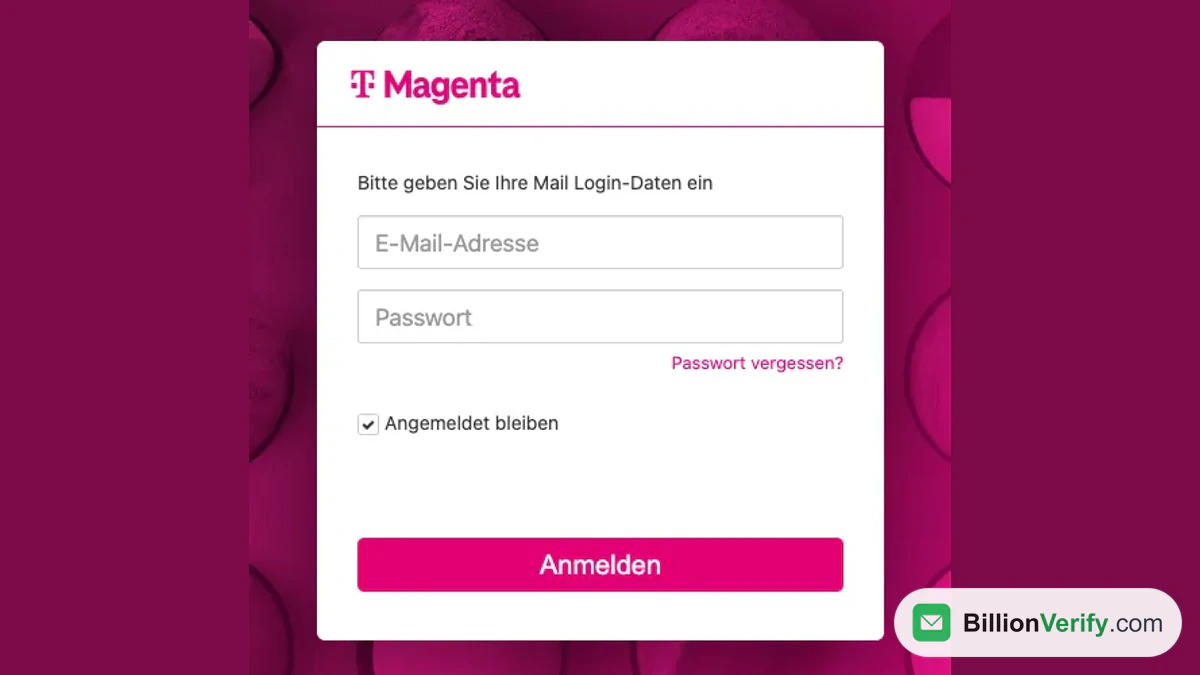
Screenshot: Magenta's login box in German.
Enter the full address with its ending. The settings sheet from Magenta gives max.mustermann@chello.at as its example for the user name. On a shared computer, clear "Angemeldet bleiben" first, so the next person does not land in your mailbox.
What the Magenta Site Says About Webmail
The page is headed "Schnell und einfach Mail abrufen". It describes a simplified view that also works on phones and tablets. It promises SSL encryption, and says that outside accounts such as Gmail, Yahoo! or Hotmail can be imported. A box named "Webmail Login" promises a quick start with address and password, and its button reads "Zum Login". The icon bar at the top of each magenta.at page we opened also holds a "Webmail" shortcut.
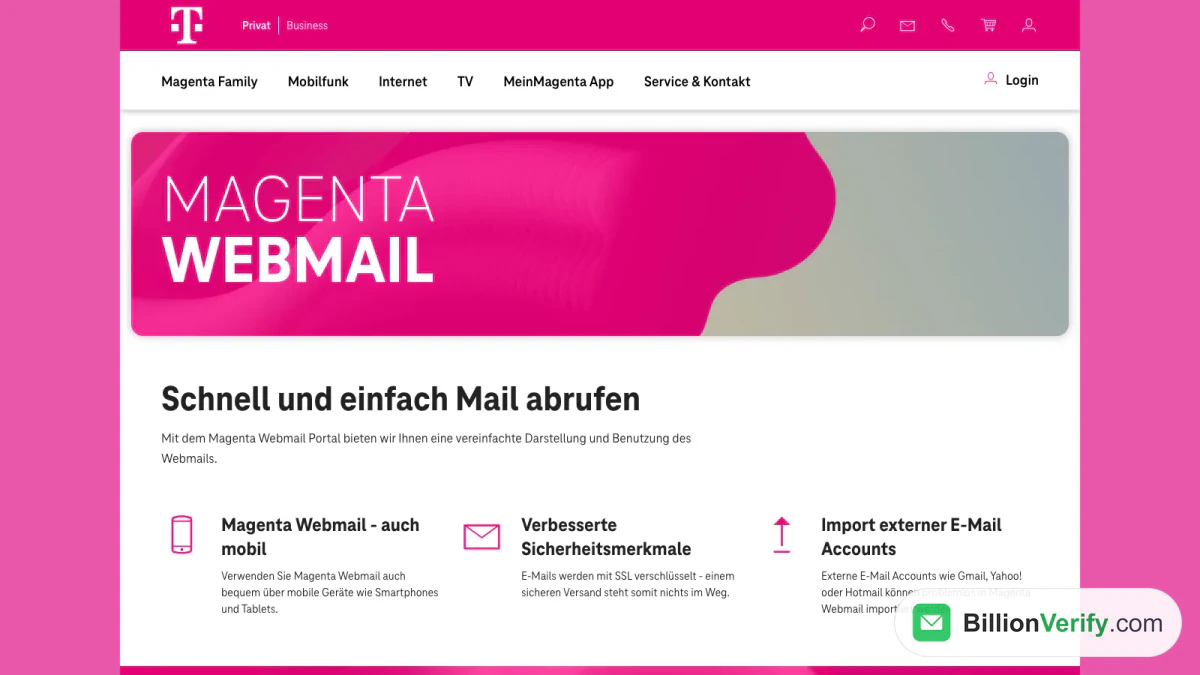
Screenshot: the information page on magenta.at.
Chello Addresses and UPC Names Today
Magenta's pages show only what is current and tell no story about where the Chello name came from. Three details are enough to place a @chello.at address. The setup sheet for mail clients lists "@chello.at- sowie @inode.at-Konten" and gives both the same servers. Opening webmail.chello.at lands on the Magenta box. And the help entry about lost logins tells customers to pick another address for the portal, in the words "Bitte verwenden Sie hierfür keine chello.at bzw. inode.at Adresse".
That entry dates the rule. Since 1 February 2022 the address entered when you register has also served as the user name for the portal. From 1 July 2022 customers are asked at their first visit to set a valid address as user name. So a @chello.at address works for mail, but Magenta does not want it as the key to the portal.
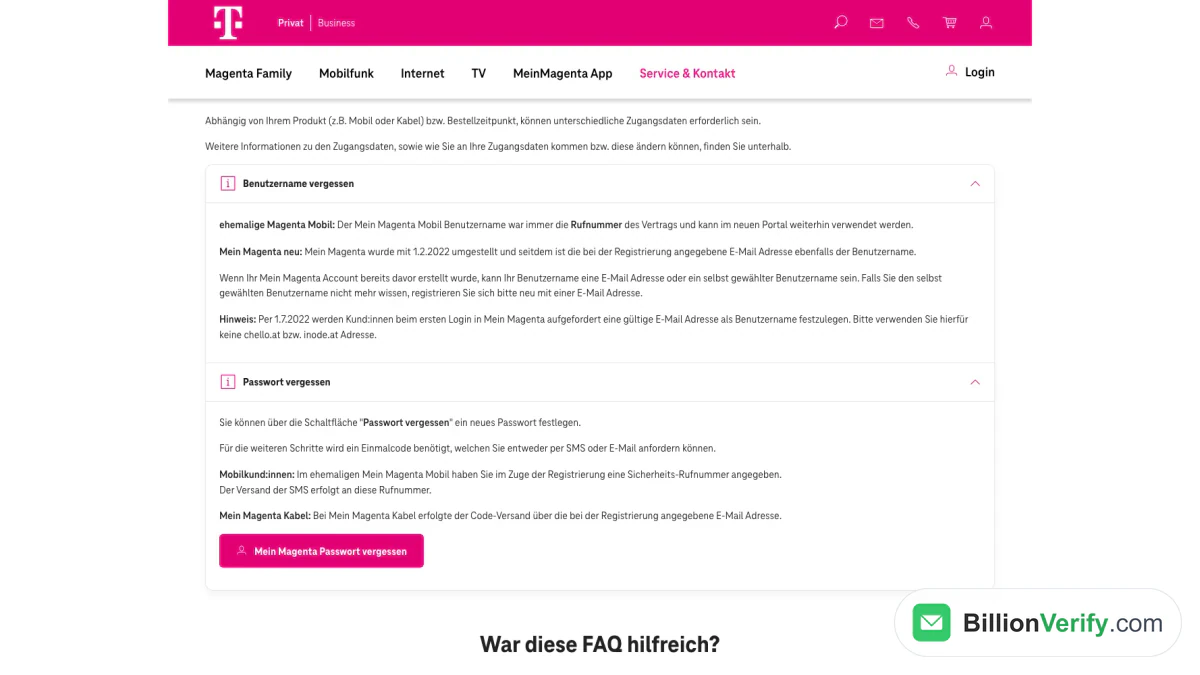
Screenshot: Magenta's help entry on lost user names and passwords, with the note on the two domains.
UPC is harder to place. No Magenta page we read describes UPC mail addresses. The only mention sits on the company page, where a manager's biography refers to the merger of UPC and T-Mobile. Nothing there says how a former UPC address works today. If you hold one, put the question to customer service rather than to third-party pages.
Password Reset for a Magenta Mailbox
Magenta describes two places where a password is handled. One is the login box of the webmail. The other is the customer portal, where the addresses of an internet contract are managed. The box is the quick route. The portal matters because Magenta's recovery needs details that you must have saved earlier.
Start From the Login Box
That link starts the reset. We did not submit an address, so we cannot say what the next screen asks for.
- Open webmail.mymagenta.at.
- Click "Passwort vergessen?" under the password field.
- A page called "E-Mail Service Center" opens. A menu there offers German and English.
- Type the address of the mailbox and press "Bestätigen" (in English, "Submit").
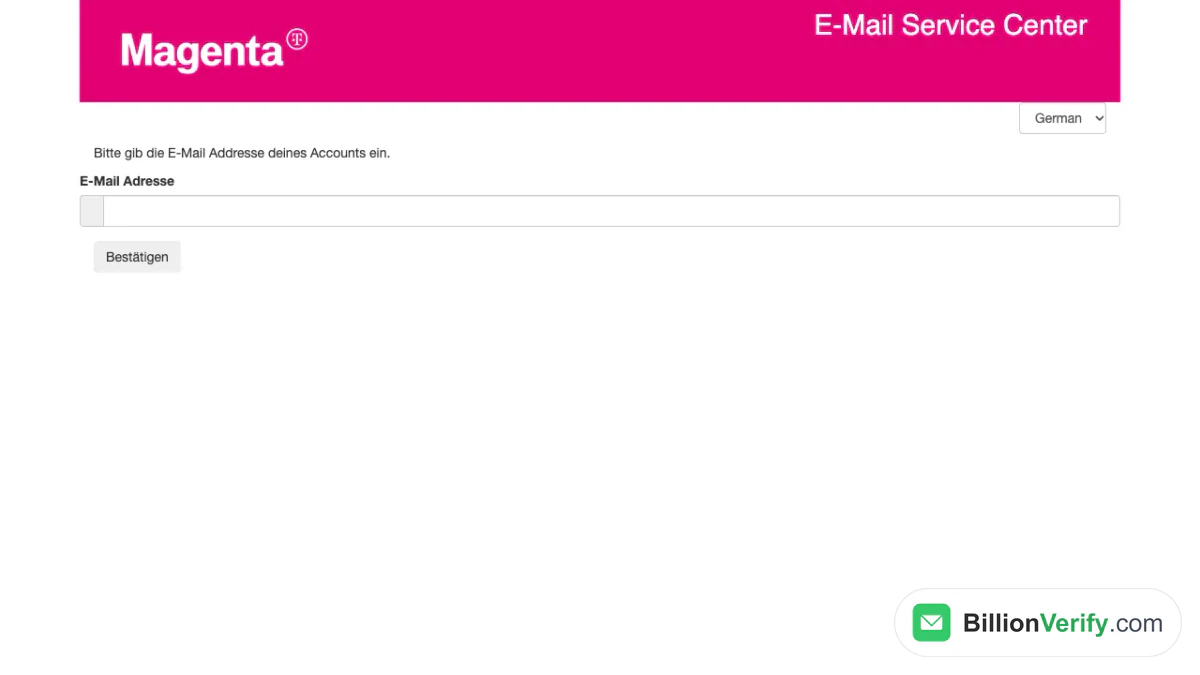
Screenshot: the recovery page that opens from the forgotten password link.
Save Recovery Details Before You Need Them
The recovery entry in the FAQ states the rule plainly. To get a mail password back later, a backup address, or a phone number instead, must be stored for the mailbox. The setting belongs to each mailbox on its own. A different contact per mailbox is allowed, and so is the same one.
- Log in to the customer portal, which Magenta calls Mein Magenta.
- Pick the internet product in the overview.
- Click "Self Service", then "Email verwalten".
- Click the icon beside "Einstellungen Passwort Wiederherstellung" for the mailbox.
- Enter the backup address or the phone number, and confirm with "Einstellungen Speichern".
Write the phone number with leading zeros and the country code, as in 0043 followed by the number. If "Email verwalten" is missing under Self Service, Magenta tells you to contact its customer service.
The Portal Password Is a Separate Case
A lost portal password follows another path. A button called "Passwort vergessen" sets a new one, and the next steps need a one-time code. You can have the code sent by SMS or by email. Former Mobil customers receive the SMS on the security number from their sign-up. Cable customers receive the code on the address they entered back then.
Mail clients bring a third item. The setup sheet says their password is the one you assigned in the portal, so update it in each client after a change.
Manage Mailboxes and Aliases
Magenta handles the upkeep of mailboxes in the portal. Four functions are listed there: creating or removing a mailbox, changing a password, adding or dropping an alias, and setting the recovery details. The route is the one above, through the internet product, Self Service and "Email verwalten".
What the Mail Portal Offers
That entry lists the main features. SSL protects the transfer, search is faster, and IMAP4 works. There is cloud storage of 1 GB, which Magenta says sits in Austria and is meant for files and large attachments. Attached PDF, Excel, Word and PowerPoint files can be opened online. A separate entry on the Drive calls the 1 GB free, and asks you to keep ?, +, , # and % out of file and folder names.
Other FAQ entries cover the daily work. An automatic spam filter scans every incoming message for viruses and spam, and moves suspect mail to the Spam folder. Forwarding lives in the settings under "E-Mail" and "Automatische Weiterleitung", where you enter the address that should receive every message. Outside accounts are added from the same "E-Mail" menu. Magenta first tries to find the server settings alone, and offers a manual setup if that fails.
Settings for Mail Clients
Magenta publishes a sheet with the basic data for every mail client. A mailbox may need to be created in the portal before a client can fetch it. The table shows the values for the two kinds of accounts on the sheet. It also advises you to enter server names rather than IP numbers, which can change without notice.
| Setting | @chello.at, @inode.at | Accounts on your own domain |
|---|---|---|
| User name | The full address, such as max.mustermann@chello.at | name@domain |
| Password | The one set in the portal | The one set at admin.domain, for example admin.meinedomain.at |
| Outgoing server | mail.mymagenta.at, port 465 | smtp.domain, for example smtp.meinedomain.at, port 587 |
| IMAP server | mail.mymagenta.at, port 993 | Not listed |
| POP3 server | mail.mymagenta.at, port 995 | mail.domain, port 995 |
Apple Mail
The sheet walks through Apple Mail in seven steps. The key part comes at the end, where the automatic settings must be switched off.
- Open Apple Mail. On a first start, choose "Anderer Mail-Account" and continue.
- To add a second account, open the settings under "Mail" and click the plus sign under "Accounts".
- Enter your name, the address and the password, then click "Anmelden".
- Return to the settings, select the account and switch to "Servereinstellungen".
- Remove the tick at "Verbindungseinstellungen automatisch verwalten".
- Fill in the server values from the table above.
- Open the advanced IMAP settings, tick both boxes for TLS/SSL, set the authentication to "Passwort" and save.
Emailing Chello Users? Verify Before You Send
Not everyone reading this guide owns a Magenta mailbox. Some of you write to people who do. A list from an Austrian shop, club or event can hold provider entries next to Gmail and GMX. The older the entry, the more likely that nobody reads it, and mail sent there returns as a bounce in your report. If you also mail Austrian GMX users, our guide to the GMX domains explains gmx.at. For a second address from a form-based provider, see our guide to German email providers.
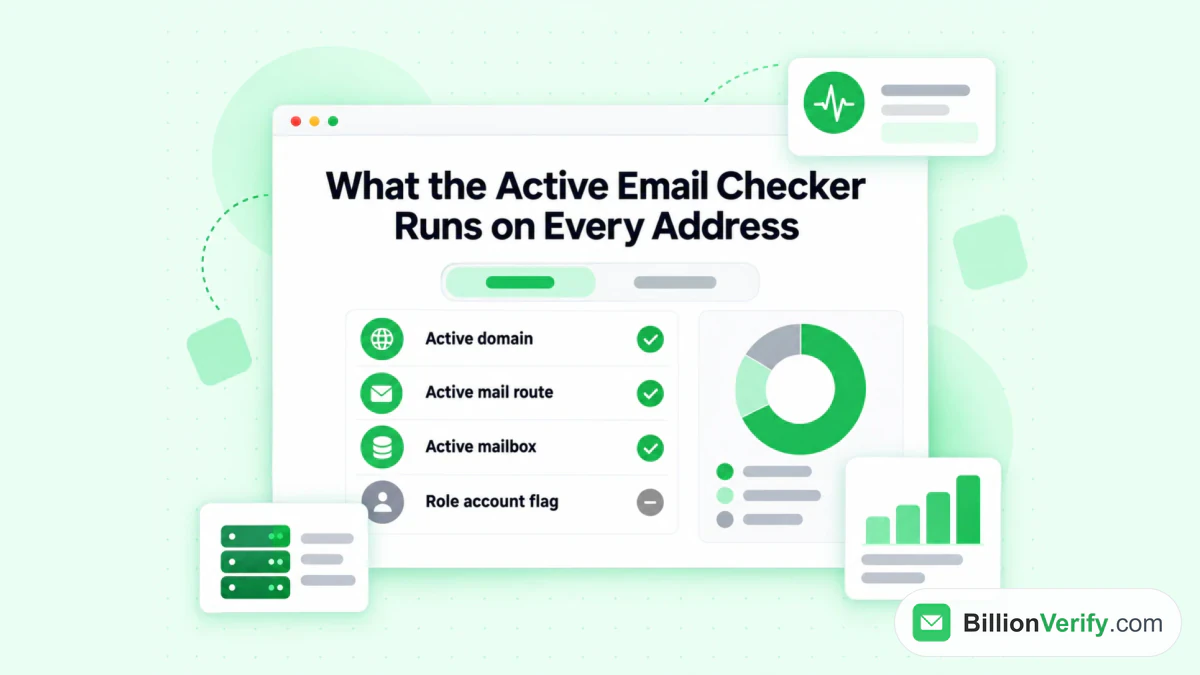
BillionVerify's checker looks at the domain, the mail route and the mailbox, and flags role accounts.
BillionVerify's email verifier works on single entries. What to know:
- valid and invalid results cost 1 credit each, and unknown results are free
- a free re-check is available within 24 hours
- catch-all entries get their own label and are not counted as valid
- the free allowance is 20 credits per day of use, up to 600 a month, and credits never expire
- our servers are in France (EU), and a DPA can be signed
We make no claim about how Magenta's servers answer checks. If your signup form collects phone numbers, our phone number validator shows whether a number is valid for its country. To trace the owner of a suspicious sender, use our reverse email lookup. If you need the address of a contact first, the Email Finder takes a name and a company domain and returns a verified work email. It is for paid accounts, and a hit costs 10 credits while a miss costs nothing.
FAQs
How do I open my Magenta Mail?
Go to webmail.mymagenta.at and enter the whole address with the password. The "Webmail" shortcut at the top of magenta.at leads there as well.
Is Chello Mail the same as Magenta Webmail?
For the login, yes. The chello.at webmail address forwards to Magenta. In a mail client, @chello.at gets the same servers as @inode.at.
Which user name does the webmail use?
It is the entire address, domain included. Programs need the same entry.
Where do I find my Magenta login details?
It depends on which login you mean. The webmail takes the mailbox address and its password. The portal takes the address entered at sign-up, a rule that began in February 2022, and former Mein Magenta Mobil customers can still use their phone number.
What if I forgot the password of my mailbox?
Use the "Passwort vergessen?" link in the box and follow the recovery page. It helps only if the portal holds a second contact for that mailbox, either an email or a number for texts.
Which server settings does a mail program need?
The sheet names mail.mymagenta.at for @chello.at accounts. The ports are 993, 995 and 465 for IMAP, POP3 and SMTP. Hostnames are safer than IP numbers, which Magenta says may change.
Can I add my Gmail account to Magenta?
Yes, the examples in the FAQ are Gmail, GMX and similar services. After the login, pick "Weitere" for any provider except Google, and let Magenta find the settings or type them in.
How much storage does the account have?
The FAQ gives no mailbox size. The 1 GB it names is cloud space in the Drive, which holds files rather than mail.
Do UPC addresses still work?
Magenta's pages do not say. A biography on the company page mentions a company merger and nothing about mailboxes, so ask customer service about an old UPC address.
Watch: How to Export Past Email Finder Results From Find History
Watch: How to Check If an Email Address Is Real (Free Email Verifier)