


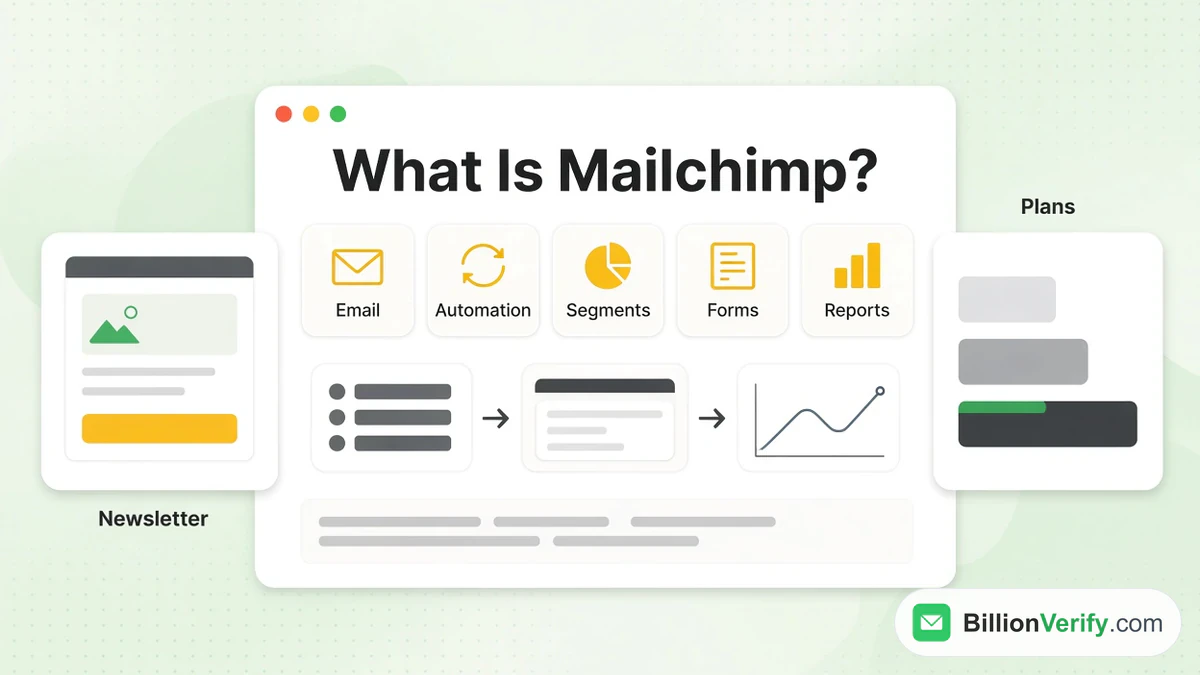
Mailchimp email marketing software lets small and growing businesses collect subscribers, design each newsletter, deliver it in bulk, automate follow-ups and read the results in a single account. It now describes itself as a full marketing platform, because the same account also covers SMS, landing pages, social posts, ads and a built-in CRM. A free version exists for very small audiences, and the paid levels scale with the number of people you store.
This guide explains what Mailchimp is, what each part does and what the four plans include. It also shows how the billable contact total works, who the tool suits and how to get started. Every Mailchimp fact comes from its own site and help center, as read in November 2026. Prices and limits change, so confirm them on the day you buy. We are not affiliated with Intuit Mailchimp or its parent company. BillionVerify is an email verification service.
Key facts (checked November 2026):
- Mailchimp was founded in Atlanta in 2001 by Ben Chestnut and Dan Kurzius, and Intuit acquired it in 2021, according to its about page.
- The Free level is capped at 250 contacts, per the Mailchimp help center.
- The pricing overview shows Essentials from $13, Standard from $20 and Premium from $350 a month, with a 14-day trial on the first two.
- Subscribed, unsubscribed and non-subscribed contacts all count toward your billable total, while archived, cleaned and deleted ones do not.
- Mailchimp's site lists more than 300 integrations, including Shopify, WooCommerce, Salesforce, Stripe and Zapier.
- BillionVerify can check addresses before you import them, which keeps hard bounces out of your account.
What Is Mailchimp?
Mailchimp began as a side project. Its two founders ran a web design agency called the Rocket Science Group and built an email service for small business clients next to it. That service grew into the main business. Mailchimp's own description calls it "an email and marketing automations platform for growing businesses" and says it serves millions of customers. Intuit, the company behind QuickBooks, TurboTax and Credit Karma, bought it in 2021. The brand is now written Intuit Mailchimp in the site header, and some AI tools carry the Intuit name.
In daily use, Mailchimp is the place where a marketer keeps a roster of people, writes a message and sends it. Its marketing platform overview says the product is built for small businesses and treats email, text messages, social, ads, websites and CRM as parts of a single system. Most customers begin with the email side. A newsletter, a sale announcement or a welcome series is the usual first project.
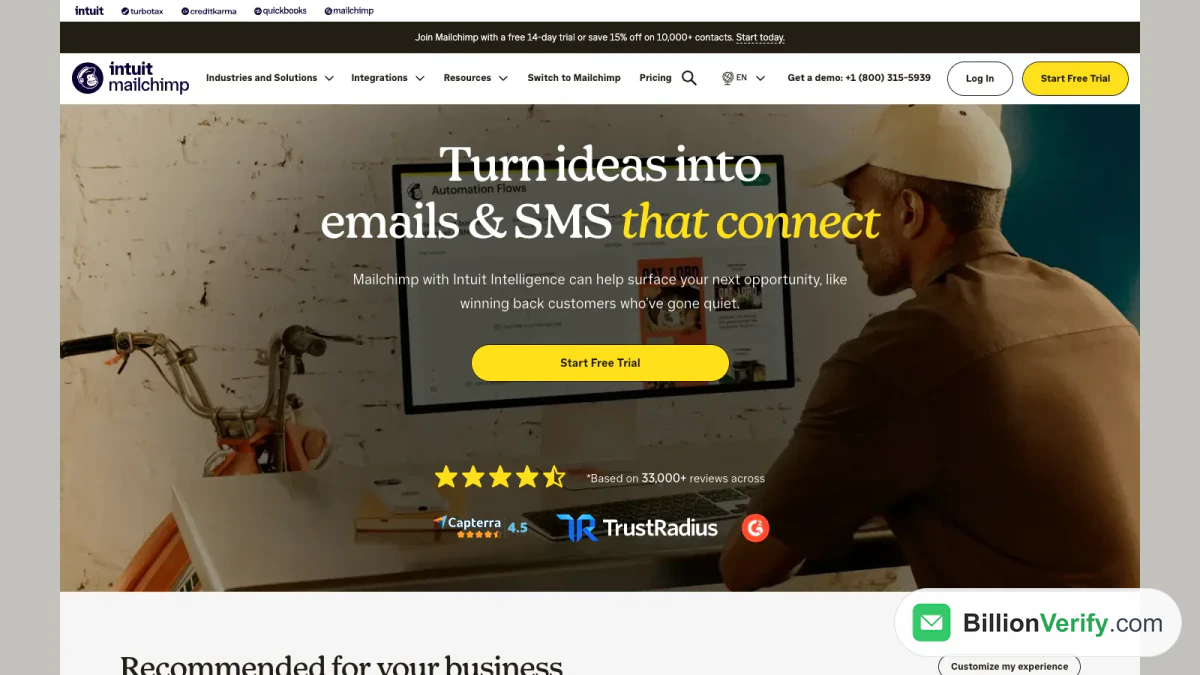
Screenshot: the Intuit Mailchimp home page, with the Intuit name next to the logo.
Mailchimp Features
The features page groups the product into email, automation, segmentation, forms, CRM, SMS, transactional email, reporting and AI. Mailchimp for email marketing is the center of that lineup, and the other parts feed it. Not every feature is on every plan, so the table further down matters as much as this section.
Email Builder and Templates
Email marketing with Mailchimp starts in a drag-and-drop builder with ready-made templates. The home page advertises more than 300 of them, sorted by season and industry. There are four kinds of email campaign: regular, plain-text, A/B or multivariate tests, and automated. A regular newsletter can go out at once or on a schedule. The upper tiers include custom-coded templates, while Essentials can create them but must upgrade to deliver them, per Mailchimp's own table.
Marketing Automation Flows
Automations trigger a message when something happens, such as a sign-up, a purchase or a date. Intuit Mailchimp renamed its Customer Journey Builder to Marketing Automation Flows in June 2025, per a pricing note. Essentials allows flows of up to four steps, while Standard and Premium allow up to 200 flows.
Audience, Segments and Marketing CRM
Mailchimp keeps people in an audience, and its guidance is to keep a single primary audience and sort it with tags, groups and segments. The Marketing CRM overview describes pre-built segments such as top locations, recent sources of growth and common tags, plus contact profiles where you can read activity and add notes. Behavioral targeting and predictive segmentation sit on the paid tiers. This is a marketing tool, not a sales pipeline tool: it records who your people are and what they did so a campaign can be aimed.
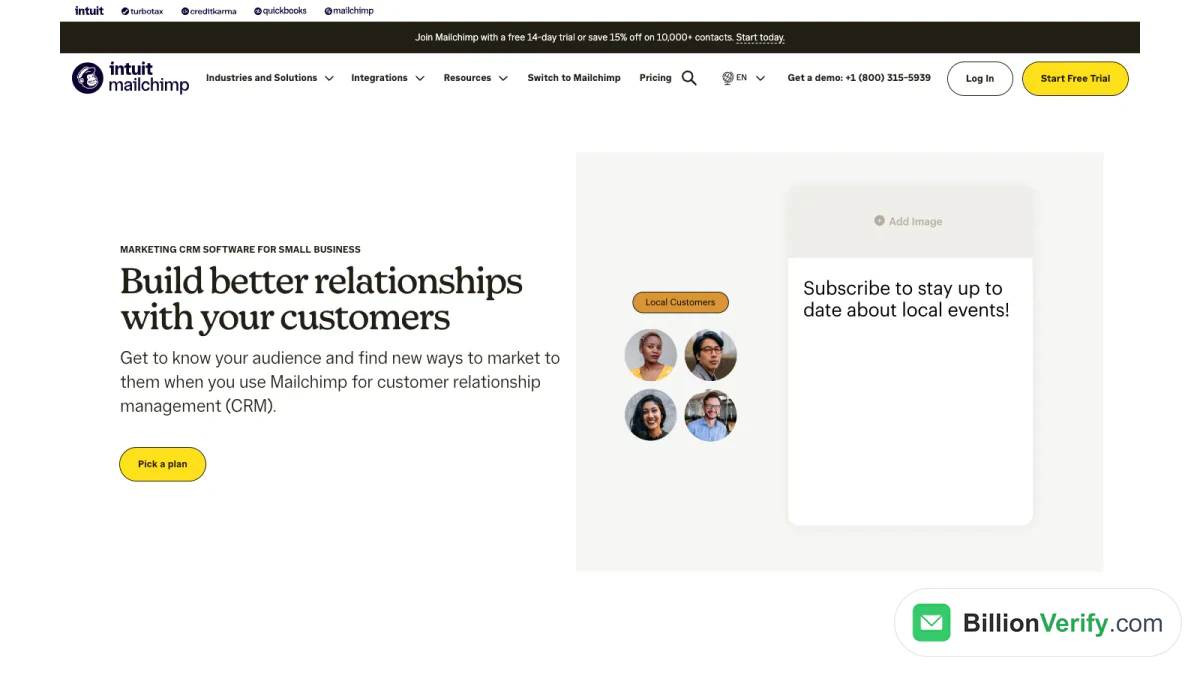
Screenshot: Mailchimp's CRM section. It frames the system around stored profiles, not deal tracking.
Sign-Up Forms and Landing Pages
Every account starts with a sign-up form you can share on your site and social channels. A newsletter with Mailchimp needs little more than that form and a regular email. Landing pages are standalone web pages for collecting emails or promoting a product, built without code. Popup forms are included on every paid tier.
SMS and Transactional Email
SMS is an add-on to paid plans in select countries. It needs an application and approval before you can buy credits, and credits are issued monthly and do not roll over. Mailchimp Transactional, formerly called Mandrill, is a separate email API for individual messages triggered by customer actions. It is priced by volume, from $20 for a block of 25,000 emails, and is an add-on for Standard, Premium and legacy plans.
AI Tools
Mailchimp lists generative AI for copy, a subject line helper, send time optimization, smart recommendations and predictive demographics. Its home page also promotes Intuit Intelligence, which the disclaimers call a beta with limited availability. They add that AI output can contain mistakes and that you must review it before sending.
Integrations
The named integrations include Shopify, WooCommerce, Wix, Squarespace, Square, Stripe, QuickBooks Online, Canva, Salesforce, WordPress, LinkedIn, Calendly, Zapier and Make. A store connection pulls customer and order data into Mailchimp, which then drives targeting and follow-up.
Reports and Send Time
Email reports cover open rates, click rates, revenue, unsubscribes and industry benchmarking, and the benchmark data appears inside each campaign report. Custom reports let you pick the revenue and engagement metrics you care about and compare them across a date range. Send time optimization uses engagement figures to recommend the best time to deliver each Mailchimp newsletter or campaign. Mailchimp says availability varies by plan, and the pricing table puts custom reports on Standard and Premium.
API and Developer Tools
Developers can reach Mailchimp through its Marketing API, whose root URL is api.mailchimp.com/3.0. Its resources are nouns such as subscribers and campaigns, and each endpoint is described with the OpenAPI Specification. Transactional email has its own API, so the two products are set up and billed separately.
Mailchimp Plans and Pricing
Intuit Mailchimp sells four plans. The price of Mailchimp email marketing software depends on two choices: the plan and the number of contacts. The prices below are the starting figures in USD shown for the smallest contact tier, and they climb as the total grows. A pay-per-credit option sells email credits instead of a monthly plan, for infrequent senders. Nonprofits and charities can ask for a 15% discount. A separate 15% saving applies from 10,000 contacts, for 12 months on Essentials.
| Plan | Starting price | Monthly send limit | Audiences and seats | Notable inclusions |
|---|---|---|---|---|
| Free | $0 | 500 a month | 1 audience, 1 seat | Basic templates, basic reporting, forms, hosted pages |
| Essentials | $13 | 10x contacts | 3 audiences, 3 seats | All templates, A/B testing, scheduling, 24/7 email and chat support |
| Standard | $20 | 12x contacts | 5 audiences, 5 seats | Custom reports, dynamic content, custom-coded templates, onboarding sessions |
| Premium | $350 | 15x contacts | Unlimited audiences and users | Phone and priority support, enterprise SSO, a dedicated onboarding specialist |
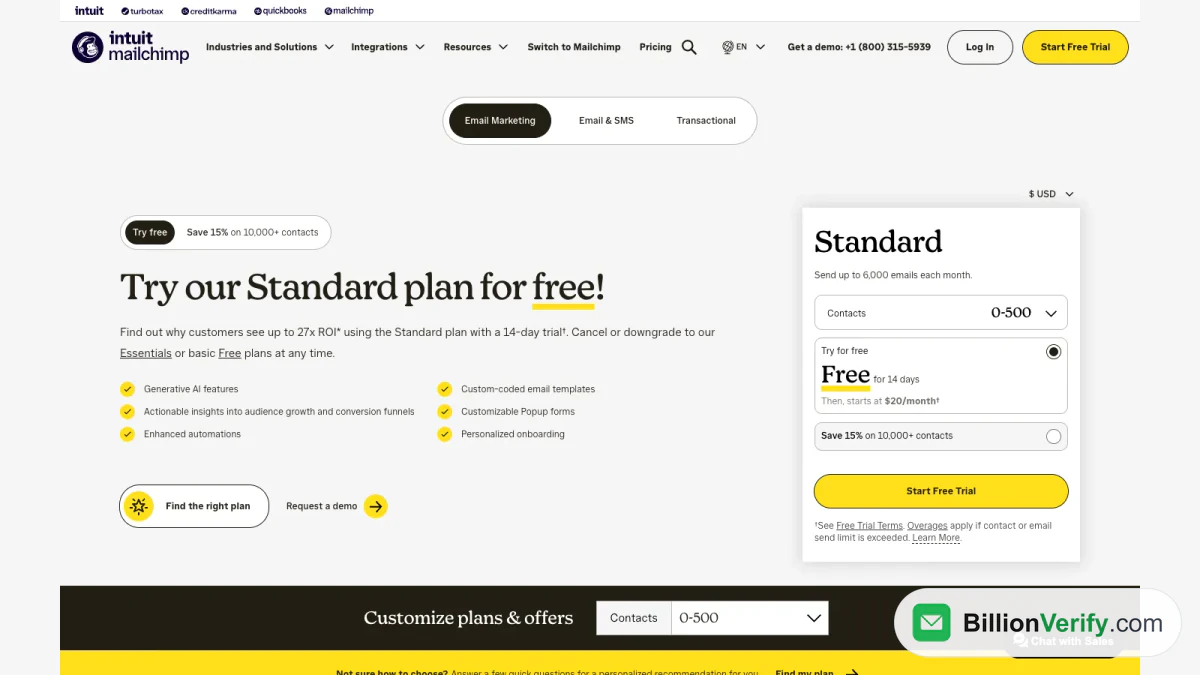
Screenshot: Mailchimp's plan cards. The contact selector changes the price on each card.
The Free Plan
The Free plan is meant for people under 250 contacts. Per the help article, it allows 500 sends a month with a daily limit of 250, a single audience, a single seat, a limited set of templates and basic reporting. When your total goes over 250, Mailchimp holds live and test sends until you upgrade or trim it. Editing emails and importing records still work during the hold.
Paid Plans and Overages
The paid options bill by contact count and carry a sending limit that is a multiple of it. Going over does not stop service. Instead, Mailchimp charges extra on your next bill, and a higher tier removes that charge if the growth is permanent. New customers can try Standard or Essentials before paying.
How Mailchimp Counts the Contacts You Pay For
The number that sets your price is the contact total, which Mailchimp defines as everyone stored across all your audiences. An address that sits in two audiences counts twice, which is a reason Mailchimp recommends a main audience.
This makes data quality a billing matter. A cleaned contact is a person whose address hard bounced or repeatedly soft bounced, and the help article on cleaned contacts says Mailchimp usually removes hard bounces automatically. Mailchimp does not charge for cleaned addresses, so that clean-up costs you nothing extra. It happens after the bounce, though. Until a bad address bounces, it sits in your account, counts toward your tier and takes a place in each newsletter. A typo, a dead mailbox or a disposable address that has not bounced yet is invisible to Mailchimp.
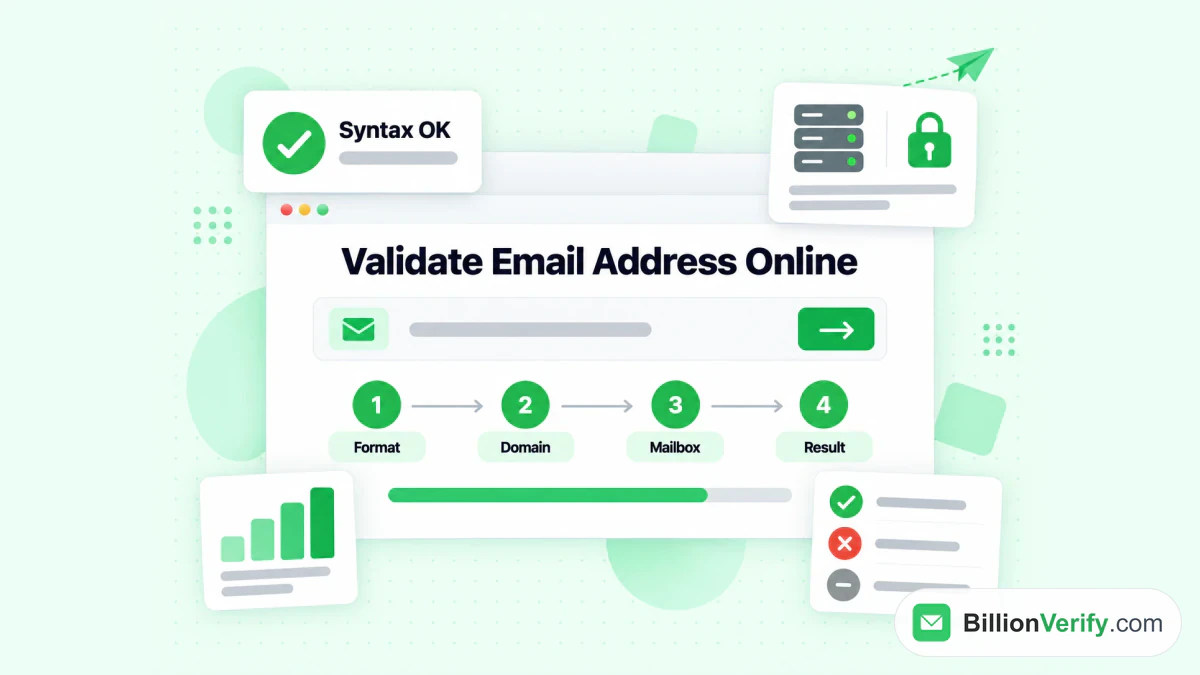
Hard bounces also cost you outside the invoice, because mailbox providers read them as a sign of a careless sender. Mailchimp warns that poor maintenance can lead to low engagement, abuse complaints and compliance trouble. A verification step before the import fixes this: it checks syntax, domain and MX records and the mailbox itself, so bad rows never reach your audience. Our email verifier checks a single address at a time, and bulk email verification handles whole files. BillionVerify charges 1 credit for each valid or invalid result and nothing for unknown results, and free accounts get 20 credits for each day they are used, up to 600 a month. For the Mailchimp side of the workflow, read our Mailchimp integration guide, the setup for Mailchimp email verification or the Mailchimp integration page.
A rule sits next to this. Mailchimp's audience requirements say your people must be collected entirely by you, and that purchased, rented, third-party and scraped lists are prohibited. Verification does not turn such a file into a permitted source. It is for lists you gathered yourself, where typos and abandoned mailboxes are the problem.
Mailchimp and GDPR
Intuit Mailchimp's GDPR page says it acts as a data processor when you use the platform, and that it is certified under the EU-US Data Privacy Framework. Its Data Processing Addendum incorporates the EU's Standard Contractual Clauses and forms part of the standard terms of use automatically. On consent, Mailchimp says it adopts opt-in as the global standard for emails sent through its service and recommends double opt-in when you write to people in the EU. It lists double opt-in, unsubscribe links and data export among the tools that help you comply. The page is not legal advice, and the duty to hold valid consent stays with you as the sender.
Limits to Know Before You Sign Up
Email marketing with Mailchimp is easy to start, but a few limits shape how far each option goes. A Mailchimp newsletter on the Free plan stops sending once the total passes 250, and the upper levels price by size, so a growing list raises the bill. Features are split by tier: A/B testing arrives on Essentials, tailored reports and dynamic content on Standard, and phone support and unlimited audiences on Premium. SMS is limited to select countries and needs approval. The pricing disclaimers add that certain AI features work in English only.
Mailchimp for email marketing also leaves a gap. Mailchimp's help articles describe cleaning only after a bounce and recommend double opt-in to keep invalid addresses out, but they do not describe a check on an address before the first newsletter. Teams that import from forms, events or old spreadsheets often add their own check at the import step.
Common Ways to Use Mailchimp
A newsletter with Mailchimp is the simplest setup, and it also shows how the product works end to end. Every Mailchimp newsletter follows the same path. You share the sign-up link, write a regular email in the builder, schedule it and read the open and click rates afterward. Mailchimp for newsletters fits the Free tier while the total stays under the 250-contact cap, because that tier already includes templates, forms and basic reporting. A creator who later wants a welcome series can move to Essentials, which adds short automations.
An online shop leans on the store connection instead. Order history shapes segments and triggers, so a welcome series or a message to customers who have gone quiet reaches the right people. Email marketing with Mailchimp for a shop therefore tends to sit on Essentials or Standard, where flows and segmentation are available. A service business can use Mailchimp for email marketing as a light CRM: tag each lead by source, segment by interest and mail a monthly update, while quotes and deals stay in another system.
Each of these setups starts with a set of addresses, and the quality of that set decides how well the setup performs. That makes the import step the best place to spend a few minutes.
Who Mailchimp Is For
Intuit Mailchimp email marketing software is aimed at small businesses, and the entry level makes it easy to try. A shop owner can connect a store and launch a first automated email. A creator can run a newsletter with Mailchimp. A nonprofit can claim the discount. A team that needs several audiences, user roles and phone support has Premium. A company that wants a full sales CRM with pipelines, quotes and service tickets needs a different kind of tool, because this tool serves marketing.
Because the stored total sets the price, cost grows with the size of the list. Keeping a single audience, archiving people you no longer mail and verifying new imports all change the bill.
How to Get Started With Mailchimp
Intuit Mailchimp's help articles give the order of work. When you create an account, Mailchimp email marketing software builds a first audience for you with the details you give. You then add people, design a newsletter and launch it.
- Create an account on the Mailchimp site and pick a plan. The entry level suits lists under the 250-contact cap, and Essentials and Standard come with a two-week trial.
- Add people individually, import a file, paste from a spreadsheet or sync from another app. Verify the file first if it came from a form export or an old spreadsheet.
- Share the audience form so new readers can join your Mailchimp newsletter on their own.
- Choose a campaign type that fits the goal.
- Build the message in the editor, pick a template and write a subject line.
- Launch it or schedule it, then read the campaign report.
If your records include numbers for the SMS add-on, a phone number validator shows whether a number is valid for its country and what line type it is. For an unfamiliar address in your file, a reverse email lookup shows what is publicly tied to it.
Mailchimp Alternatives
Brevo, MailerLite, Constant Contact, Klaviyo, HubSpot and Kit (formerly ConvertKit) are the names that come up most often beside Mailchimp. Each prices its plans differently, so compare the starting price at your own volume. We have already compared ConvertKit vs Mailchimp and Mailchimp vs SendGrid in detail.
FAQs
Is Mailchimp free?
Yes, Mailchimp has a free version, with limits on size and sends. Paid plans begin with Essentials at $13 a month.
What does Mailchimp do?
Mailchimp stores your subscribers, helps you build and deliver emails and automates follow-up messages. It also offers pages, forms, text messages, a CRM for marketing and reports. Most users treat it as a single place to run its newsletters.
Who owns Mailchimp?
Intuit owns Mailchimp. It bought the company in 2021, and the site now shows the Intuit Mailchimp name beside the logo.
Is Mailchimp a CRM?
Mailchimp includes a marketing-focused CRM built on segments and profiles. It does not replace a sales CRM with deal pipelines.
What are Mailchimp charges beyond the monthly plan?
Text message credits, email credits bought on demand and the transactional add-on are billed on top. Going over a contact or sending limit on a paid tier adds an overage instead of stopping service.
Can Mailchimp send SMS?
Yes, but only in select countries, and only after you apply and are approved.
Does Mailchimp remove invalid email addresses?
Mailchimp removes addresses that hard bounce and marks them as cleaned, and cleaned addresses do not count toward your price. The removal follows a bounce, so checking addresses before import is a separate step.
Can I import a purchased list into Mailchimp?
No. Mailchimp bars any list you did not collect yourself.
How long is the Mailchimp free trial?
The trial lasts 14 days on Essentials and Standard. The trial terms say valid payment information is required at enrollment, and the offer is for new customers or Free accounts created in the last 90 days.
Does Mailchimp have an API?
Yes. The Marketing API handles resources such as subscribers and campaigns through a JSON interface rooted at api.mailchimp.com/3.0. Sending single receipts or alerts from an app uses the separate transactional API.
Is Mailchimp compliant with GDPR?
Mailchimp publishes a GDPR page that covers its role as your processor, its transfer safeguards and its addendum. Valid consent from each recipient is still your job, and Mailchimp suggests a confirmed sign-up for European readers.
How is Mailchimp Transactional different?
The main product sends marketing email to a list. The transactional product sends single messages triggered by a customer action, such as a receipt.