


Chapter 1 of 4 · Before you start
About BillionVerify
BillionVerify tells you whether an email address is real before you send to it: syntax, domain and MX, a live SMTP check, and separate flags for disposable, role and catch-all addresses.
Try the free Email CheckerSteps in this video
- 1In Settings, open General and find Transfer ownership.
- 2Choose a person from the list, then click Transfer.
- 3Read what will change, then send the request.
- 4The new owner gets an email with a link that works for seven days. They click Accept ownership, or Decline.
About this video
Use it when a client, a colleague, or a new brand lead should take over a workspace. It works on any workspace except your default one, and the new owner must already be a member.
After they accept, they become the owner and you become an admin. Your saved payment method is removed, and auto top-up turns off. The plan runs to its end date. Balance, teams, API keys, results, and invoices stay as they are.
Video transcript
Before you start
Here's how to hand a workspace to someone else. Only the owner can transfer. It works on any workspace except your default one, and the new owner must already be a member.
Send the transfer request
In Settings, open General, and find Transfer ownership. Choose a person from the list, then click Transfer. Read what will change, then send the request.
What the new owner does
They get an email with a link that works for seven days. Until they accept, you can cancel at any time. They review the balance, plan, and teams, then click Accept ownership, or Decline. Once they accept, they become the owner, and you become an admin.
What changes and what stays
Your saved payment method is removed, and auto top-up turns off. The plan runs to its end date, and the new owner adds a payment method to renew. Balance, teams, API keys, results, and invoices stay as they are. 20 free credits every day you use your account, up to 600 a month. No credit card required. Start at billionverify.com.
More in Teams and Workspaces
All email verification videos
BillionVerify pricing
Start free, then pay for what you verify. Pick a plan or buy credits once.
Billed yearly $76.80 for the first year, then $96
Save 60%$0.00032 / per credit
All 240,000 credits arrive at once. Use them anytime.
Choose your credits
Included in every paid plan
- 240,000 credits / year
- Single email verification
- Bulk email verification
- Email Finder
- Bulk Email Finder
- Company Search
- Live SMTP mailbox check
- Real-time API + batch processing
- CSV & Excel upload support
- Comprehensive verification reports
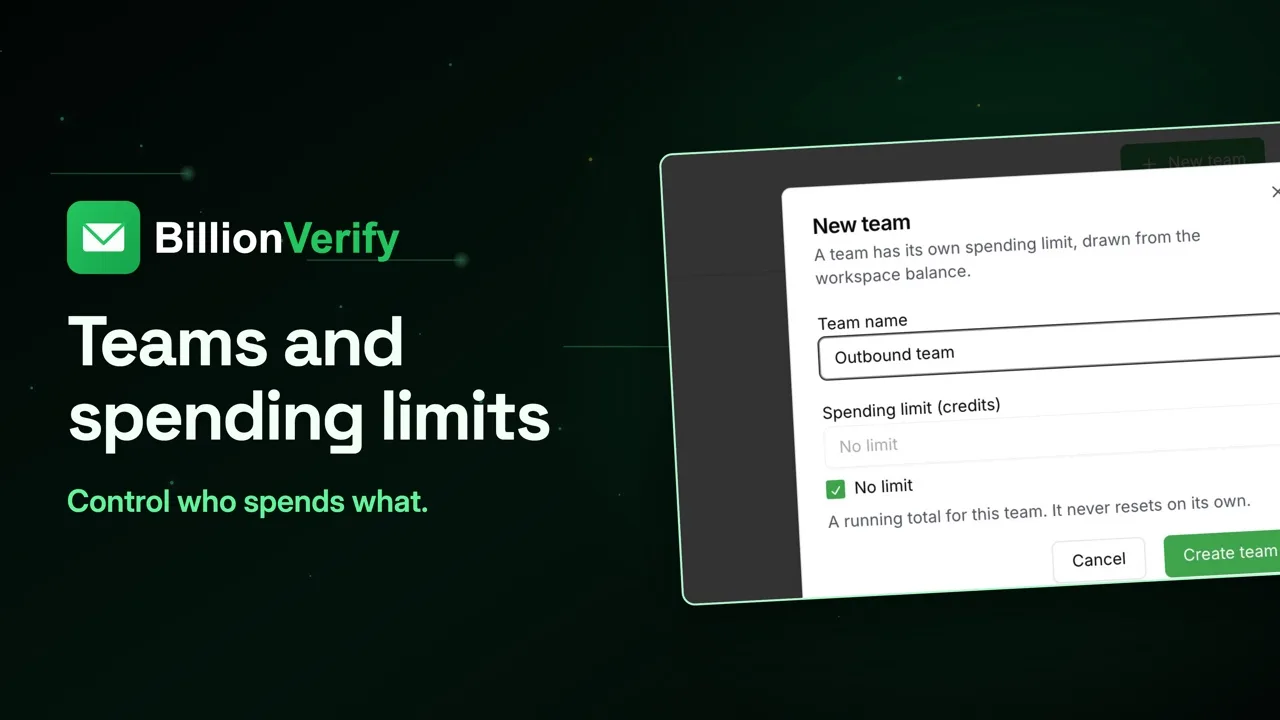
- Workspaces and teams with spend limits
- Credits never expire
Try the AI email verification features
20 free credits every day you log in, up to 600 a month. Free AI first email verification across every feature, no credit card.
Native MCP Server integration · Catch-all reported separately · Free tier, no credit card