



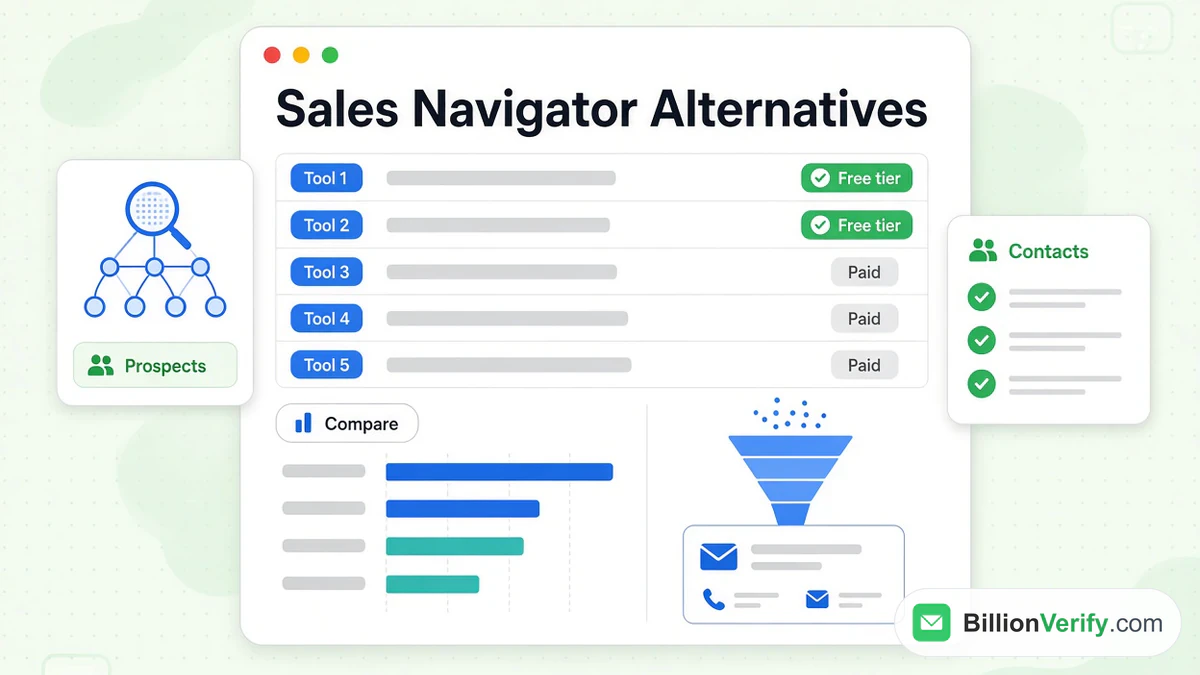
The leading LinkedIn Sales Navigator alternatives are Apollo, ZoomInfo, Cognism, Seamless.AI, Lusha, RocketReach and Kaspr. Each one is an alternative to LinkedIn Sales Navigator for a different reason. Some add the work emails and phone numbers that Sales Navigator does not provide. Others cost less, offer a free alternative to LinkedIn Sales Navigator or serve European buyers better.
This guide compares alternatives to LinkedIn Sales Navigator on price, data, workflow and free options. Every price and quote comes from the vendor's own site, as listed on its site in October 2026 unless noted. Prices change often, so confirm them on the day you buy. We are not affiliated with LinkedIn or with any vendor named here. BillionVerify is an email verification service, so the last section shows how to check the addresses that any of these tools returns.
Key facts (checked October 2026):
- LinkedIn lists Sales Navigator Core from US$119.99 a month and gives each tier 50 InMail messages monthly, but no email addresses.
- Apollo started at $49 monthly per user with yearly billing, per its pricing page.
- Lusha's free allowance offers up to 40 credits each month, per Lusha's pricing page.
- ZoomInfo, Cognism and Seamless.AI publish no paid prices, so buyers must ask for a quote.
- Kaspr and RocketReach both list an offer that costs nothing: Kaspr gives monthly allowances and RocketReach gives 5 lookups.
- BillionVerify does not bill an unknown result, so checking an export from any of these tools costs nothing for unresolved addresses.
LinkedIn Sales Navigator Alternatives at a Glance
Here is the short version of the LinkedIn Sales Navigator alternatives. The first row is LinkedIn's own tool, so you can see what each alternative changes.
| Option | Free option | Entry price | Strength |
|---|---|---|---|
| LinkedIn Sales Navigator | Free trial | US$119.99 monthly | Finding people on LinkedIn |
| Apollo | Free allowance | $49 monthly per seat, billed yearly | Database plus outreach sequences |
| ZoomInfo | Free trial, plus ZoomInfo Lite | Quote only | Intent data for large teams |
| Cognism | None listed | Quote only | Phone-verified mobiles in Europe |
| Seamless.AI | Sign up free button | Quote only | Real-time contact search |
| Lusha | Free allowance | Set by credit volume | Quick reveals in an extension |
| RocketReach | 5 lookups | $33 monthly, billed yearly | Email and phone lookups |
| Kaspr | Free allowance | $49 per user, billed yearly | Contact details on LinkedIn pages |
The table is a starting point. Each section below explains what the price buys.
What LinkedIn Sales Navigator Does and Does Not Do
To judge any alternative to LinkedIn Sales Navigator, start with the tool itself. LinkedIn calls Sales Navigator "an AI-powered sales tool built on LinkedIn's B2B network" and says it is "trusted by 1.5M+ sellers." It adds search, lead lists and alerts to a normal LinkedIn account. Our LinkedIn Sales Navigator guide walks through every feature.
LinkedIn's compare plans page listed these prices in October 2026:
| Tier | Monthly | Yearly |
|---|---|---|
| Core | US$119.99 | US$1,079.88 |
| Advanced | US$159.99 | US$1,799.88 |
| Advanced Plus | On request | On request |
Each tier gives you 50+ search filters and 50 InMail messages monthly. LinkedIn's Help Center says you cannot buy more InMail. None of the three tiers lists email addresses among what you get. That gap explains why so many teams shop for alternatives to LinkedIn Sales Navigator.
Why Teams Look for a LinkedIn Sales Navigator Alternative
Most teams start comparing LinkedIn Sales Navigator alternatives for one of five reasons:
- Missing contact details. Sales Navigator gives you people and companies. It does not give you an inbox or a direct dial.
- A fixed InMail budget. Fifty messages a month suit careful outreach. They do not suit volume.
- Price per seat. US$119.99 monthly is real money for a solo seller or a small team.
- Data and workflow. Some teams want a database, sequences and a CRM sync in one product.
- Region. Sellers who target Europe often want data built around GDPR rules.
No single LinkedIn Sales Navigator alternative wins on all five. The right pick depends on which reason matters most to you.
How We Compared the Alternatives
We chose products that find contact data or prospects for B2B sellers, and that publish a pricing page, a credit model or a clear quote process. We left out tools that only rent static lists.
We compared each one on five points:
- Free option: can you test it without paying?
- Unit cost: what does one email or one phone number use?
- Data types: emails only, or phones too?
- Workflow: browser extension, CRM sync, API, outreach.
- Region and compliance: what each vendor says about privacy law.
We did not run accuracy tests. Every claim below is what each vendor publishes about itself.
The 7 Best LinkedIn Sales Navigator Alternatives
1. Apollo
Apollo vs LinkedIn Sales Navigator is a question of search versus database. As a LinkedIn Sales Navigator alternative, Apollo is the easiest to test. Its homepage offers "240M contacts & 30M companies" and promises "No credit card required." Its pricing lists four tiers per user, with yearly billing:
| Apollo tier | Price | Notes |
|---|---|---|
| Free | $0 | 900 credits a year, granted monthly |
| Basic | $49 | Paid monthly it costs $65 |
| Professional | $79 | Paid monthly it costs $99 |
| Organization | $119 | Minimum of 3 seats |
An email uses 1 Apollo credit. A phone number uses 8. Unused credits expire at the end of each billing cycle.
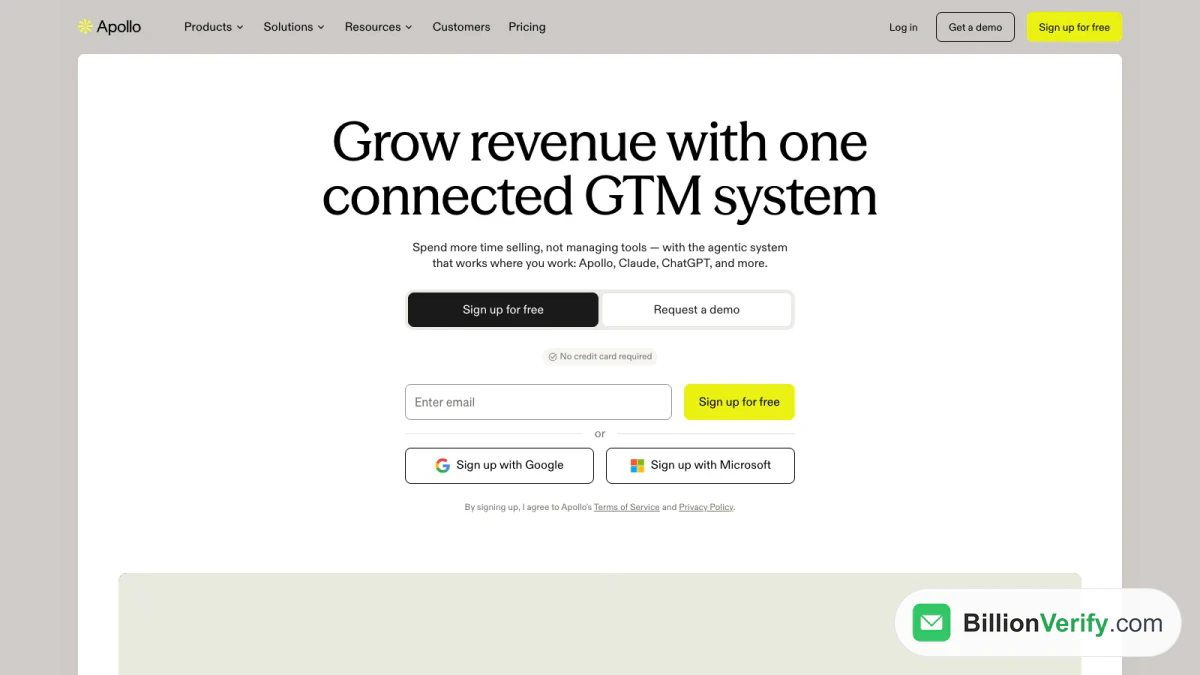
Screenshot: the Apollo homepage, October 2026.
It also has a Chrome extension. It works on Sales Navigator, but Apollo's own docs list limits there: search pages show suggested leads without bulk actions, and some profiles show no Apollo data. The side panel is strongest on regular LinkedIn pages. For many sellers, Apollo vs LinkedIn Sales Navigator ends with a pairing, not a switch.
Best for: teams that want search and outreach sequences in one product. It is one of the few LinkedIn Sales Navigator alternatives that lets you test without a card. Read our Apollo.io guide and our page on verifying Apollo exports.
2. ZoomInfo
ZoomInfo vs LinkedIn Sales Navigator is the enterprise comparison, and ZoomInfo is the largest name among LinkedIn Sales Navigator alternatives. ZoomInfo's homepage, in an archived copy dated October 15, 2026, calls it "The AI platform for go-to-market teams" and says it is "Trusted by 35,000+ fast-growing companies worldwide." Its FAQ describes 500M+ contacts and 100M+ companies.
ZoomInfo does not publish prices. Its pricing page, in an archived copy dated October 17, 2026, shows three sales packages: ZoomInfo Professional, Copilot Advanced and Copilot Enterprise. Each has a "Start free trial" button, and no dollar amounts appear. The homepage FAQ says ZoomInfo is "free to start with consumption credits based on usage." ZoomInfo Lite is a permanent free alternative to LinkedIn Sales Navigator that needs no credit card, with a monthly allowance.
Best for: larger organizations that want intent data, enrichment and workflows in one contract. It is a LinkedIn Sales Navigator alternative for teams with a procurement process. Our ZoomInfo guide explains the platform. Our page on ZoomInfo email verification covers checking its exports.
3. Cognism
LinkedIn Sales Navigator vs Cognism often comes down to geography. Cognism's homepage headline reads "Europe's most trusted B2B data for growing pipeline." It also says "Join 4000+ revenue teams exceeding targets daily." Cognism is a LinkedIn Sales Navigator alternative with a European focus. Teams that sell in Europe will find it the most direct of the alternatives to LinkedIn Sales Navigator.
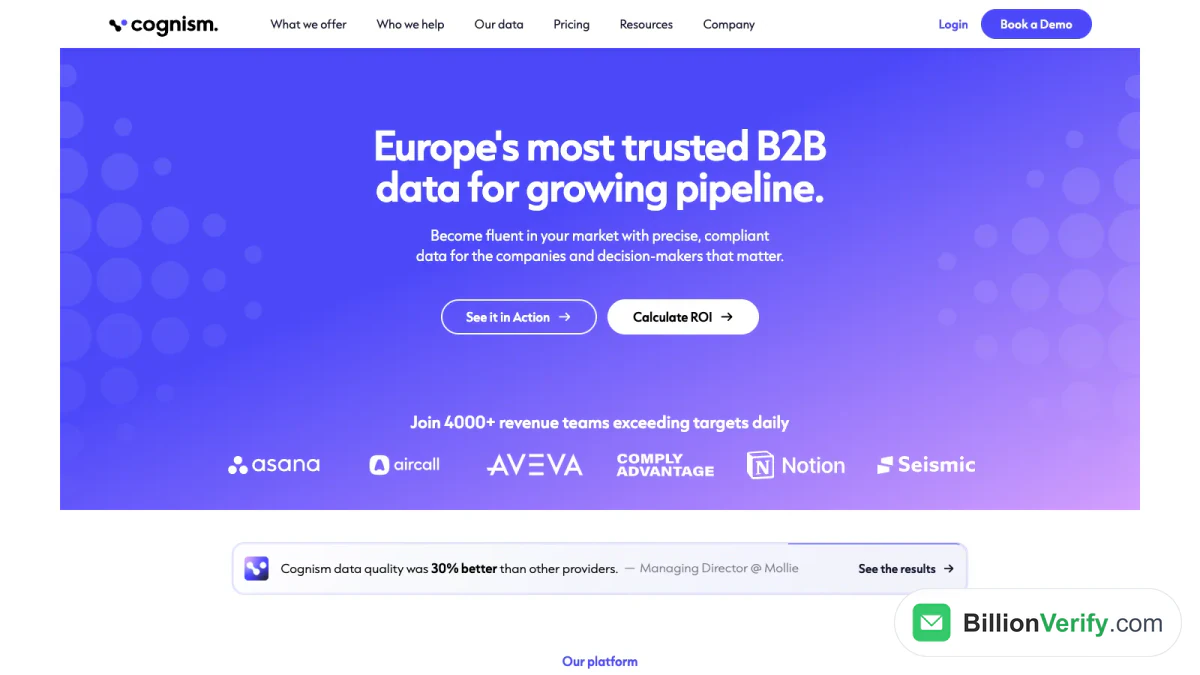
Screenshot: the Cognism homepage, October 2026.
Cognism's pricing offers two prospecting packages, Standard and Pro. Pro includes 5 seats, "on-demand mobile verification" and intent data. Cognism does not list prices. Its FAQ says pricing "is tailored based on the product you need, your team setup and how you plan to use the platform." One Cognism credit reveals one contact.
Best for: sellers who call buyers in Europe on verified mobiles. Our page on verifying Cognism emails shows the check step.
4. Seamless.AI
LinkedIn Sales Navigator vs Seamless.AI is search inside LinkedIn versus a search engine across the web. Seamless.AI's homepage says it offers "1.6B+ verified business emails and 448M+ phone numbers" and is "Trusted by 1M+ sales leaders worldwide." Its Chrome extension, in the vendor's words, will "Find cell phones, emails, direct dials, and sales insights for any B2B professional on any website."
Its pricing lists no prices. It says: "Get special pricing for unlimited users, bulk credits, prospector, job changes, buyer intent, and enrichment." The page leads to a demo request, while the site header still offers a "Sign up free" button. Seamless.AI is a LinkedIn Sales Navigator alternative that sells by quote. It is the least transparent of the LinkedIn Sales Navigator alternatives on price, so ask for a quote early.
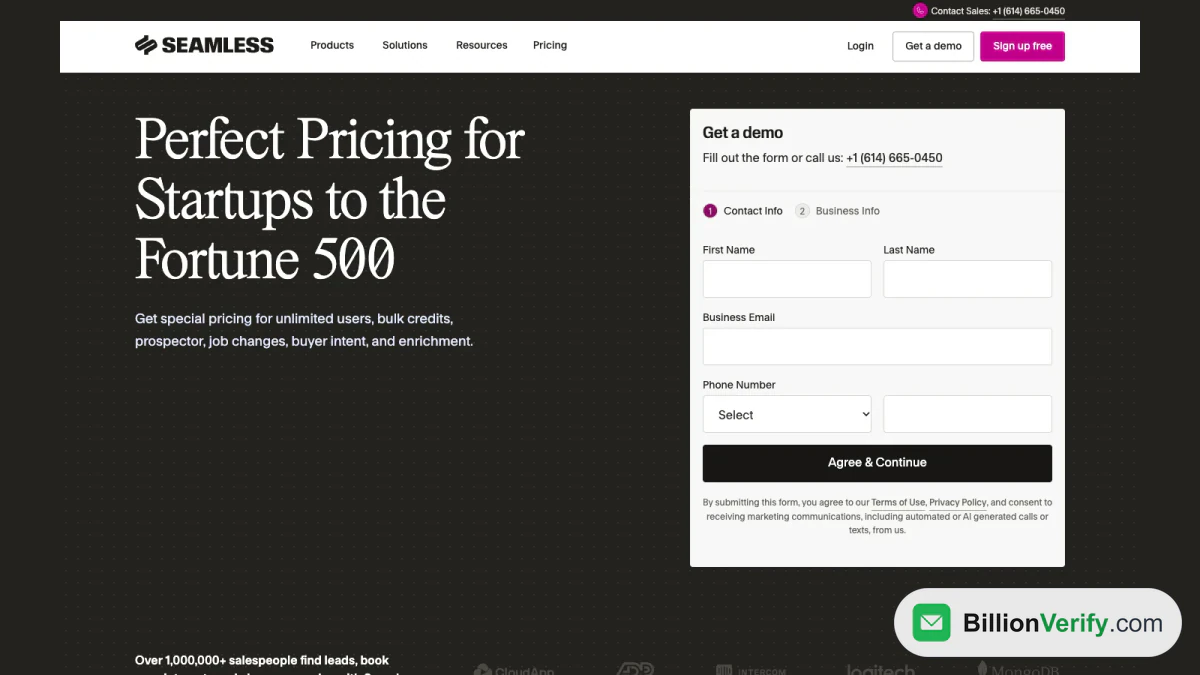
Screenshot: the Seamless.AI pricing page, October 2026.
Seamless.AI also promotes a refund policy: "If an email is invalid, we automatically refund your credit." Read the terms before you rely on it.
Best for: reps who want a contact search engine and are happy to buy by quote. See our page on checking Seamless.AI emails.
5. Lusha
Lusha vs LinkedIn Sales Navigator is a reveal tool versus a search tool. Lusha calls itself "the B2B data and GTM intelligence layer for teams and AI agents." Its homepage lists "515M+ verified contacts and 29M+ companies, enriched with 26 buying signal types," and says it is "Trusted by 280,000+ go-to-market teams." Its menu describes the extension as a way to "Reveal contacts on professional network & sites." Lusha is a LinkedIn Sales Navigator alternative you can try at no cost, and a free alternative to LinkedIn Sales Navigator for light use.
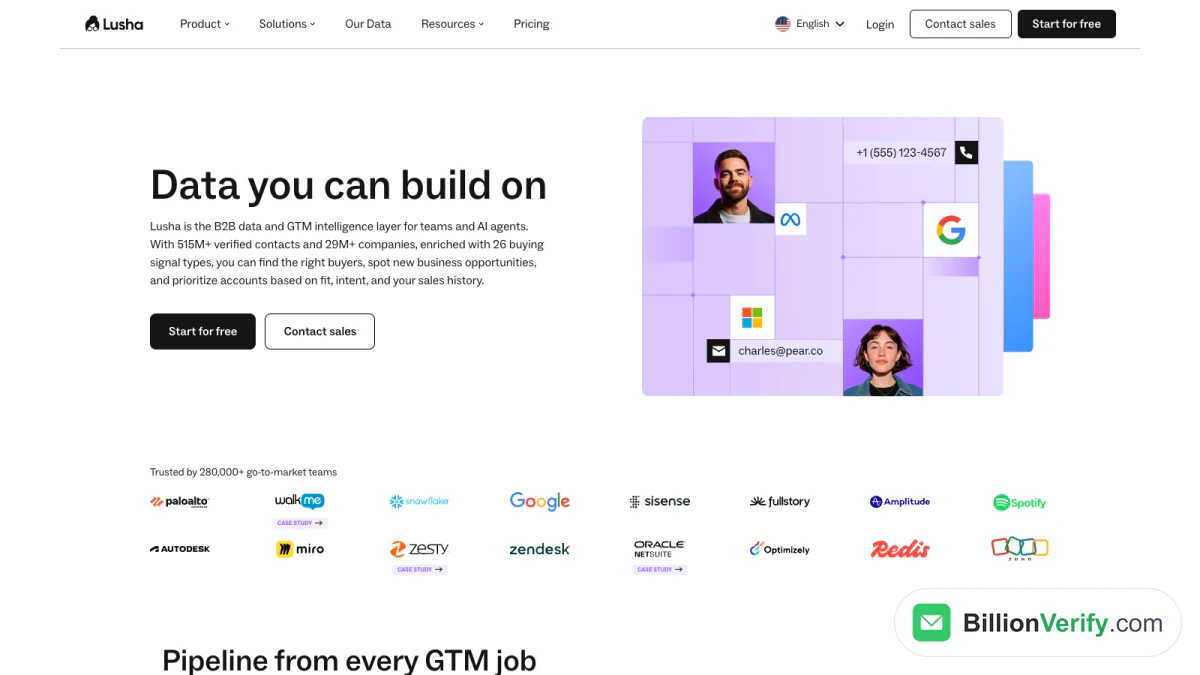
Screenshot: the Lusha homepage, October 2026.
Lusha's pricing explains its units plainly:
- A verified email address uses 1 credit.
- A phone number uses 5 credits.
- The free allowance gives "up to 40 credits per month," with the extension.
Paid tiers change price with a slider. At the default of 40,800 credits a year, Starter showed $37.45, Pro $52.45 and Premium $299.95, each per month with yearly billing. For a small team, Lusha vs LinkedIn Sales Navigator is a cost question: the slider starts well below US$119.99 a seat.
Best for: reps who reveal contacts while they browse. See our page on checking Lusha emails.
6. RocketReach
LinkedIn Sales Navigator vs RocketReach is a people-finding tool versus a lookup tool. RocketReach's products page lists "700M+ verified professional profiles." A free account gets 5 lookups with no card, which makes RocketReach a small free alternative to LinkedIn Sales Navigator for a quick test. RocketReach refunds a lookup when it finds no email or phone. RocketReach works as a LinkedIn Sales Navigator alternative for lookups, and it lists the lowest entry price among the LinkedIn Sales Navigator alternatives here that publish one.
On October 14, 2026, RocketReach listed three self-serve tiers on its pricing page. Essentials was $33 a month, billed as $399 a year, for emails only. Pro was $75 a month, or $899 a year. Ultimate was $142 a month, or $1,699 a year. Pro and Ultimate add phone numbers. Team tiers start at $6K a year.
Best for: one-off lookups when you already know the name.
7. Kaspr
Kaspr is a LinkedIn Sales Navigator alternative that lives on LinkedIn pages, through a Chrome extension. Few LinkedIn Sales Navigator alternatives sit as close to how many sellers use LinkedIn. In US dollars, its pricing was:
| Kaspr tier | Yearly billing | Monthly billing | Phone allowance |
|---|---|---|---|
| Free | $0 | $0 | 5 |
| Starter | $49 per user | $65 per user | 100 monthly |
| Business | $79 per user | $99 per user | 200 monthly |
| Organization | Yearly only | Not offered | See its site |
The Free offer includes 15 B2B email credits plus 5 direct ones. Starter and Business include unlimited B2B emails. Kaspr labels every tier "GDPR & CCPA aligned."
Best for: sellers who live on LinkedIn and want emails without counting each one. Kaspr is a good free alternative to LinkedIn Sales Navigator when you only need contact details for people you have already found.
Quick Picks Among LinkedIn Sales Navigator Alternatives
Short on time? These picks match each goal to one of the LinkedIn Sales Navigator alternatives:
- Small team, tight budget: Apollo, because the free allowance needs no card. Apollo vs LinkedIn Sales Navigator on price is $49 a seat against US$119.99.
- Enterprise intent data: ZoomInfo, which sells packages by quote.
- Mobiles for European buyers: Cognism, which sells phone-verified data.
- Contact search by quote: Seamless.AI, with credit-back terms to read first.
- Quick reveals while you browse: Lusha, with a clear credit model. Lusha vs LinkedIn Sales Navigator is mostly a cost question.
- Lookups of known names: RocketReach, with refunded misses.
- Details on LinkedIn pages: Kaspr, with unlimited B2B emails on paid tiers.
Treat these picks as a shortlist. Trial two or three alternatives on your own leads before you sign.
Free Alternatives to LinkedIn Sales Navigator
Several LinkedIn Sales Navigator alternatives let you start at no cost. This table shows what each free alternative to LinkedIn Sales Navigator gives you:
| Tool | What you get free | Credit card? |
|---|---|---|
| Apollo | 900 credits a year | No |
| Lusha | Up to 40 credits monthly | Not stated |
| Kaspr | 15 B2B email credits monthly, plus phone allowance | Not stated |
| RocketReach | 5 lookups | No |
| ZoomInfo | Lite edition, no expiry | No |
| Seamless.AI | A sign-up button, with amounts not shown | Not stated |
| LinkedIn Sales Navigator | A trial of Core or Advanced | Yes |
LinkedIn asks for a payment card at signup and sends a reminder seven days before the trial ends, so cancel in time if you only want to test it.
Which free alternative fits which job?
- For phone numbers: Lusha and Kaspr both include phone reveals in a free alternative to LinkedIn Sales Navigator.
- For volume over a year: Apollo gives the largest yearly allowance.
- For quick one-off lookups: RocketReach's five lookups cover a short test.
- For enterprise testing: ZoomInfo Lite lets you see the product before you talk to sales.
A free alternative to LinkedIn Sales Navigator without any tool
You can also work by hand, which costs time instead of money. A free LinkedIn account still searches by name and company. Combine that with the company's own website, where team pages and press releases often list work emails. This free alternative to LinkedIn Sales Navigator works well for a handful of high-value accounts. It does not scale to a list of hundreds.
LinkedIn Recruiter vs Sales Navigator
LinkedIn's own recruiting tools show up in many searches for LinkedIn Sales Navigator alternatives, so a short note helps. LinkedIn describes Recruiter Lite as "a simple sourcing tool for occasional hiring." It lists 20+ filters and 30 InMail messages monthly. The full Recruiter product lists 40+ filters and 150 messages monthly.
LinkedIn Recruiter vs Sales Navigator is therefore a question of purpose. Recruiter tools help you source candidates. Sales Navigator helps you find buyers. If you sell, a hiring tool is not the alternative to LinkedIn Sales Navigator that you want.
Social Selling Without Sales Navigator
Sales Navigator is a social selling tool at heart. It tells you when a buyer changes jobs or posts, so you can start a conversation. Most alternatives to LinkedIn Sales Navigator do not watch LinkedIn activity. If social selling is your main method, keep a LinkedIn account active and add a data tool beside it.
Learning from peers helps too. Sellers often study a competitor's demo video or a customer's product walkthrough before they write their own post. Our free LinkedIn video downloader downloads the video from a public LinkedIn post, so you can study it offline. Use what you learn to write better posts, then follow up with the people who engage.
Compare the Alternatives on Units, Not Just Prices
Sticker prices of LinkedIn Sales Navigator alternatives hide the real cost. What matters is what each action uses. Based on each vendor's own details:
| Tool | One email | One mobile or direct dial |
|---|---|---|
| LinkedIn Sales Navigator | Not provided | Not provided |
| Apollo | 1 credit | 8 credits |
| Lusha | 1 credit | 5 credits |
| Cognism | 1 credit per revealed contact | Included in that contact |
| RocketReach | 1 lookup, refunded if nothing is found | Same lookup on Pro and above |
| Kaspr | Unlimited B2B on paid tiers | Separate phone allowance |
| ZoomInfo | By quote | By quote |
| Seamless.AI | Priced by quote | Priced by quote |
Two questions settle most choices:
- How many mobiles will you reveal? On Apollo a number costs eight times an email. On Lusha it costs five times.
- Do you need sequences? Apollo sends outreach, so one subscription may replace two.
LinkedIn Sales Navigator Alternatives by Use Case
Different teams need different LinkedIn Sales Navigator alternatives. Use this shortcut:
| Use case | Start with |
|---|---|
| Startup on a tight budget | Apollo or Lusha at no cost |
| Calling buyers on mobile | Cognism, Lusha or Kaspr |
| European buyers | Cognism or Kaspr |
| LinkedIn-first prospecting | Kaspr, or Sales Navigator itself |
| Enterprise intent data | ZoomInfo or Cognism |
| Data and outreach together | Apollo |
| Occasional lookups | RocketReach |
Alternatives for recruiters
Recruiters search for candidates more than buyers. ZoomInfo sells a Talent package, and Kaspr suits recruiters who already work on LinkedIn pages.
Alternatives for agencies
Agencies juggle many client lists, so cheap extra seats matter. Apollo charges per seat and Kaspr charges per user. Check team terms before you commit.
Alternatives for developers
Developers need an API more than a dashboard. Seamless.AI lists an API in its product menu, and Apollo, Lusha and Cognism all advertise API or MCP access. Compare rate limits and unit costs on each vendor's docs.
How to Choose Among the Alternatives to LinkedIn Sales Navigator
Use these steps to test a LinkedIn Sales Navigator alternative without wasting a budget:
- Write down your monthly volume. Count emails and phones separately.
- Run every trial with the same list. Pick 30 known contacts and look them up in each tool.
- Count results, not claims. Note how many emails and phones each tool returns.
- Do the unit math. Divide the price by the contacts you actually need.
- Test the workflow. Try the extension, the CRM sync and the export.
- Read the data terms. Look for opt-out rules and privacy commitments.
- Verify what you got. Run every returned address through a verifier before you compare hit rates.
Community threads, such as those on Reddit, are a good source of ideas for what to test. They reflect one team's setup, so treat them as a shortlist, not a verdict.
Pair a Contact Tool With Sales Navigator
You do not have to pick only one. Many teams keep Sales Navigator for search and add a contact tool for details. A simple workflow looks like this:
- Build the list in Sales Navigator. Use filters, save leads and keep notes.
- Use InMail for your best buyers. Fifty messages go furthest on high-value deals.
- Look up the rest in a contact tool. Apollo, Lusha or Kaspr can supply the missing details.
- Verify every address before sending. Remove invalid and risky entries.
- Send from a warmed-up domain. Keep bounce rates low from day one.
If you want to move saved leads out of LinkedIn, read our guide to exporting Sales Navigator leads.
Switching From Sales Navigator
Moving off Sales Navigator is mostly a data task. Plan it before your renewal date.
- Export your saved lists first. Keep the files your team built.
- Map the fields. Each product names columns differently, so match name, title, company and email before import.
- Re-verify the old data. Contacts saved months ago may have changed jobs.
- Run both tools for a short overlap. Compare results on live prospects before you cancel.
- Check the cancellation date. LinkedIn says cancellation takes effect at the end of your current billing period.
A clean switch keeps your pipeline steady while the team learns the new tool.
Mistakes to Avoid When You Compare
Teams often repeat the same errors with LinkedIn Sales Navigator alternatives:
- Judging on a free tier alone. Free allowances are small. Test the paid workflow you will actually use.
- Ignoring phone costs. A tier that looks cheap can get expensive once you reveal mobiles.
- Skipping data terms. Your outreach still has to follow GDPR, CCPA and CAN-SPAM, whatever the vendor says.
- Sending without a check. Old or guessed addresses bounce. That costs more than a verification.
Whatever You Pick, Verify Before You Send
Every option in this list either predicts an address from a pattern or stores one gathered earlier. People change jobs, and domains change mail servers. An address that worked last year may bounce today. Bounces hurt your sender reputation, and that hurts every campaign after it.
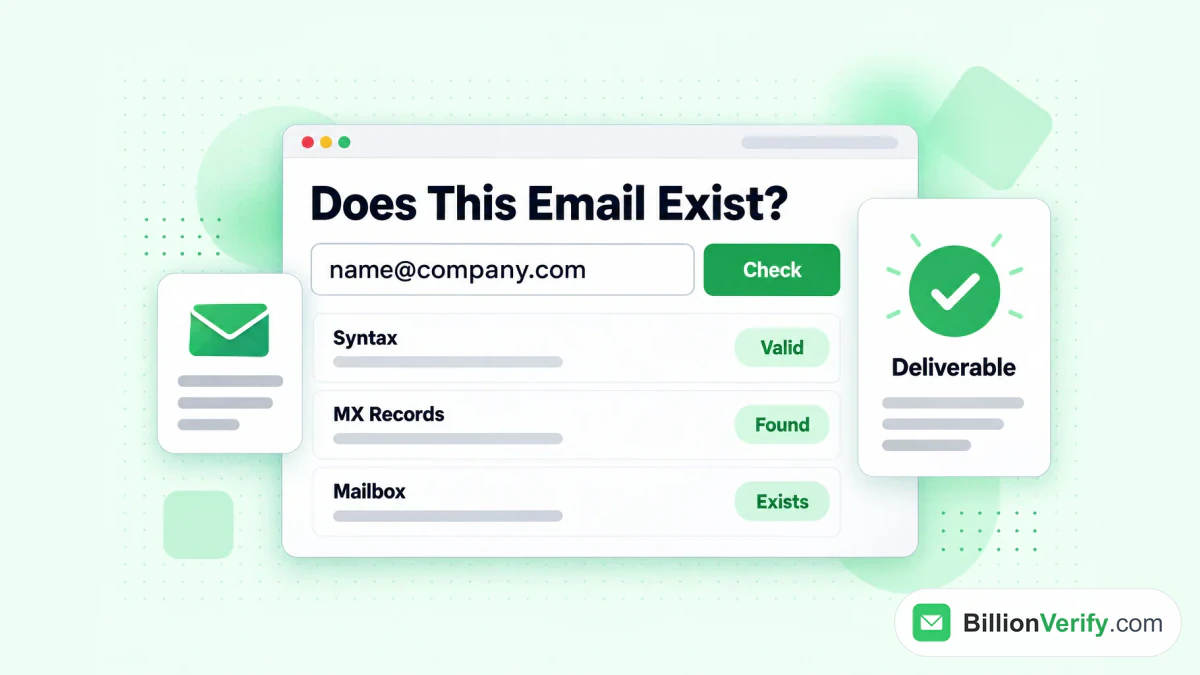
BillionVerify checks whether an address can receive mail.
A free LinkedIn Sales Navigator alternative still needs a check, so add one step after any export. BillionVerify checks syntax, domain and MX records, and the mailbox itself. It reports catch-all domains as their own result instead of calling them valid. Unknown results cost nothing, and a re-check within 24 hours is free. You get 20 free credits each day you use your account, up to 600 a month, with no card needed.
Our guide to Sales Navigator email verification shows this step for lists built from LinkedIn. Two free tools help with single checks:
- Our reverse email lookup shows the domain, organisation and mail routing behind an address.
- Our phone number validator checks whether a number is valid for its country and shows the line type.
FAQs
Which LinkedIn Sales Navigator alternatives are the strongest?
For small teams, the strongest LinkedIn Sales Navigator alternatives are Apollo and Lusha. ZoomInfo and Cognism suit larger teams with bigger budgets. Kaspr and RocketReach suit sellers who need quick contact details.
Is there a free alternative to LinkedIn Sales Navigator?
Yes, free alternatives to LinkedIn Sales Navigator exist. Apollo, Lusha, Kaspr, RocketReach and ZoomInfo Lite all list a free allowance or free lookups. Apollo offers the biggest allowance across a year. Small free allowances rarely cover a full test, so use your real volume.
Does any alternative to LinkedIn Sales Navigator include email addresses?
Yes, several alternatives to LinkedIn Sales Navigator include email addresses. Apollo, Lusha, Cognism, RocketReach, Kaspr, ZoomInfo and Seamless.AI all sell work emails. LinkedIn Sales Navigator does not list emails among what its tiers provide.
Apollo vs LinkedIn Sales Navigator: which is better?
Neither Apollo nor LinkedIn Sales Navigator is better for every job. Sales Navigator is stronger at searching and tracking people on LinkedIn. Apollo is stronger at giving you contact details and sending sequences. Many teams use both.
How do ZoomInfo and Sales Navigator compare on price?
ZoomInfo publishes no prices, so you need a quote. LinkedIn lists Core from US$119.99 a month. The two are priced very differently, and ZoomInfo is aimed at larger teams.
Lusha vs LinkedIn Sales Navigator: is Lusha a good alternative?
Lusha is a good fit for reps who reveal contacts while they browse. Its free allowance gives up to 40 credits a month. It does not replace LinkedIn's search, so many sellers use both.
Which alternative is best for European buyers?
Cognism describes itself as Europe's most trusted B2B data provider on its homepage, and Kaspr labels its tiers GDPR and CCPA aligned. Check each vendor's data terms for your country.
Is LinkedIn Recruiter an alternative to Sales Navigator?
LinkedIn Recruiter is not an alternative to Sales Navigator for selling. It is built for sourcing candidates, while LinkedIn Sales Navigator is built for finding buyers.
Do I still need to verify emails from these tools?
Yes, emails from these LinkedIn Sales Navigator alternatives still need verification. Every contact database can return addresses that no longer work. Verify each list before you send, so bounces do not damage your sender reputation.
Watch: How to Validate a Phone Number: Free Phone Number Validator
Watch: How to Download LinkedIn Videos: LinkedIn Video Downloader